MindChamps I’m Proud of You 2025 — Maths Challenge
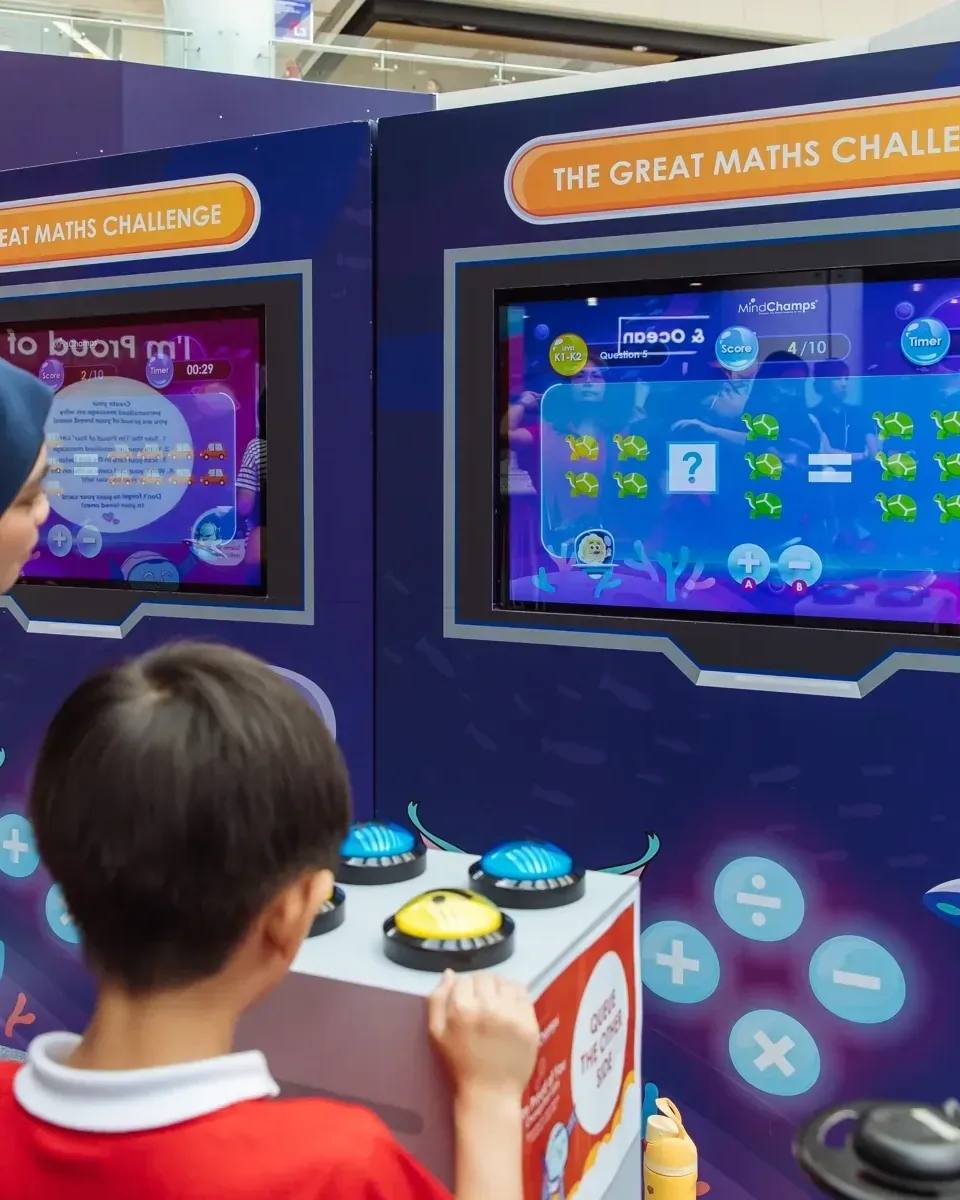
Large physical buttons let children complete maths equations in a colourful 2025 learning zone.
- Answer console
- Maths game screen
- Interactive software
- Installation integration


Large physical buttons let children complete maths equations in a colourful 2025 learning zone.
Singapore
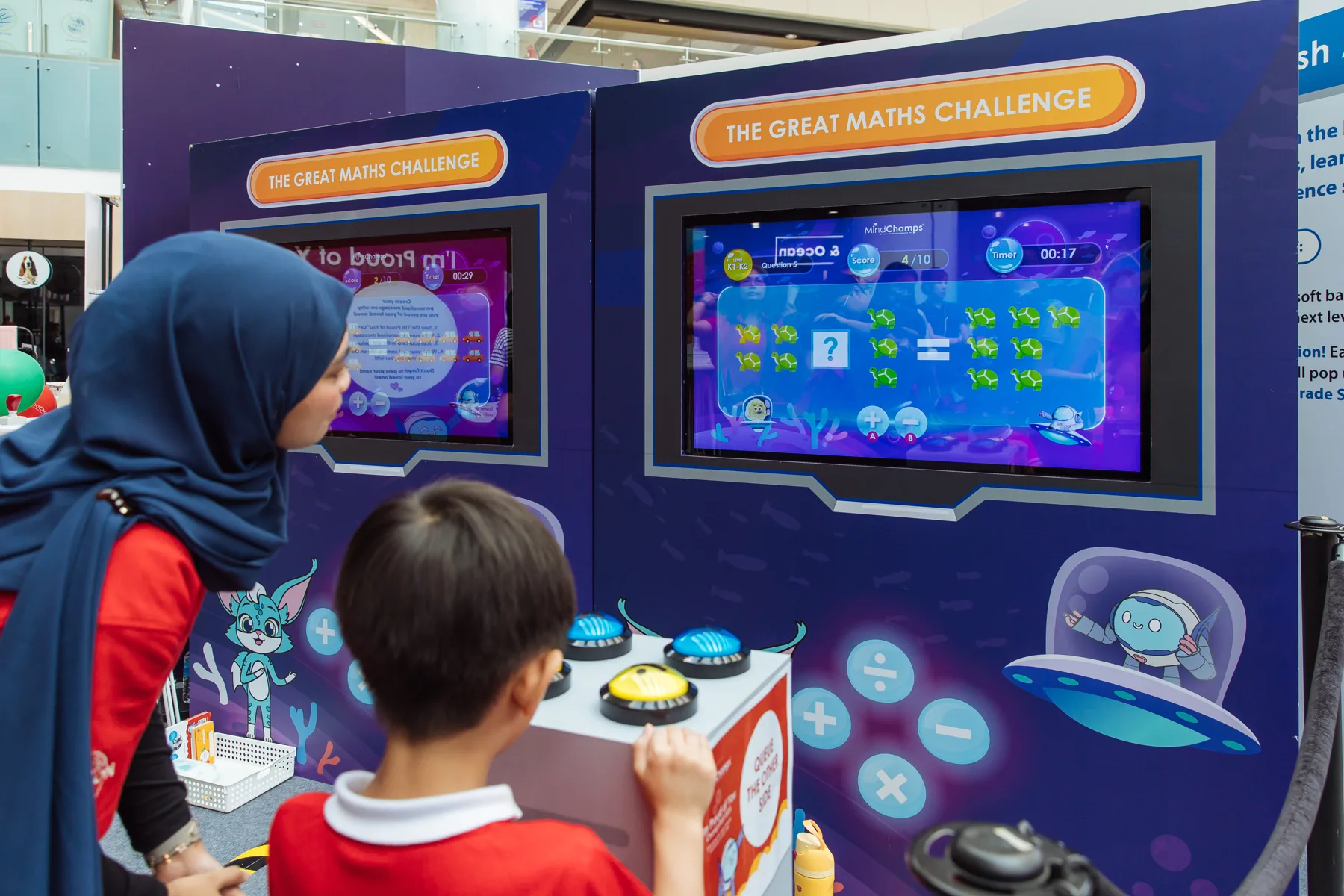
The Great Maths Challenge paired themed displays with freestanding answer consoles. Children chose the appropriate arithmetic response using the large buttons, then watched the equation and game feedback update as the session continued.
Make a learning challenge approachable for young children in a lively family event. The controls needed to be easy to reach and recognise, while the screen prompts and feedback needed to make each answer understandable to nearby adults.
The hardware
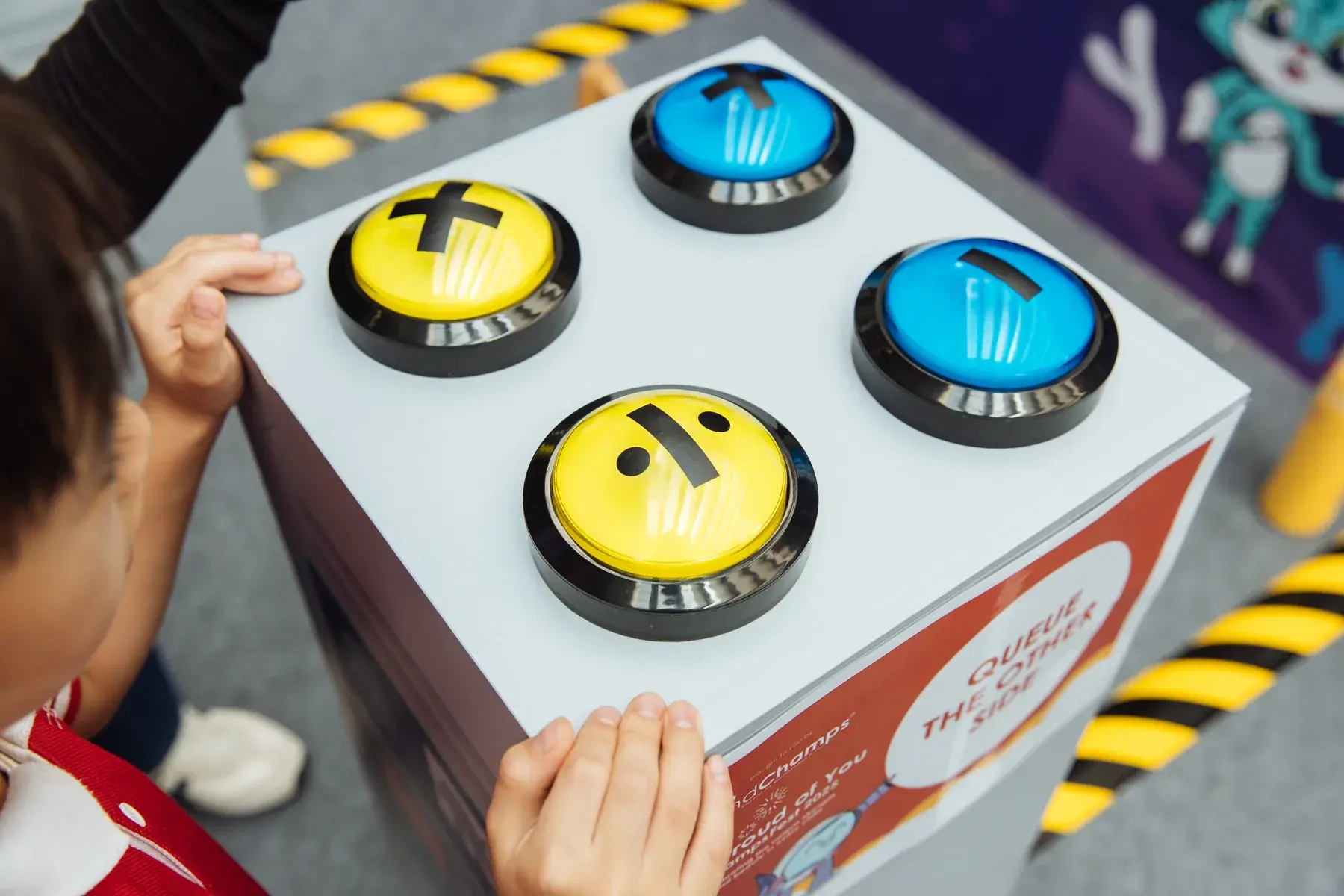
Large physical buttons represent the choices on screen.
Displays the problem, response and game progression.
Positions the controls and screen for children and accompanying adults.
The software
Physical button inputs map to the maths choices on screen. The application checks responses, updates the round and closes with completion feedback, keeping the arithmetic task and the physical controls in step.
Look at the maths prompt on the game screen.
Decide which answer to select.
Use the physical controls to submit your choice.
Review the response and continue the challenge.
The finished experience
The learning zone gave children an active way to practise a maths choice while their families could watch and encourage them.
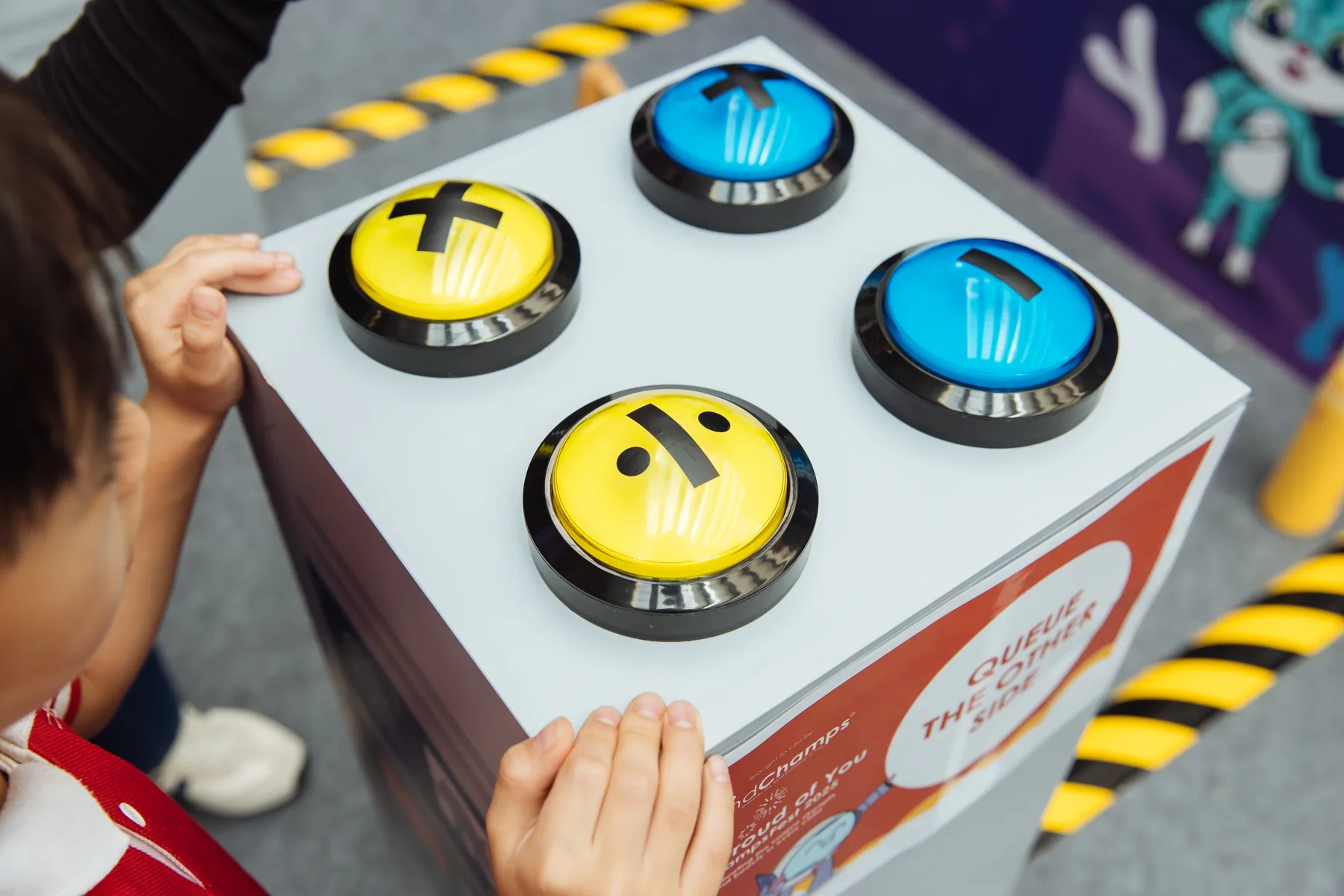
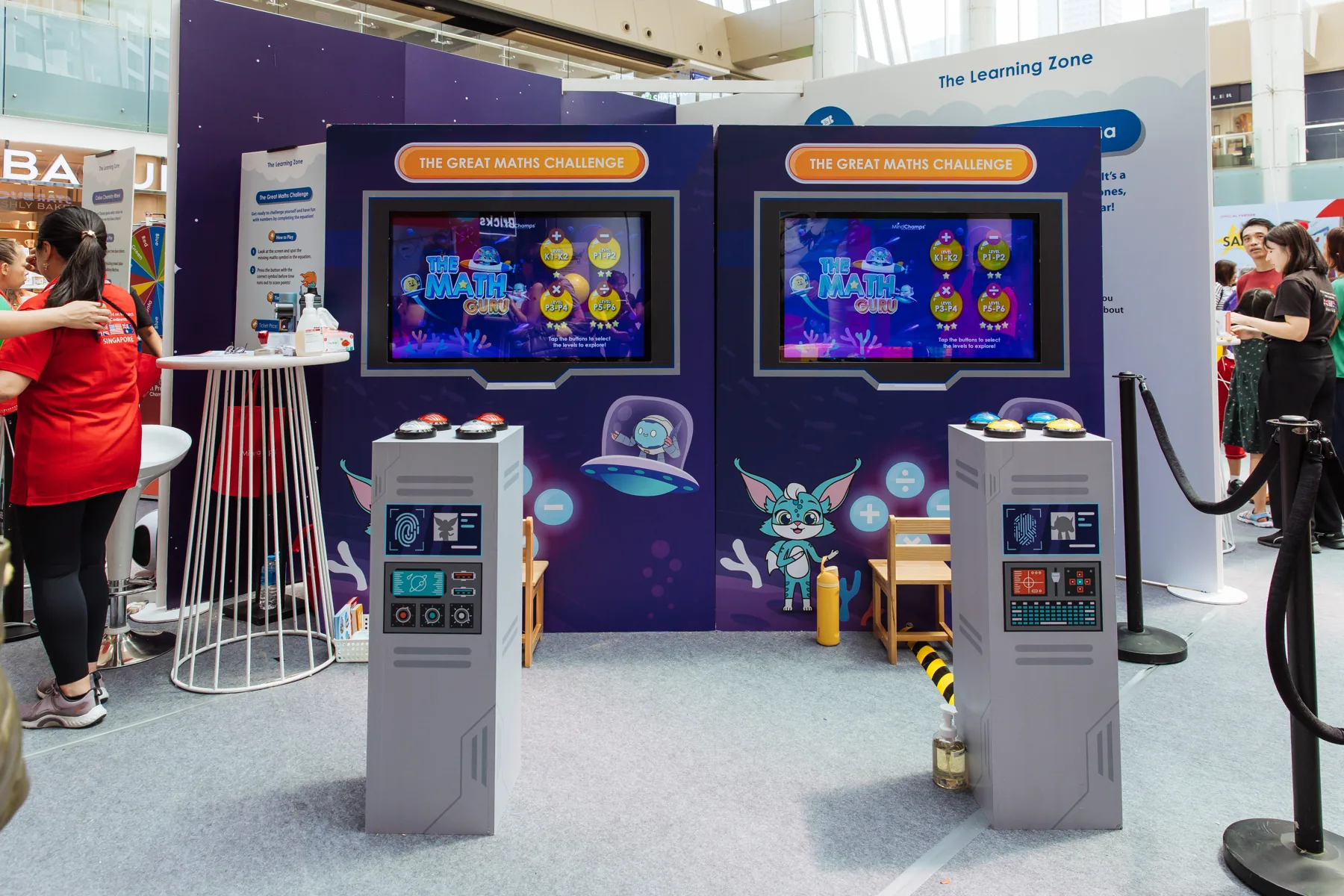
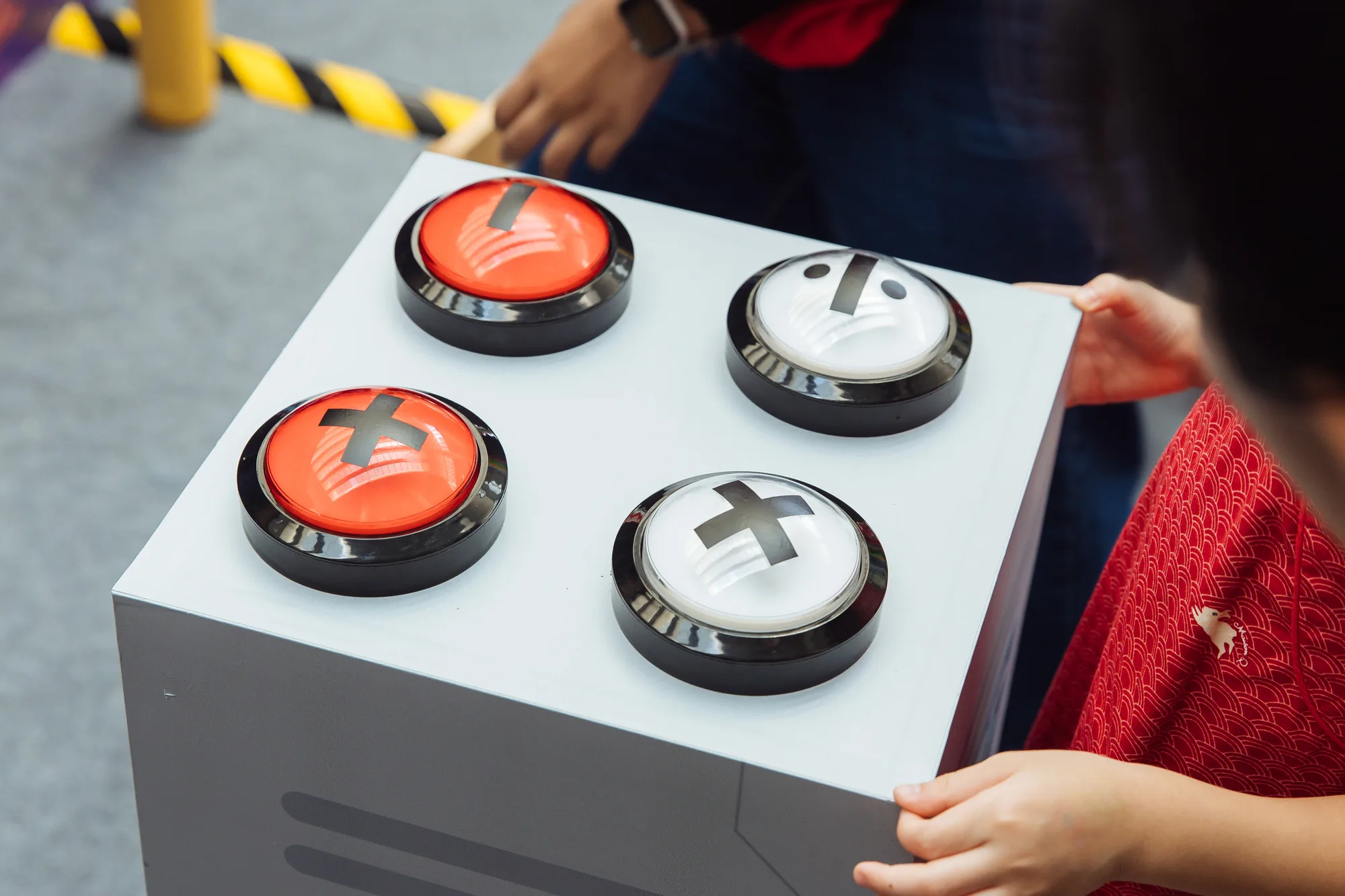
Large physical buttons make the answer choices tangible.
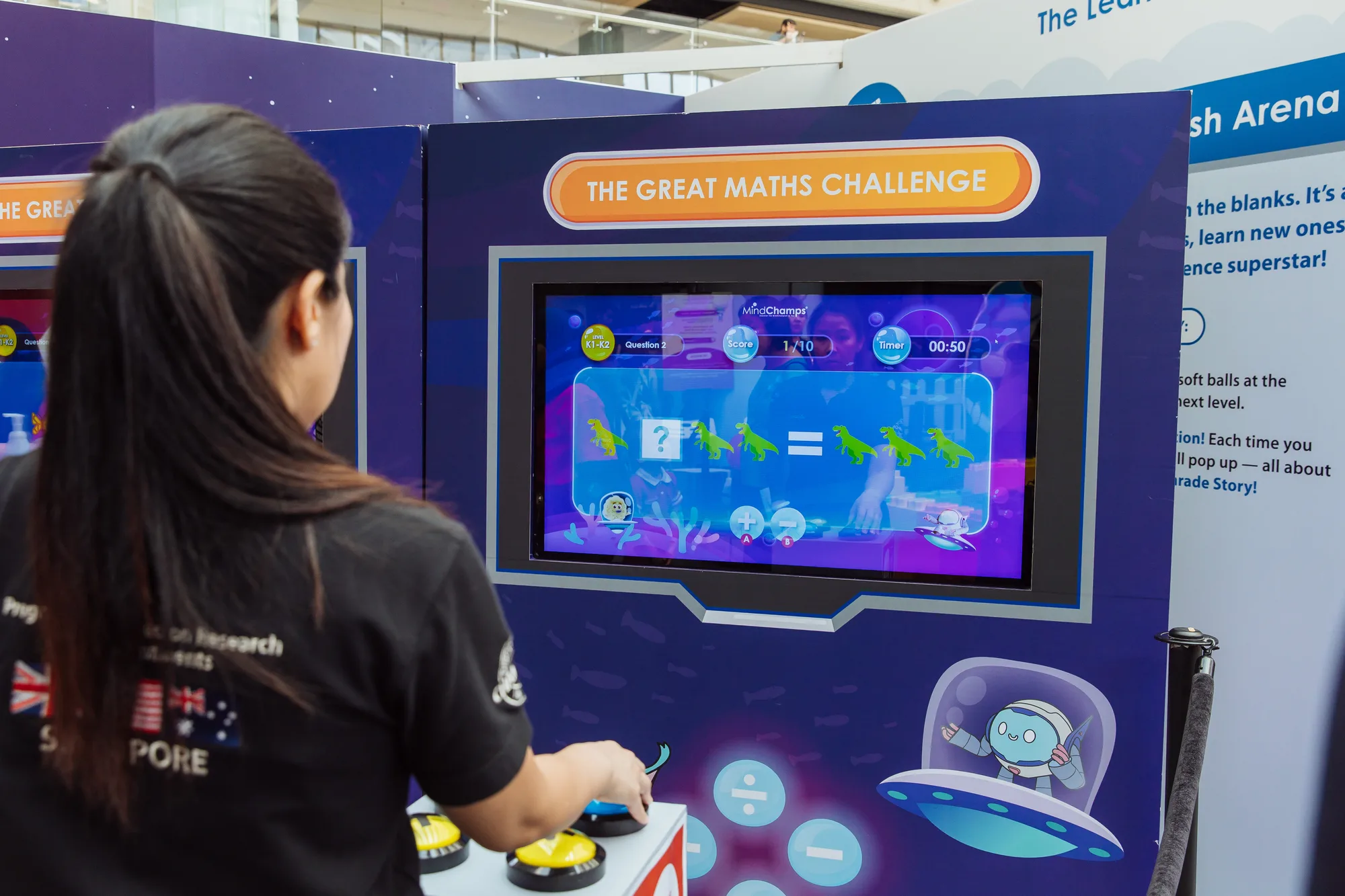
The physical controls connect with the on-screen learning game.
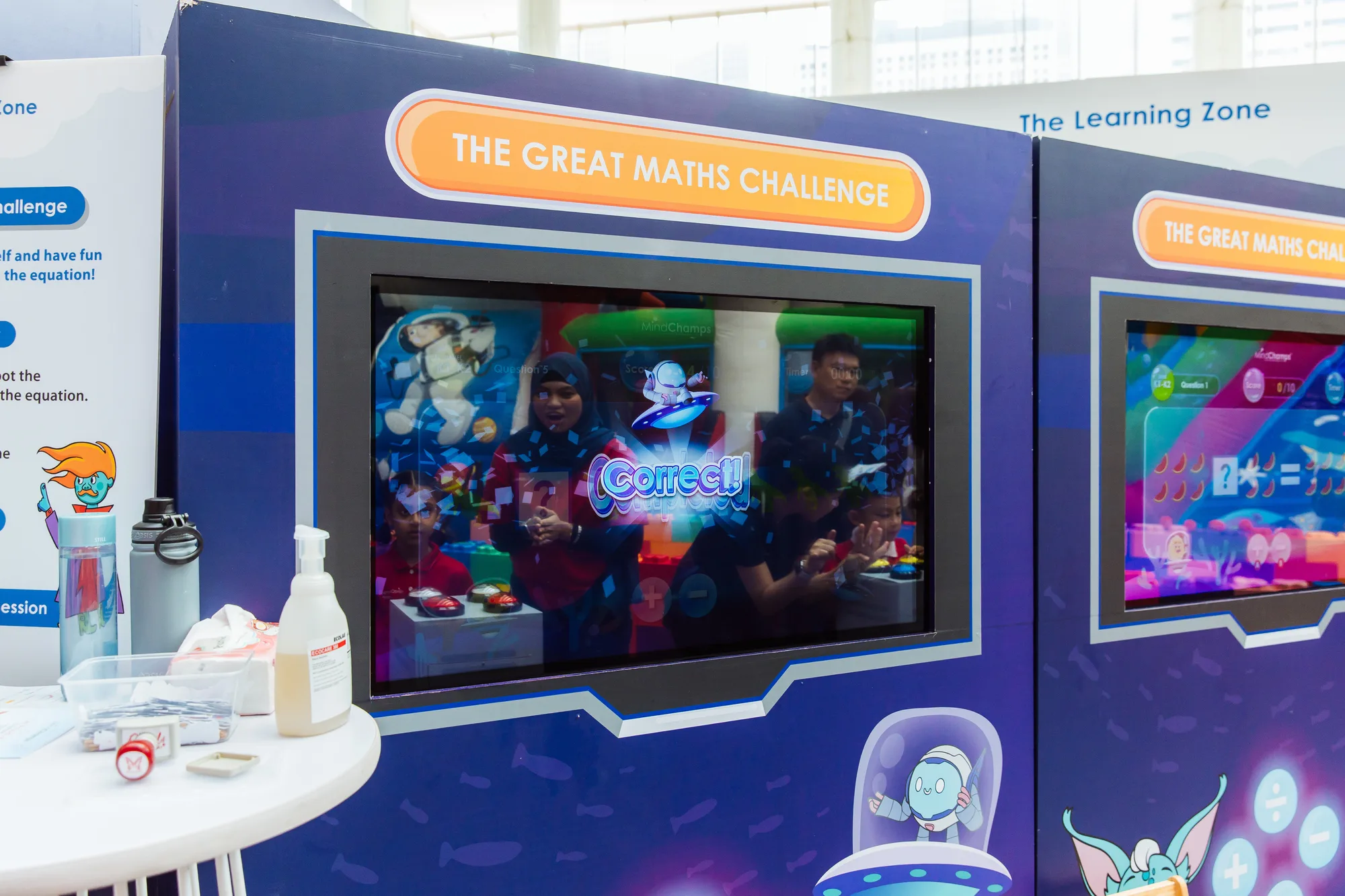
The display presents a participant-facing moment within the activity.
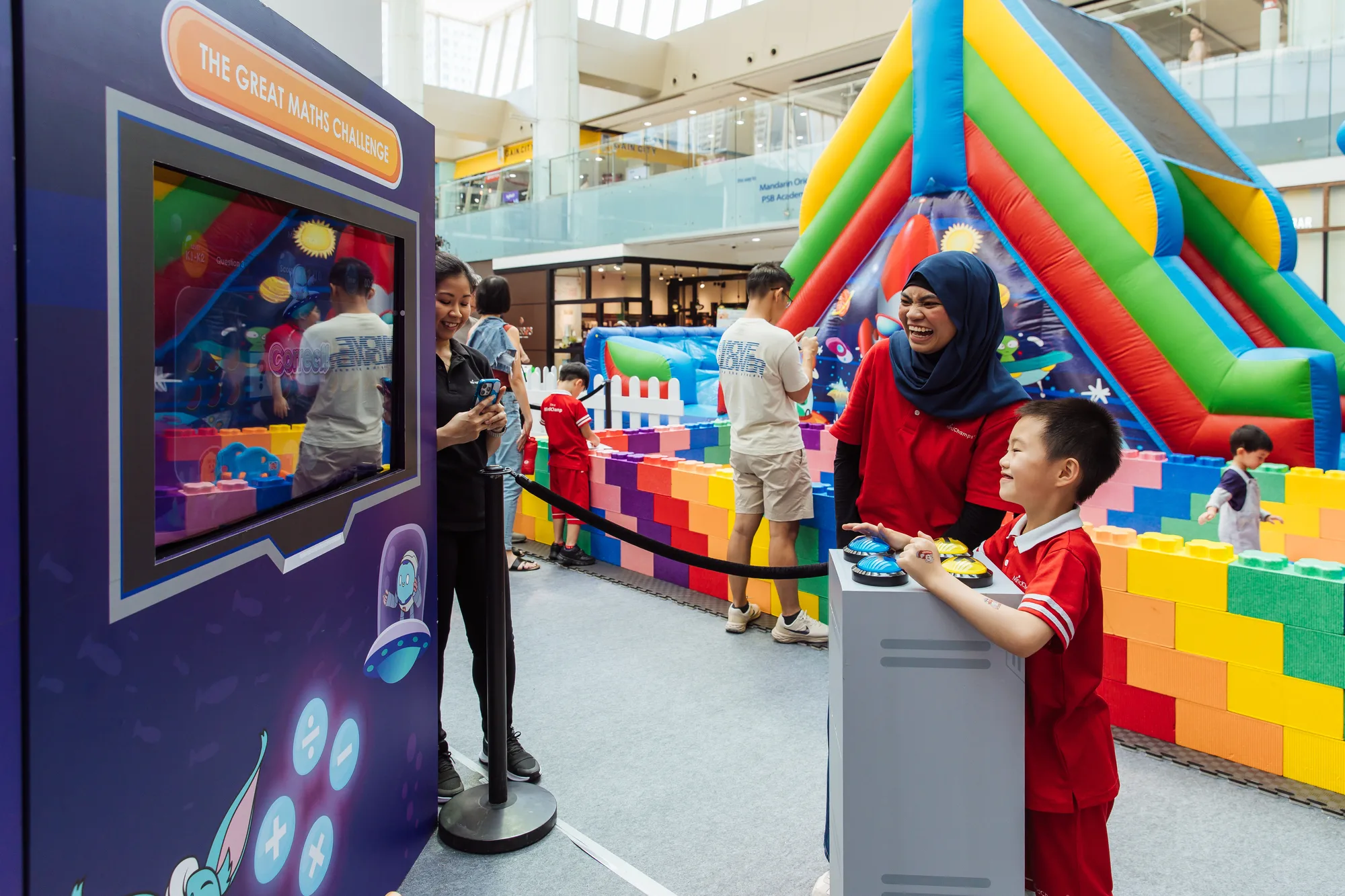
The digital challenge is part of the wider family event.
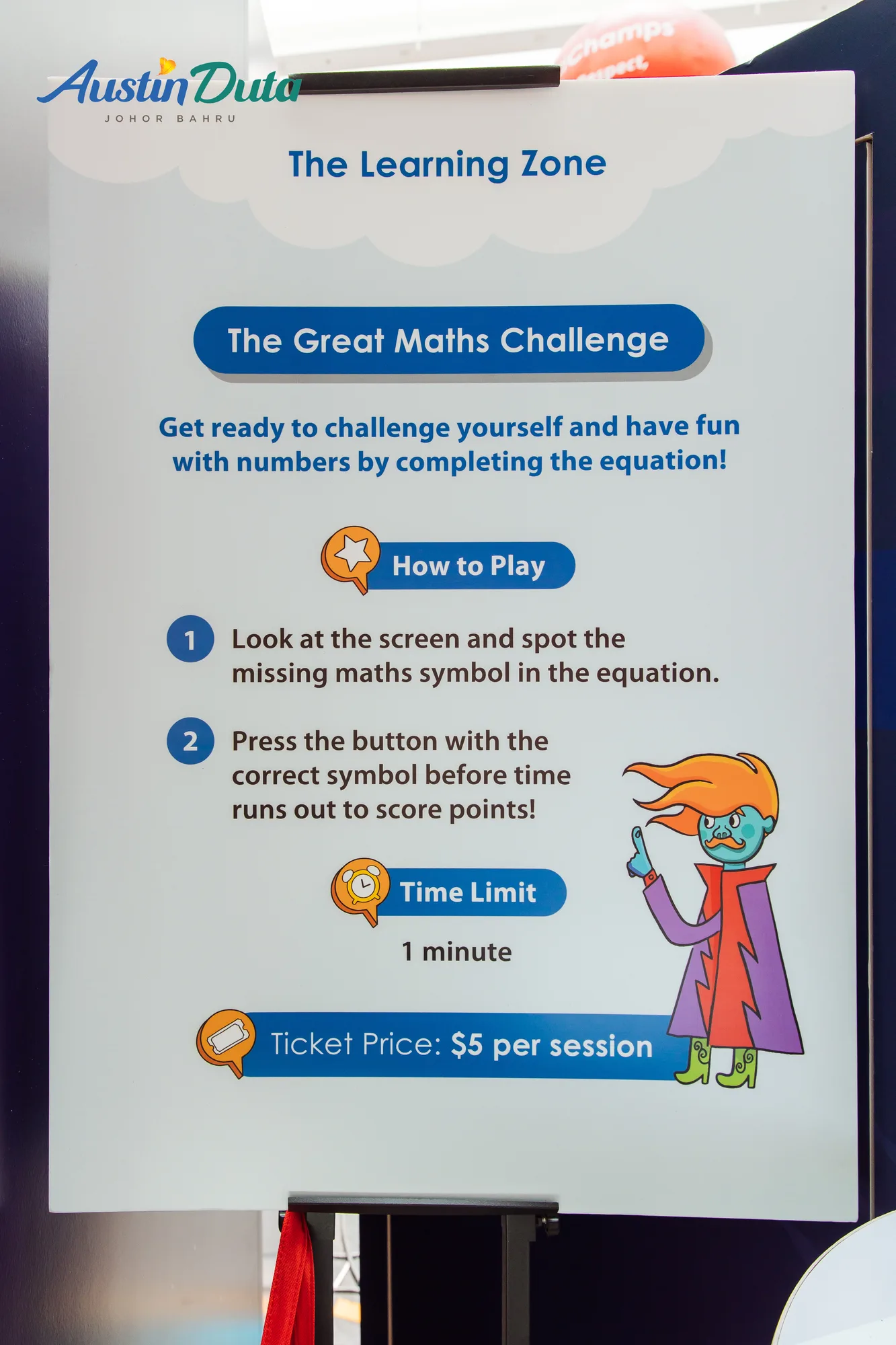
The sign introduces the rules before players use the controls.
FAQ
From creative customisation and software to onsite delivery. Here’s what to consider for your own project.
We can align equations, answer choices and physical controls for the intended age bands. Feedback should encourage another attempt or explain completion without making the interface feel like an exam.
We can specify question banks, answer mappings and progression rules. Button feedback and completion states are tested together so children understand when an answer has been accepted.
Plan space beside the child and controls that are easy to reach. Guidance should explain the sequence while allowing the child to make the answer choice.
Provide equation examples, difficulty bands, cabinet dimensions and expected sessions. Question content, physical controls and event operation determine the proposed scope.