MindChamps I’m Proud of You 2024 — Maths Challenge
Physical answer buttons made a screen-based maths challenge tangible for young visitors in 2024.
- Answer console
- Maths game screen
- Interactive software
- Installation integration


Physical answer buttons made a screen-based maths challenge tangible for young visitors in 2024.
Singapore
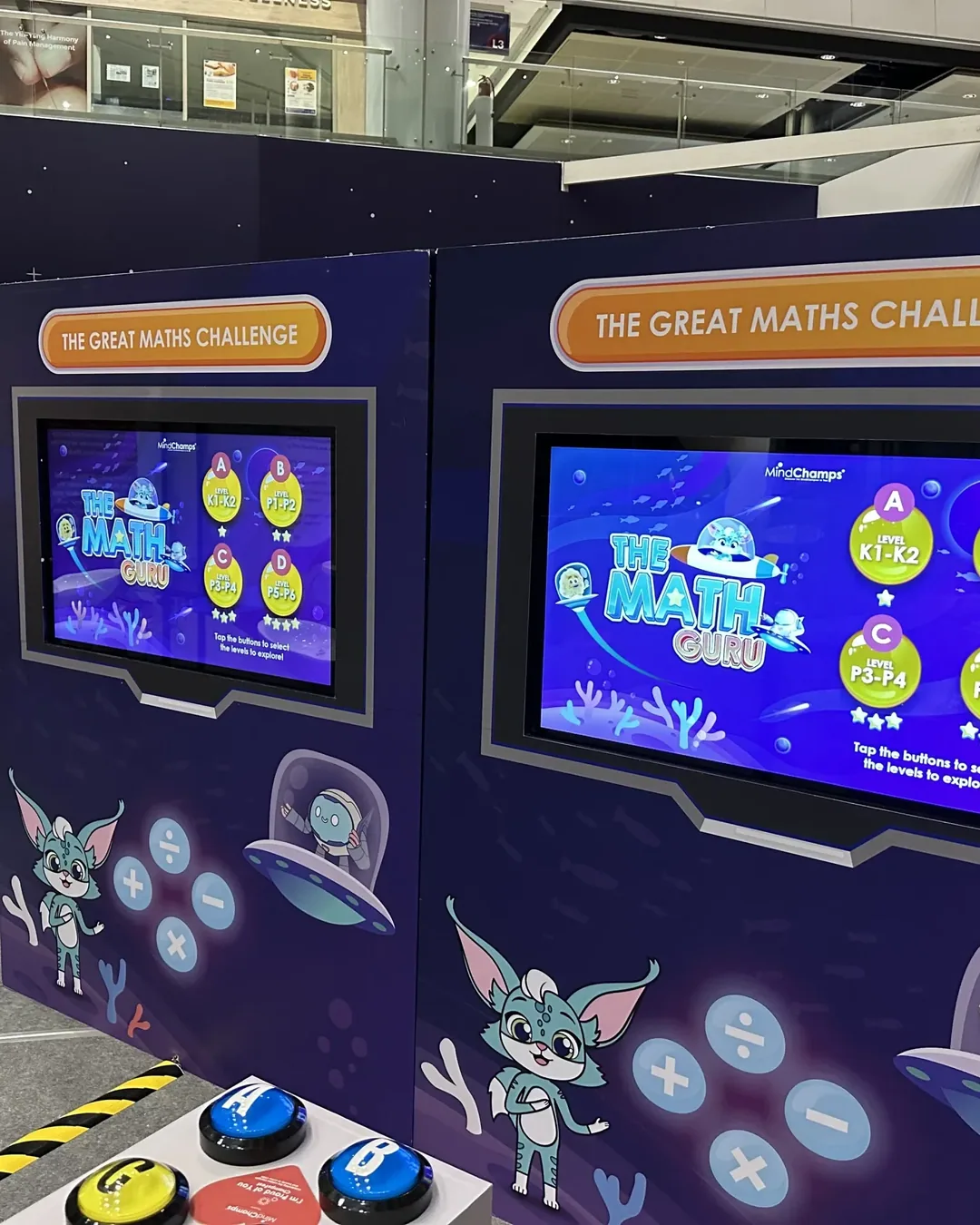
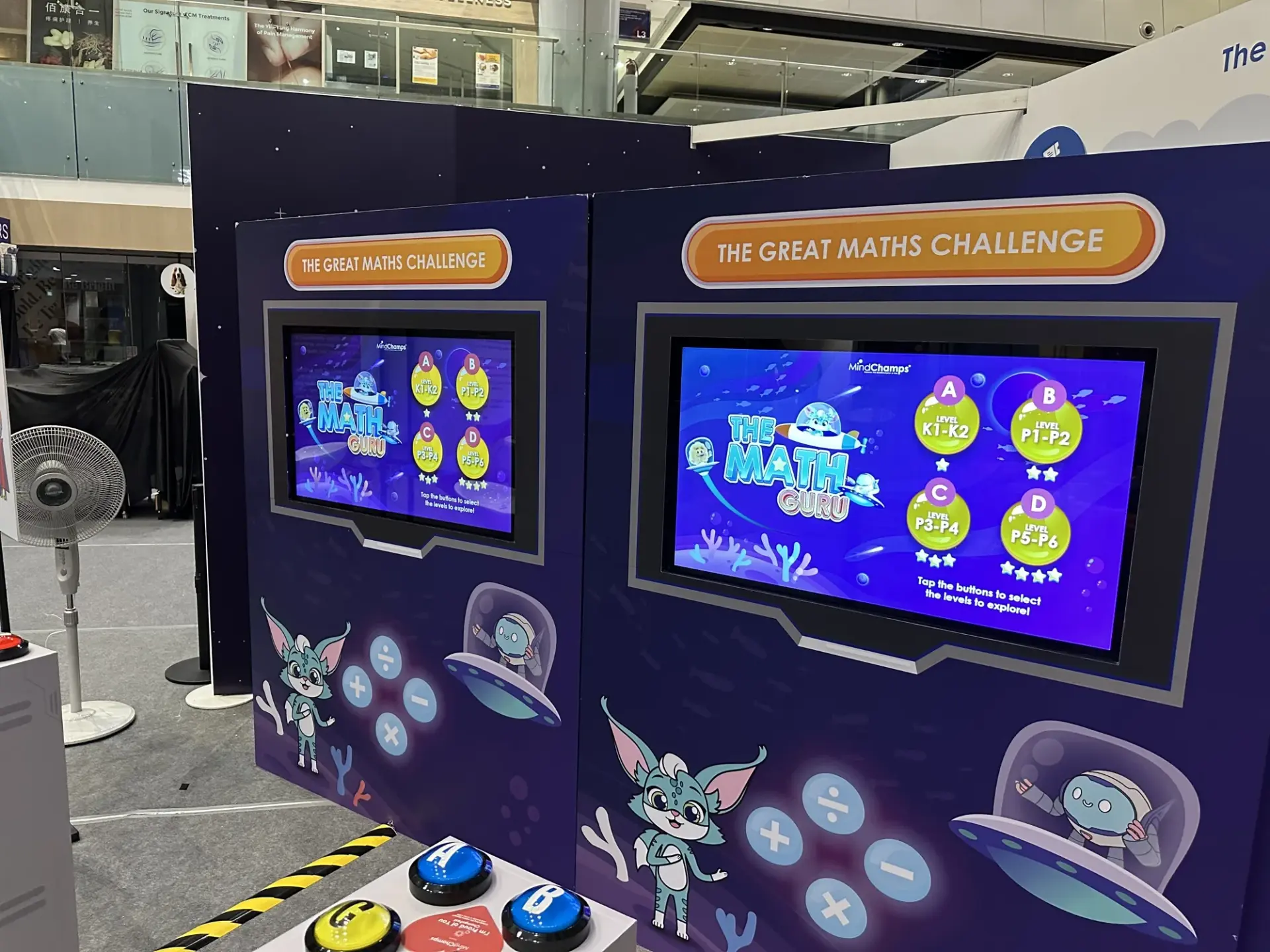
A themed game cabinet paired screen-based maths prompts with a separate button console. Children considered the problem, selected a response through the controls and followed the on-screen feedback as the round progressed.
Create a learning activity that children could join quickly at a family event. The game needed readable maths prompts, accessible controls and immediate feedback, allowing adults to encourage participation without taking over the experience.
The hardware
Large physical buttons represent the choices on screen.
Displays the problem, response and game progression.
Positions the controls and screen for children and accompanying adults.
The software
The application links each button to a response in the maths prompt, checks the choice and advances the round. Start instructions, feedback and completion states support repeat play during the event.
Begin the maths challenge at the game station.
Consider the answer or operation shown.
Make your selection with the physical controls.
Follow the game response and continue the round.
The finished experience
The maths station translated a learning prompt into a physical action that children and accompanying adults could follow together.
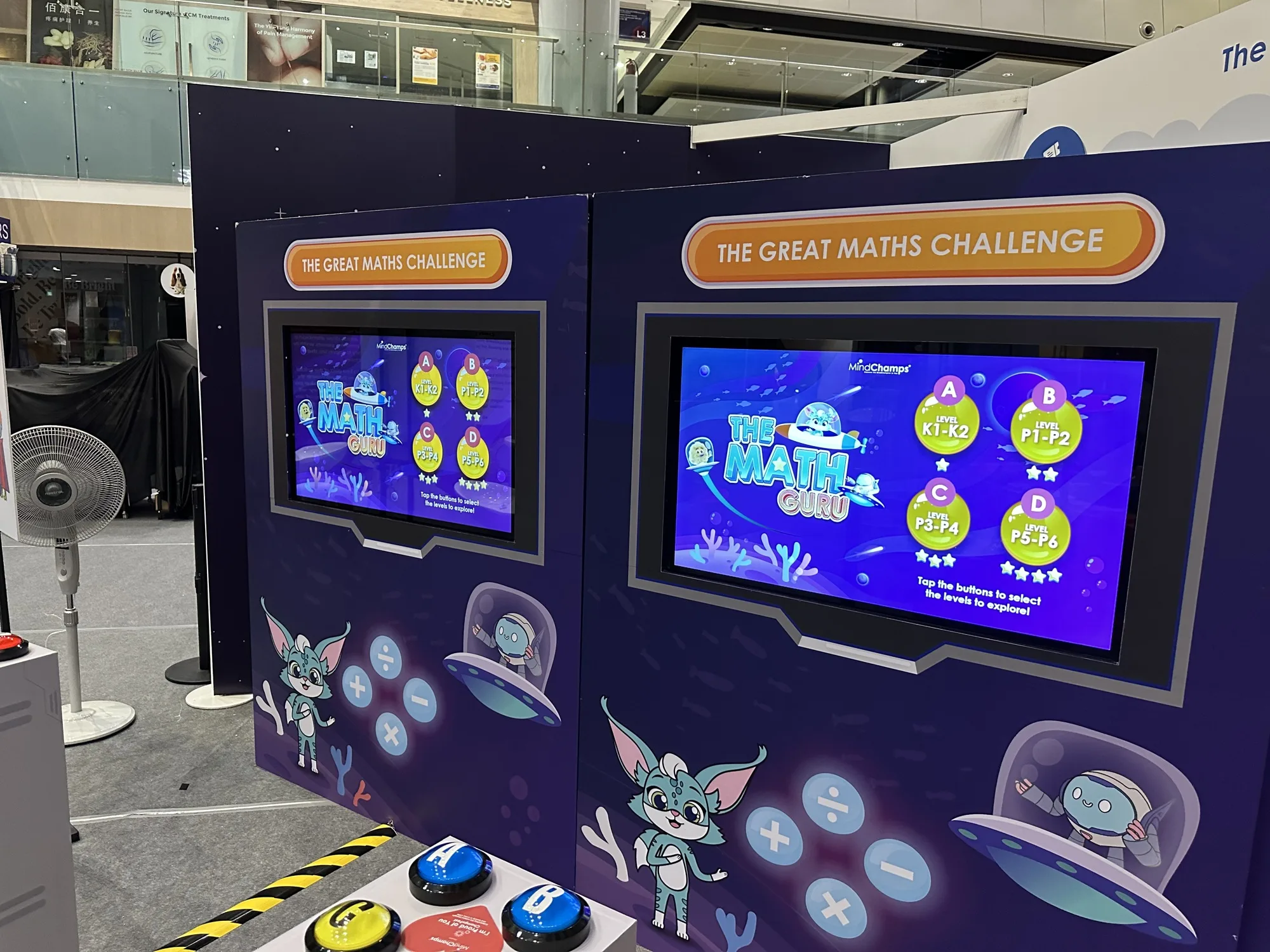
The Great Maths Challenge pairs a screen with large physical answer buttons.
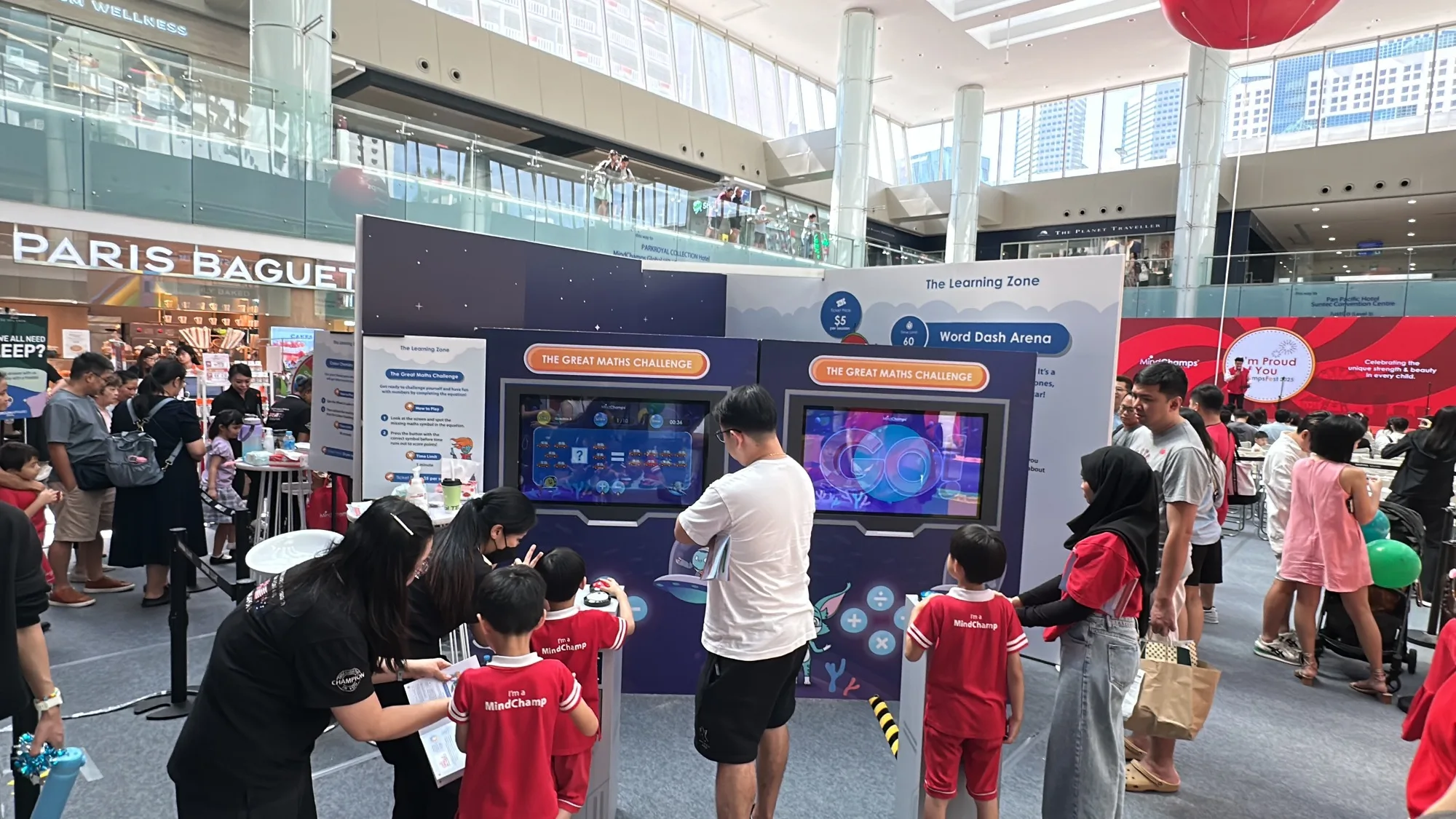
Children and parents try the maths game together at the event.
 Video
Archive footage of MindChamps I’m Proud of You 2024 — Maths Challenge.
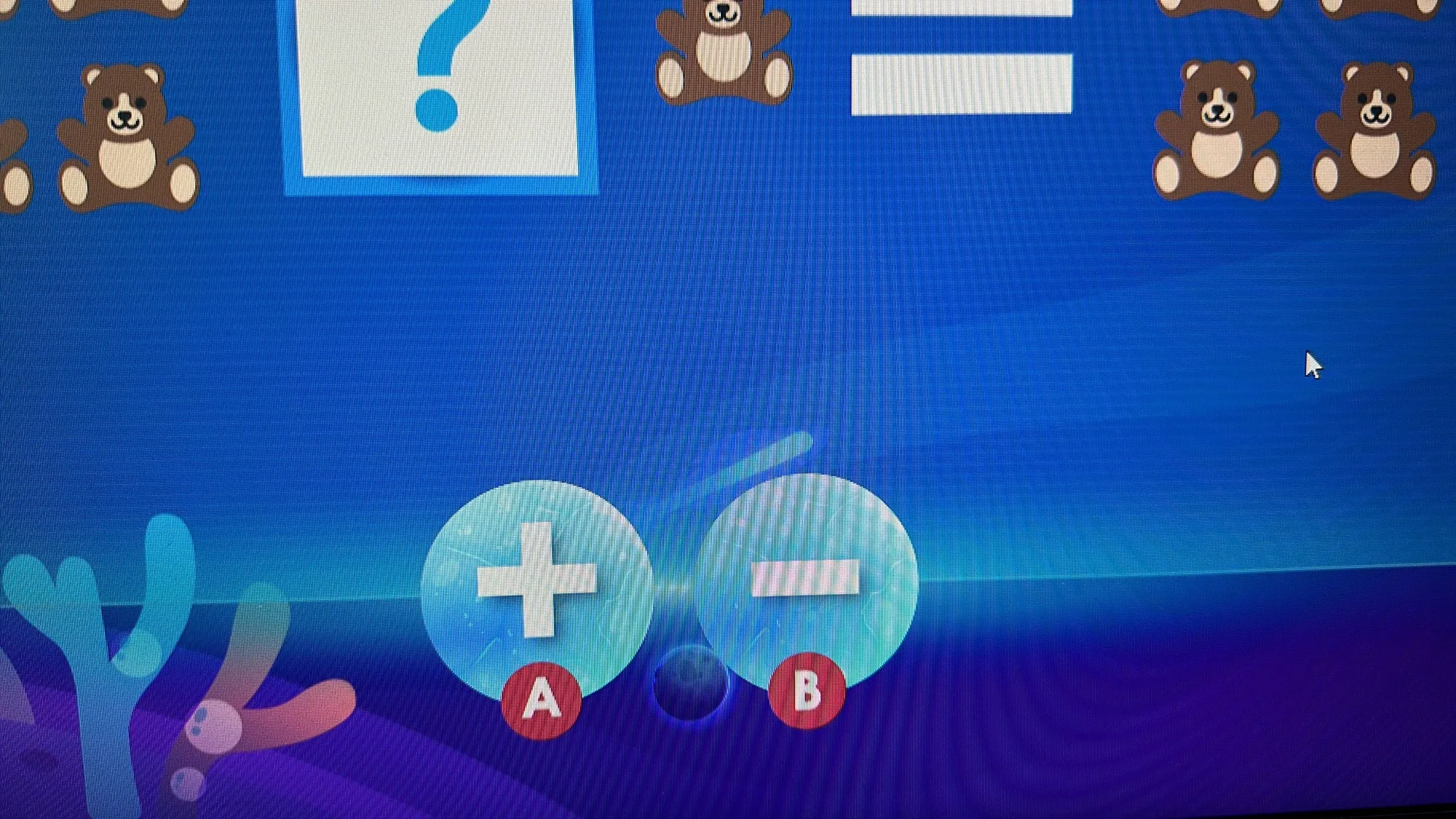
A counting prompt presents answer choices linked to the game controls.
 Video
From the same campaign: Archive footage of MindChamps I’m Proud of You 2024 — Heart Gallery.
FAQ
From creative customisation and software to onsite delivery. Here’s what to consider for your own project.
We can connect large answer controls with age-appropriate prompts. Button labels, colours and feedback should help children focus on the question rather than learning a complicated interface.
Each control maps to a response in the current question. We define answer locking, repeated presses and progression so a quick second press does not accidentally answer the next round.
Review control height, reach, stable mounting and space for a parent. Staff instructions should cover starting a fresh round and assisting without selecting the answer for the child.
Provide age bands, question examples, control preferences and event dates. Question production, difficulty paths, cabinet design and staffing requirements determine the quote.