

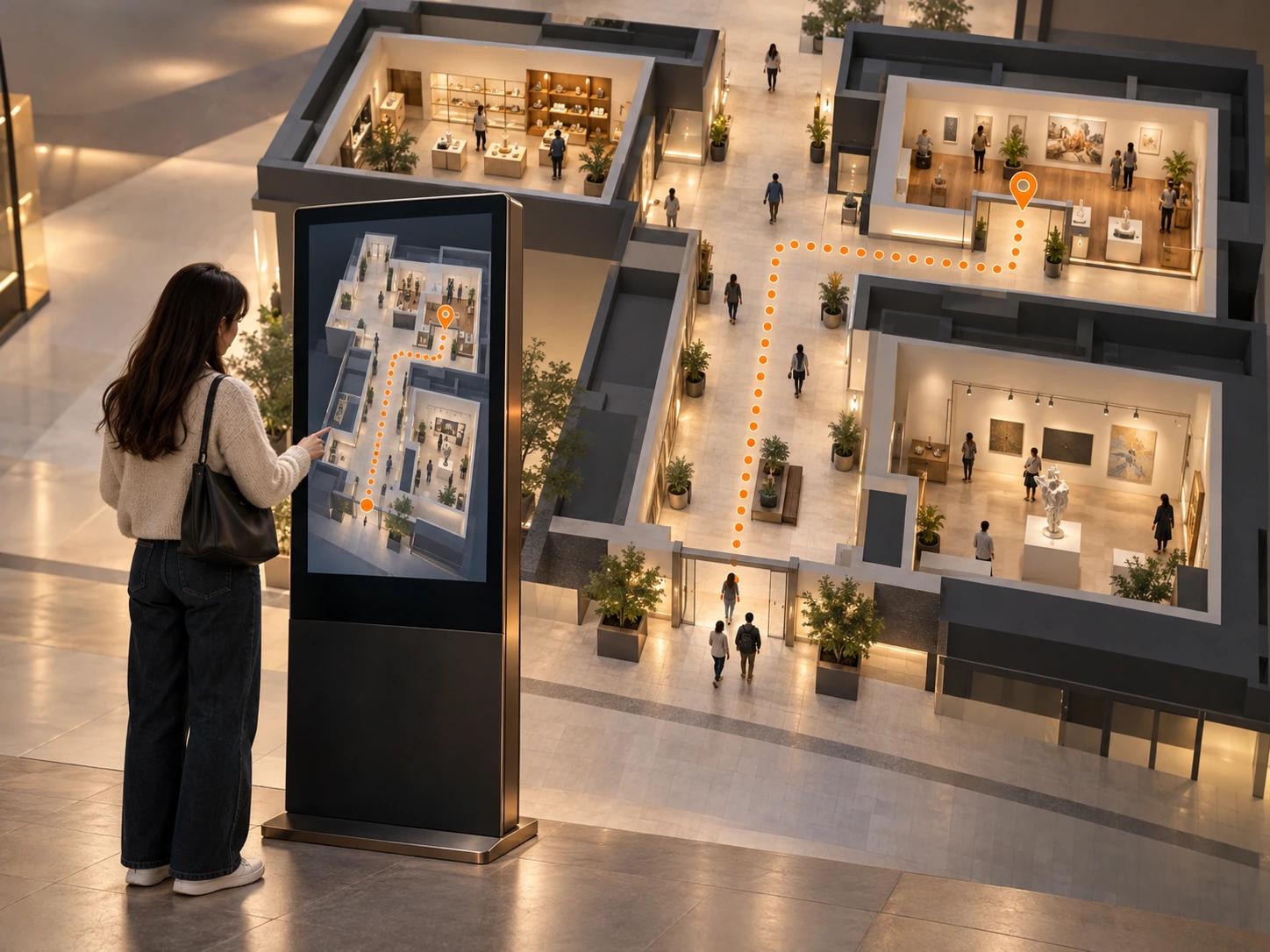
Wayfinding & directory systems
Find your place.Then find your way.
Touchscreen directories that turn a visitor’s question into a clear next step. We connect maps, search, destination content and the physical touchpoint around your venue.
Explore the journeyIllustrative venue and directory concept.
Less searching.
More exploring.
A clear place to begin
Organise destinations around the questions your visitors ask.
A route people can follow
Connect each selection to the map, turns and useful landmarks.
Information your team can own
Plan content fields, updates and the installed touchpoint together.
Start with the place
You are here.
An unfamiliar venue needs a clear starting point. Establish the visitor’s position, introduce the destinations and make the first action obvious.
Illustrative venue plan · route follows the selected destination
Before: Sculpture gallery
Destination title
Directory content preview
Fields, ownership and publishing are agreed for your project.
Start with the place
Start with the place
You are here.
An unfamiliar venue needs a clear starting point. Establish the visitor’s position, introduce the destinations and make the first action obvious.
Arrival point. The directory and map share the same starting position.
Find a destination
A question. A useful choice.
Search and categories bring the right information forward. In this example, a visitor selects the sculpture gallery and sees the details they need before setting off.
Search → selection. Search “sculpture” below, then select the gallery.
Connect the choice to the map
See the route. Then take it.
Follow one continuous route from the arrival point to the selected gallery. The starting point, turn and destination stay visibly connected throughout the journey.
One connected route. The same selection appears on the screen and venue plan.
Recognise the next step
Know what to look for.
A useful map relates to the place around it. Bring the next turn and a recognisable landmark into focus so visitors can connect the screen to the physical setting.
Turn at the courtyard. A landmark makes the next direction easier to recognise.
Keep information current
Keep information current.
Define the destination fields and update process, so your team can keep the directory current through an agreed CMS connection.
Content → directory. An illustrative content edit updates this gallery’s displayed title.
The whole journey.
Connected.
Information + interface
Visitor journeys, destination structure, maps and touch-led search.
Kiosk + integration
Display, enclosure, content connections and placement for the venue.
Setup + handover
Onsite checks, agreed update workflows and operating guidance.
Maps, destination information, route behaviour and content integrations are agreed around your brief and supplied venue data.
Different spaces. A useful starting point.
Format 1 of 5: Portrait directory totem
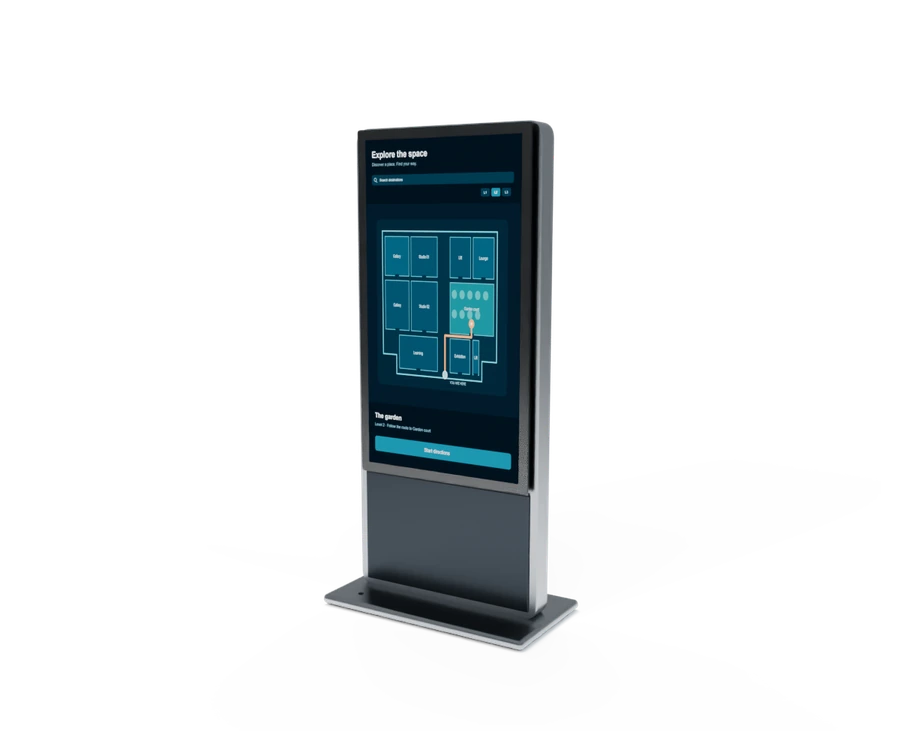
Portrait directory totem
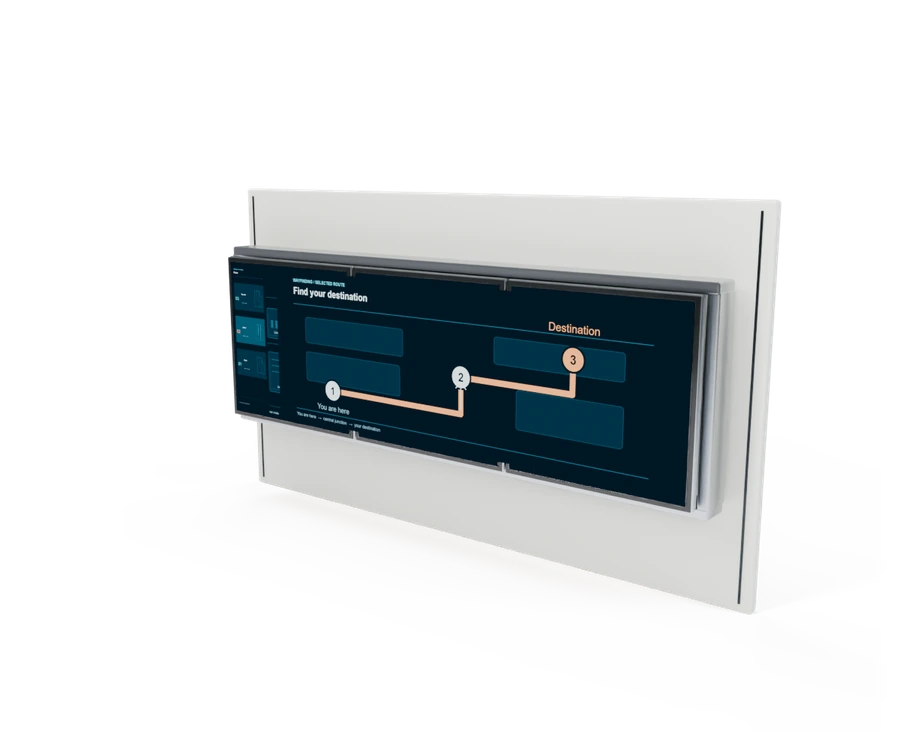
Panoramic wall directory
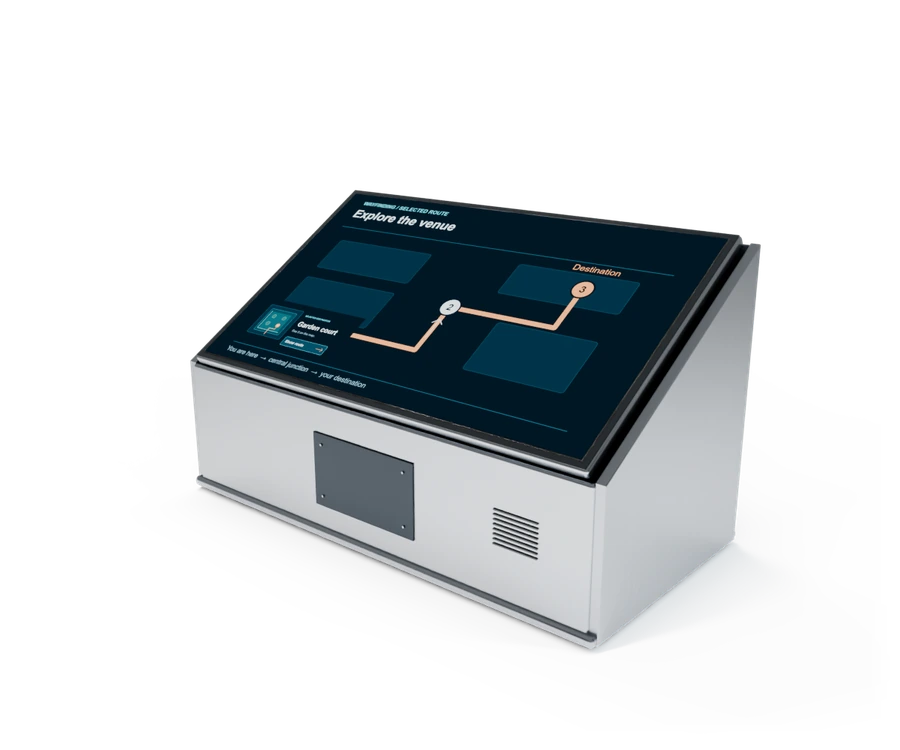
Orientation map desk
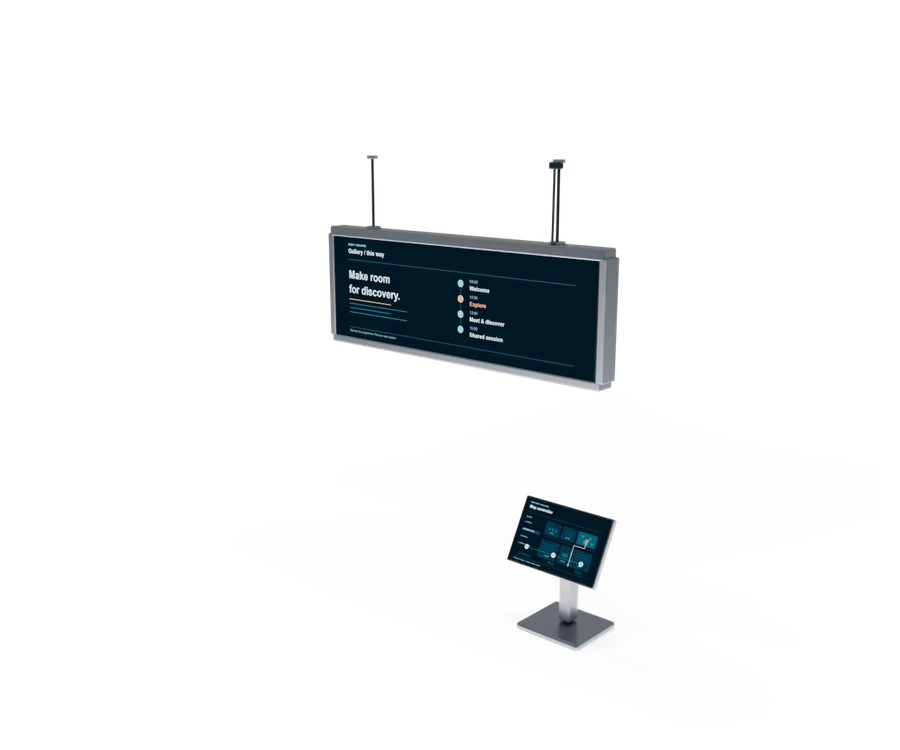
Double-sided directory blade
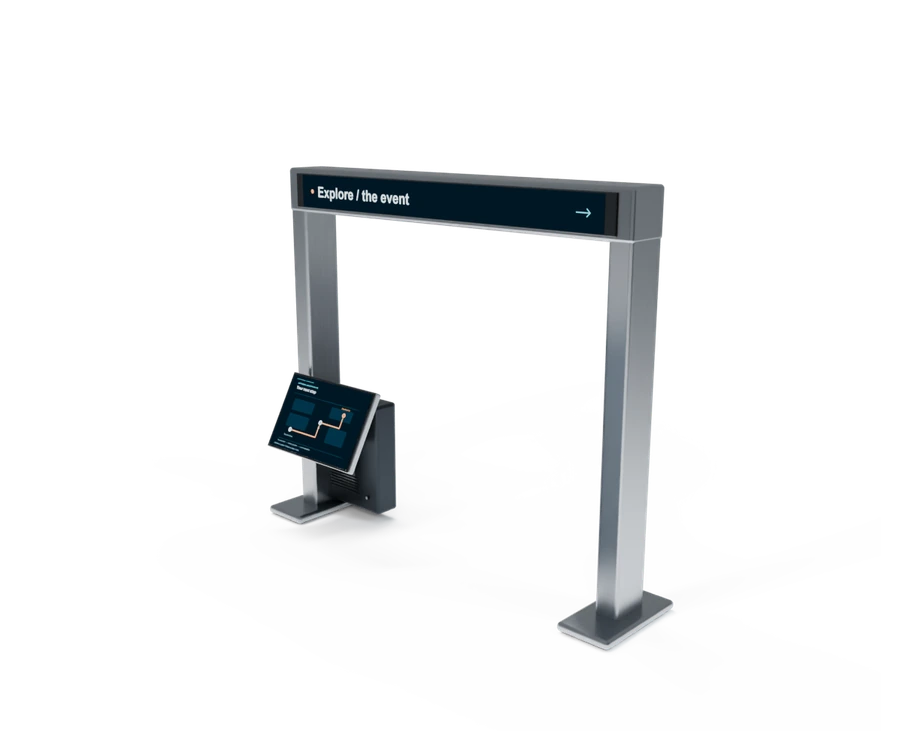
Event entrance wayfinder
Portrait directory totem
A focused arrival touchpoint for search, destination information and route cues. Position the freestanding directory around visitor decisions, with its screen, computing and service access planned for the setting.
Panoramic wall directory
Introduce the whole place before visitors choose a destination. A broad wall display connects floor information and map content through a clear hierarchy, with the selected interactions scoped for the venue.
Orientation map desk
Give people a place to review the visit before setting off. An angled console connects destination browsing, useful details and route decisions, with its height and layout selected for the audience.
Double-sided directory blade
Make information visible from different approaches. A suspended two-sided display and nearby map controller can be coordinated around the site, with content behaviour and structural requirements agreed during design.
Event entrance wayfinder
Turn the event entrance into a useful starting point. An overview and integrated touch console help visitors understand their options and choose a direction within the agreed event layout.
Illustrative configurations. Equipment, content and integration are selected for your audience and venue.
A few useful answers.
What should we share first?
Your venue plan, arrival points, destination list and the questions visitors need answered. Include any existing map files and content sources.
Can the directory show routes?
Yes, a route-led interface can be scoped around your agreed map and destination data. We establish the starting point and route cues; live indoor positioning is a separate scope decision.
Who updates the information?
We define content fields, authorised owners and the update process with your team. A CMS or agreed integration can support changes, with review and publishing behaviour specified for the project.
Which physical format should we use?
A portrait totem, wall display, map desk or event entrance can suit different approaches. Screen orientation, reach, visibility, power and service access inform the choice.
Can it support an event or permanent venue?
Both can be planned. Share the opening date, operating period, network and onsite team so content, installation and support fit the intended use.
Related touch-led experiences.
Interface and physical integration expertise, in practice.
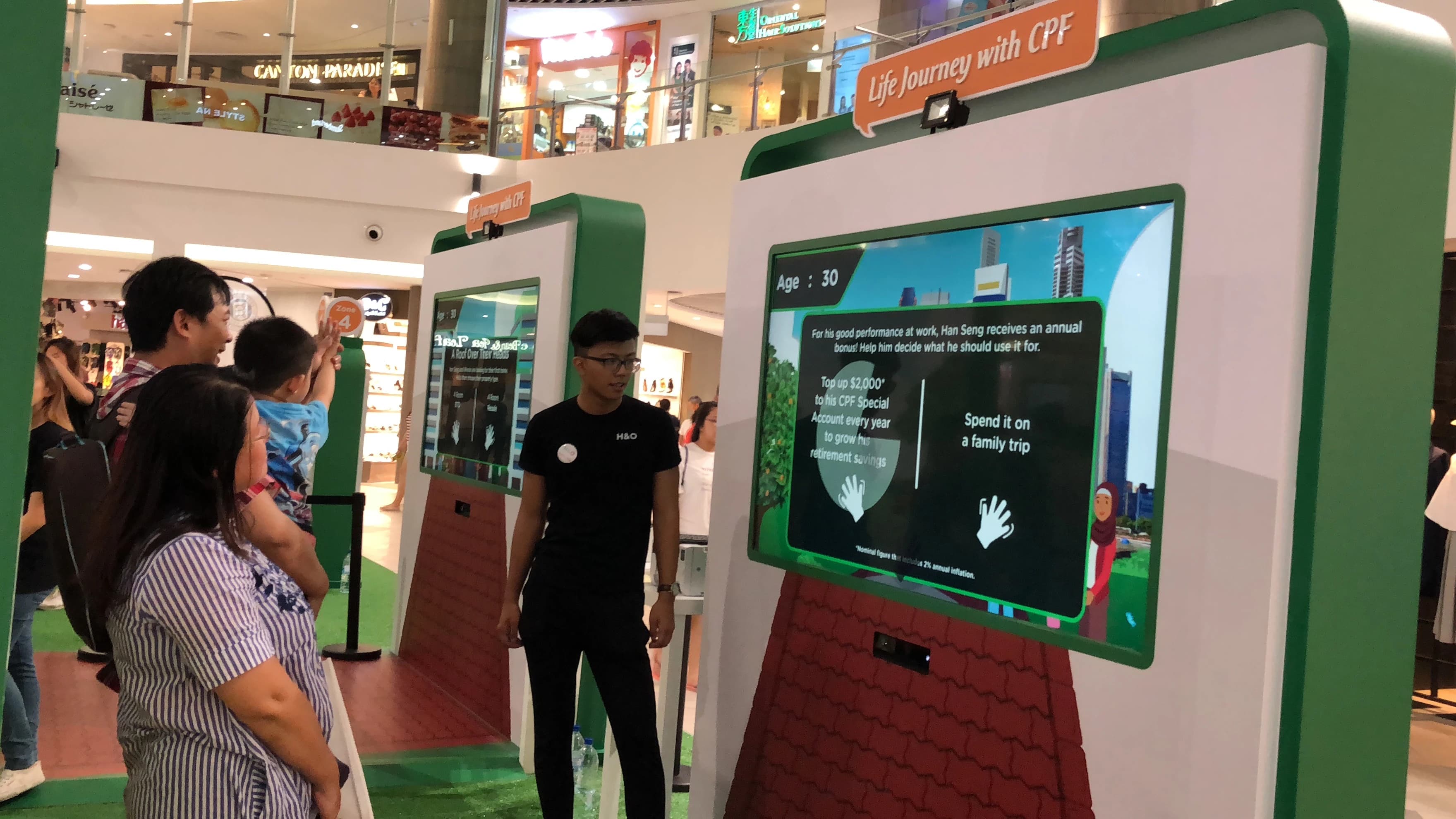
CPF Roadshow Interactive Story
Guided choices and clear information hierarchy within a public-facing touchscreen experience.
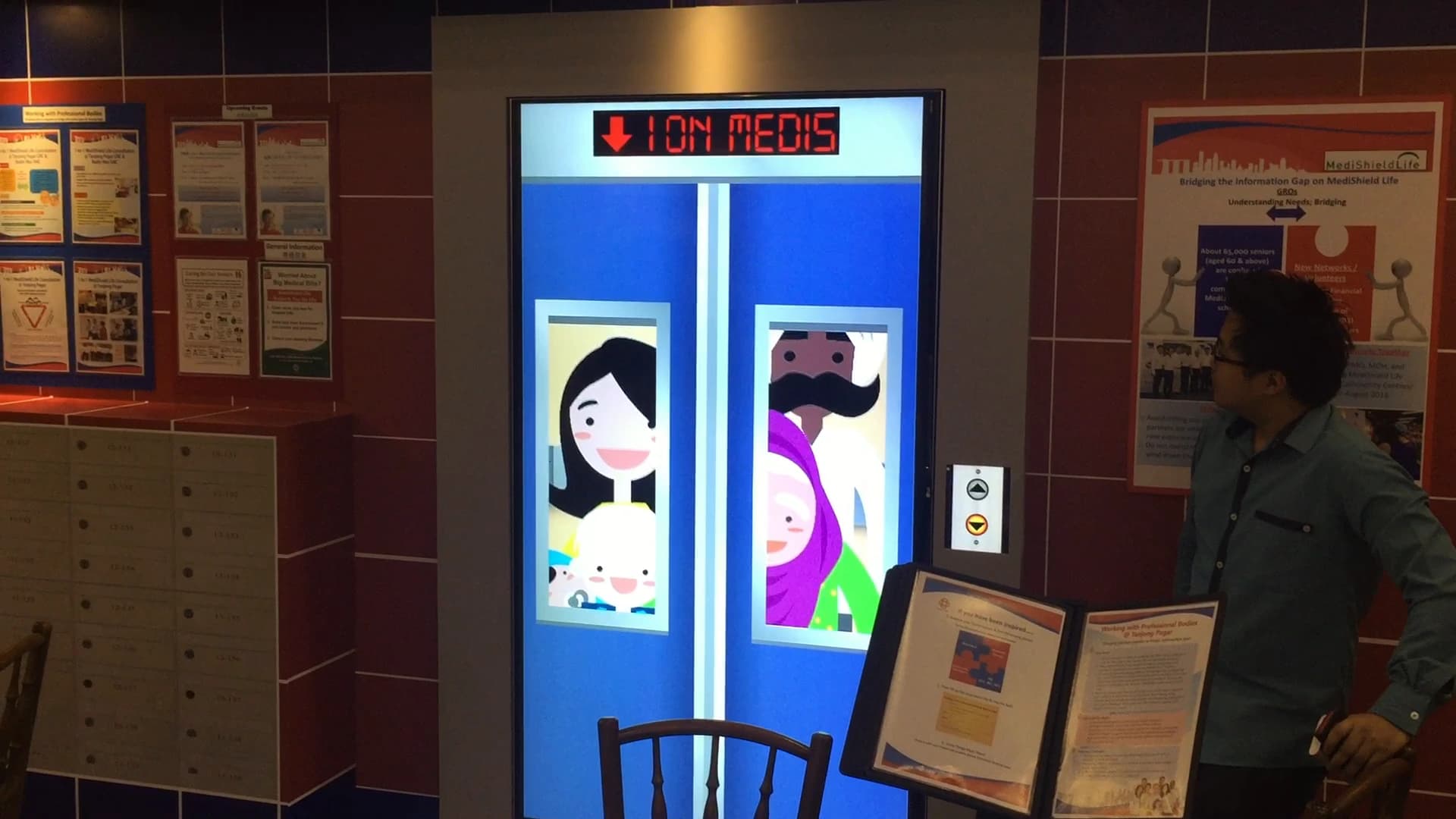
PA Interactive Digital Lift
A choice-led touchscreen interface integrated with a physical installation.
Make the nextstep clear.
Share your venue plan, destinations and opening date.
Plan your visitor directory