

Touchscreen Kiosks & Interactive Displays
Help people explore, choose and complete a task.
Make your public touchscreen useful from the first tap. We connect intuitive interfaces and kiosk applications with the display, computer and physical build — for exhibitions, retail, roadshows and public spaces.
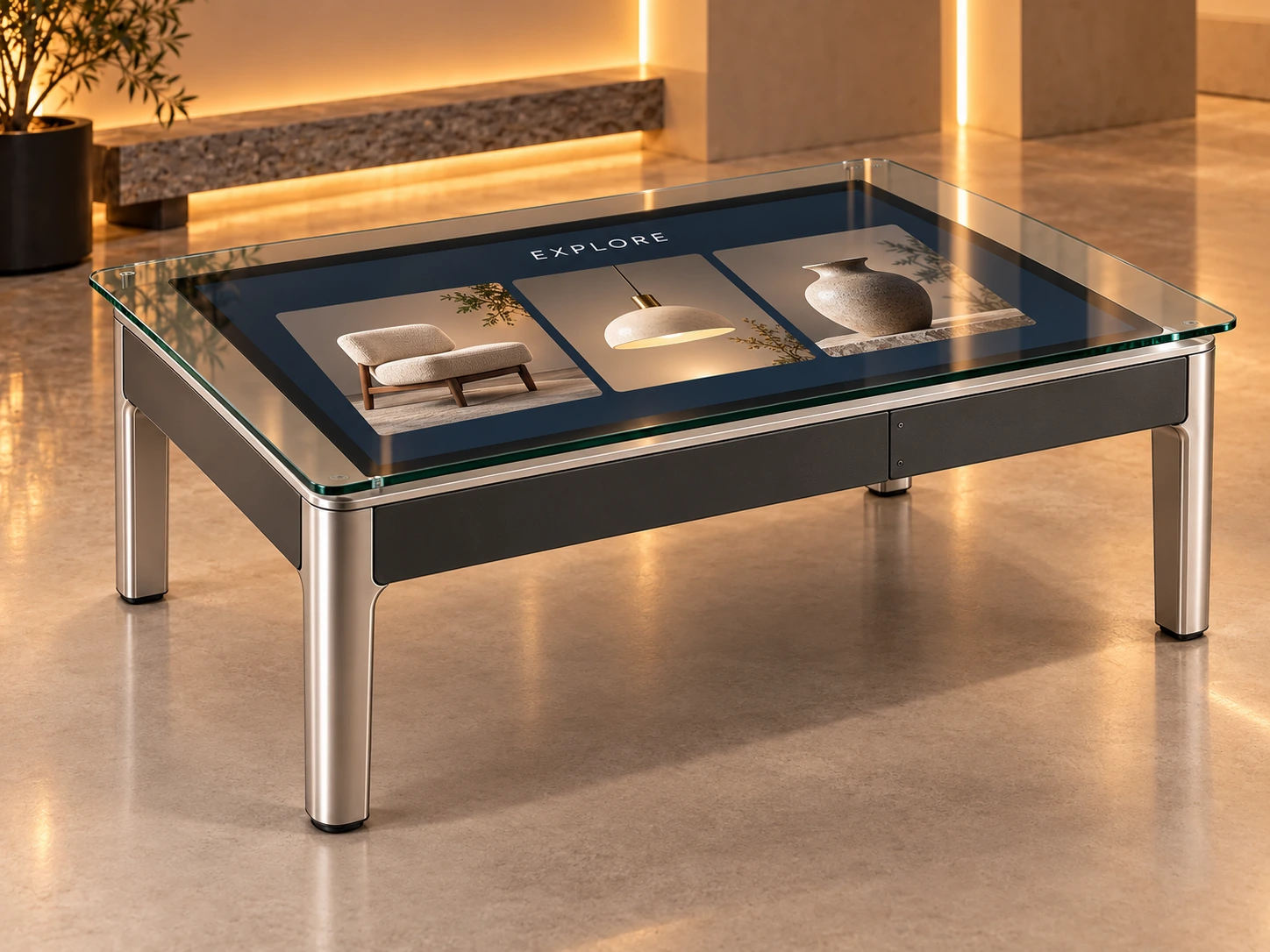
Explore the touchpointIllustrative interactive touch-table configuration.
A useful touchpoint, inside and out
01 · Touch surface
It starts witha touch.
A clear invitation makes the first action easy. The touch-sensitive glass receives a tap or gesture and connects it to the application.
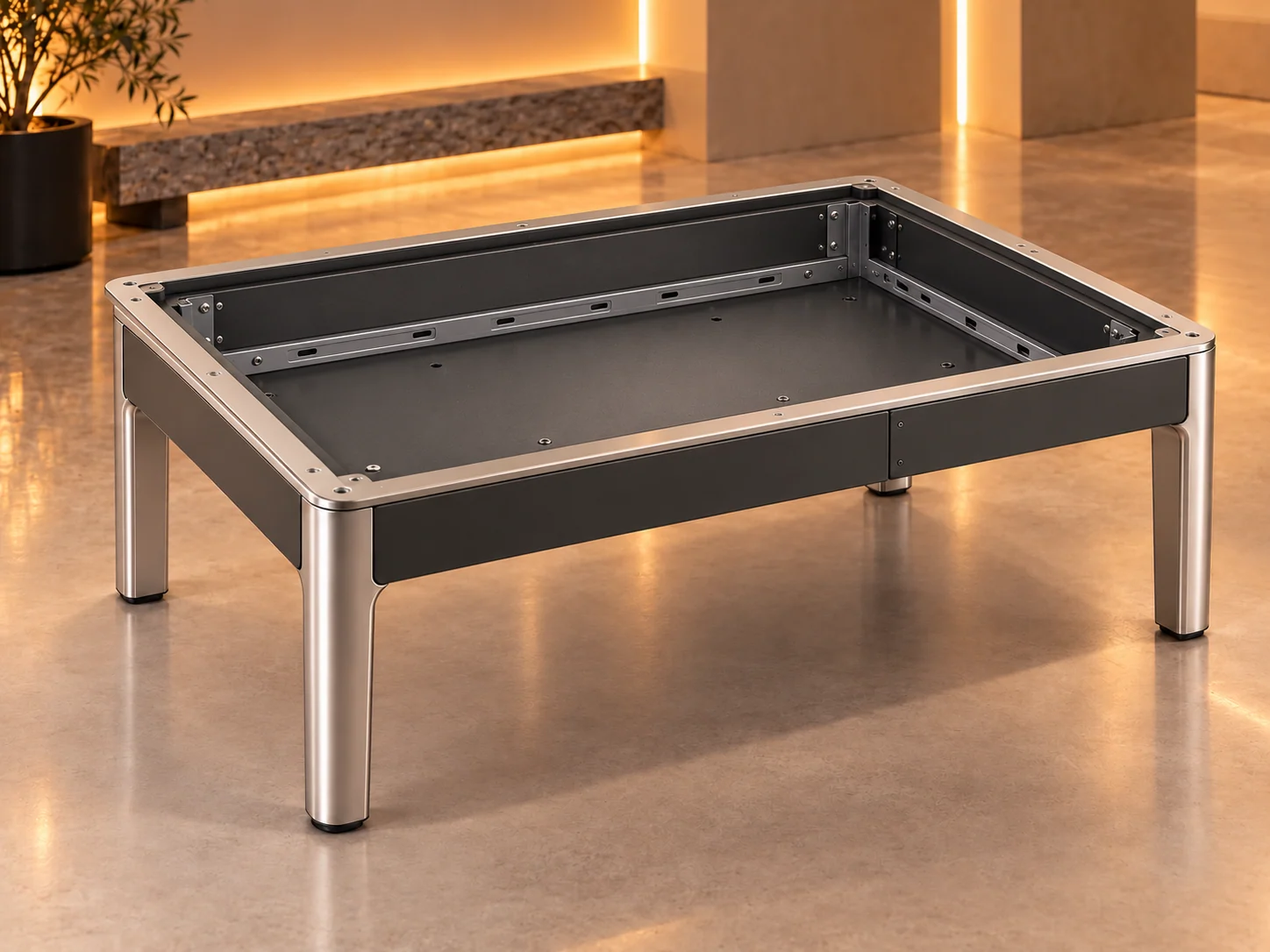
Illustrative assembly · components and configuration are selected for your project.
01 · Touch surface
01 · Touch surface
It starts with a touch.
A clear invitation makes the first action easy. The touch-sensitive glass receives a tap or gesture and connects it to the application.
Touch glass. The cover and sensing assembly lifts from the same table. Touch technology, reach and multi-user behaviour are selected and tested for the project.
02 · Display
Make every choice clear.
The display brings the visitor task into view: choose a topic, compare a product or follow a guided story. Each action leads to visible feedback.
Display + application. The real display module separates beneath the glass. Interface content stays on its screen; it is not an extra hardware layer.
03 · Computer tray
The thinking beneath the touch.
A configured computer runs the kiosk application, manages session states and handles the connections the experience needs.
A serviceable computer tray. The electronics tray comes forward from the equipment bay. Compute, cooling and mounting are specified for the application and enclosure.
04 · Power + connections
Connect the complete experience.
Power and cable routing support the whole touchpoint. Data sources, networks and optional peripherals are agreed around the visitor task.
Power + cable route. The power assembly and routed connections become visible inside the same table. Readers, live data and other devices are project options.
05 · Enclosure + access
Ready for the real world.
The frame holds the experience together. As the parts return, consider the full touchpoint: placement, accessibility, maintenance and the team operating it.
One coordinated touchpoint. The frame stays anchored throughout. Hardware, software, enclosure, commissioning and support responsibilities are agreed for the venue.
A clear task.
A complete touchpoint.
A useful touchpoint starts with a clear visitor task. We design the software, touch interaction and physical setup together, so people understand what to do and your team understands how to run it.
Make complex content approachable
Turn a detailed subject into guided choices, focused inputs and clear results. Visitors can explore independently or with a facilitator.
Connect the right things
Build interactive touchscreen software around your content and agreed data sources. Specify the computer, display and any optional devices around the task.
Make it work in the space
Consider placement, reach, screen position and service access alongside the interface. Prepare the complete touchpoint for its venue and operating team.
From the first tap
to the finished installation.
Journey + interface
Define the visitor task, content structure, choices and result states. Prototype the touchscreen UX at the intended display size and reach.
Application + integration
Develop the kiosk application and agreed content or data connections. Plan session resets, validation and the feedback visitors need to move forward.
Hardware + handover
Coordinate the selected display, computer, enclosure and site requirements. Test the setup, commission it onsite and prepare the operating team.
The assembly is illustrative. Touch capacity, display size, enclosure, peripherals, data connections and support are agreed and tested for the project.
One purpose. Different touchpoints.
Format 1 of 5: Shared touch table
Shared touch table
Countertop decision kiosk
Flush wall touchpoint
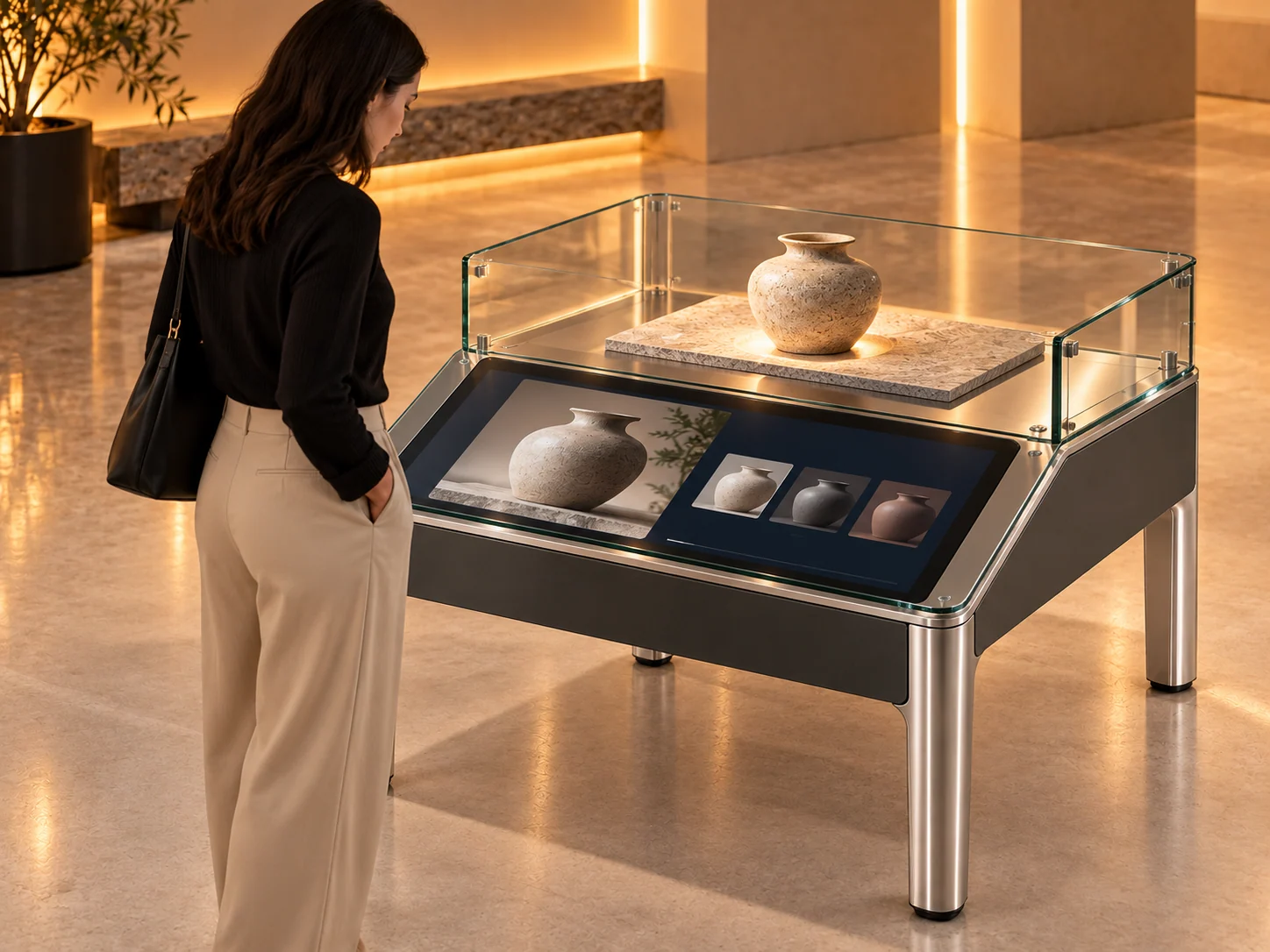
Product discovery pedestal
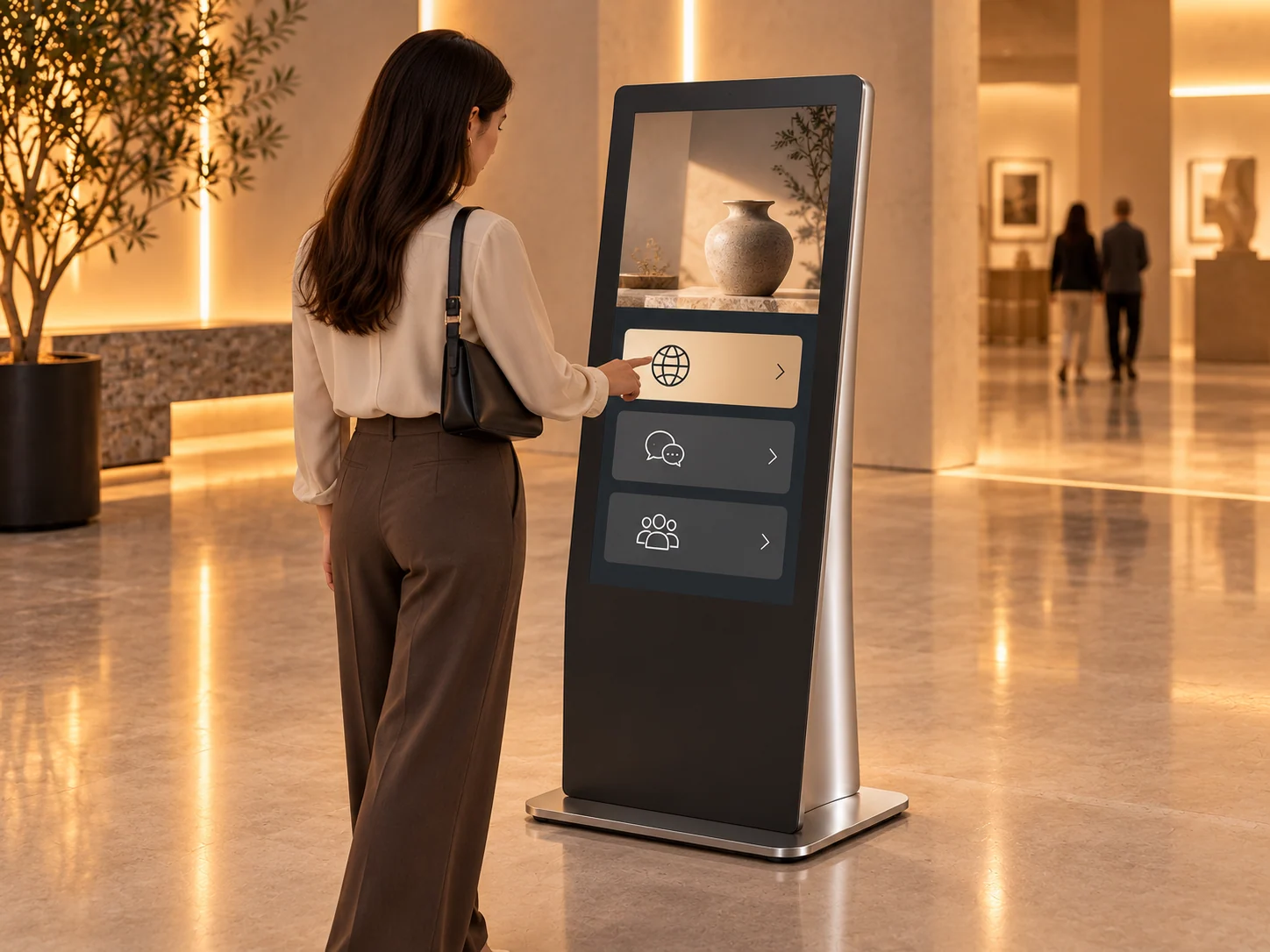
Event welcome kiosk
Shared touch table
Give visitors a common surface for exploring content together. Touchscreen software, sensing and fabrication are designed around the activity. Screen size, reach and multi-user behaviour are selected and tested for the project.
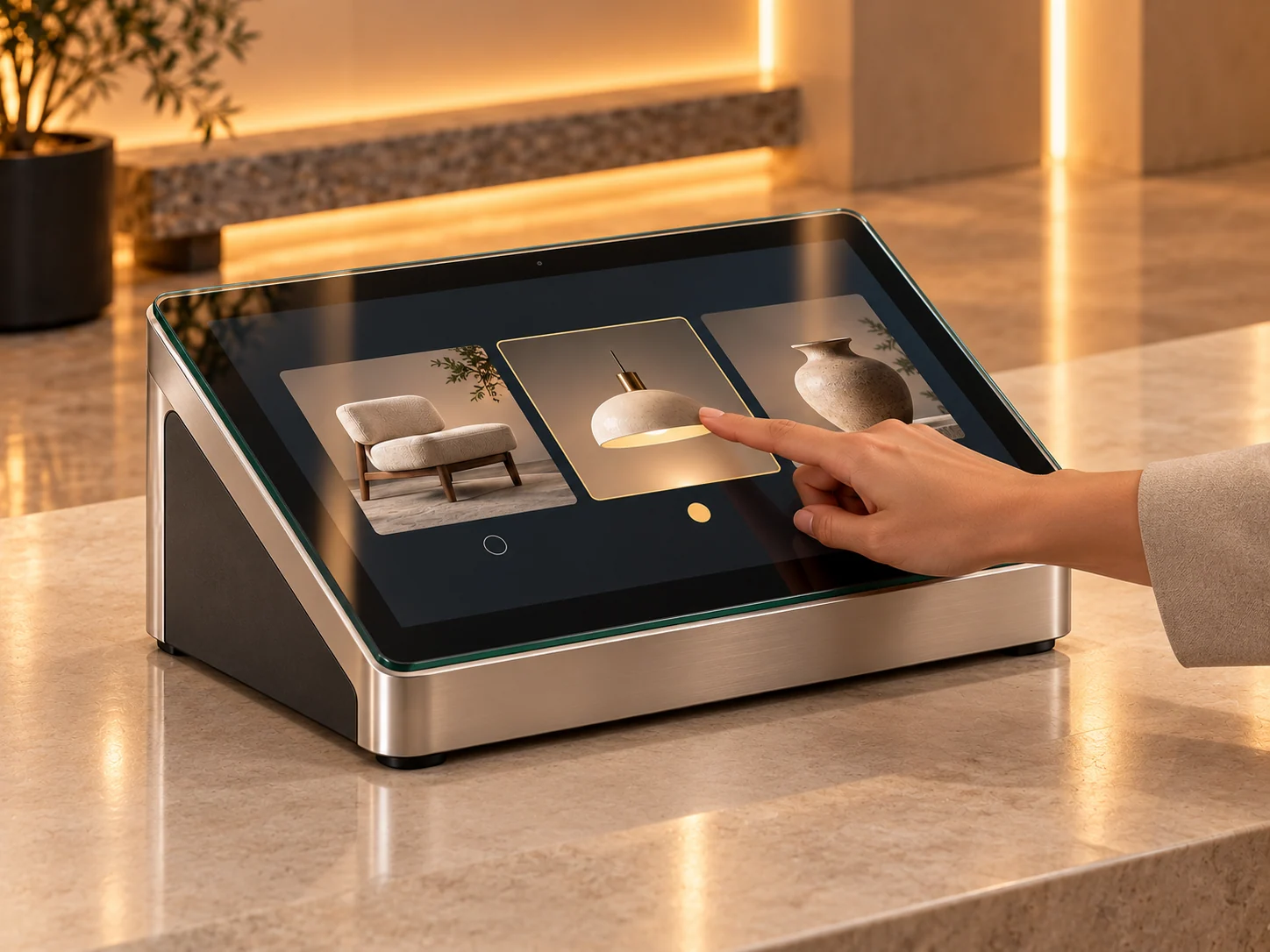
Countertop decision kiosk
Bring one focused task into a compact angled touchpoint. Guided choices and visible feedback help visitors compare options or find information, with hardware and any peripherals scoped around the task.
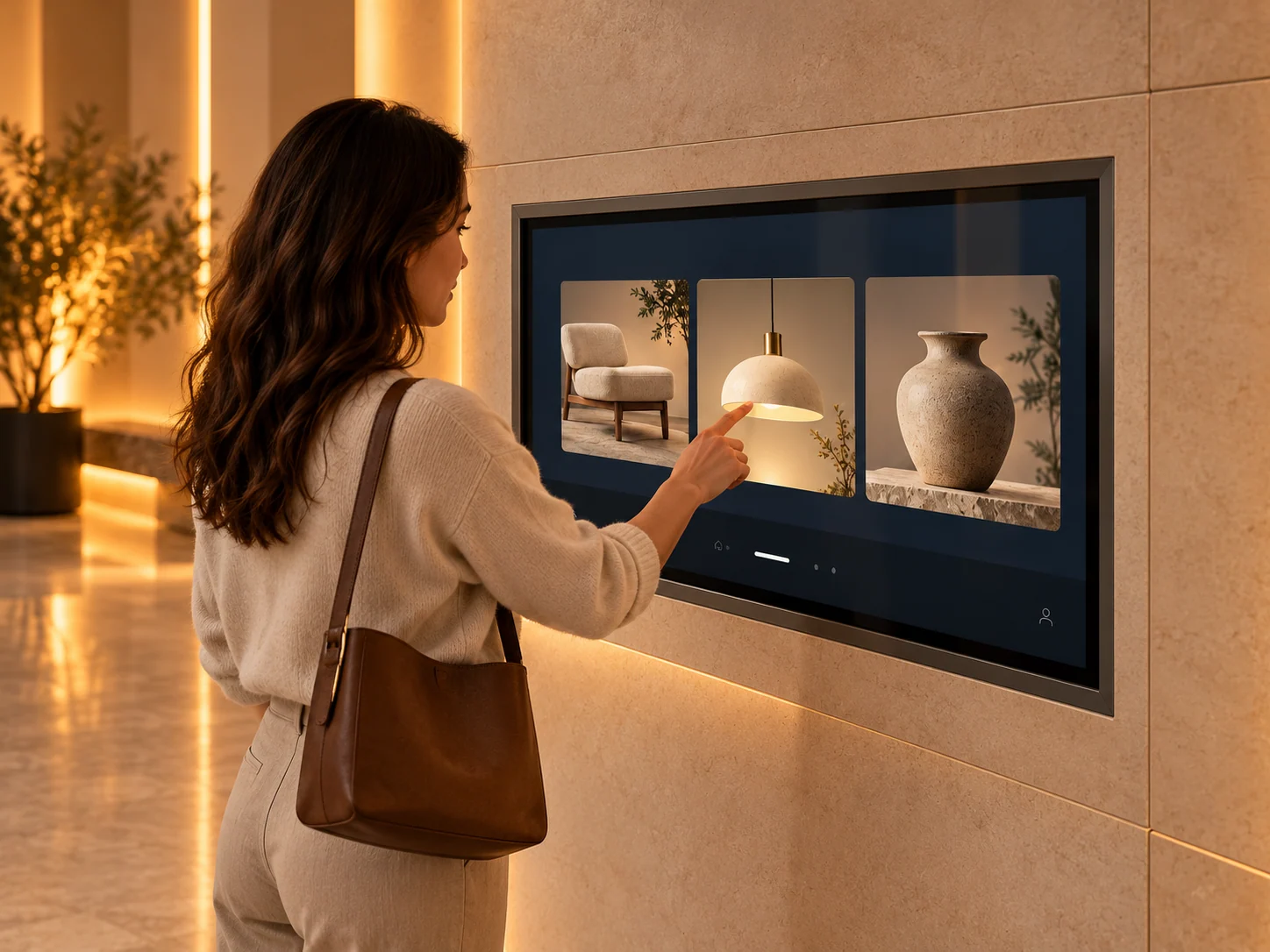
Flush wall touchpoint
Integrate an interactive display into the architecture. We connect the content journey, screen integration and service access, with wall construction, mounting and installation planned for the site.
Product discovery pedestal
Connect a physical product to a guided digital explanation. Product imagery, details and options stay connected to the object on display. The product, enclosure and application are developed for the brief.
Event welcome kiosk
Make an arrival task easier to understand with a clear portrait interface. Plan language choices, information and next steps around the event. Readers, check-in connections and identity functions are optional scope.
Five example configurations. Equipment and physical integration are selected around your audience, task and venue.
Useful touchpoints,
in practice.
Guided content and focused tasks delivered through public touchscreens.
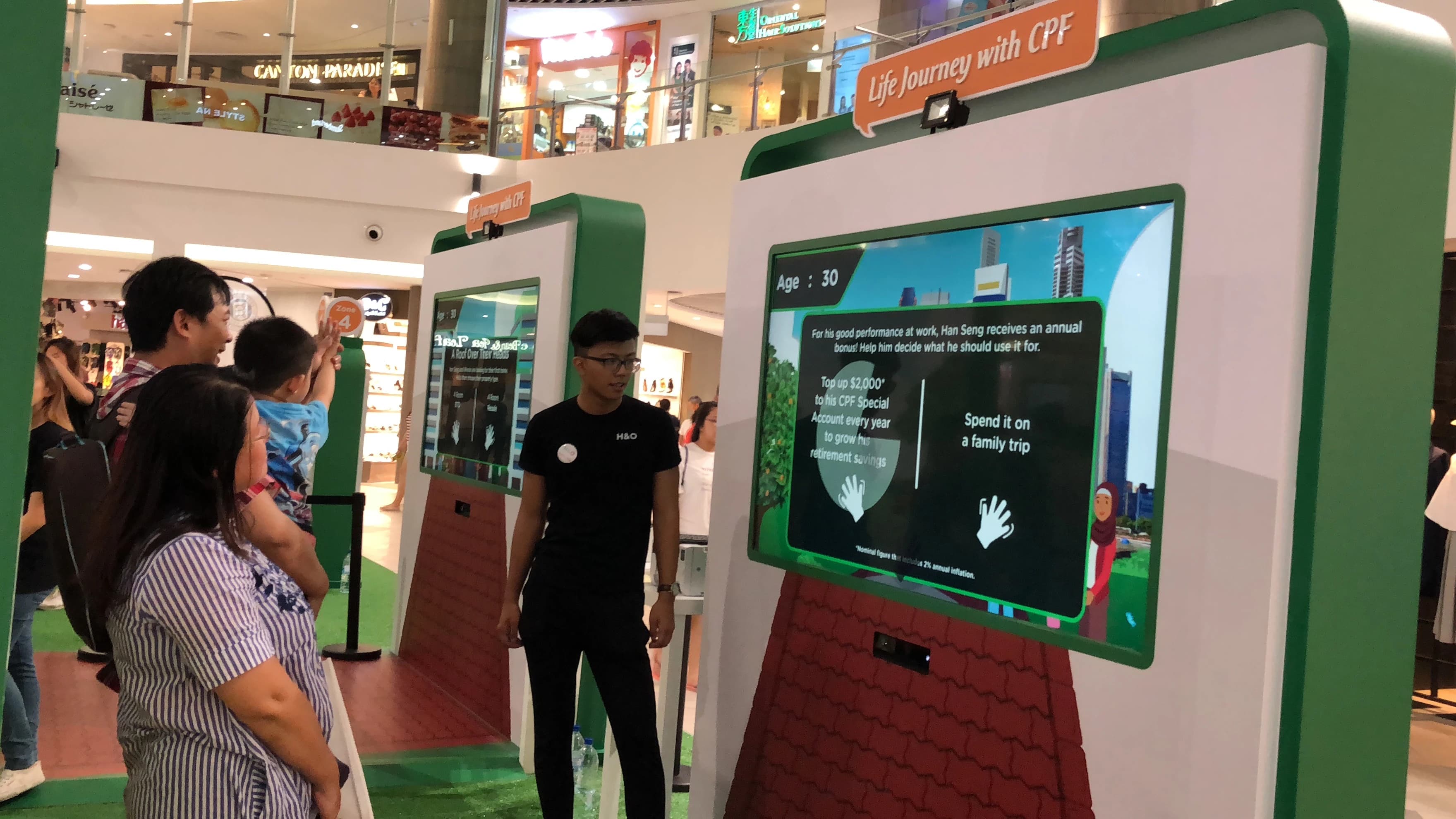
CPF Roadshow Interactive Story
A guided touchscreen journey: branching content, touch UX, kiosk integration and roadshow deployment.
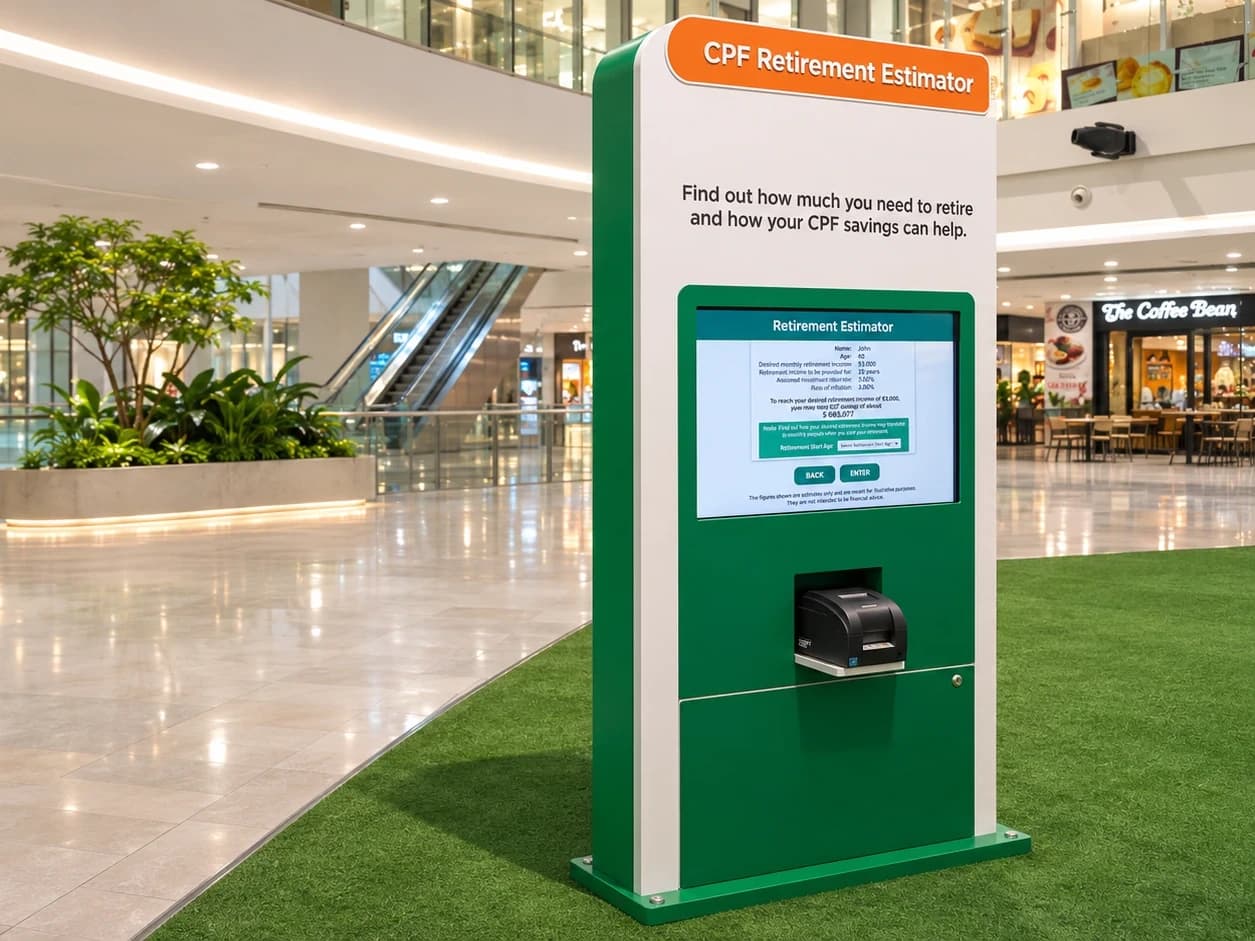
CPF Retirement Estimator
A focused input-and-result application, with touchscreen UX and onsite kiosk integration.
Before the first tap.
Can you provide software and hardware?
Yes. We can coordinate the interface, kiosk application, hardware specification, enclosure and commissioning. Equipment, responsibilities and support are agreed for your project; the formats shown are examples rather than fixed products.
Can people use it together?
A shared experience can be designed for a group. Participant count, touch capacity, reach and application behaviour depend on the selected display and activity. We test the intended use together.
Can it connect to our systems?
We scope the data source, access, application states and selected devices first. Content management, live integrations, readers and other peripherals are included only when they serve the agreed task.
Can the kiosk work offline?
Some journeys can run locally. Live information, content updates and external services may require a network. We define the offline content, connection behaviour and recovery needs before development.
What about installation and maintenance?
Share the venue, operating hours, physical constraints and who will manage it. We plan power, access, commissioning, reset behaviour and the agreed handover or support arrangement around those conditions.
Give every toucha clear purpose.
Tell us what visitors need to do and where the touchscreen will be used.
Plan your touchscreen task