

AR, VR & Immersive Experiences
Add an interactive digital layer to the real world.
AR experiences that connect a product, place or story to something people can explore. We shape the content, interaction and device journey, then test them together in the intended setting.
Explore the digital layerIllustrative exhibit discovery experience.
A physical starting point.
A new way to explore.
From an AR brand activation to an interactive AR exhibition, start with what the visitor should discover. We test the spatial approach before committing to the full experience.
Turn a cue into discovery
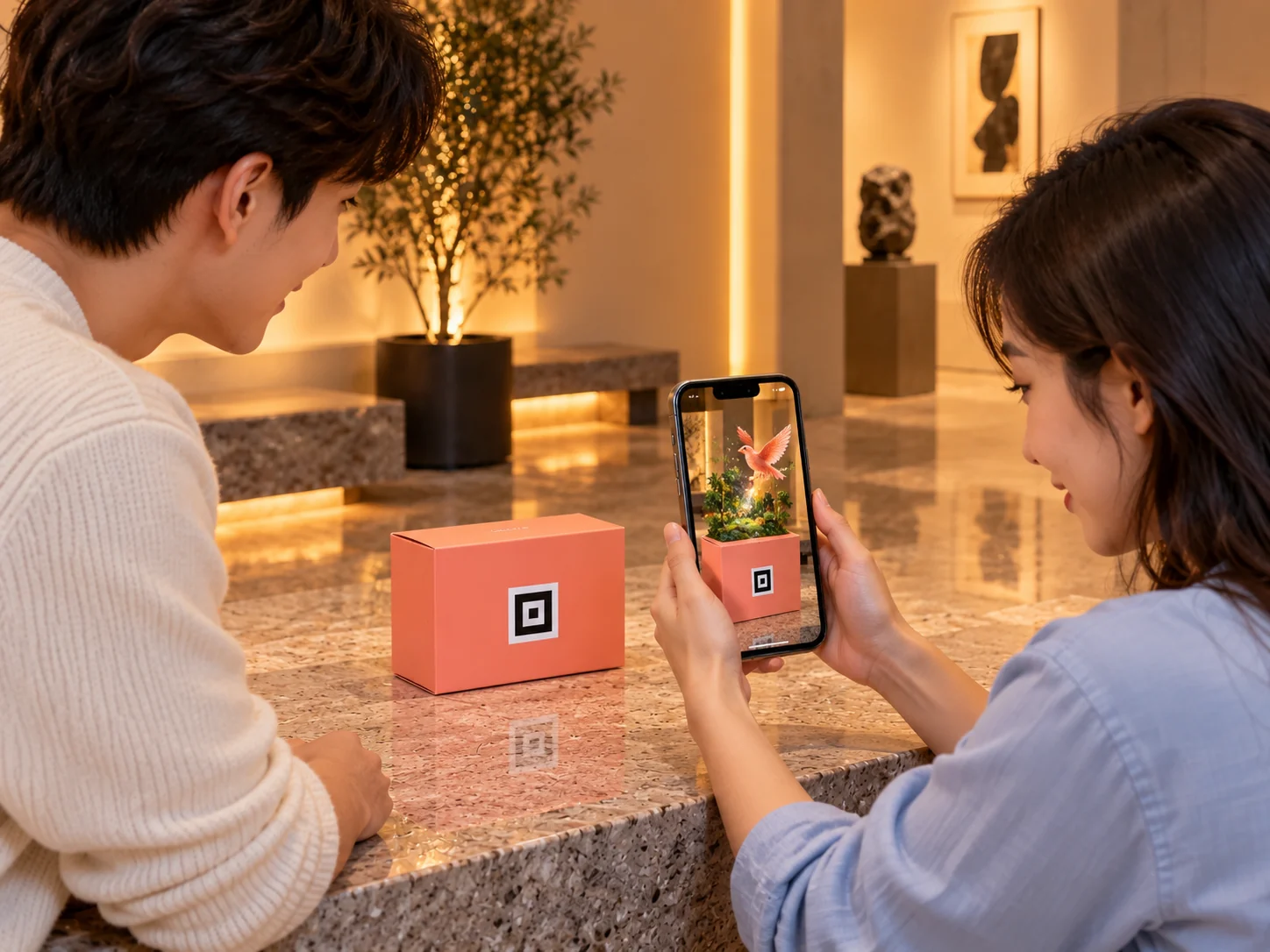
Connect a package, exhibit or campaign marker to a digital story. Clear camera prompts help visitors find the starting point and understand what happens next.
Make more of the object
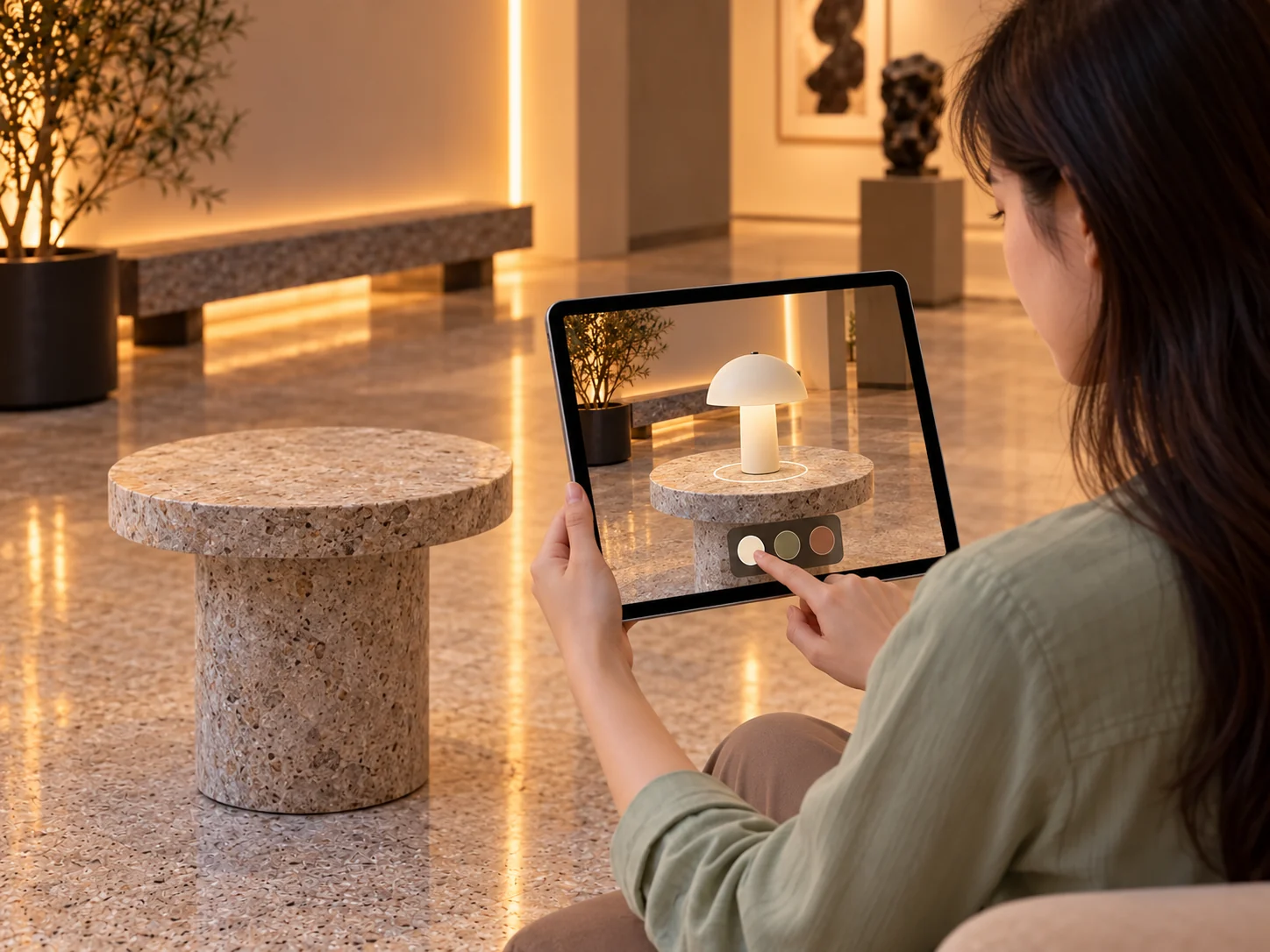
Let people explore details, product options or a layer of interpretation. We create or integrate approved 3D content and keep each interaction connected to its subject.
Test the immersive idea
Prototype an AR, VR or mixed-reality interaction around the brief. Check content, devices and environment together before deciding the scope of wider production.
Exhibit cueCamera viewVirtual story asset · enlarged from the camera view
01 · Discover
Find the cue.
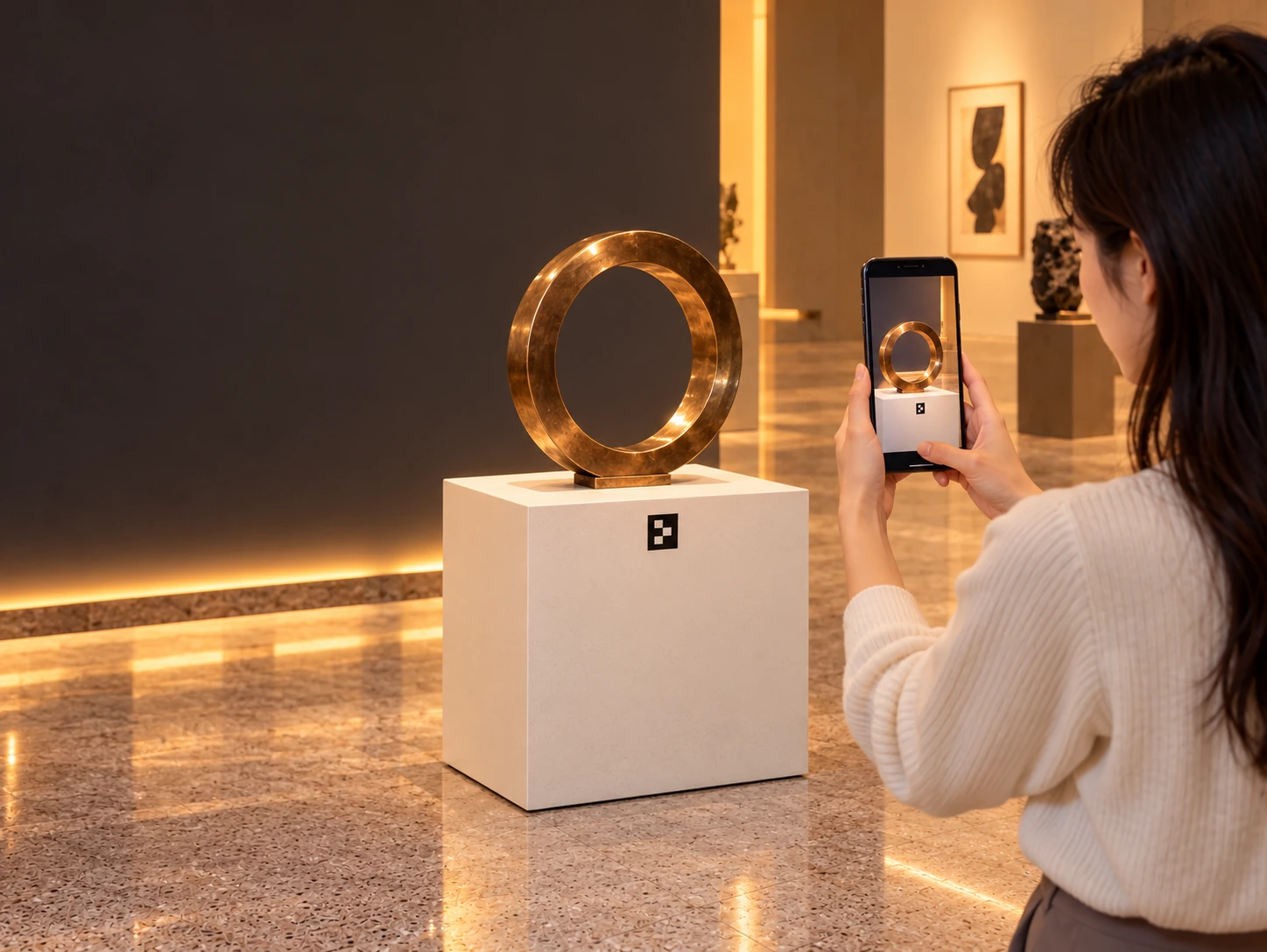
A visible exhibit marker gives visitors a clear place to begin. The sculpture stays grounded in the gallery; its digital story begins with a deliberate invitation.
Illustrative marker-led AR · tracking and device support are scoped and tested.
01 · Discover
01 · Discover
Find the cue.
A visible exhibit marker gives visitors a clear place to begin. The sculpture stays grounded in the gallery; its digital story begins with a deliberate invitation.
One clear starting point. We design the physical prompt, entry instructions and first camera view around the exhibit and the visitor.
02 · Frame
Bring it into view.
Frame the chosen target through the phone camera. Clear guidance connects the physical marker, the object and the view on screen.
Camera + target. The tracking route is selected and tested for the device, lighting and setting. The camera view here is an illustration.
03 · Reveal
A new layer. In the right place.
A virtual sculpture emerges from the camera view, revealing details at a larger scale while the physical exhibit stays in the gallery.
The story takes shape. The enlarged 3D content shows how an authored digital layer can extend the exhibit. Its story details stay attached as it moves.
04 · Explore
Discover the layers within.
The virtual model separates into its bronze finish, digital mesh and base. Each layer reveals a different part of its form, surface and creative process.
One model. More to discover.. Layered 3D content makes hidden relationships visible, with concise explanations tied to the relevant part of the model.
05 · Continue
Back to the world. With more to see.
The digital layer settles back into the camera view. A clear finish brings attention to the exhibit, the next stop or an agreed campaign action.
A useful next step. We shape the exit, repeat visit and next touchpoint around your brief. Capture, sharing and other connections are scoped when needed.
Story, content and technology.
Considered together.
Story + spatial content
Define the visitor journey, starting cue and meaningful interactions. Create or integrate approved 3D models, animation and interface content at a suitable level of detail for the chosen devices.
Tracking + device testing
Prototype the camera and tracking route. Test recognition, positioning, scale, lighting and feedback on the intended devices, including what visitors see when the target leaves the view.
Prototype + live setup
Prepare onboarding, content delivery and the operating plan. For VR prototype development, review a focused task or virtual world before deciding any wider production scope.
Content, tracking, device support, network requirements and delivery are agreed for your brief. The exhibit and virtual scenes are illustrative.
Different layers. Different possibilities.
Format 1 of 5: Exhibit discovery
Exhibit discovery
Place and compare AR
Packaging activation
Guided VR practice prototype
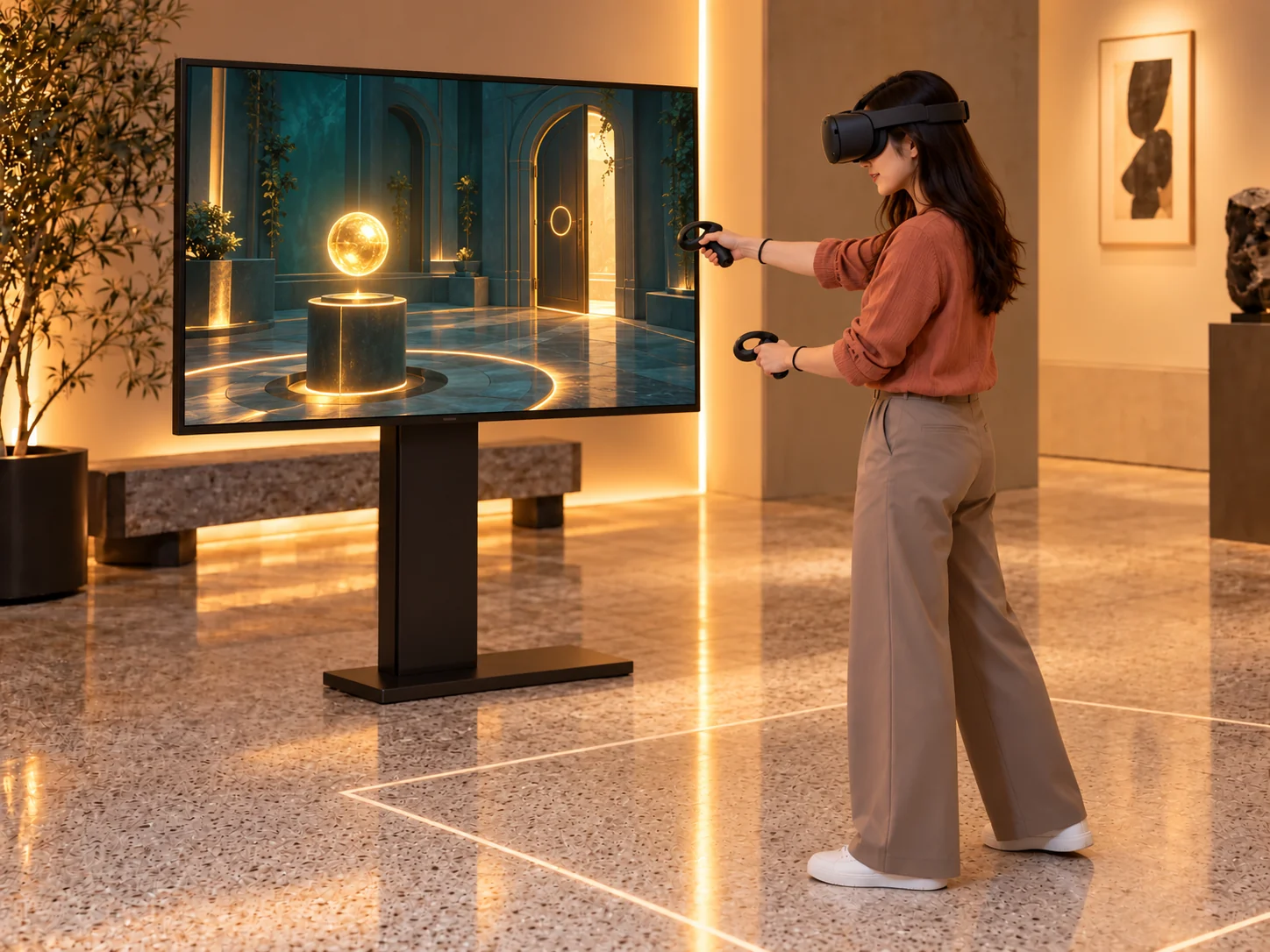
Interactive VR world prototype
Exhibit discovery
Connect a physical exhibit to a digital layer of interpretation. Named details guide visitors around the same object, with the tracking approach, approved content and supported devices defined for the venue.
Place and compare AR
Let people view a product idea in a spatial context and explore proposed options. The camera view, placement cues and controls help explain the next action. Placement, occlusion and device support require feasibility testing.
Packaging activation
A clear cue on a package can introduce an authored digital story. Plan the scan, reveal and exploration around the physical pack, testing the chosen tracking approach and devices before production.
Guided VR practice prototype
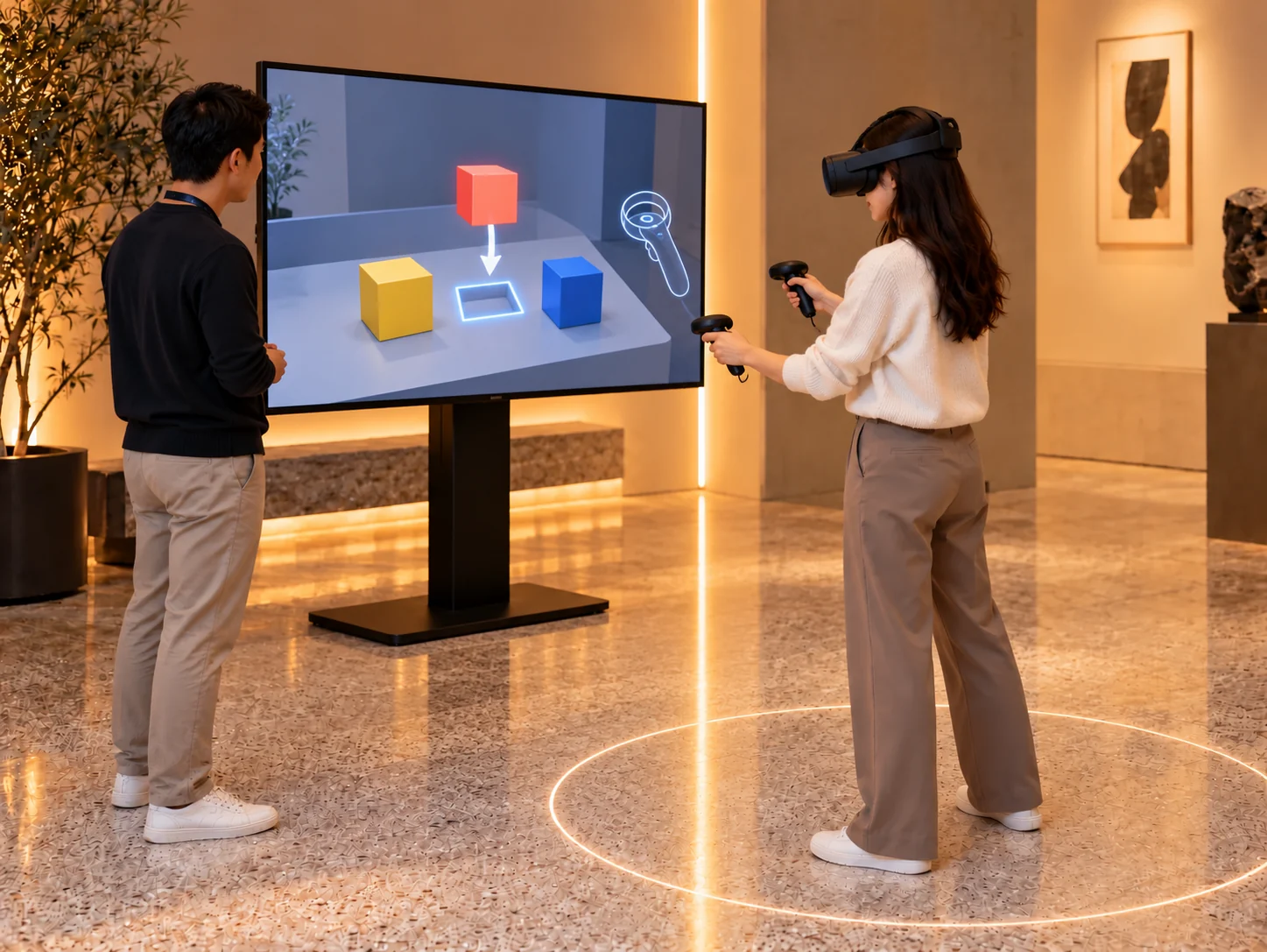
Review a focused virtual task before committing to a larger experience. Instruction, controller action and feedback can be prototyped together, with device and play-space testing included in the agreed scope.
Interactive VR world prototype
Explore how a small authored world responds to a visitor's actions. A prop, a puzzle and a visible change make the idea reviewable. The virtual room, interaction and usable play space remain prototype scope.
Five example directions. VR examples are prototypes; tracking, content, hardware and wider production are scoped for the project.
Immersive ideas,
in practice.
Marker-led mobile AR and a related projection-based stage experience.
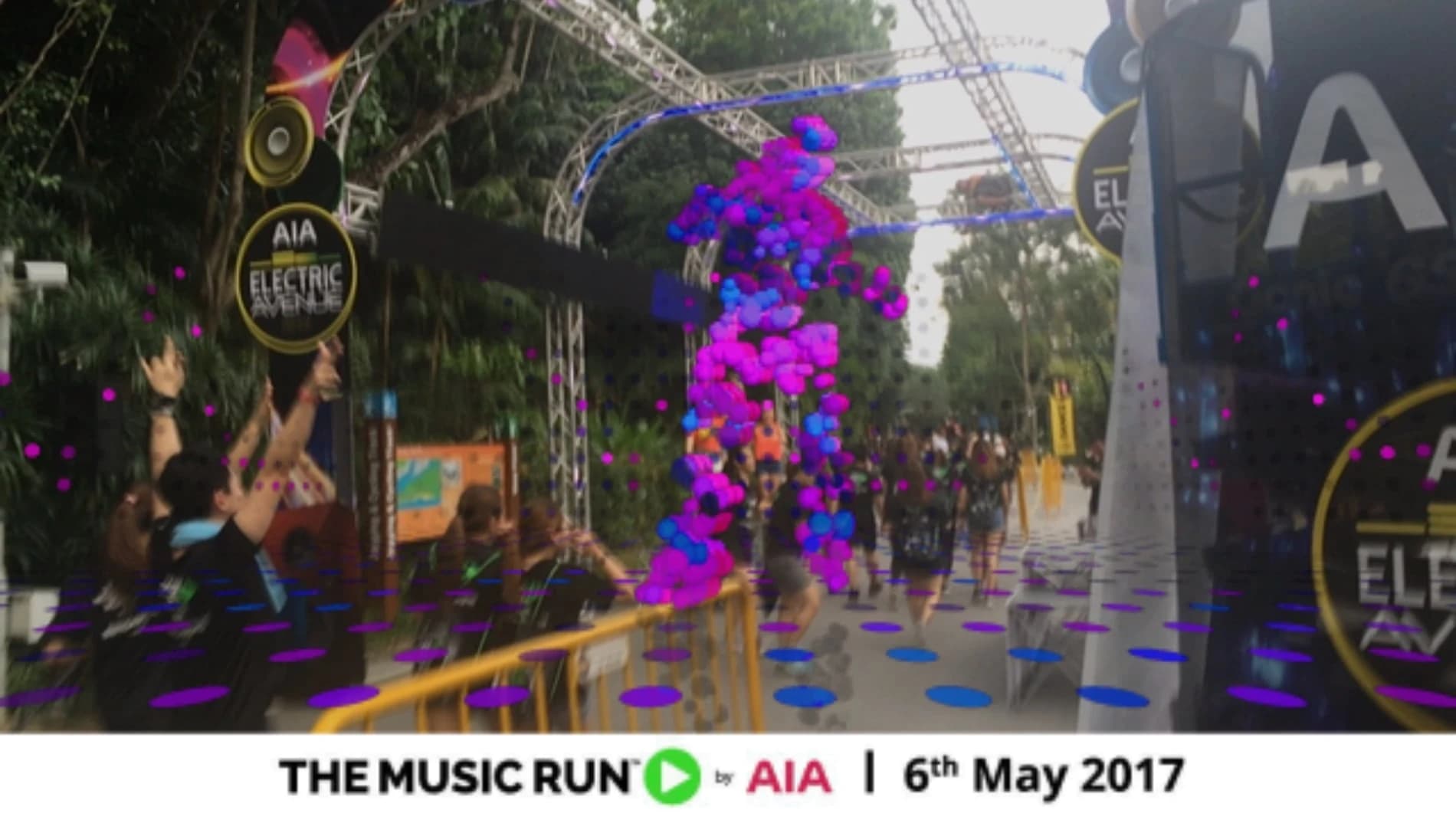
AIA The Music Run AR Experience
Mobile marker AR: physical targets, camera-based pose tracking and anchored 3D content within a live event.
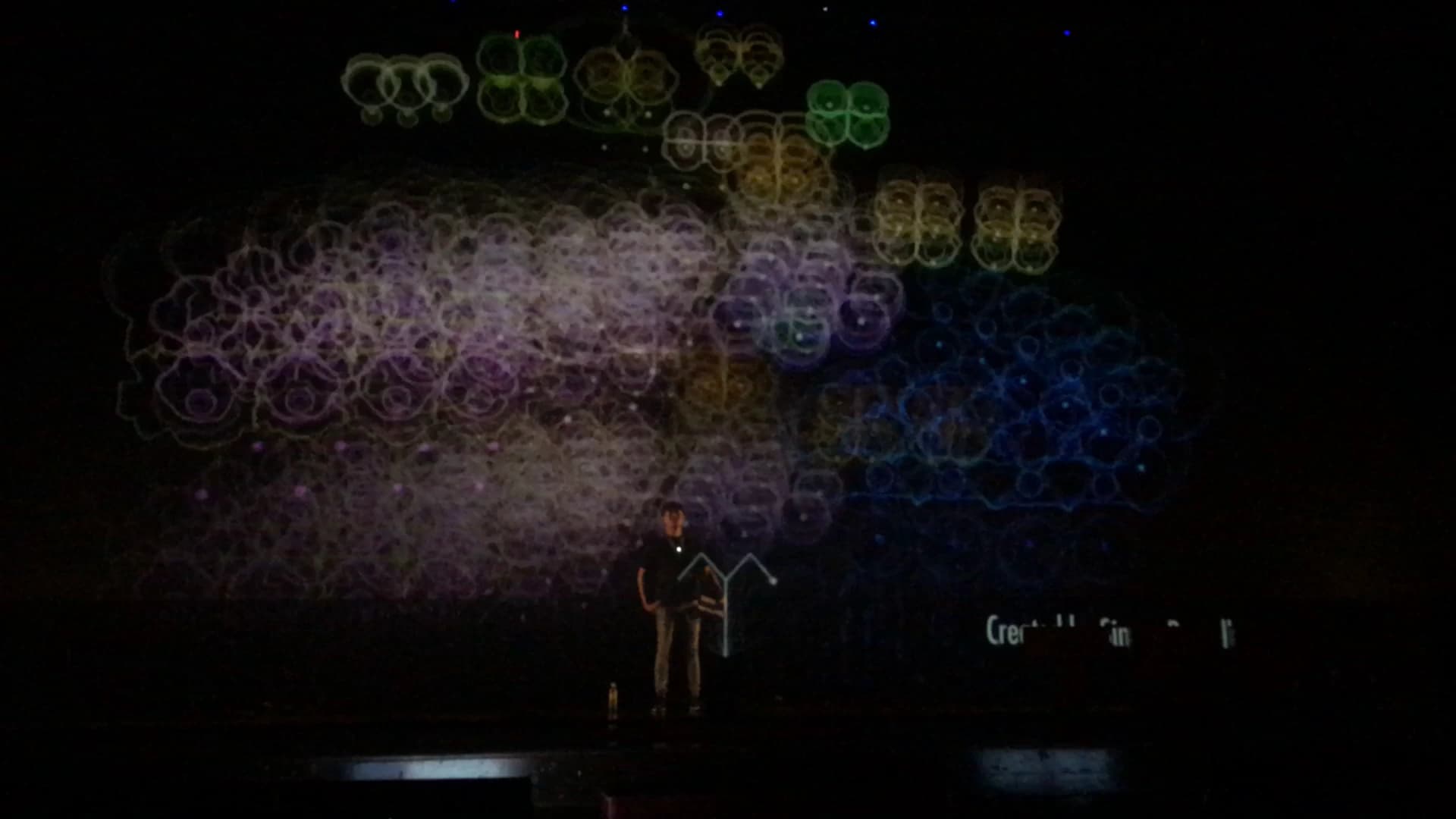
TEDx Interactive Hologram Projection
Related immersive stage work: motion-responsive visual content and calibrated projection, a different format from phone AR or headset VR.
Before the reveal.
Do visitors need to install an app?
That depends on the selected route. We offer mobile and browser-based AR, but device support, tracking, content and the setting determine the practical entry flow. We confirm the approach through feasibility and device testing.
Do we need a marker?
Marker-led AR provides a defined starting target. Other approaches may suit the brief, but recognition, placement, occlusion and supported devices need testing. The exhibit story above illustrates a marker-led route.
Can you use our existing 3D assets?
We review supplied models, animation and content for the intended experience. Detail, scale, materials, file size and usage rights affect the work needed before an asset is ready for the selected devices.
Can we try VR or mixed reality first?
Yes. A focused prototype lets your team evaluate an interaction, content and device setup before wider production. The practice task and virtual-world examples are prototype directions, with the next stage agreed after review.
Will it work in our venue?
Share the location, lighting, audience, intended devices and network conditions. We test the agreed setup and plan onboarding, tracking feedback and the operating requirements around those conditions.
Bring the hiddenstory into view.
Tell us the product, place or story you want people to explore.
Shape your immersive experience