

Deployment, Operations & Support
From packed kit to a live experience.
Interactive installation deployment in Singapore, planned for the place and the people running it. We coordinate setup, onsite commissioning, operator handover and an agreed support route around your operating window.
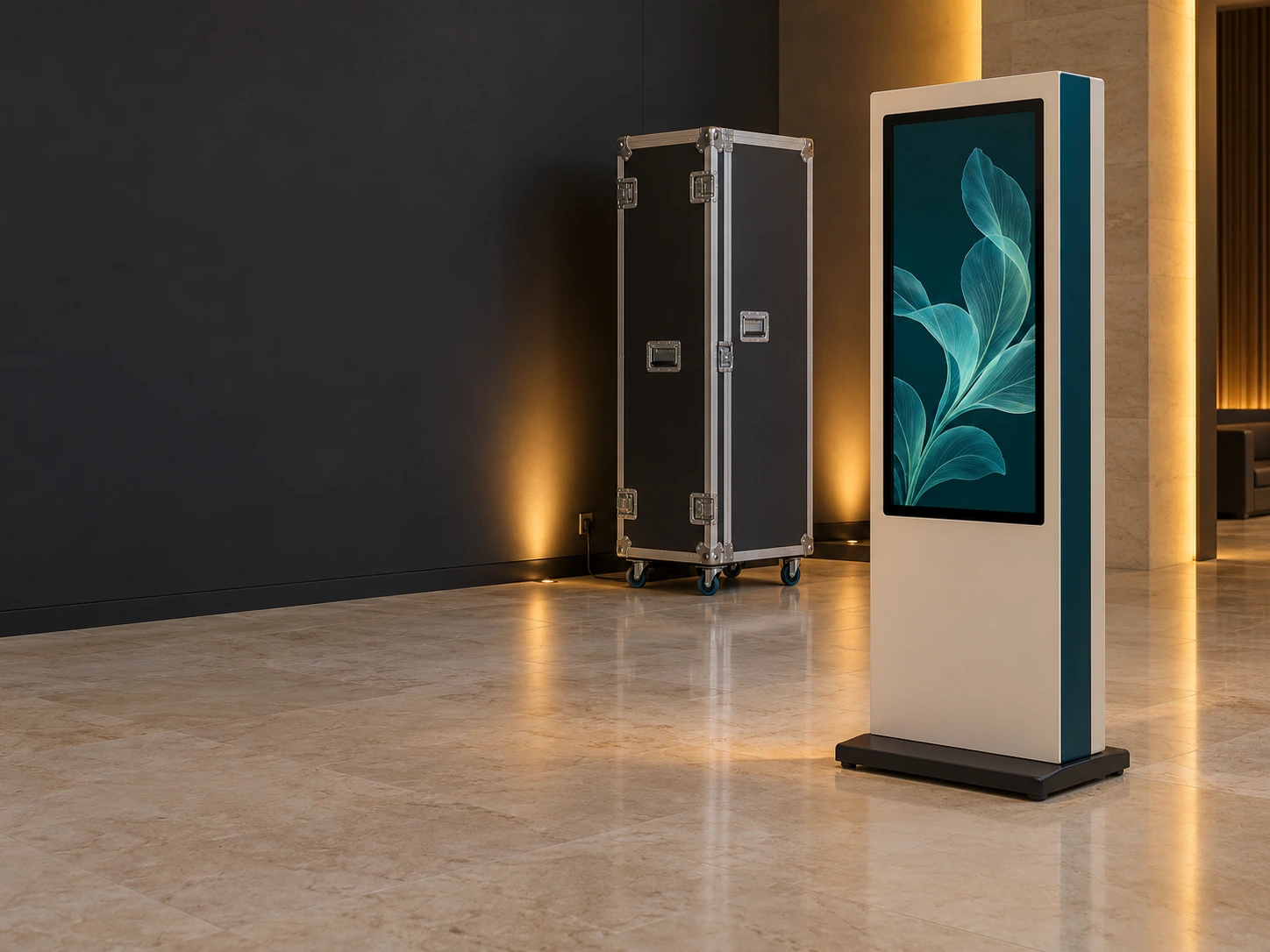
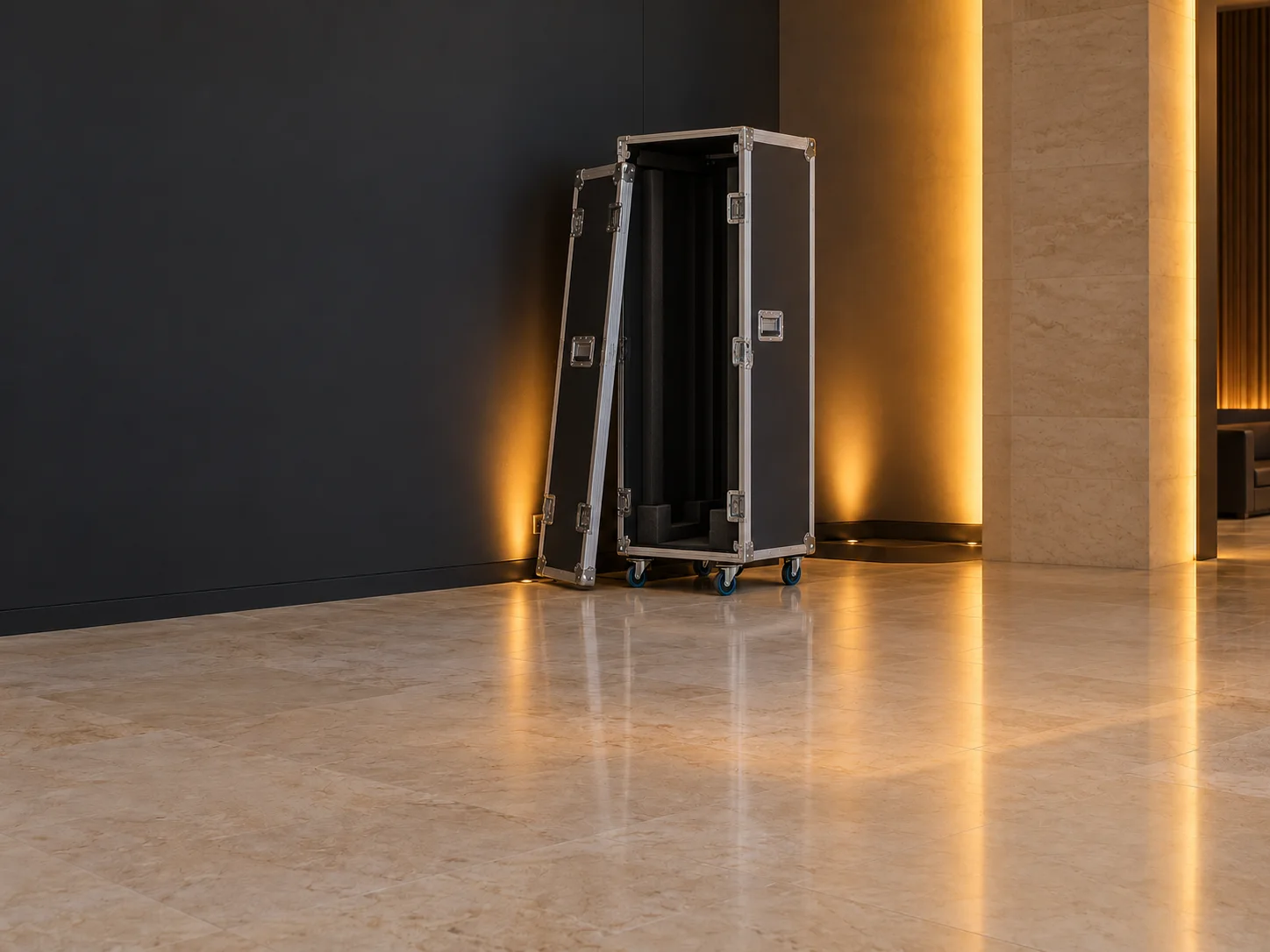
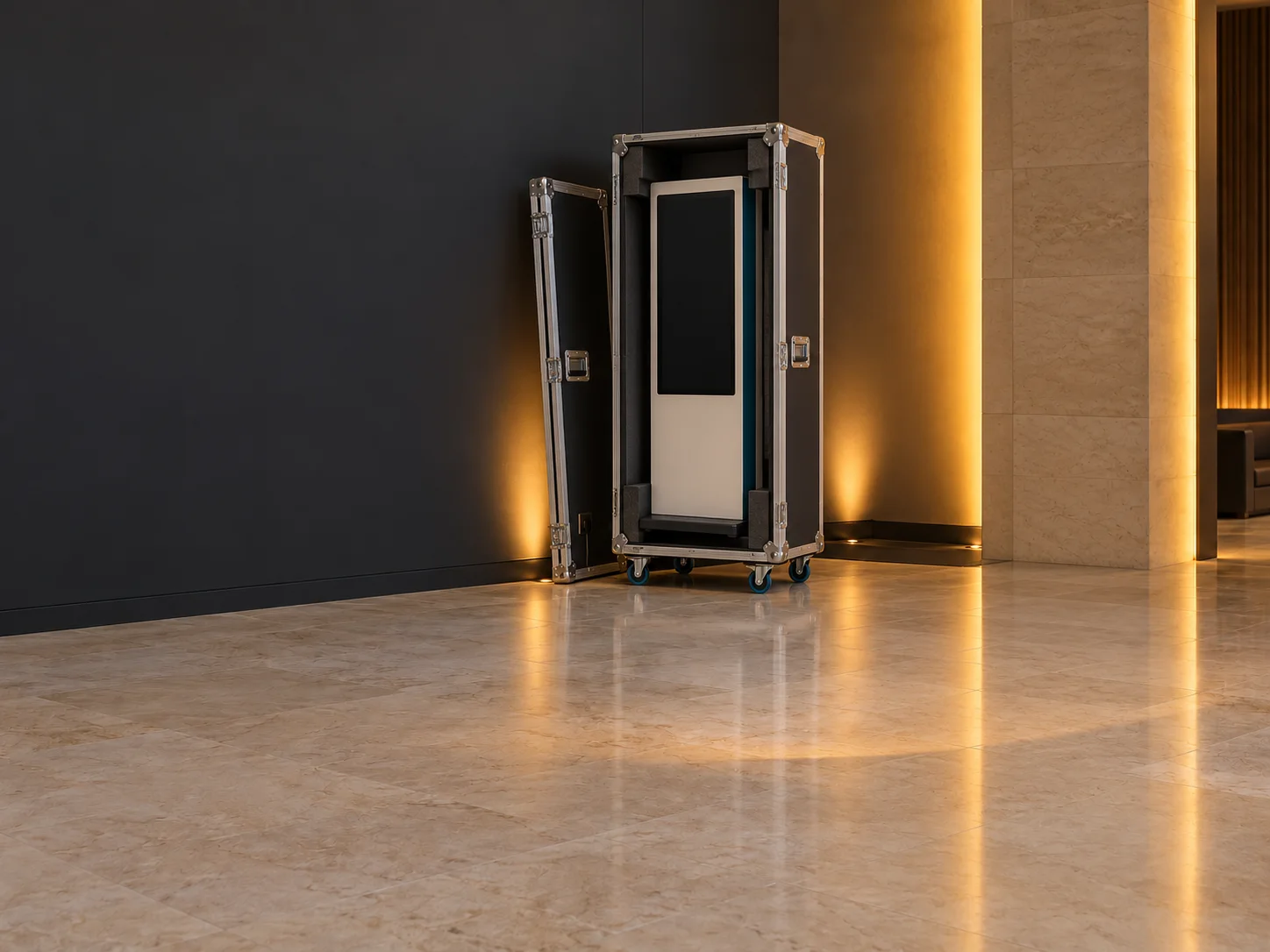
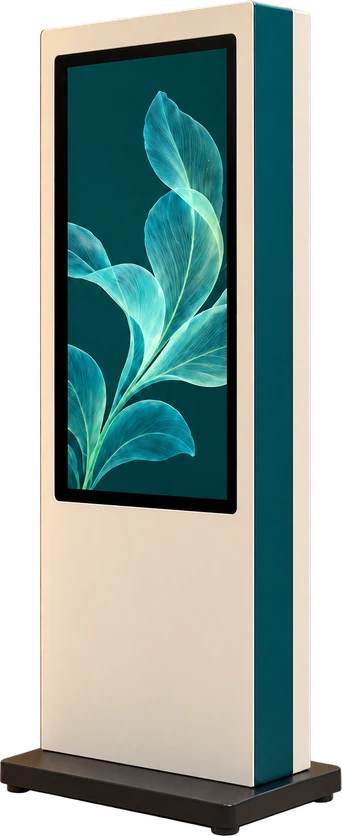
Follow the deploymentIllustrative visitor station and deployment kit.
From packed kit to a live experience.
 Agreed power + data route
01 · Site readiness
Before thecases arrive.
Confirm the access route, position and connections. A prepared site gives the deployment team a practical starting point.
Site readiness
A place for every requirement.
Confirm the real layout, services and delivery window.
Input → content → reset
Local example only · physical checks require the installed system.
Illustrative configuration · commissioning, staffing and support scope agreed per project.
01 · Site readiness
01 · Site readiness
Before the cases arrive.
Confirm the access route, position and connections. A prepared site gives the deployment team a practical starting point.
Venue + team + operating window. Agree access, power, network, light levels and operating hours, including who is responsible for each requirement.
02 · Installation
One kit. A connected station.
Move the station into its operating position, secure it and connect the agreed power and data routes. The physical and digital elements arrive together.
An orderly setup sequence. Packing, equipment handling, cable routes and venue requirements are planned around the actual installation.
03 · Commissioning
Test it where people use it.
Check the display, visitor input, content response and reset in the venue. Try the local example to follow one action through the station.
Workshop checks meet the venue. Onsite commissioning checks the agreed system in its real setting. Actual completion records come from the project’s commissioning work.
04 · Operator handover
Start. Run. Reset with clarity.
Give the operating team a short guide and a practical handover. Make routine actions and the point for escalation easy to find.
People are part of the system. Operator staffing, training, access and the support contact are agreed for the event or installation.
05 · Support + rollout
A clear route when help is needed.
Scope the support window, contact route and access. Record useful observations for maintenance, approved changes or the next location.
Support that fits the project. Onsite or remote arrangements, monitoring, response expectations and review work are agreed individually.
The build is ready.
Prepare for real use.
A working build still needs a prepared venue, practical checks and a confident operating team. We connect the installation requirements with access, power, network, lighting and the live-use window, then make responsibilities clear for opening and ongoing operation.
Prepare for the actual site
Review the installation window, delivery access, audience position and equipment requirements. A site-readiness checklist identifies what the venue, client and delivery team each need to provide before the cases arrive.
Make routine use clear
Prepare the people starting, running and resetting the experience. An operating guide and practical handover explain the normal flow, recovery steps and when to use the agreed escalation route.
Plan beyond opening
Define the maintenance, review and support arrangement around the operating period. For repeat deployments, account for the differences between sites and the responsibilities for packing, access, updates and recommissioning.
Coordinate the opening.
Clarify the handover.
Plan + prepare
Build the installation plan around delivery access, setup sequence, site services and the opening window. Confirm dependencies, team responsibilities and equipment preparation before deployment.
Install + commission
Position and connect the system, then carry out the agreed display, input, playback, reset and operating checks. Onsite commissioning for interactive experiences is specific to the actual equipment and venue conditions.
Hand over + support
Prepare the guide, operator handover and agreed escalation route. Event technology support and longer-term maintenance can include selected onsite or remote arrangements, with scope, access and coverage defined for the project.
Illustrative deployment sequence. Commissioning records, operator staffing, access, monitoring, coverage and response commitments are agreed for the actual project.
Different settings. A practical plan.
Format 1 of 5: Roadshow deployment kit
Roadshow deployment kit
Commissioned kiosk system
Operator control station
Monitoring + maintenance
Multi-location rollout
Roadshow deployment kit
Plan case packing, equipment handling and the setup sequence for a travelling experience. Connection labels, a packing record and site requirements help the next team understand what arrives and how it comes together. Requirements depend on the actual equipment and rollout.
Commissioned kiosk system
Check the installed screen, input, content and reset where the audience will use the system. Address the agreed site-specific issues and document the real commissioning work. The pictured station is an illustrative configuration, not a pass certificate.
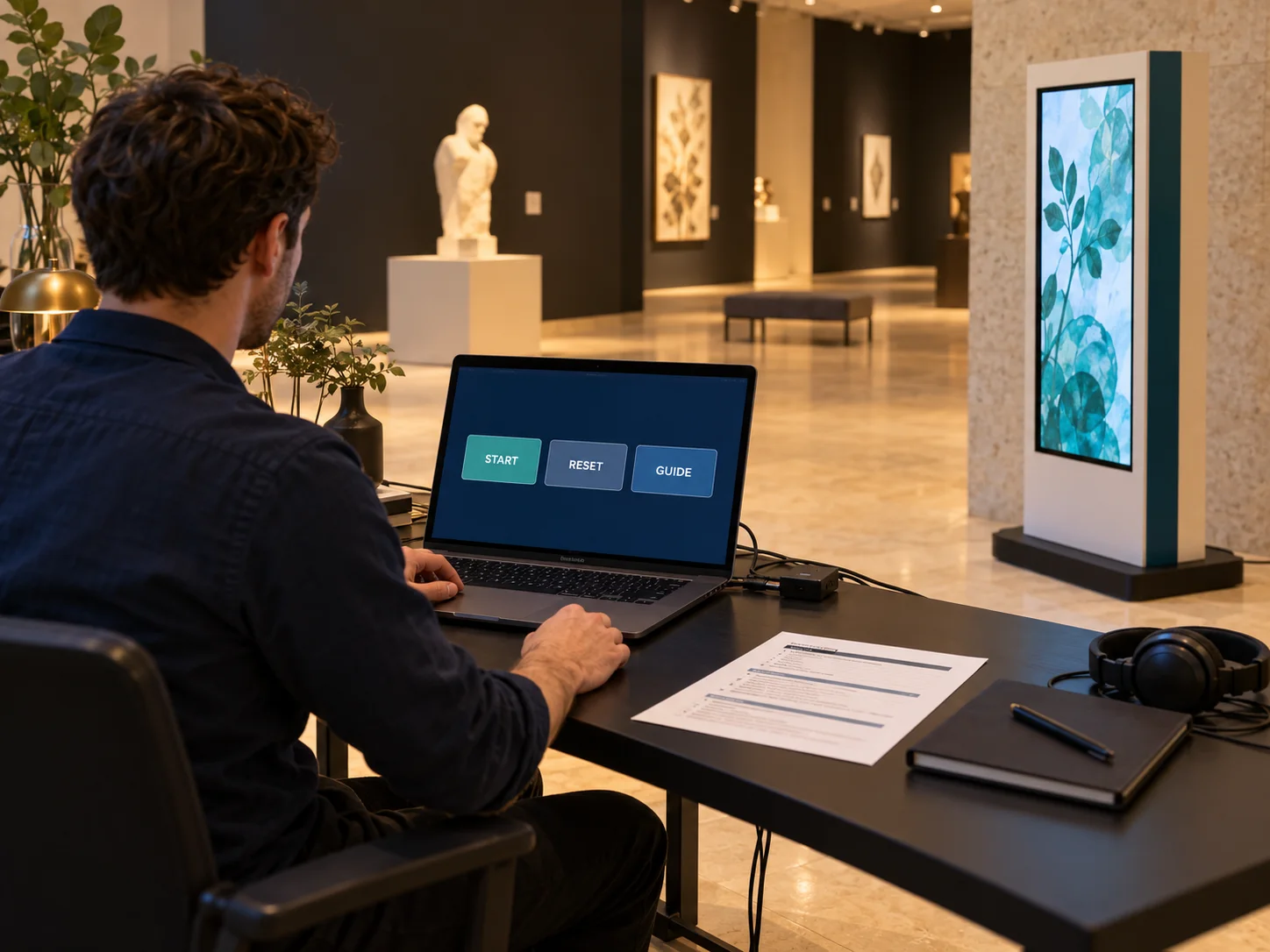
Operator control station
Make normal operation, intervention and reset understandable at the control position. Pair the relevant controls with a concise guide and escalation contact. Operator staffing and event support arrangements are agreed for the installation and operating dates.
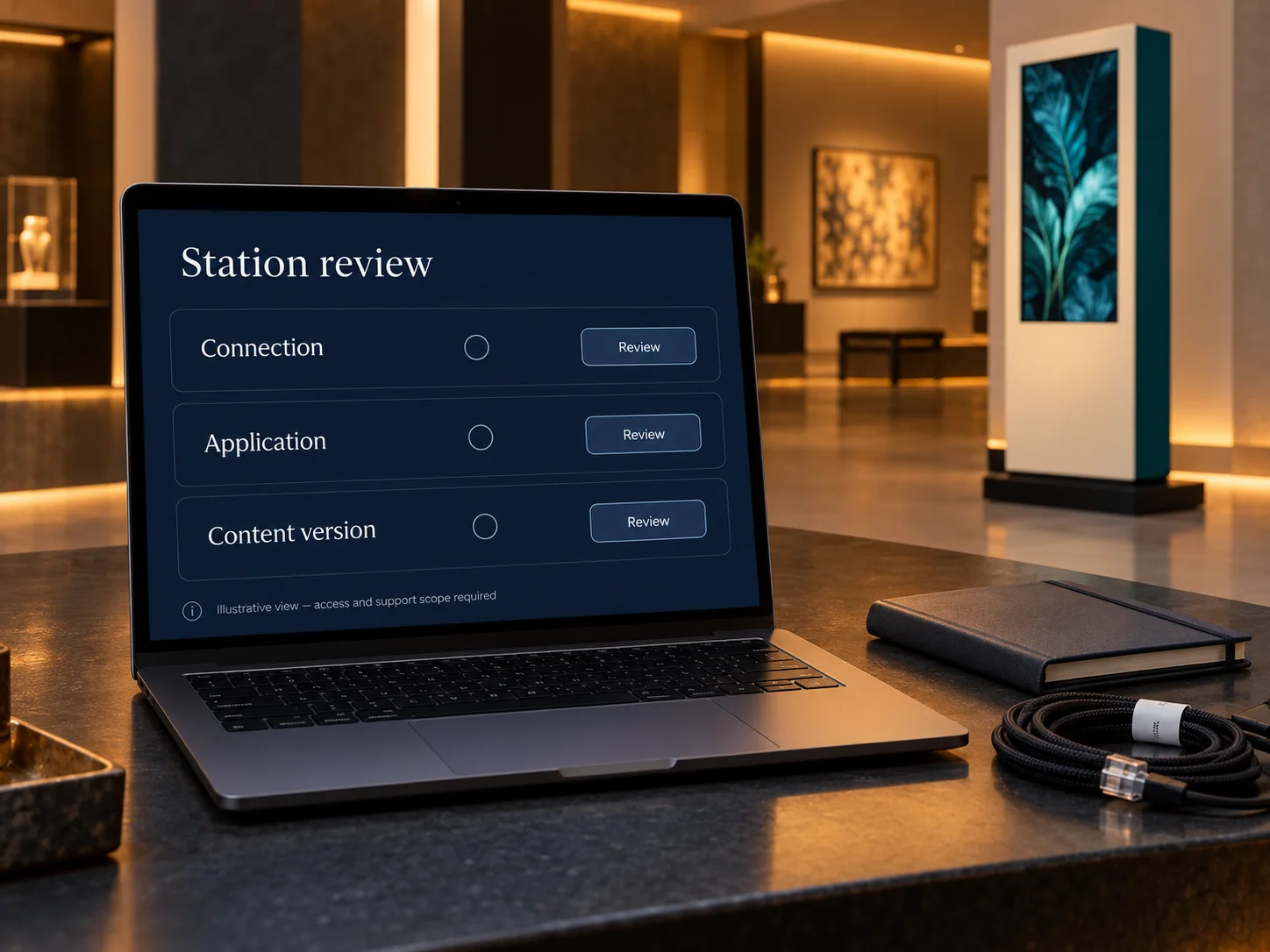
Monitoring + maintenance
Define the signals worth reviewing, required system access and the maintenance workflow. Remote monitoring is available only where the technical connection and support scope are agreed. Coverage, response expectations and approved changes remain project-specific.
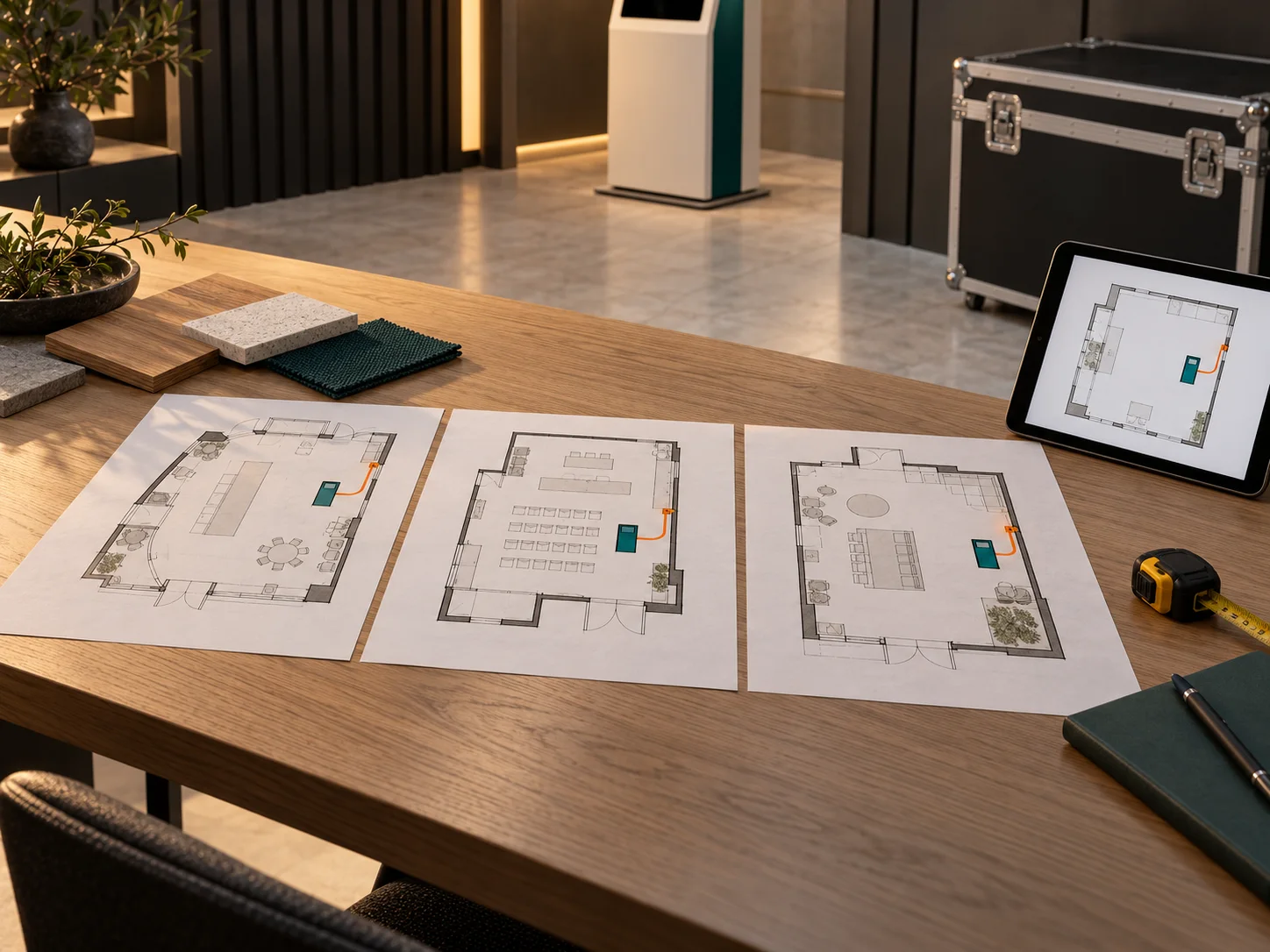
Multi-location rollout
Review each venue’s layout, services, access and operating team before confirming a repeat installation. A location-readiness plan and handover sequence make differences visible. Interactive system maintenance and rollout are scoped around the actual sites and responsibilities.
Five illustrative configurations. Equipment, site conditions and support responsibilities are scoped individually.
In the venue.
Part of the experience.
Documented executions connecting the installed system with live venue conditions and event operation.
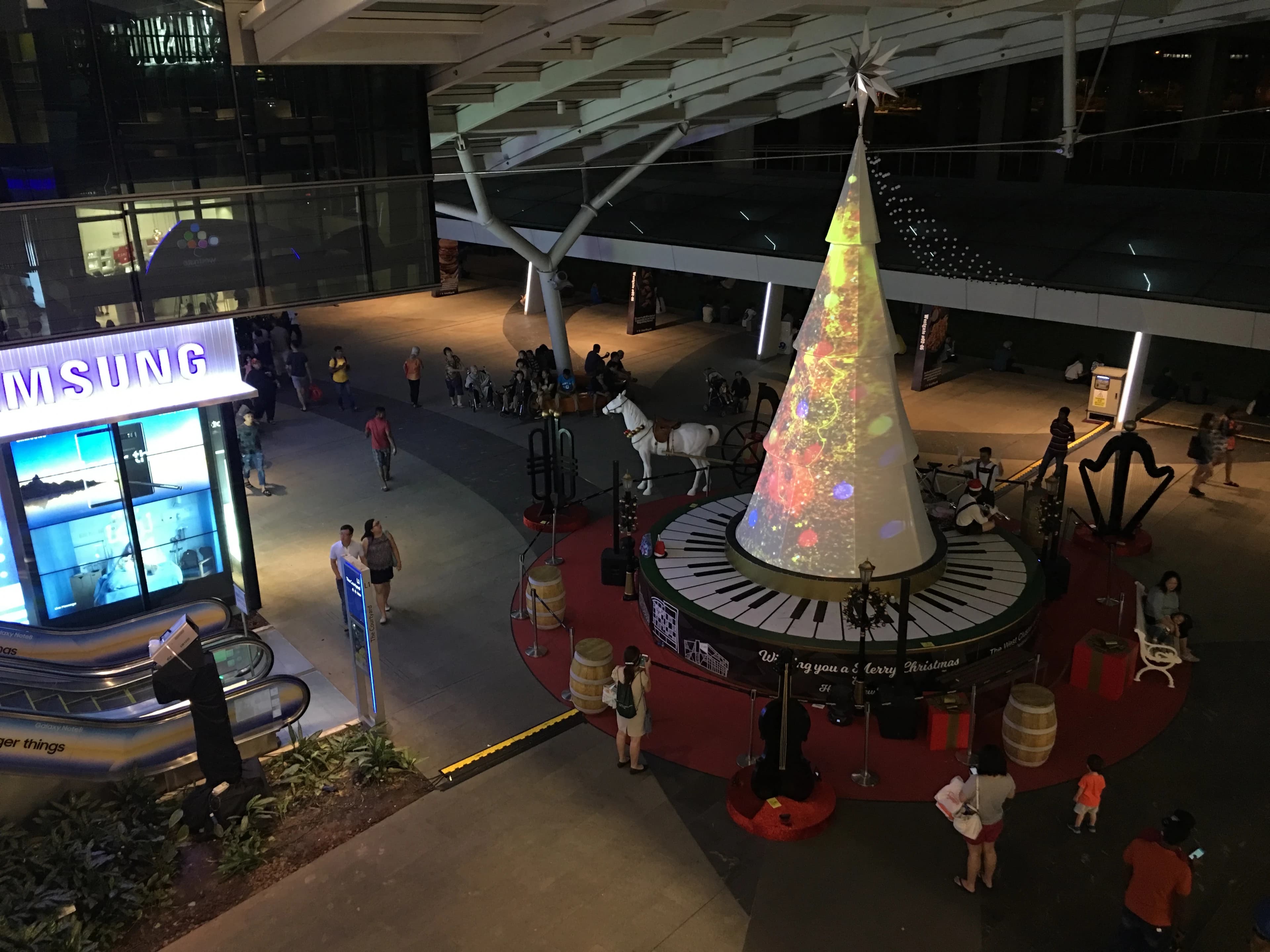
Westgate Christmas Projection Mapping
Onsite projection calibration and scheduled playback within a working shopping mall. The case demonstrates venue integration, without implying a maintenance term or service-level commitment.
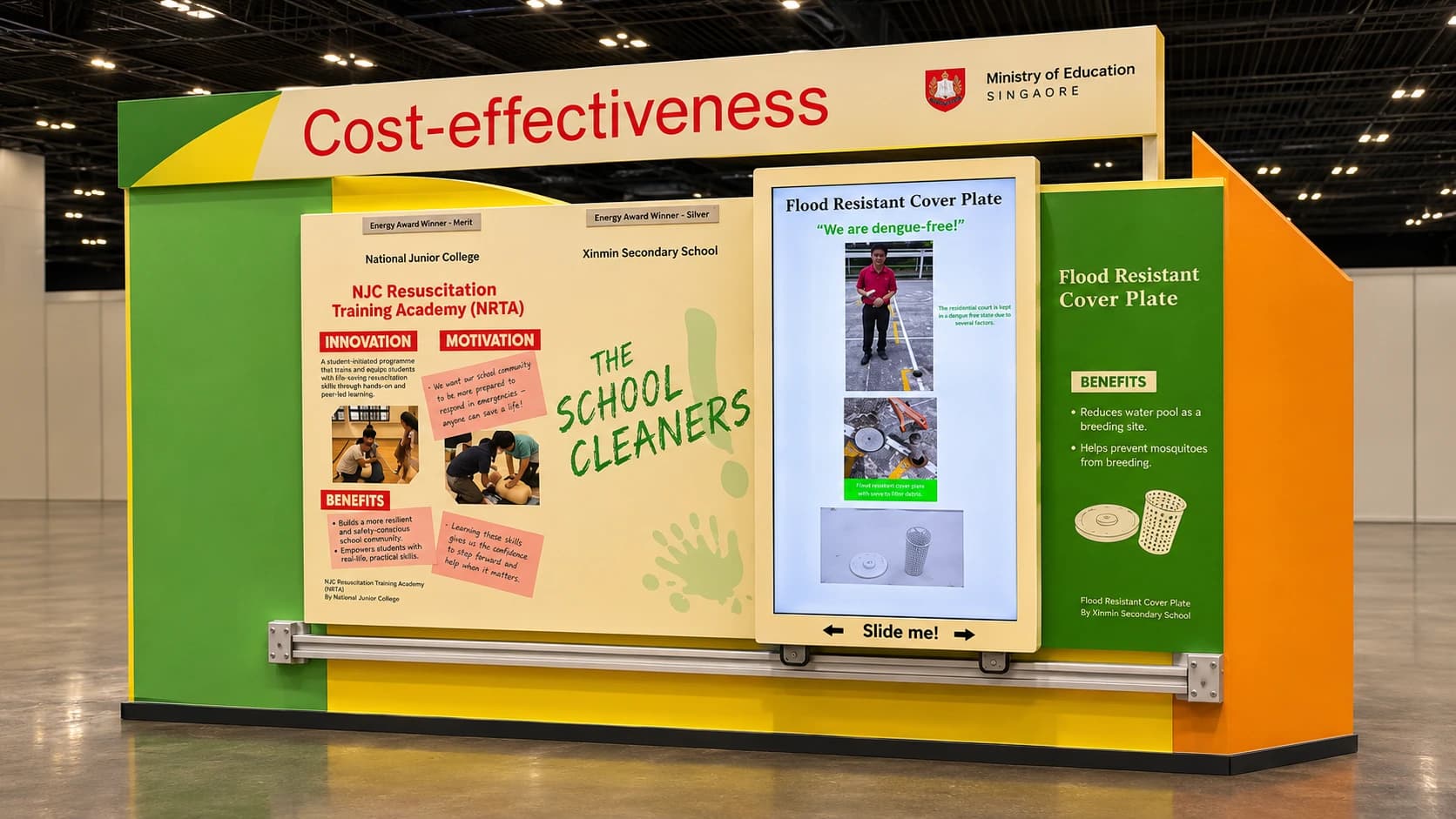
MOE Excel Fest — Rotoscope Sliding Display
Touchscreen applications, content aggregation, large-format display integration and event deployment. The public case does not document a training programme or ongoing support contract.
Before the venue opens.
Does support include round-the-clock onsite coverage?
Coverage is agreed for each project. We define the operating window, location, access, contact route and onsite or remote arrangement. Round-the-clock attendance and a fixed response-time commitment are not assumed.
What does the venue need to prepare?
Requirements depend on the system. We review delivery access, installation position, power, network, light levels, mounting and operating hours, then agree the venue, client and delivery-team responsibilities.
What will our operators learn?
The normal start and visitor flow, practical reset or recovery steps, and when to escalate an issue. The guide and handover are prepared for the selected system and the people who will run it.
Can you monitor or maintain it remotely?
Where the system, access and support arrangement allow it. We agree the useful signals, connection, permissions and maintenance workflow first. Remote access, coverage and response expectations are defined in the support scope.
Can the same experience travel to another venue?
Multi-location rollouts are within scope. Reuse depends on the equipment and each venue’s space, services, access and operating needs. We review those differences, packing and recommissioning before confirming the next deployment.
Plan for opening.Plan for real use.
Share the system, venue, operating dates and the people who will run the experience.
Plan your live deployment