The Trade Desk — Interactive Wall
Quiz contributions became touchable wall entries that expanded to reveal each participant’s information.
- Shared digital canvas
- Wall touch input
- Interactive software
- Installation integration


Quiz contributions became touchable wall entries that expanded to reveal each participant’s information.

Singapore
The interactive wall arranged completed quiz entries across a shared canvas. Visitors found an entry and tapped it to expand the information, turning the output of the personality quiz into a second, collective experience.
Make personal quiz input visible and explorable at the scale of a shared event display. Guests needed to recognise their contribution, select it directly and read more without losing its place within the wider composition.

The hardware
Presents completed quiz entries across the installation.
Selects an entry and opens its information.
Coordinates the overview layout and expanded detail states.
The software
The wall receives completed quiz entries, renders them within the shared layout and handles touch selection. An expanded detail state reveals the selected information before returning the visitor to the wider canvas.
Look for the input submitted through the personality quiz.
Touch an entry to select it on the shared display.
The information expands so you can read more.
Continue exploring other entries in the shared composition.
The finished experience
The wall connected individual participation with a shared display that guests could revisit and explore together.

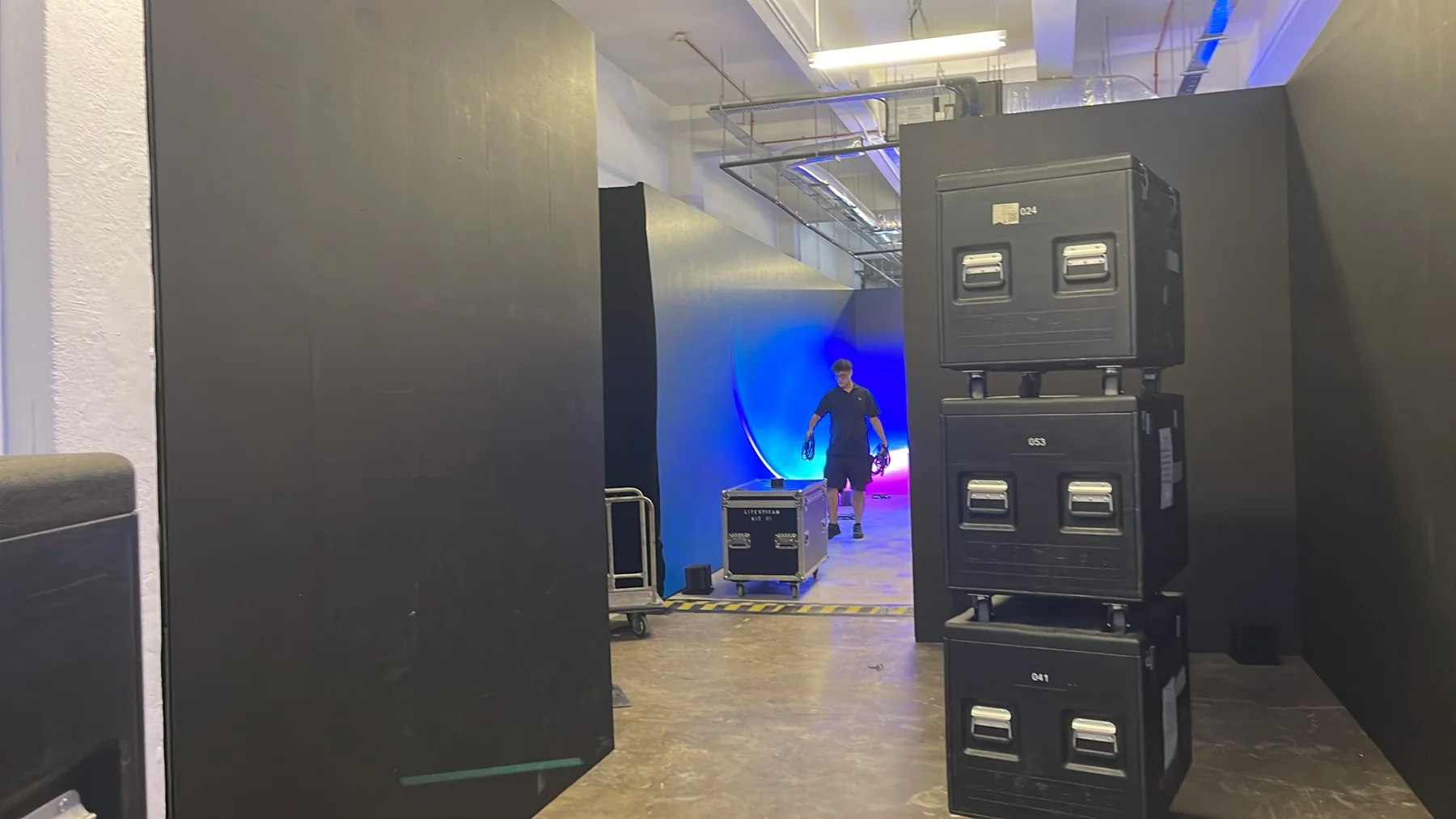
 Video
Archive footage of The Trade Desk — Interactive Wall.
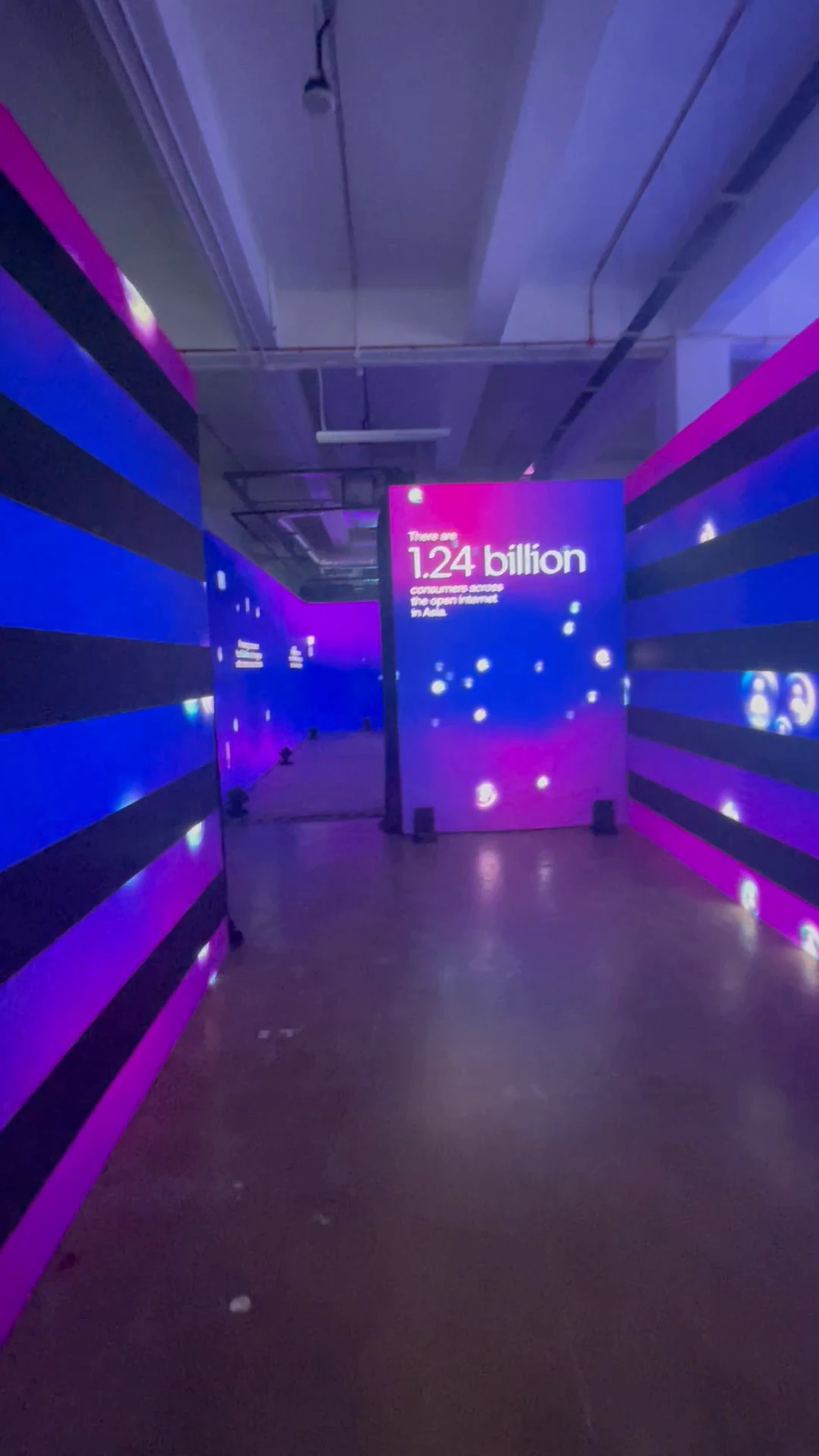
The illuminated passage leads visitors towards the large interactive wall.
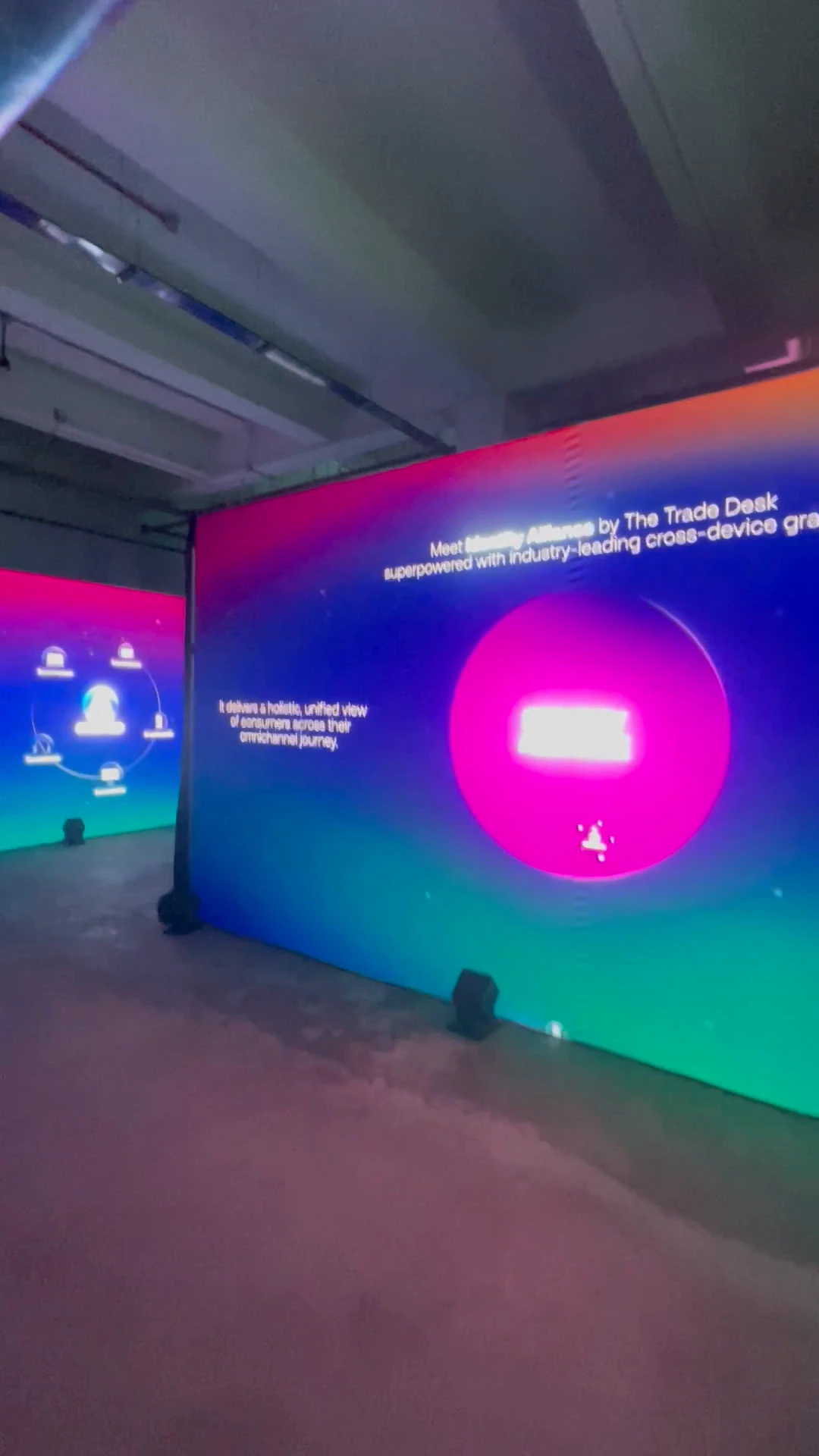
An expanded content view reveals more detail within the shared display.

Profiles populate the shared Unified ID canvas.

The full-width wall brings identities and their connections into one interactive environment.
FAQ
From creative customisation and software to onsite delivery. Here’s what to consider for your own project.
We can create a shared canvas of identifiable entries with expanded detail views. The design should make personal discovery easy while remaining interesting to visitors watching the whole wall.
The wall reads completed quiz submissions and links each visible entry to its details. We define refresh, touch selection and return states, plus recovery if the incoming connection stops.
Review touch reach, screen height, simultaneous use and standing space. Staff should know how to help someone locate an entry and clear a detail view for the next visitor.
Provide screen dimensions, input fields, entry volume and the quiz interface specification. Canvas behaviour, touch handling and onsite integration determine the wall's scope.