SkillsFuture Interactive Kiosk
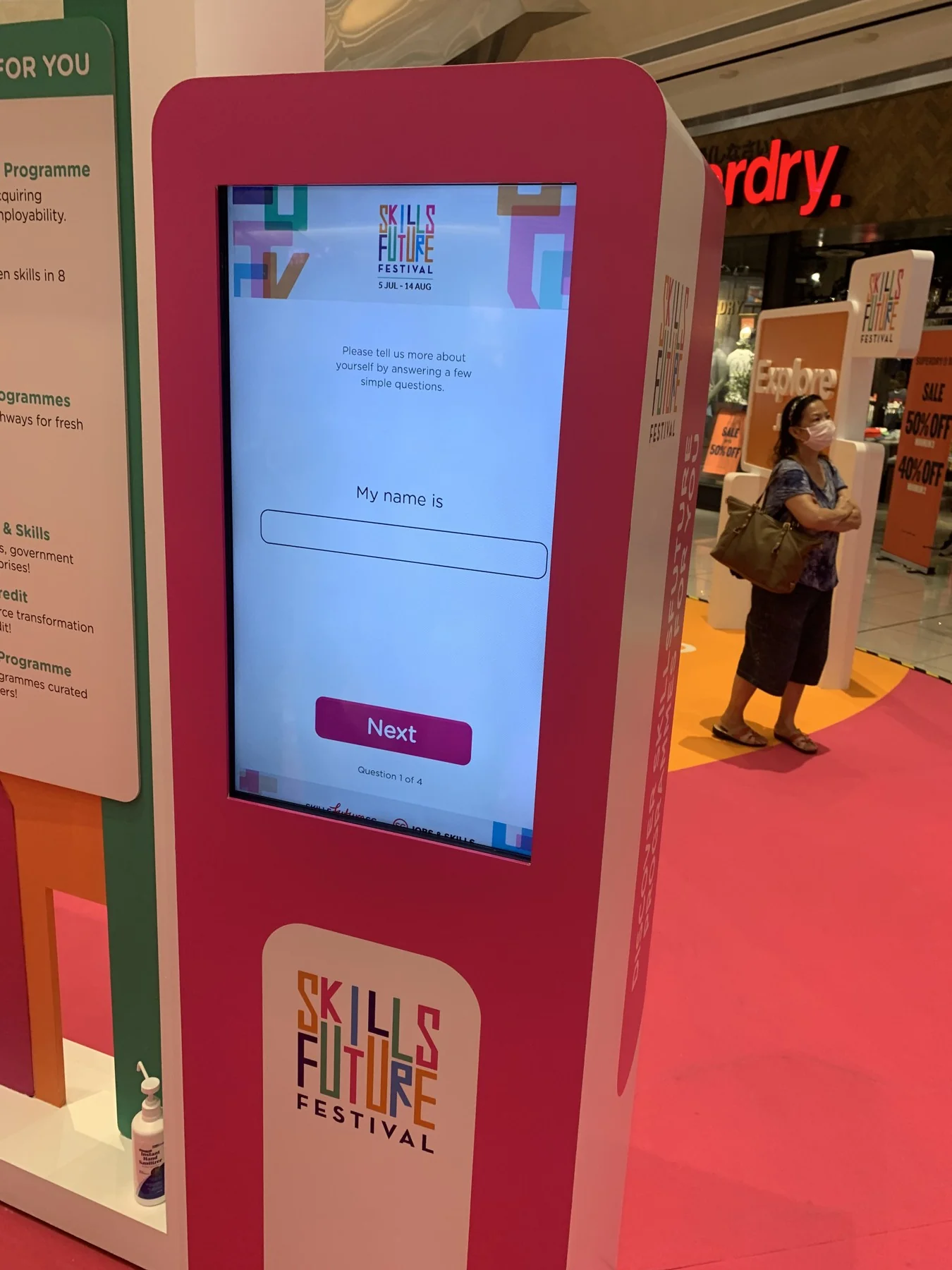
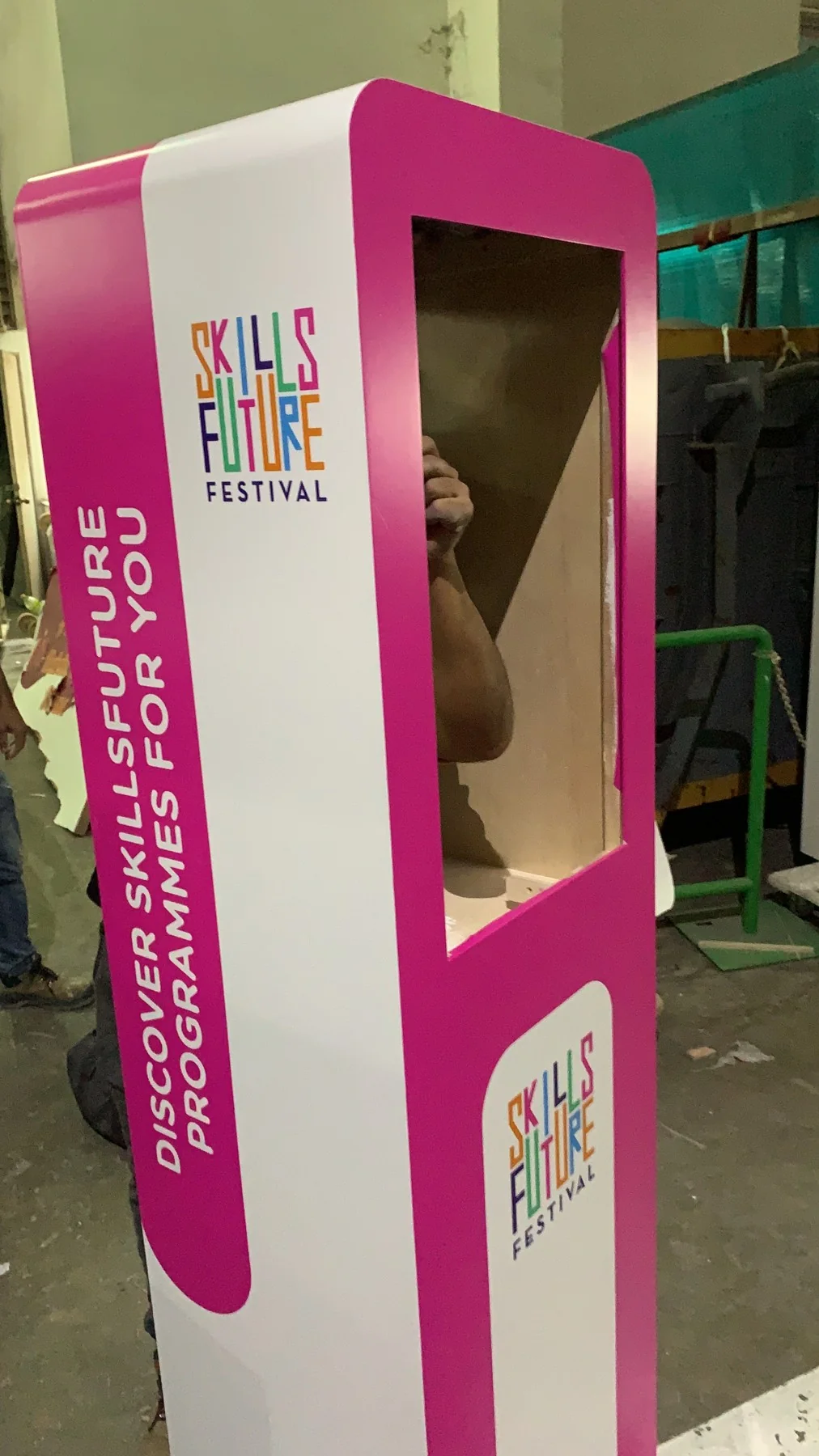
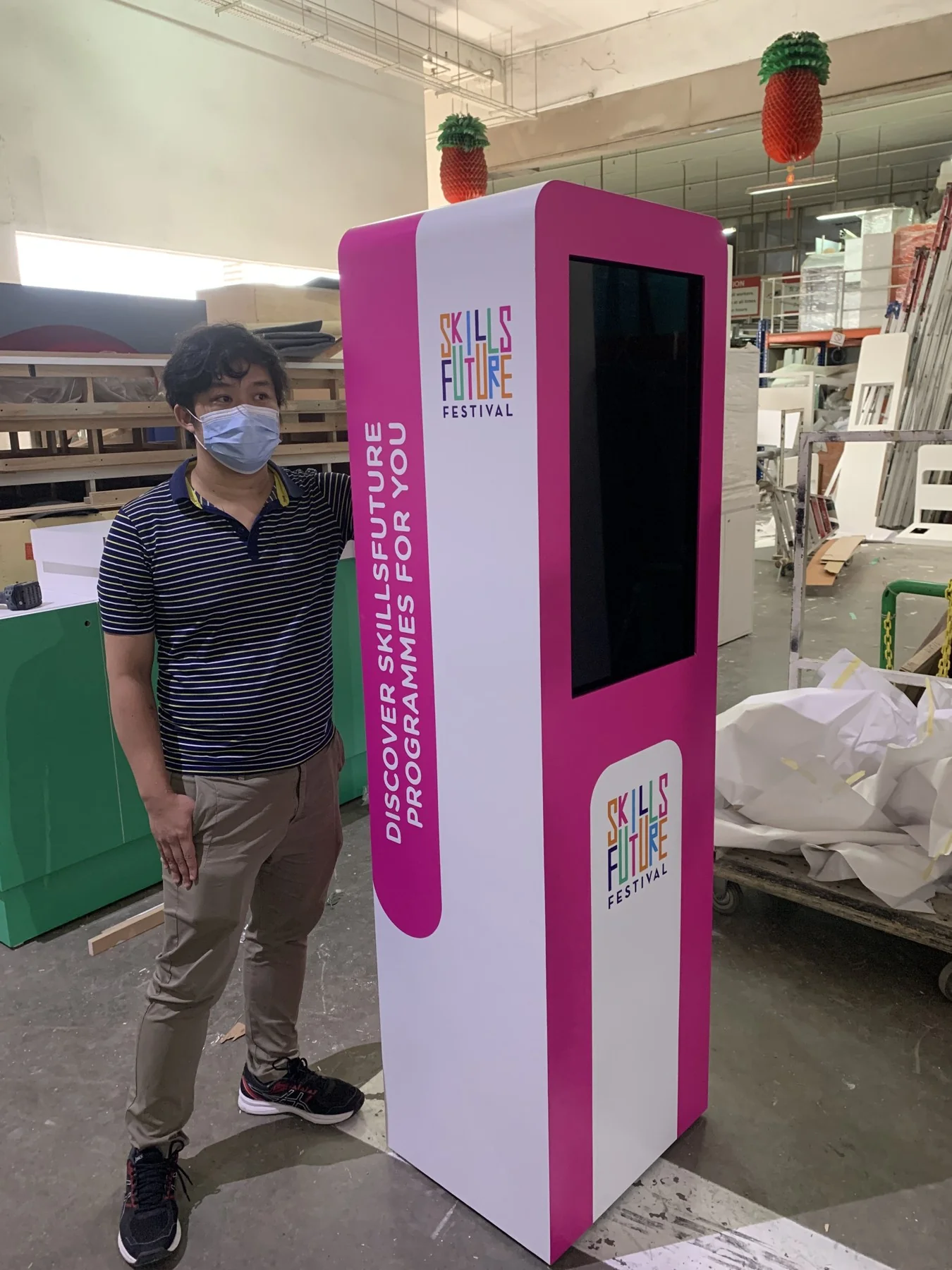
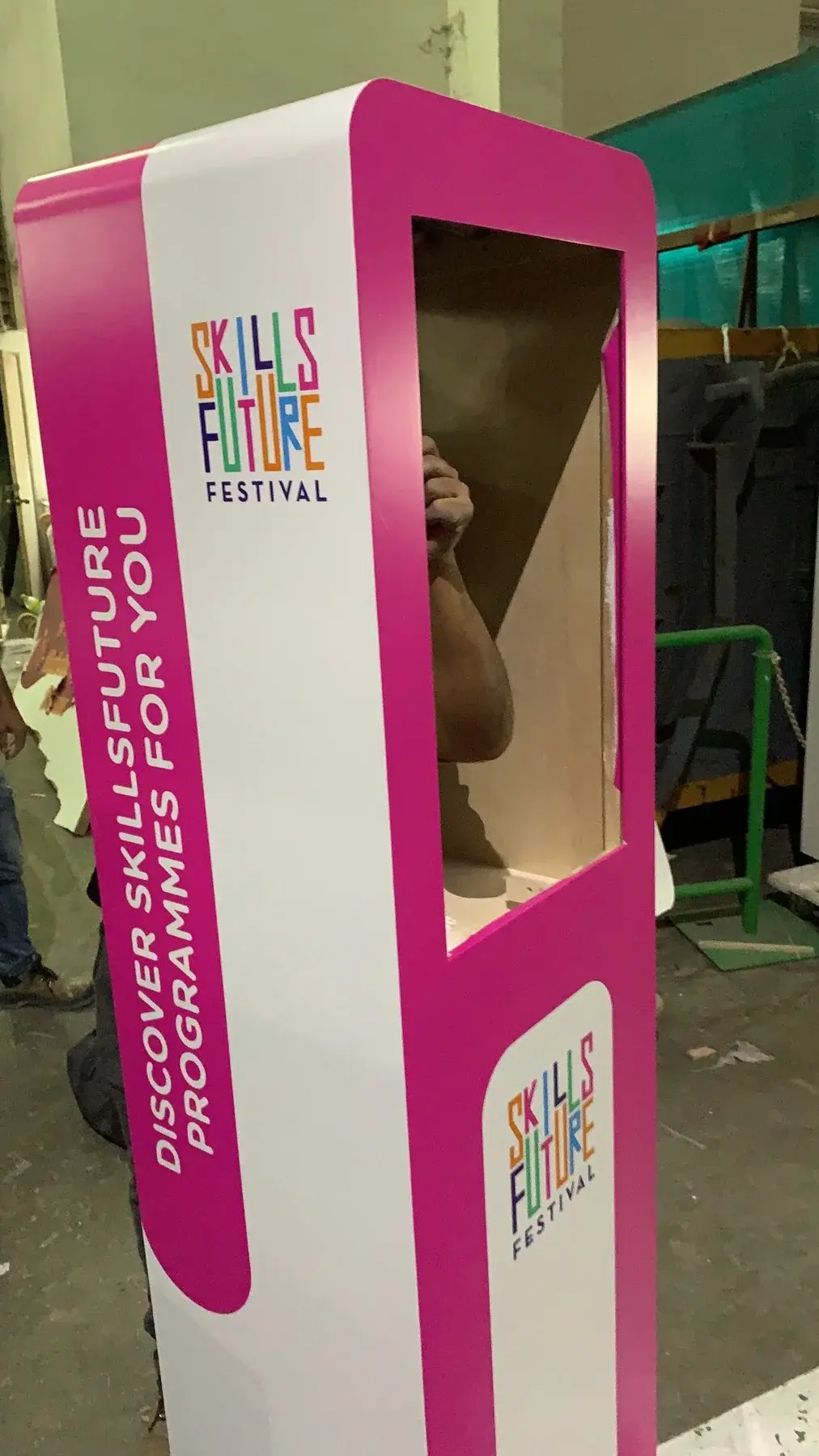
A SkillsFuture-branded portrait kiosk that provided a focused touchscreen information and response point at an event.
- Visitor journey
- Touchscreen interface
- Guided forms
- Kiosk integration


A SkillsFuture-branded portrait kiosk that provided a focused touchscreen information and response point at an event.
Singapore
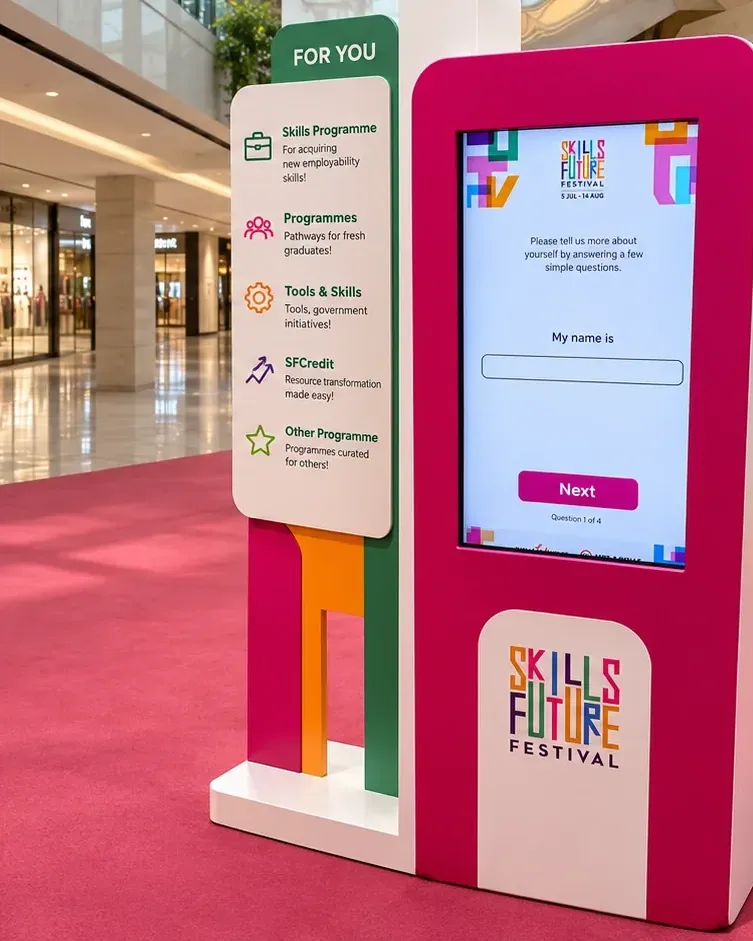
The pink-and-white enclosure carried the SkillsFuture identity around a portrait display. The screen presented the visitor-facing information and input journey within the same self-contained event unit.
Bring a guided digital interaction into a visible, approachable physical station.
The hardware
Presents the invitation and receives direct screen input.
Connects the visitor’s action with the on-screen response.
Brings the display and control position into the event setting.
The software
The interface organises content and input states for direct touchscreen use. Clear progression and completion behaviour help the kiosk return to a ready state between visitors.
Look for the SkillsFuture-branded portrait station.
Read the visitor-facing information on screen.
Follow the guided interface where input is required.
Complete the journey and return the station to its next session.
The finished experience
Visitors gained a dedicated digital touchpoint within the SkillsFuture event environment.
FAQ
From creative customisation and software to onsite delivery. Here’s what to consider for your own project.
We can organise prompts and information around the visitor's immediate goal. The journey should finish with a clear action or useful guidance rather than another menu.
We define topic groups, response states and return paths before building screens. An editing process can be scoped so new content follows the same structure.
Plan readable text, clear touch targets and a straightforward restart. Staff guidance should explain both the interface and where to direct a visitor after completion.
Send content categories, intended next actions, audience needs and operating locations. Information structure, languages and maintenance requirements determine the quote.