CPF Retirement Estimator
An event-ready touchscreen estimator that made retirement planning more personal, visual and discussable.
- Application UX
- Calculation interface
- Touchscreen development
- Kiosk integration
- Onsite deployment


An event-ready touchscreen estimator that made retirement planning more personal, visual and discussable.
Singapore
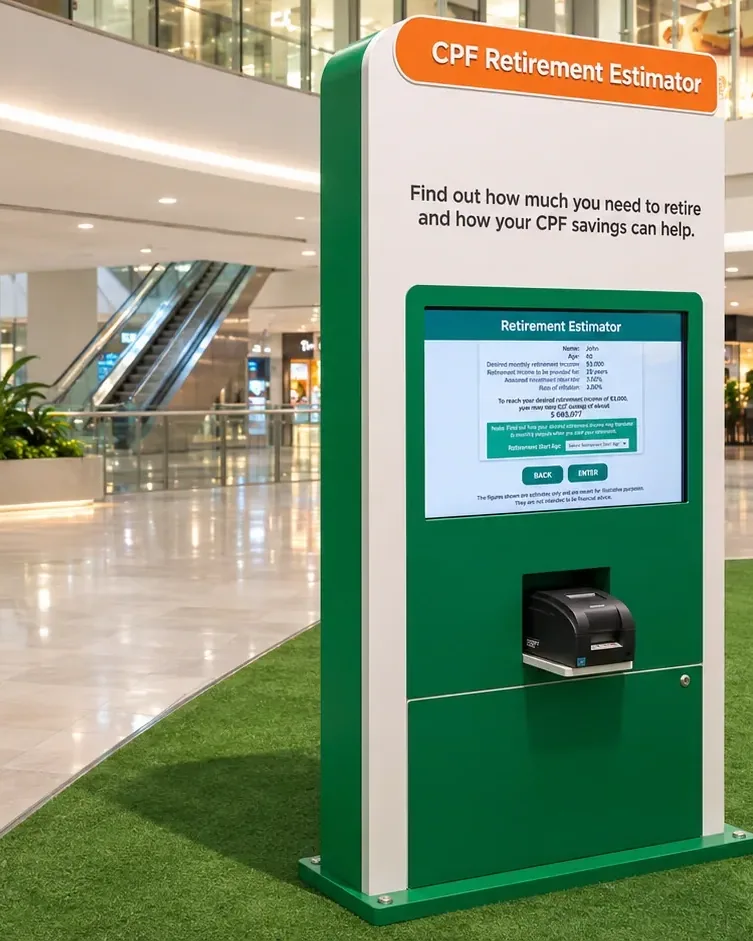
Infinity Core developed a touchscreen journey that organised the calculation into manageable steps and presented the output in a concise visual format. The kiosk was integrated into the roadshow environment for self-guided use with support from the onsite team.
Retirement planning can feel distant and abstract. The event experience needed to help visitors enter their own information, understand the resulting estimate and use it as the starting point for a clearer conversation.
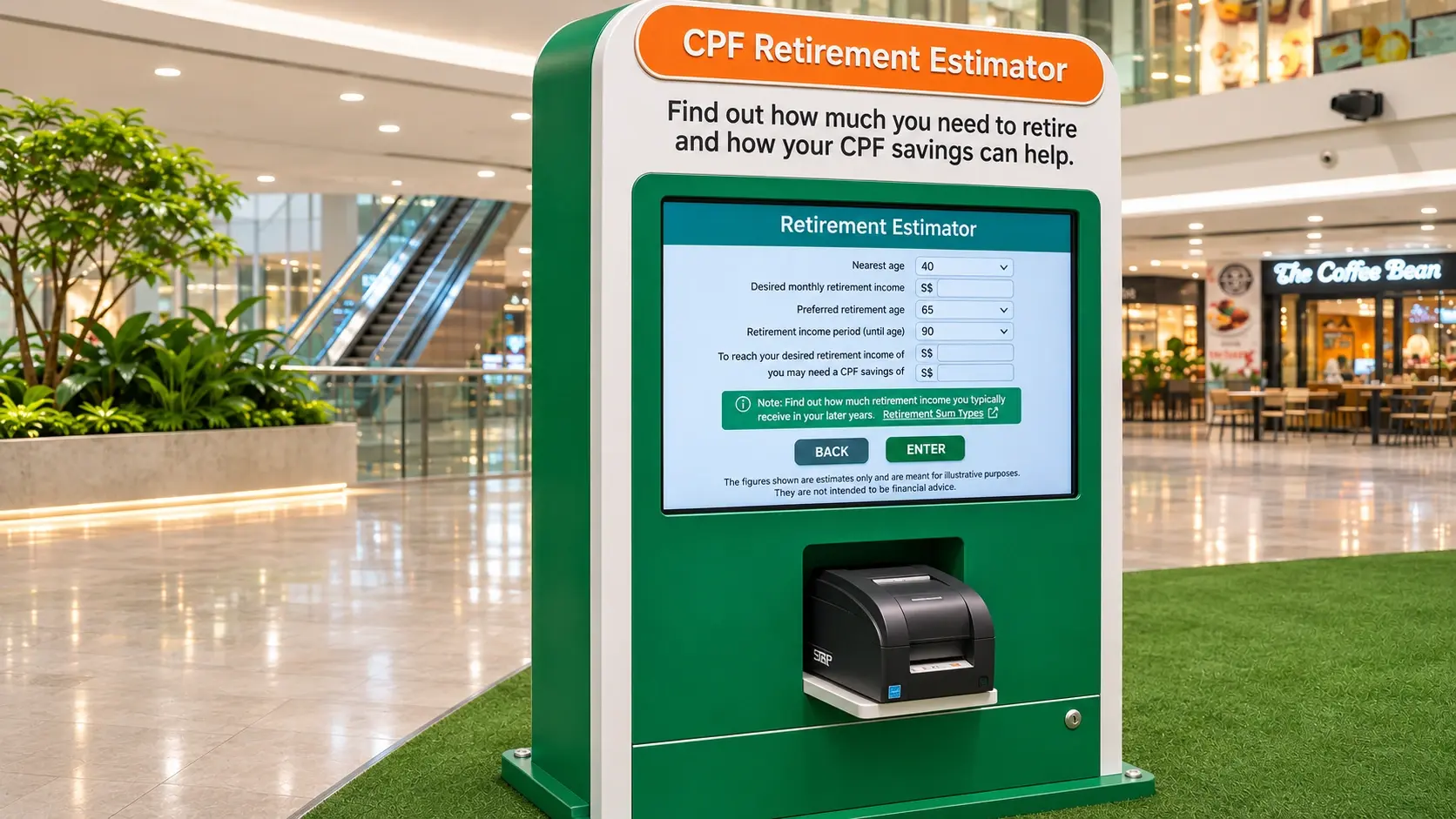
The hardware
Presents focused inputs and visual results at event scale.
Runs the estimator and clears the session for the next visitor.
Houses the display within the roadshow environment.
Allows the result to become a discussion with the onsite team.
The software
A rules-based calculation engine sits behind a progressive touch form. Validation and guided correction help prevent input errors; an assumptions review precedes the visual result, and automatic clearing prepares a fresh session for the next visitor.
Start with a clear explanation of the estimate
Enter information through short, validated input steps
Review assumptions before running the calculation
Receive a visual result and discuss it with the onsite team
The finished experience
The estimator brought personalised planning into the public experience and gave visitors a practical result they could review immediately with a facilitator.
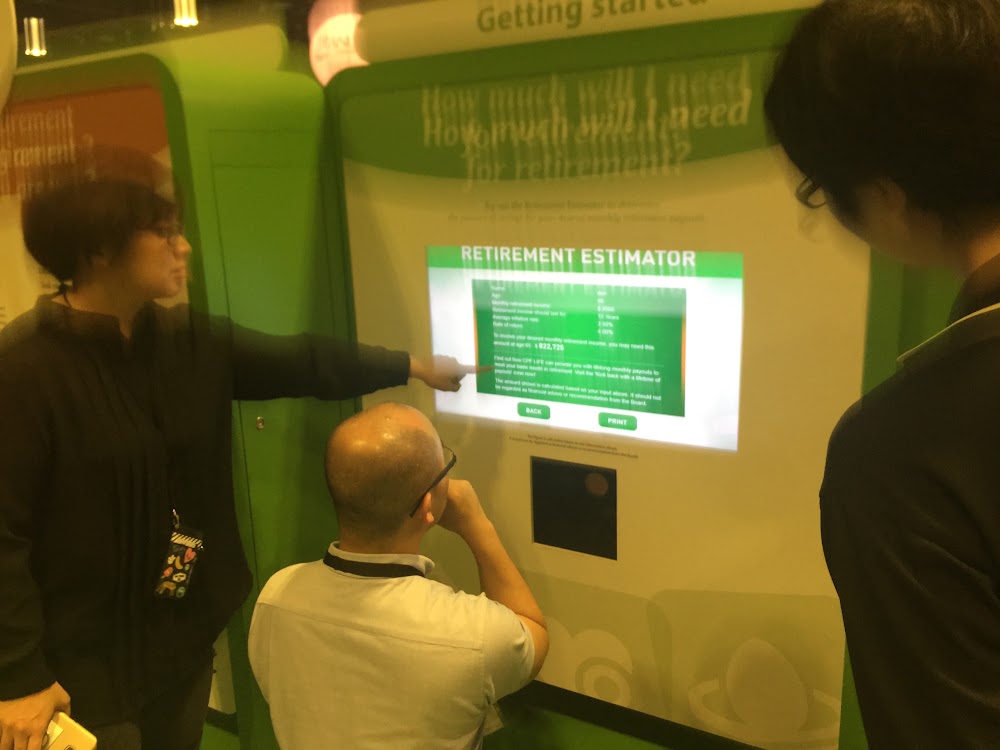
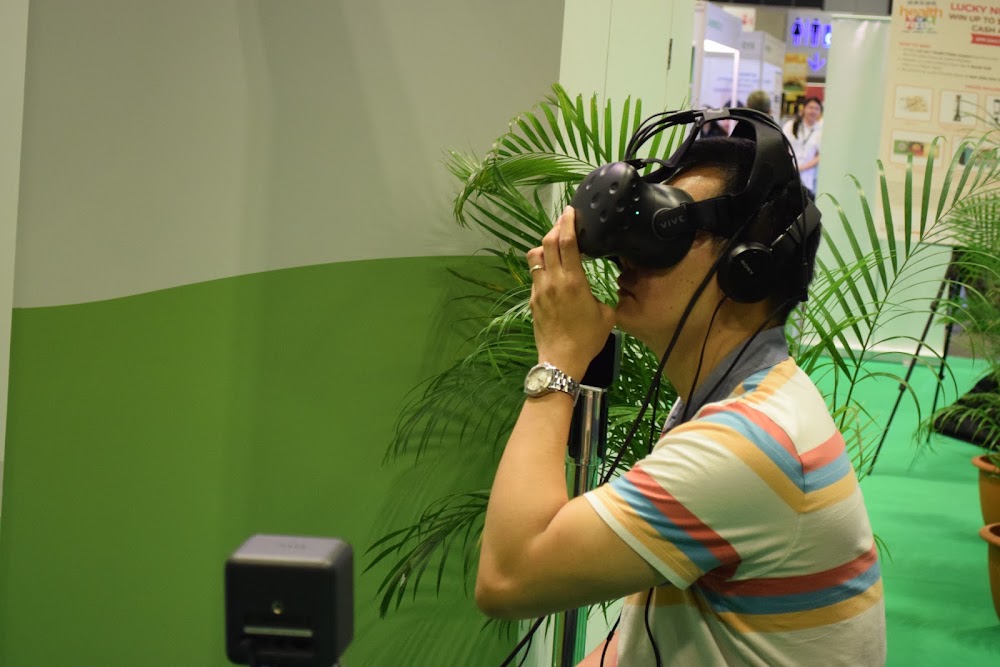
A visitor explores the retirement-planning tool with onsite assistance.
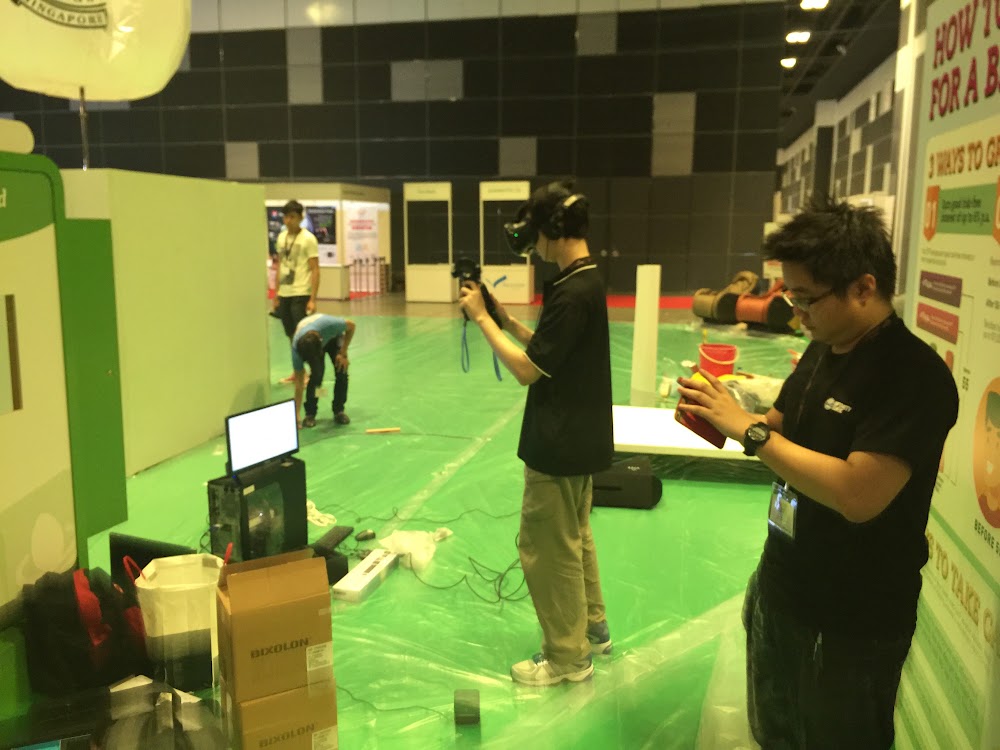
Setting up the interactive stations before visitors arrive.
 Video
A visitor explores the estimator at the event kiosk.
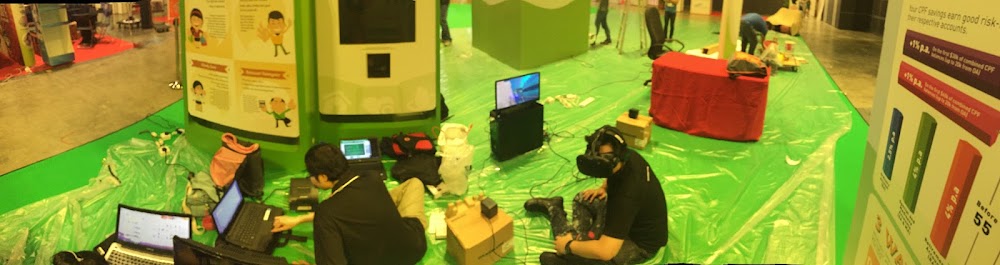
The booth layout brings several CPF activities into one space.
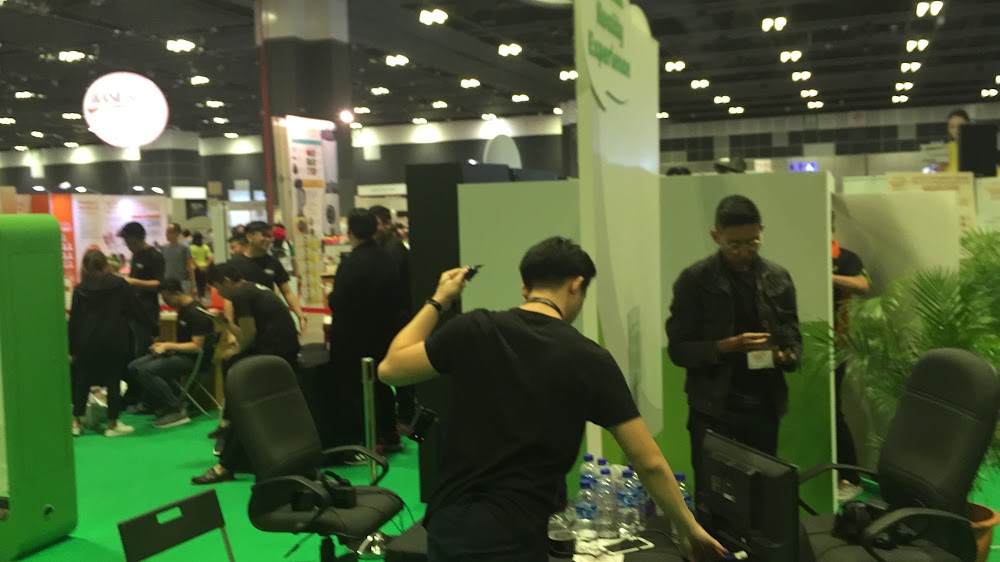
Preparing the visitor area for the CPF activation.
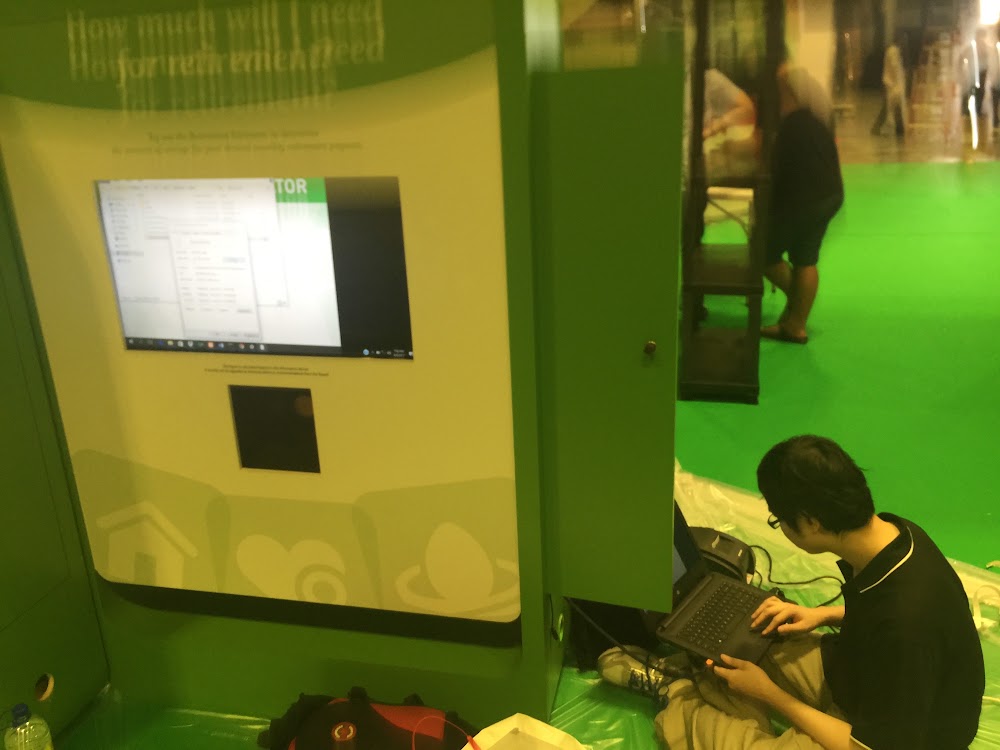
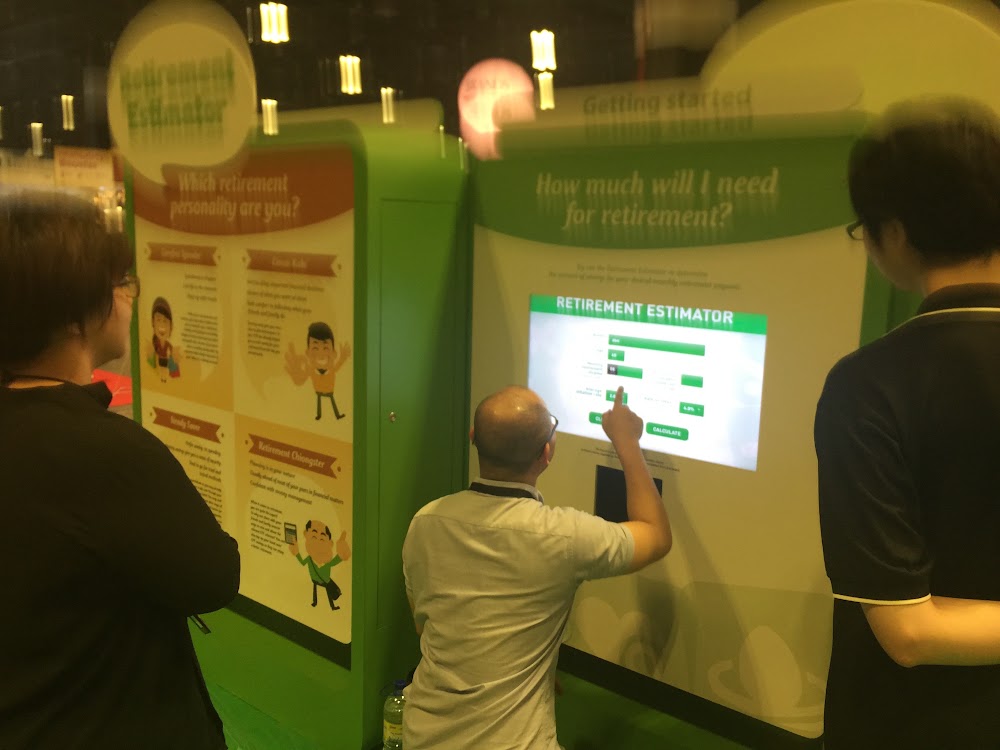
The touchscreen makes the retirement-planning questions accessible onsite.
FAQ
From creative customisation and software to onsite delivery. Here’s what to consider for your own project.
We can present approved calculation rules through a guided interface and visual results. The experience should make assumptions understandable and support the next conversation with your team.
Your subject specialists must supply and validate the rules. We implement input validation and review screens, then test agreed examples before the estimator is released.
We define what is retained and clear the visitor's inputs between sessions. Staff procedures should cover abandoned forms, screen visibility and assisted use.
Provide the calculation specification, approved examples, input fields and output requirements. Rule complexity, accessibility, languages and any data integration determine the scope.