MOE Excel Fest — Reflection Wall
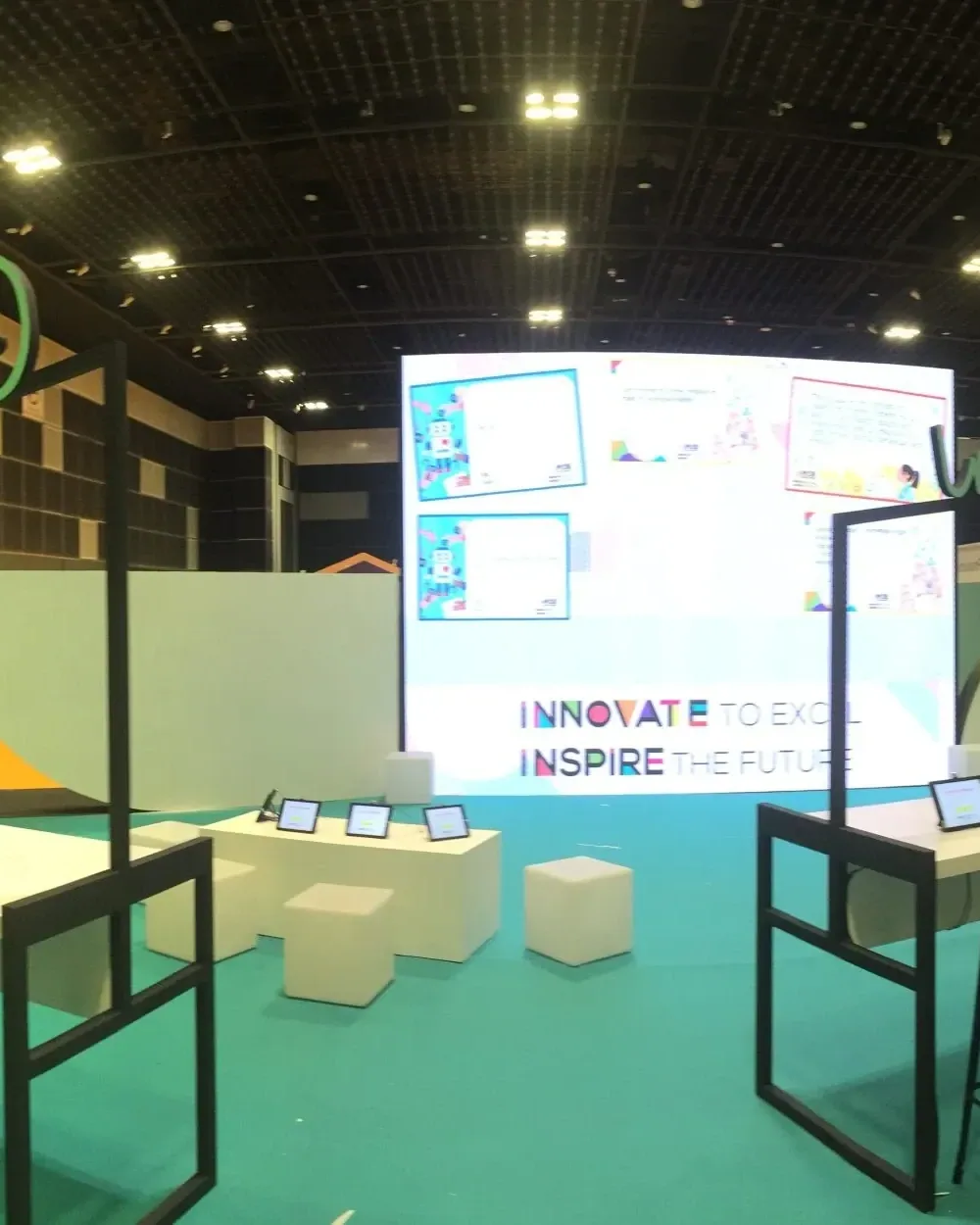
Visitors wrote on tablets, personalised their messages and sent reflections to a shared wall at MOE Excel Fest.
- Contribution tablets
- Shared wall
- Contribution software
- Installation integration


Visitors wrote on tablets, personalised their messages and sent reflections to a shared wall at MOE Excel Fest.
Singapore
A tablet interface guided visitors through writing a reflection, adding their name and choosing a frame. A swipe submitted the finished message to the wall, connecting personal input with the exhibition’s collective display.
Make individual reflections part of the exhibition experience. Visitors needed a short, understandable contribution process, while the shared wall needed to show their messages in a form that could be read and explored together.
The hardware
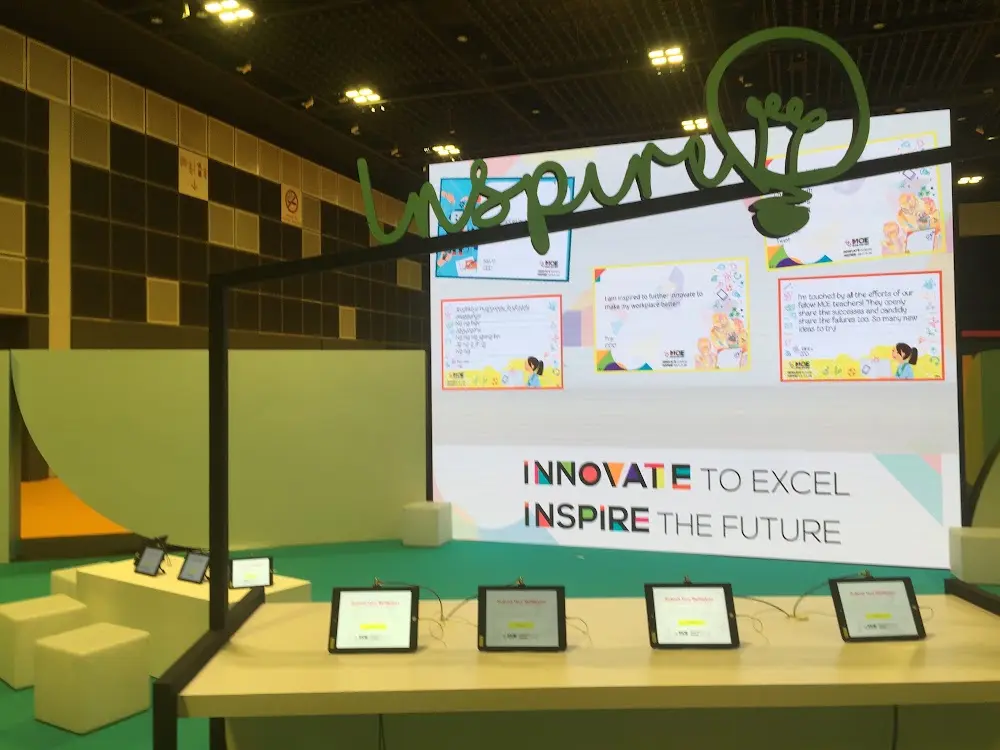
Provide individual text-entry and personalisation controls.
Makes completed reflections visible to the room.
Carries completed messages from tablets to the display system.
The software
The contribution flow combines text entry, naming, frame selection and submission. The display system receives each completed reflection and places it in the shared composition, with the tablet confirming the handover.
Enter a thought or message about the event on the tablet.
Add a name and choose a visual frame.
Send the contribution to the shared-display system.
Read your message alongside other participants’ reflections.
The finished experience
The installation created a visible collection of visitor reflections, separate from the event’s physically sliding Rotoscope display.
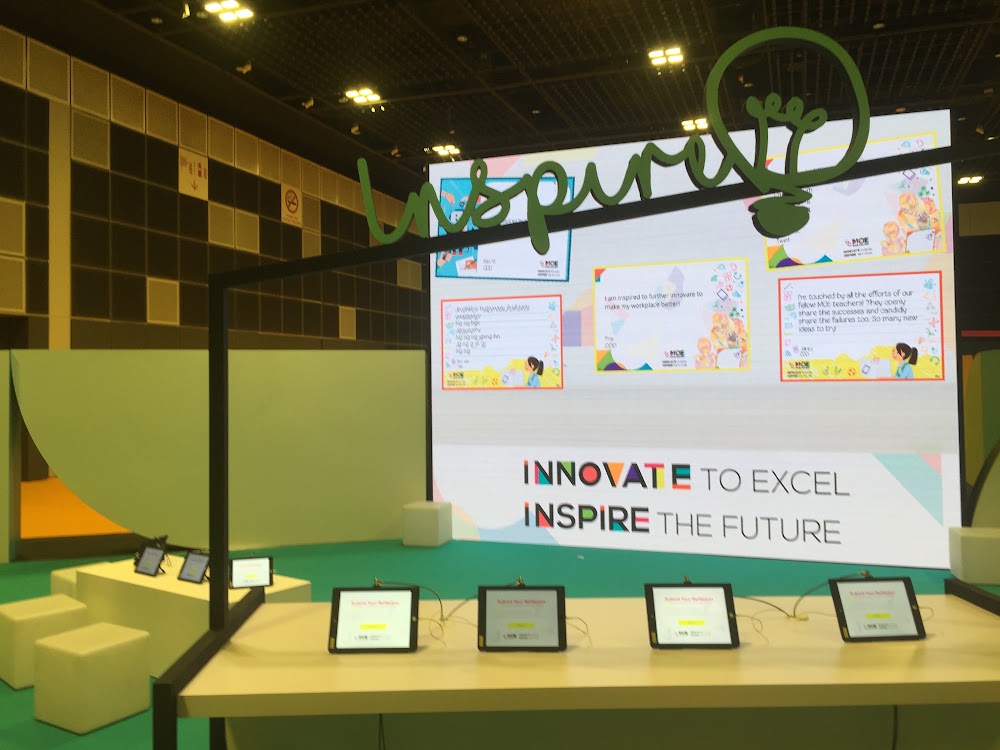
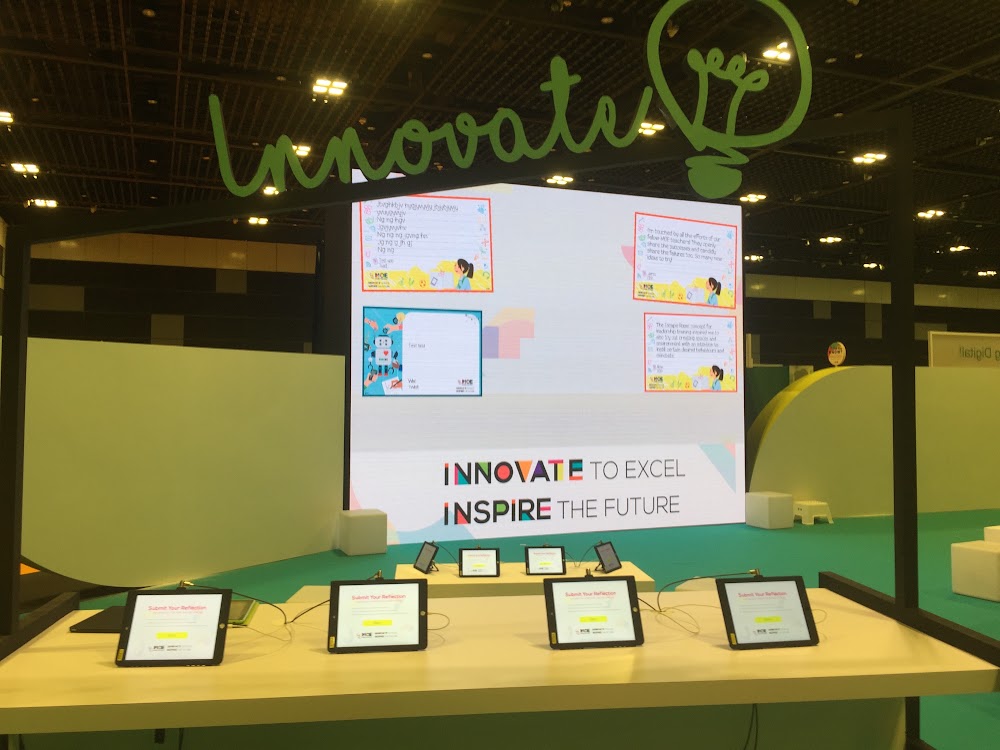
Tablet contributions appear together on the central exhibition screen.
 Video
Archive footage of MOE Excel Fest — Reflection Wall.
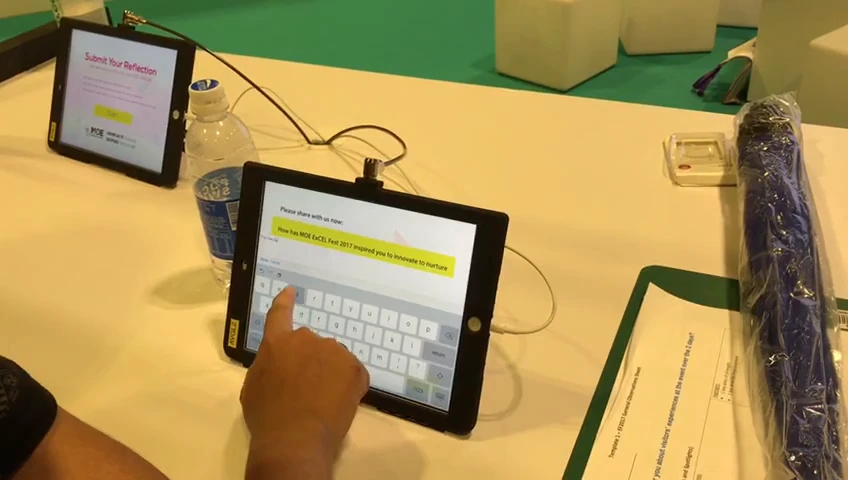
Writing a reflection — frame from project footage.
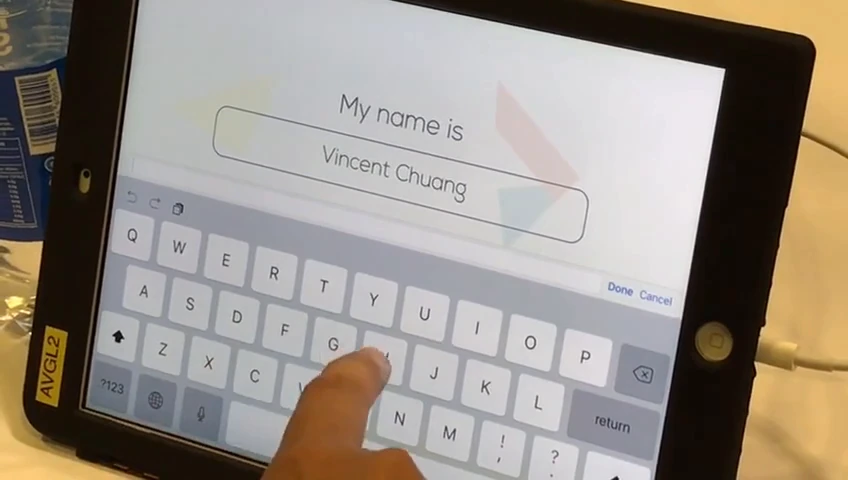
Completing the contribution — frame from project footage.
 Video
From the same campaign: Archive footage of MOE Excel Fest — Rotoscope Sliding Display.
FAQ
From creative customisation and software to onsite delivery. Here’s what to consider for your own project.
We can combine a thoughtful prompt with names, frames and a shared display. The visual treatment should make individual contributions recognisable without overwhelming the collective message.
A moderation queue, text limits and approval controls can be specified for a new build. Submission confirmation should clearly distinguish a received message from a published one.
Position tablets where guests can see the wall and give clear submission feedback. Staff need guidance on inappropriate content, duplicate messages and restarting an unfinished entry.
Provide the reflection prompt, privacy preferences, tablet count and wall dimensions. Moderation, languages, display animation and event support shape the proposal.