Mediacorp Hydration Hero Game
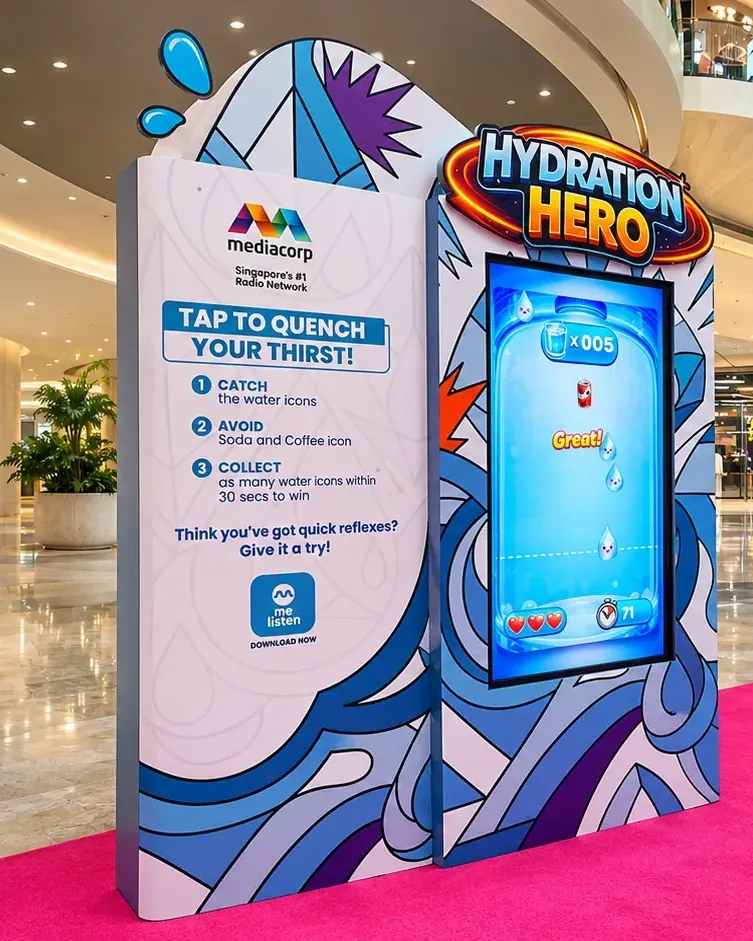
A touchscreen reflex game that challenged Mediacorp event visitors to collect water icons and avoid soda and coffee icons.
- Game design
- Touchscreen application
- Campaign graphics
- Kiosk integration


A touchscreen reflex game that challenged Mediacorp event visitors to collect water icons and avoid soda and coffee icons.
Singapore
The Hydration Hero kiosk used a water-themed playfield and a draggable cup. The adjacent instructions explained the catch-and-avoid rule so families could understand the activity before their turn.
Turn a hydration message into a short game with a clear action, understandable choices and visible feedback.
The hardware
Presents the invitation and receives direct screen input.
Connects the visitor’s action with the on-screen response.
Brings the display and control position into the event setting.
The software
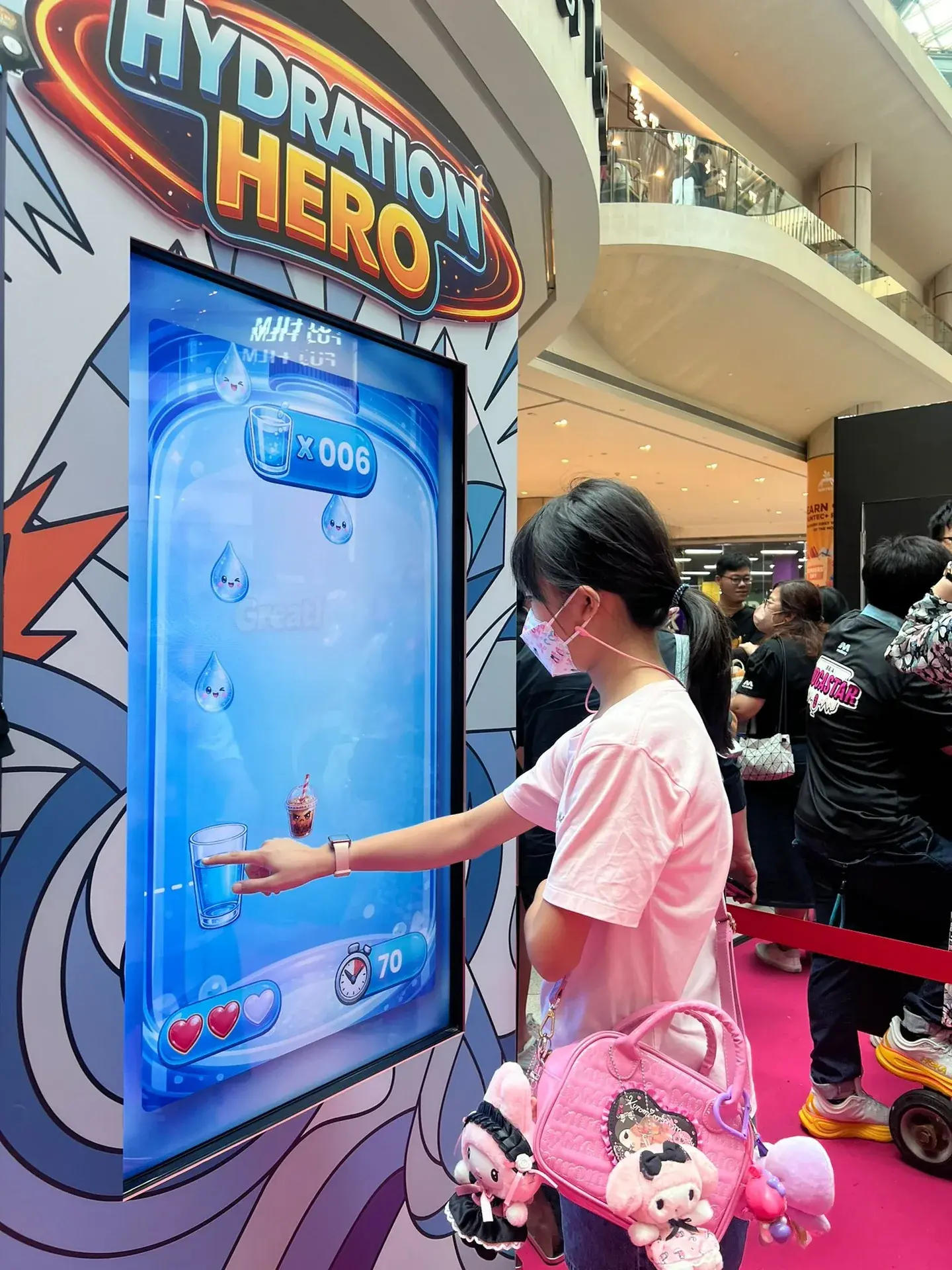
Touch movement positions the cup beneath falling icons. The application distinguishes water from the avoid items, updates the game state and counts down the active round before showing the result.
Collect water icons while avoiding the soda and coffee icons.
Use the touchscreen to position the cup beneath the falling icons.
Keep collecting the target icons while the round counts down.
See the completed round before the game resets for the next visitor.
The finished experience
The activity connected a simple healthy-choice message with an immediately recognisable action on a public touchscreen.
 Video
Project footage showing the experience in action.
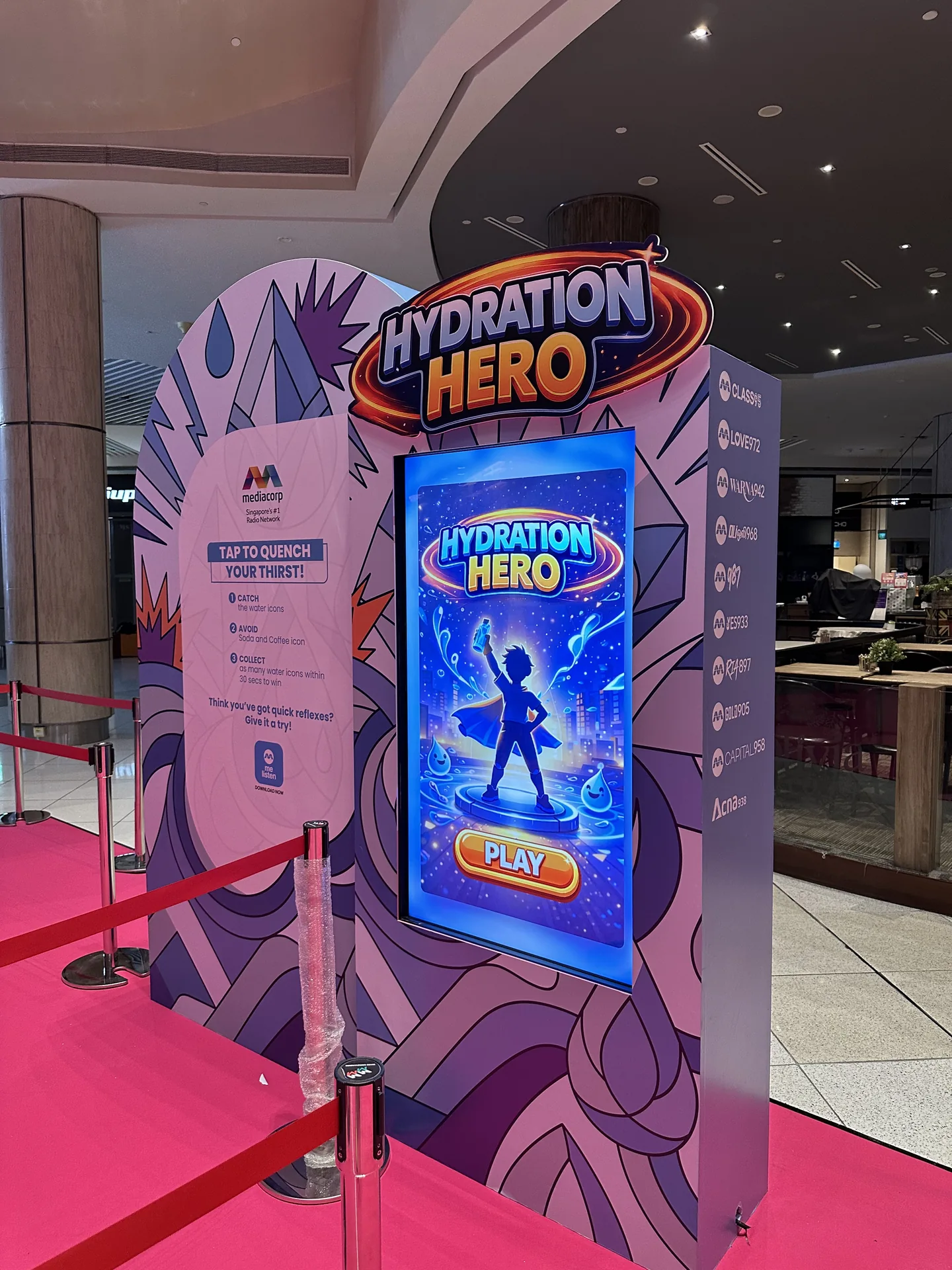
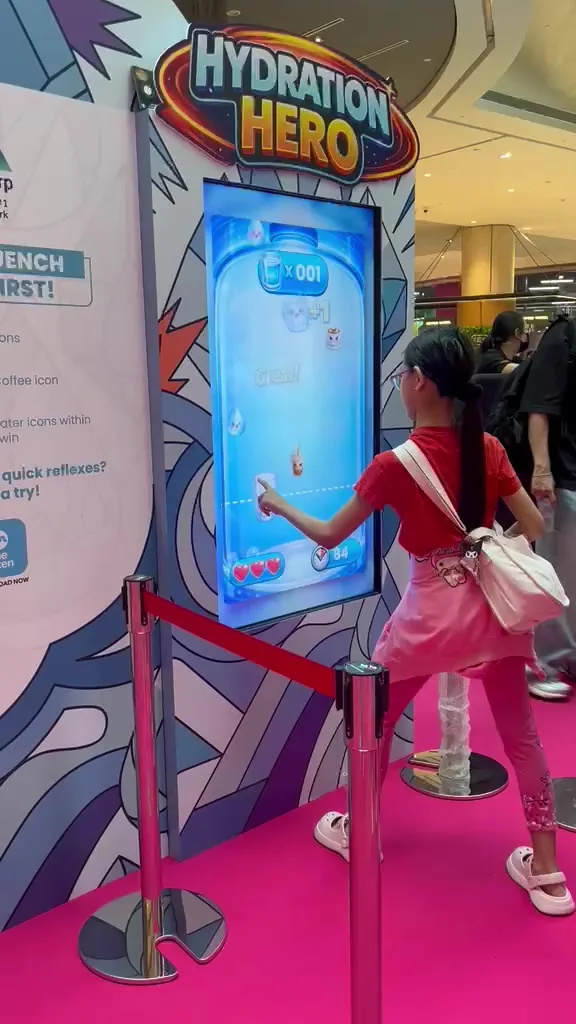
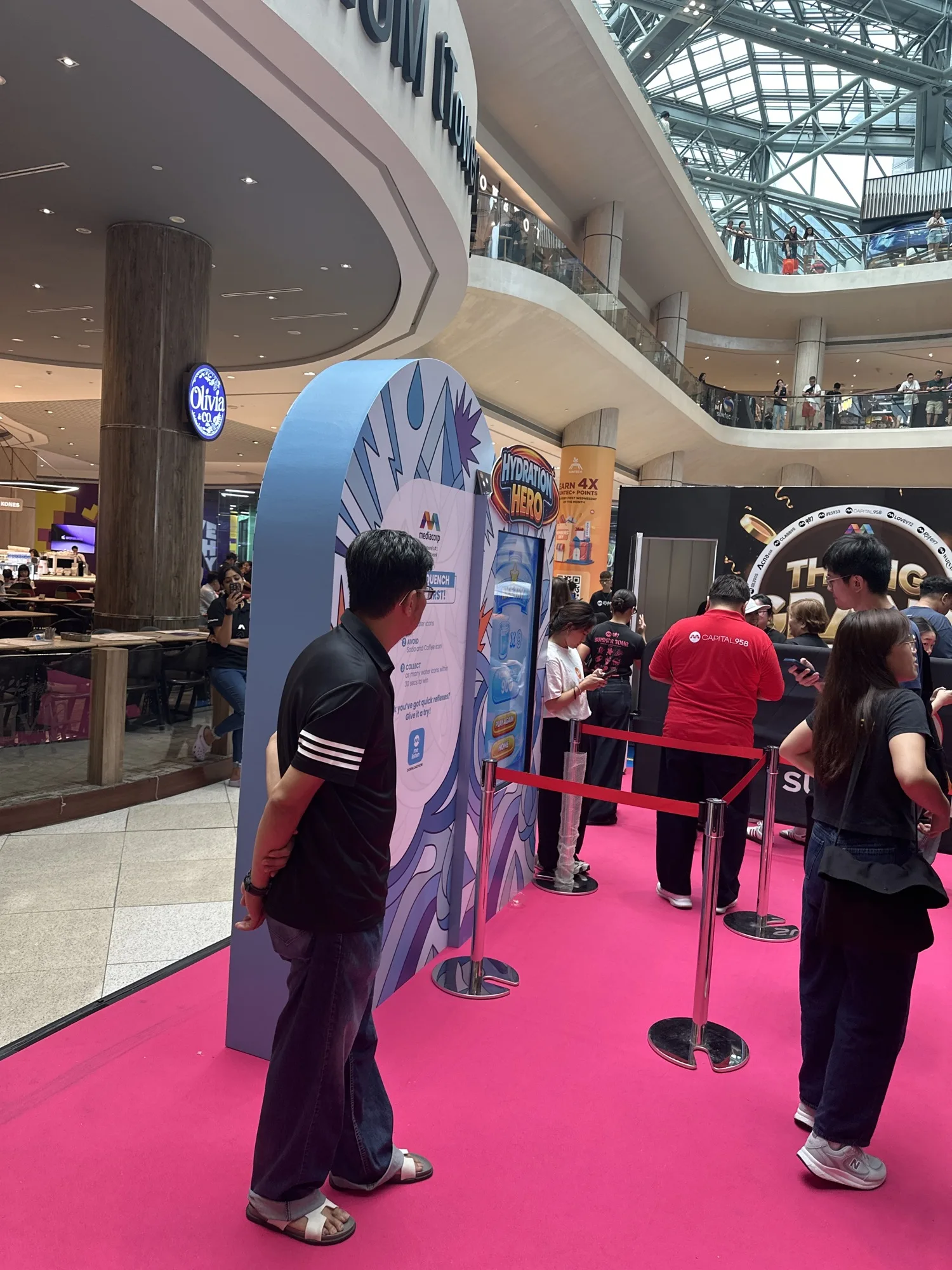
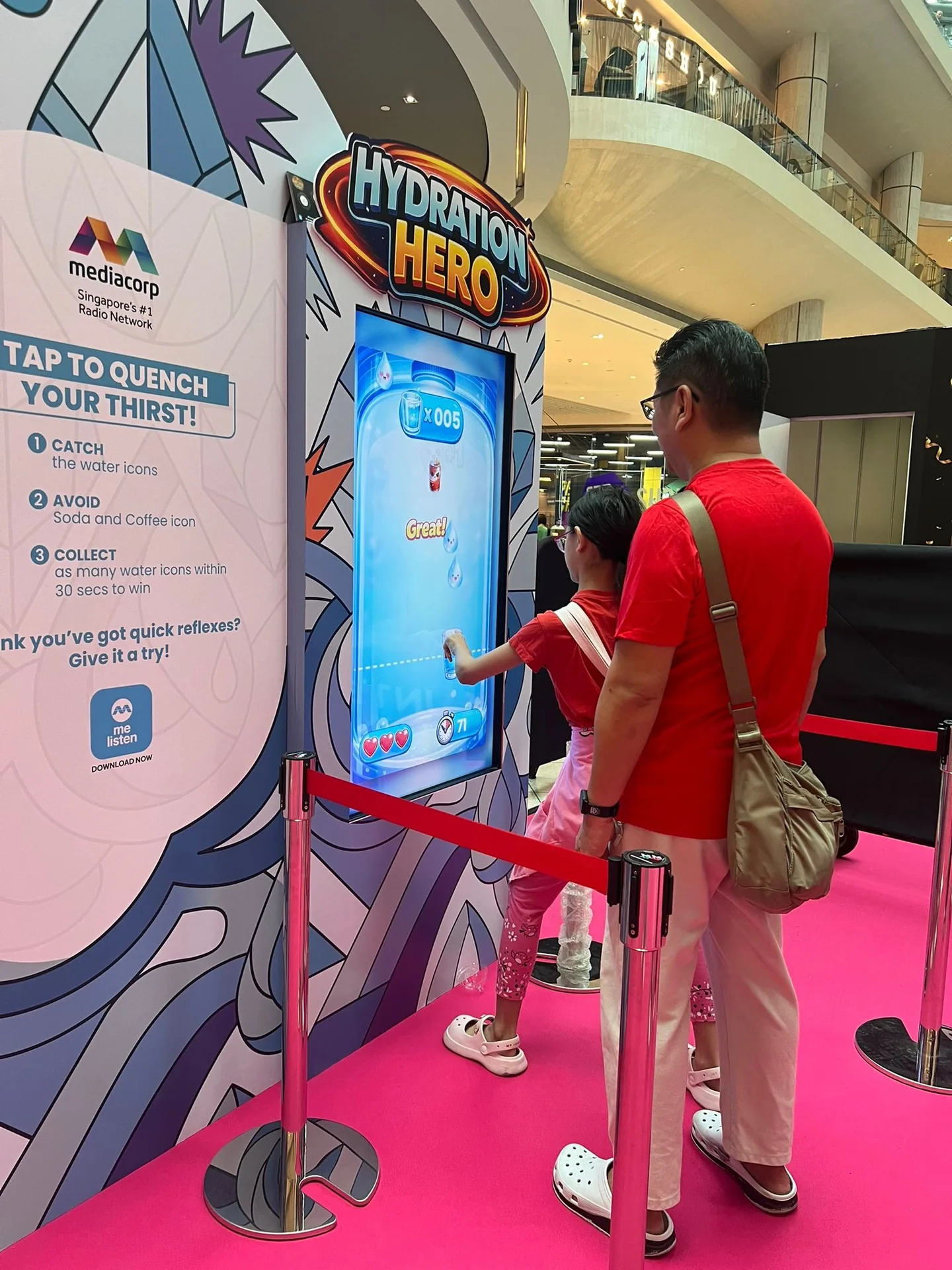
The game station is positioned along the event's visitor route.
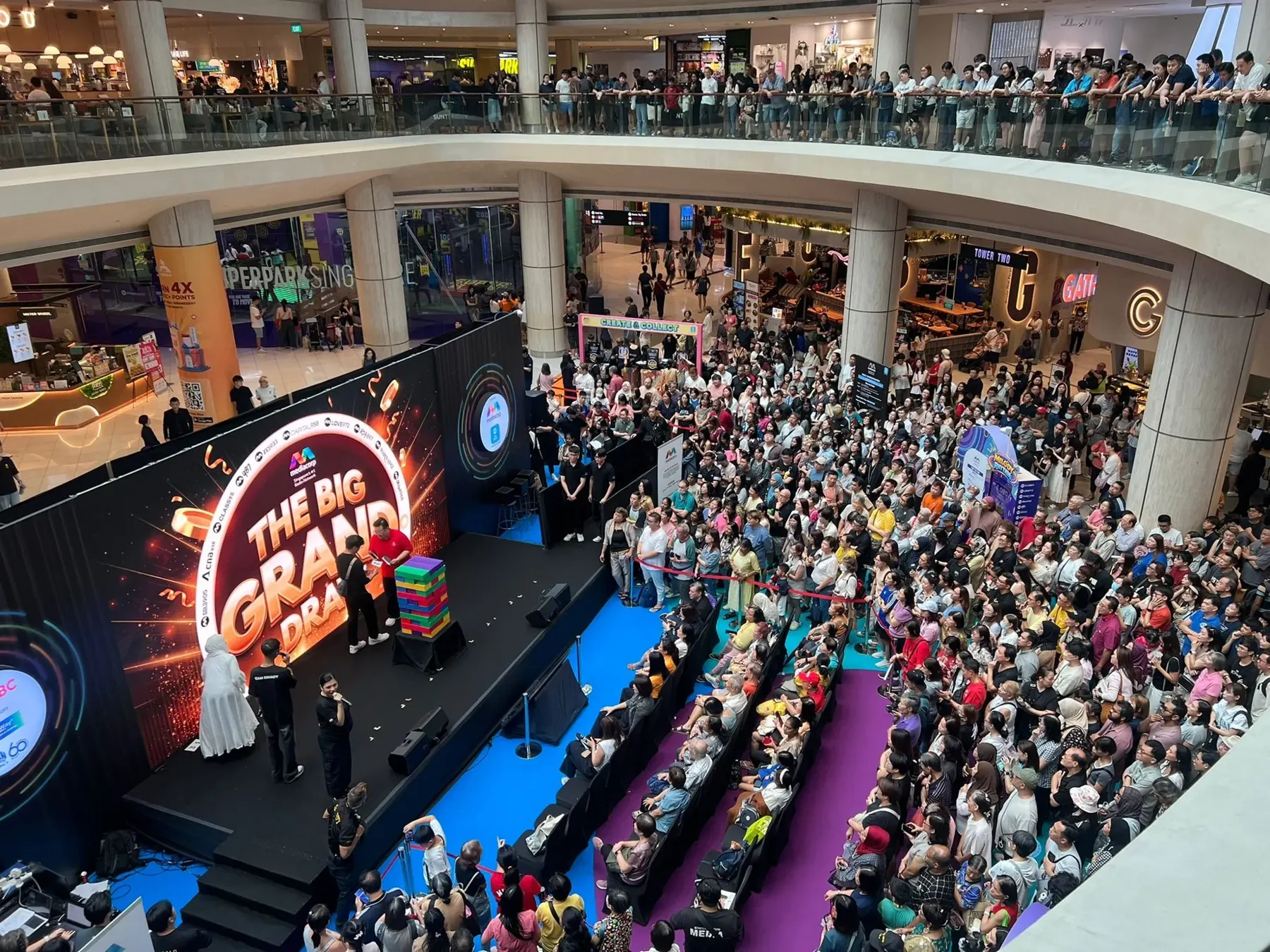
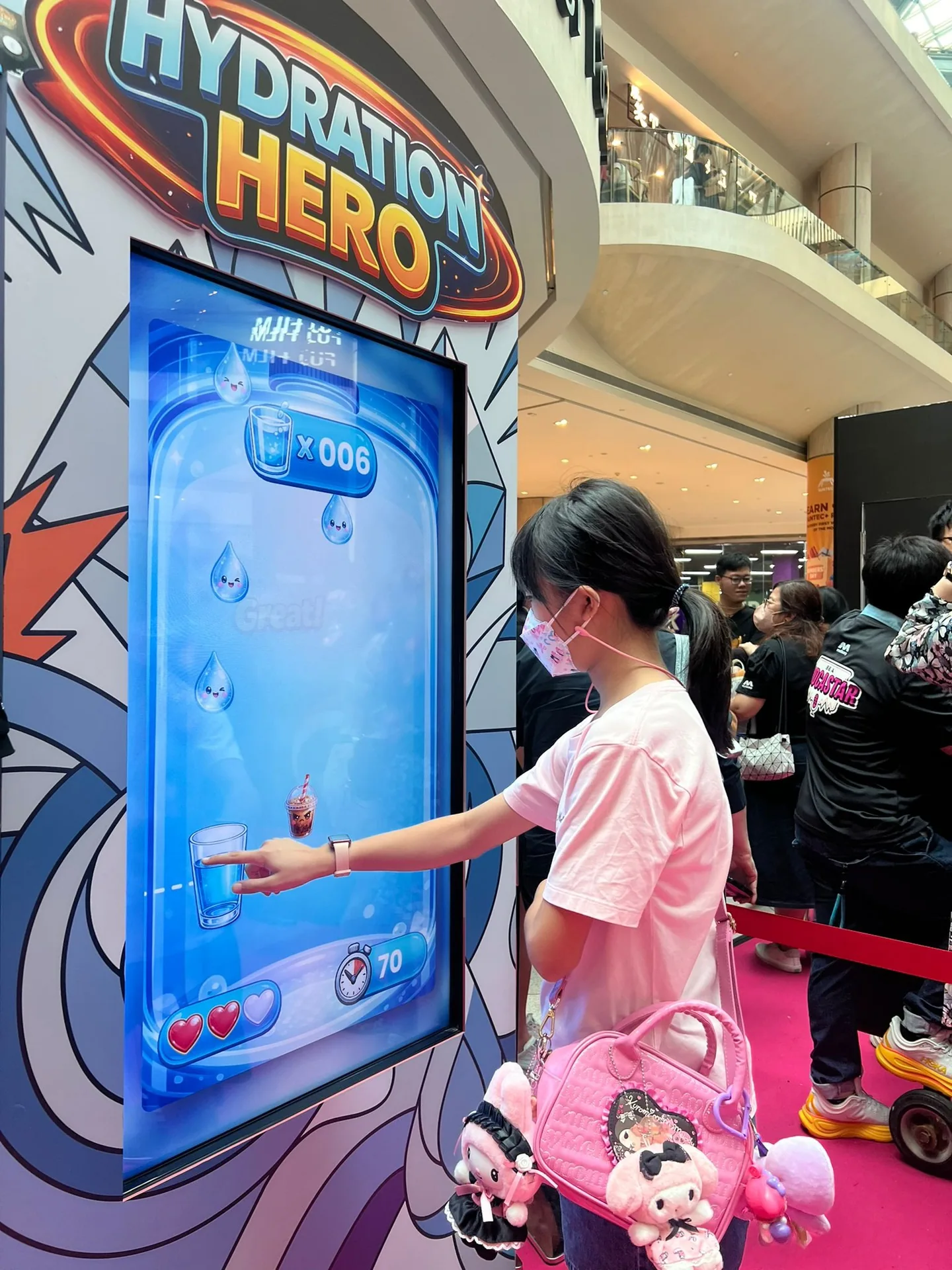
The wider event setting surrounds the interactive game activations.
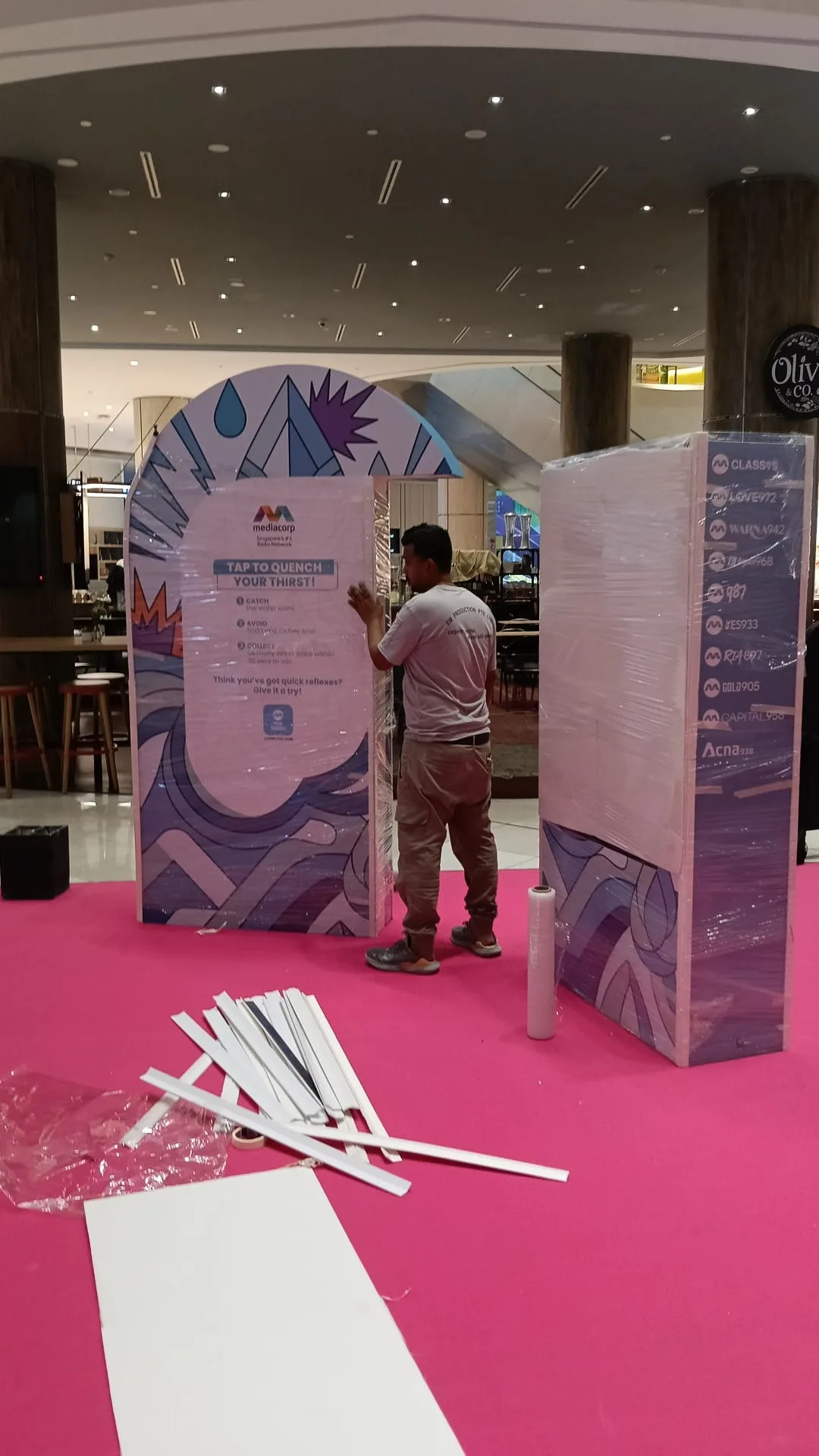
Installing the Hydration Hero cabinet and its catch-and-avoid instructions before the event.
FAQ
From creative customisation and software to onsite delivery. Here’s what to consider for your own project.
We can make water and avoid-items visually distinct, with feedback tied to approved campaign guidance. The message should remain easy to understand while the action becomes faster.
We define collision areas, item categories and their effects on the round. Touch sensitivity, score feedback and countdown behaviour are tested together on the intended screen.
Use a brief demonstration and readable item symbols before the timer starts. Staff can help explain the rule, while a clear result and reset keep sessions moving.
Provide approved guidance, item artwork, audience and device size. Difficulty progression, feedback content and deployment support determine the quote.