Samsung Note10 Social Wall
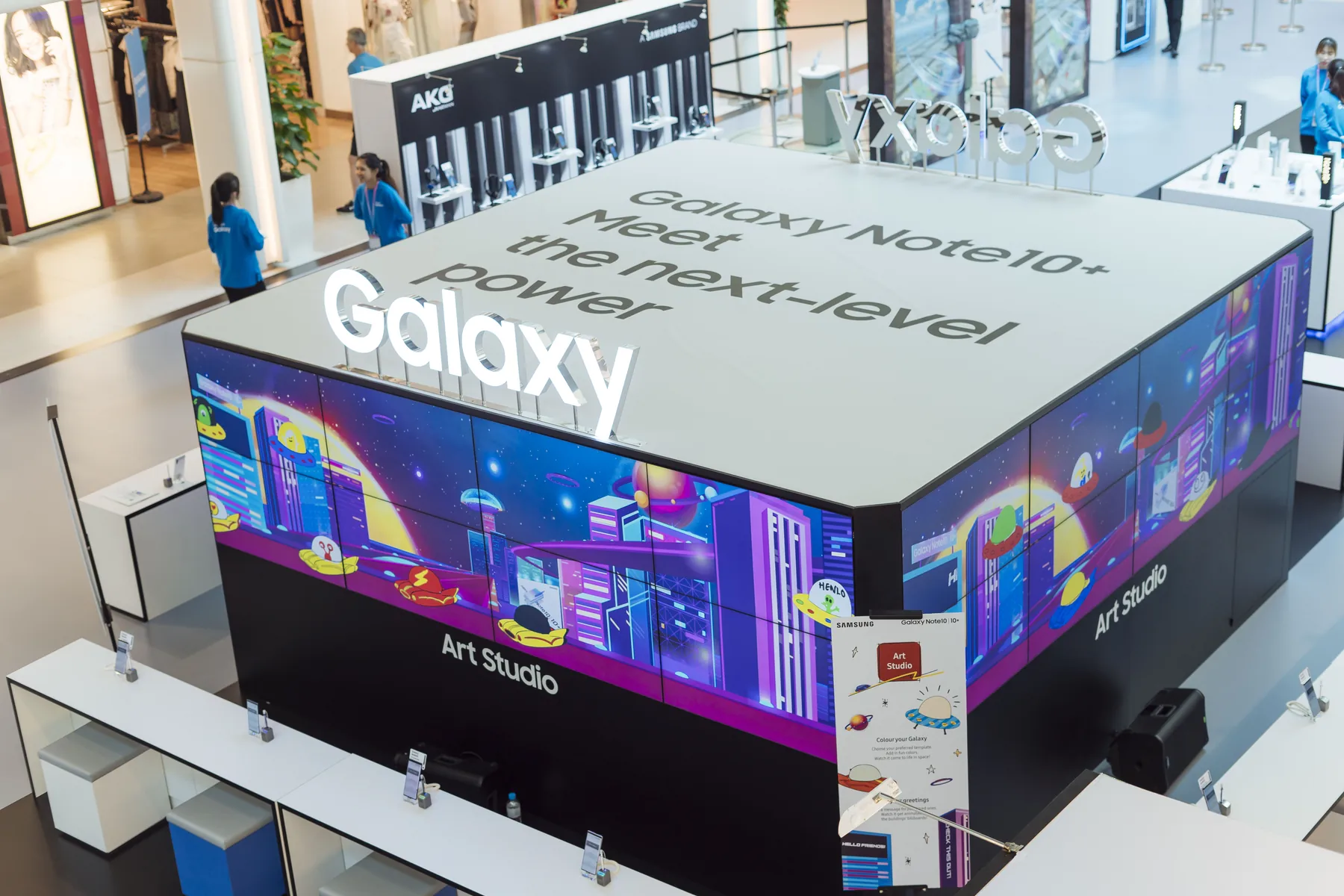
A shared social wall that turned Note10 selfies, drawings and messages into a large-format roadshow artwork.
- Interaction design
- Creative software
- Shared display integration
- Onsite deployment


A shared social wall that turned Note10 selfies, drawings and messages into a large-format roadshow artwork.
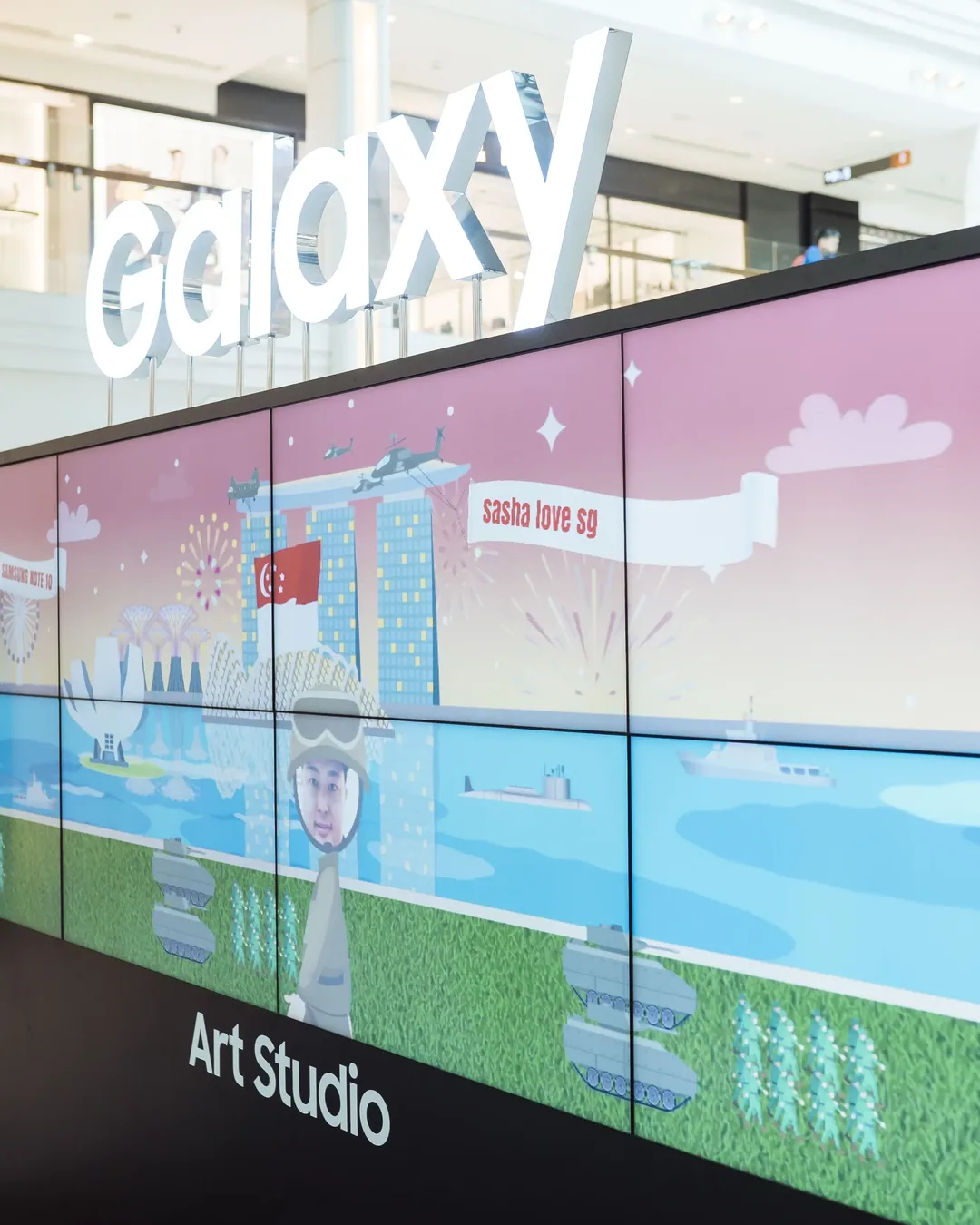
Plaza Singapura, Singapore
Infinity Core connected the Note10 creation interfaces with a multi-screen wall. Selfie, colouring and message modes gave visitors several ways to contribute to the same evolving display.
Demonstrate the Note10's creative features through a social activity in which visitors could see their own contributions become part of the installation.
The hardware
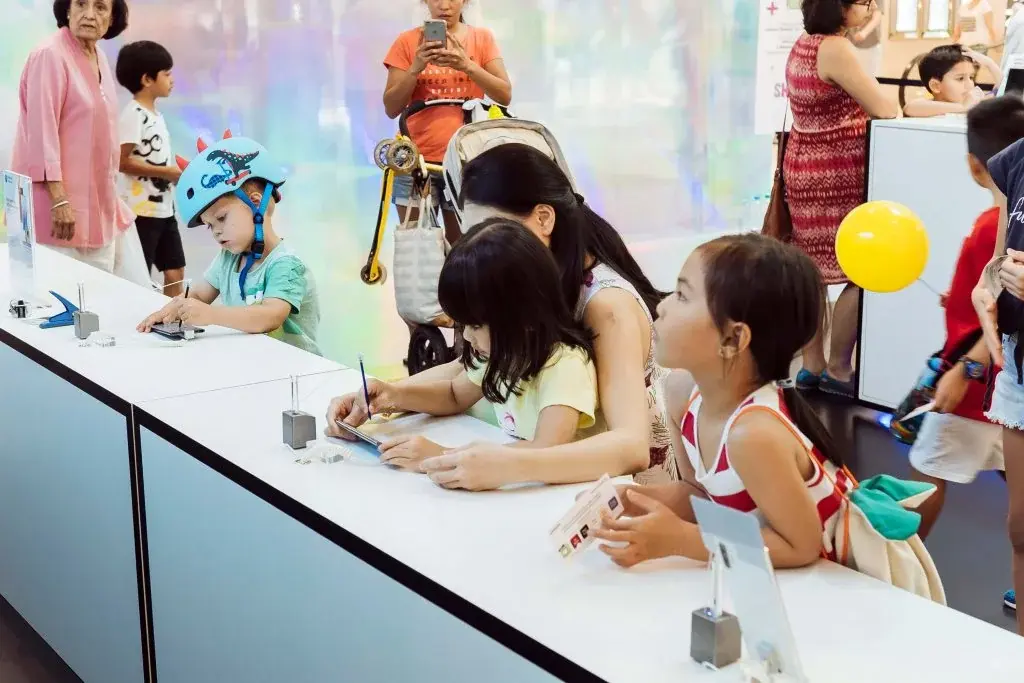
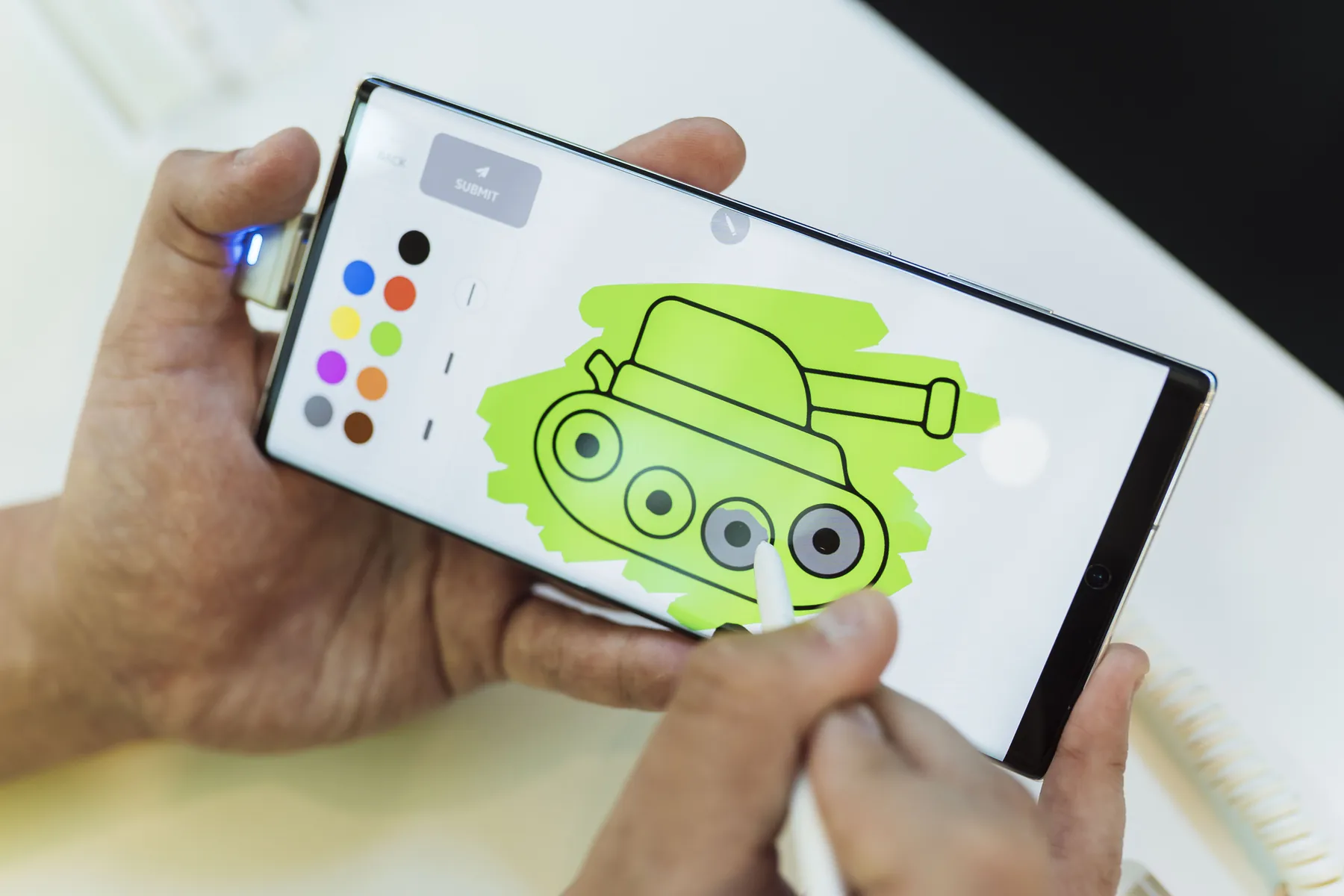
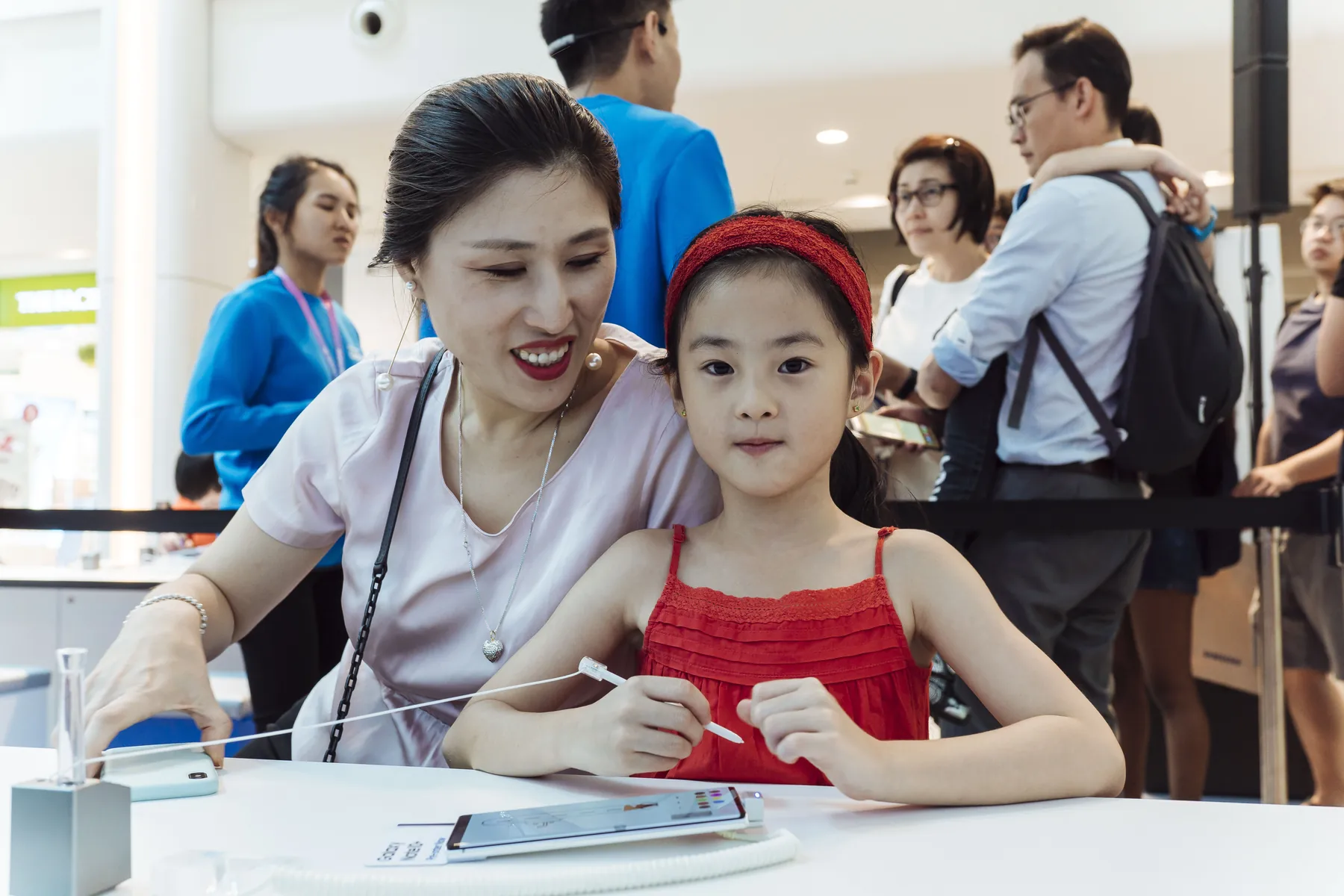
Visitors create selfies, drawings and messages with the phone and stylus.
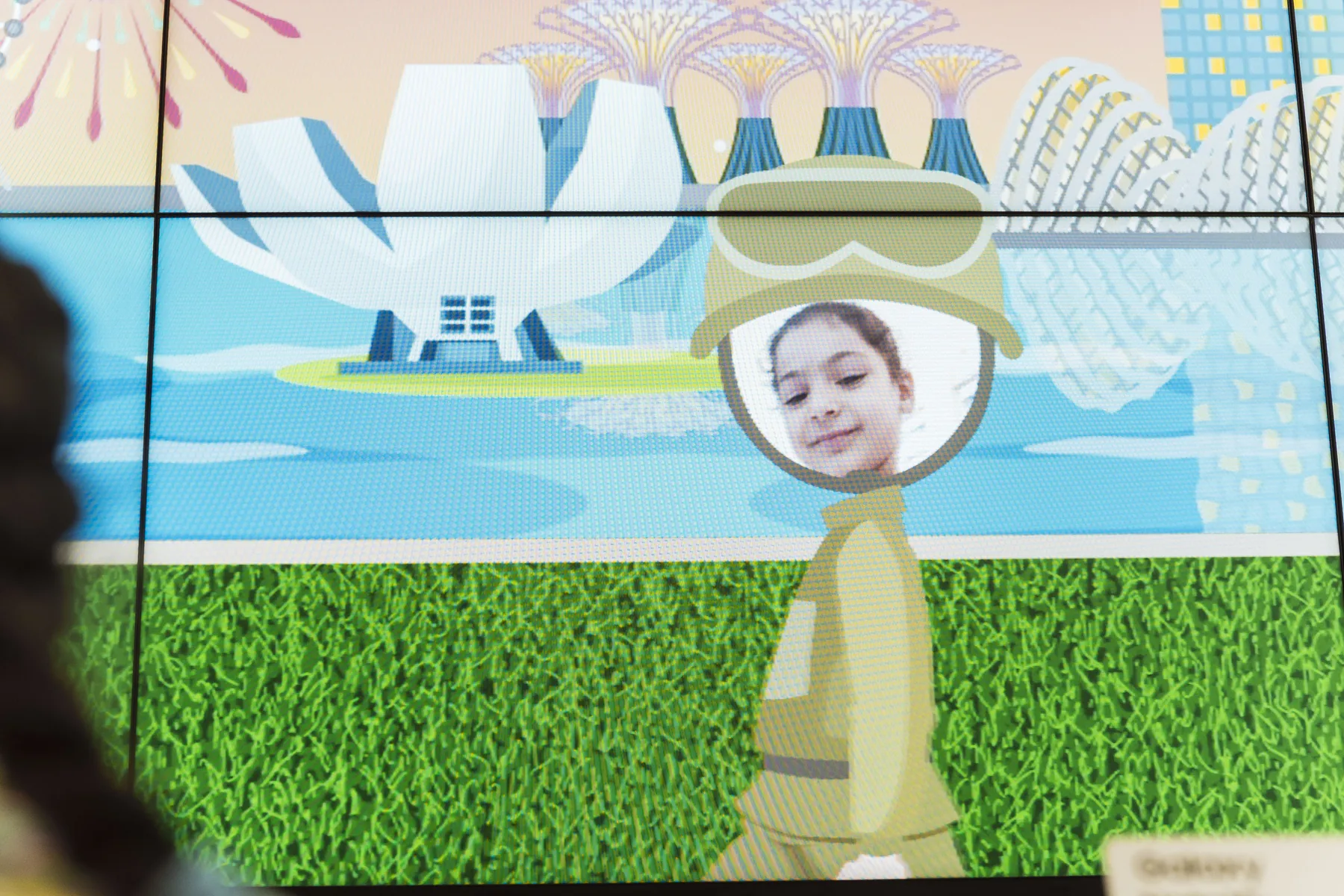
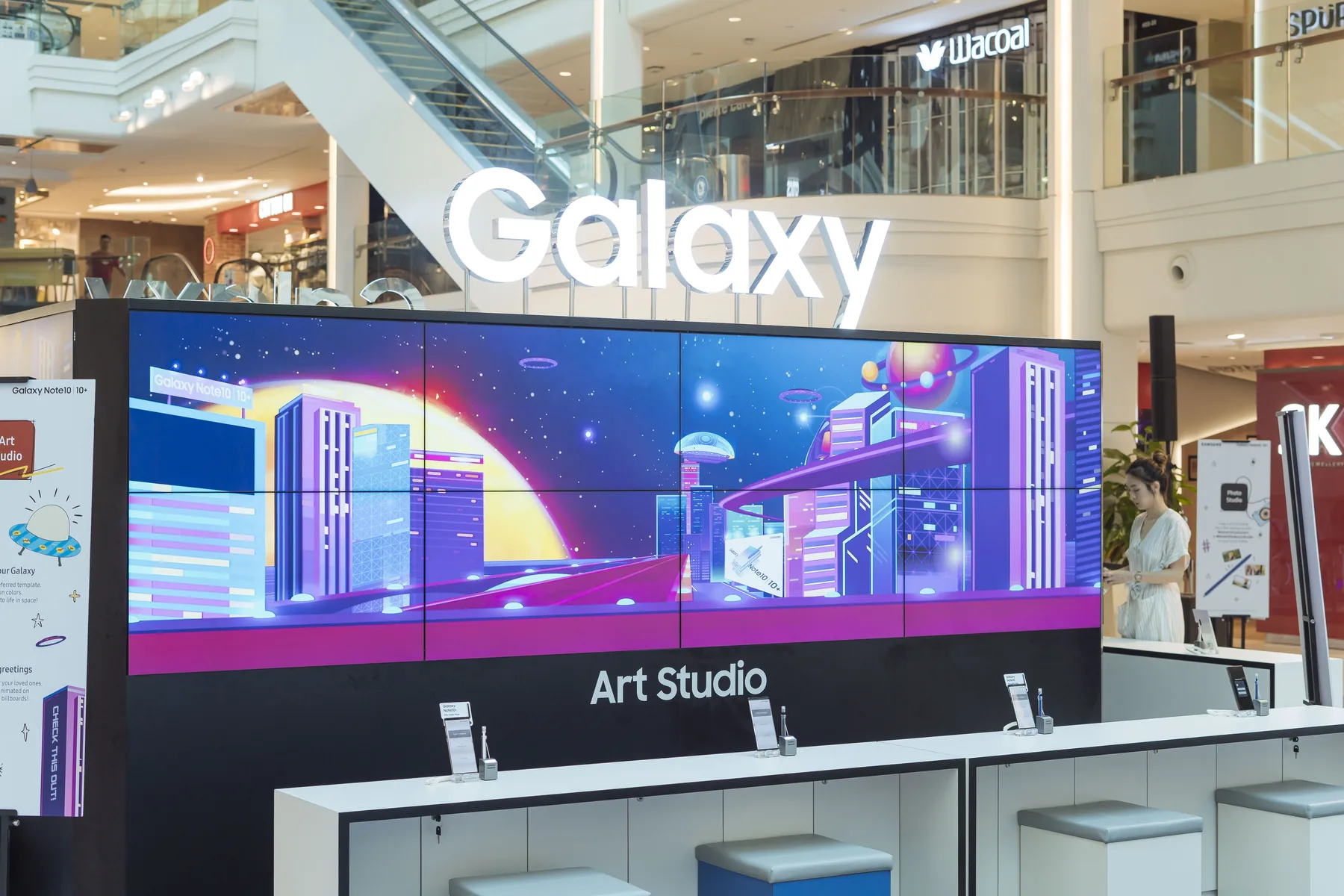
Presents submitted contributions as one public canvas.
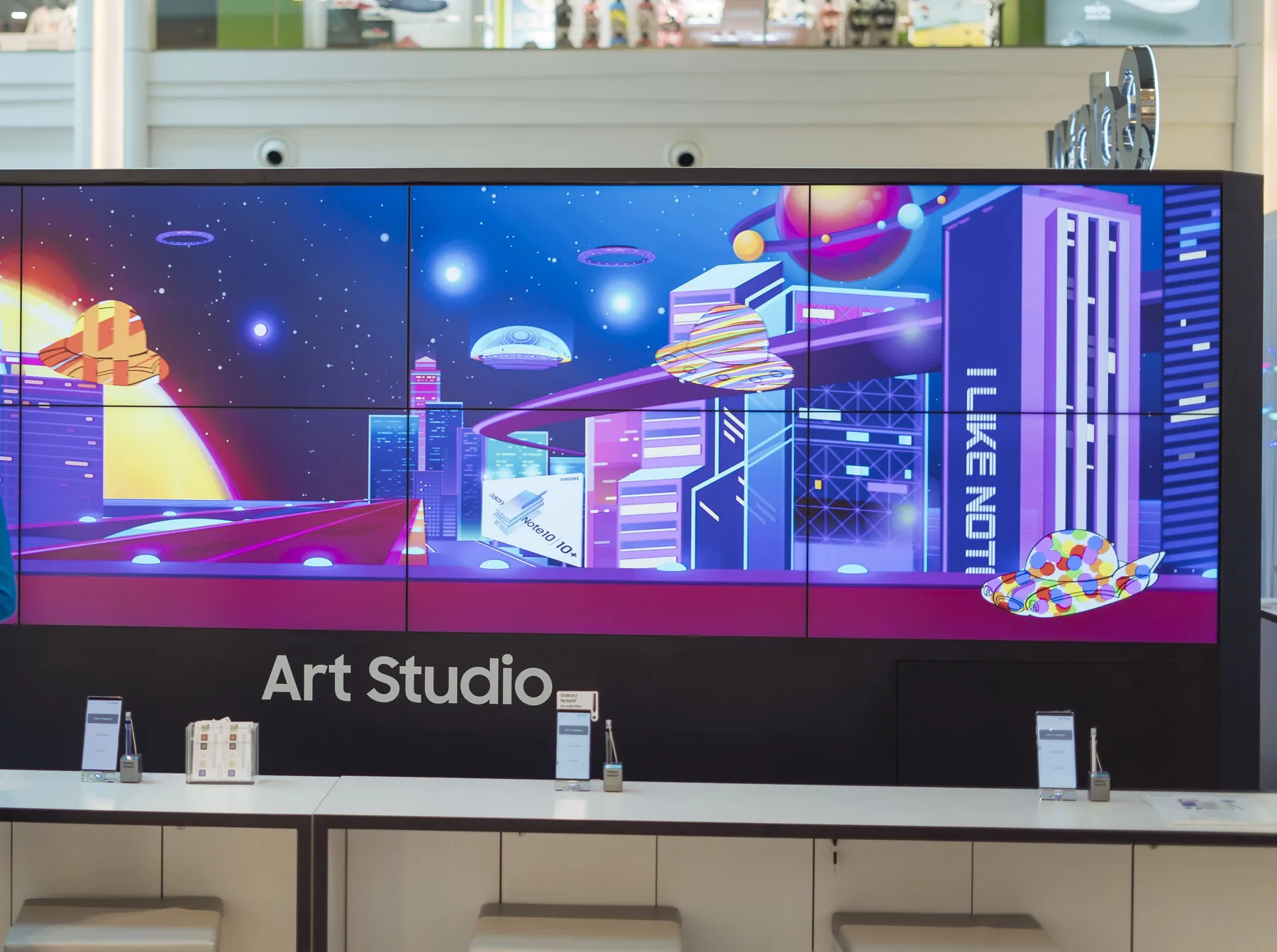
Connects device submission with the wall's animated display states.
The software
The device interfaces prepare each visitor's content for submission. The wall's playback system receives the contributions and presents them through animated display states across the connected screens.
Start the corresponding activity on a Galaxy Note10.
Capture a portrait with the Note10 camera.
Send it to the social-wall system.
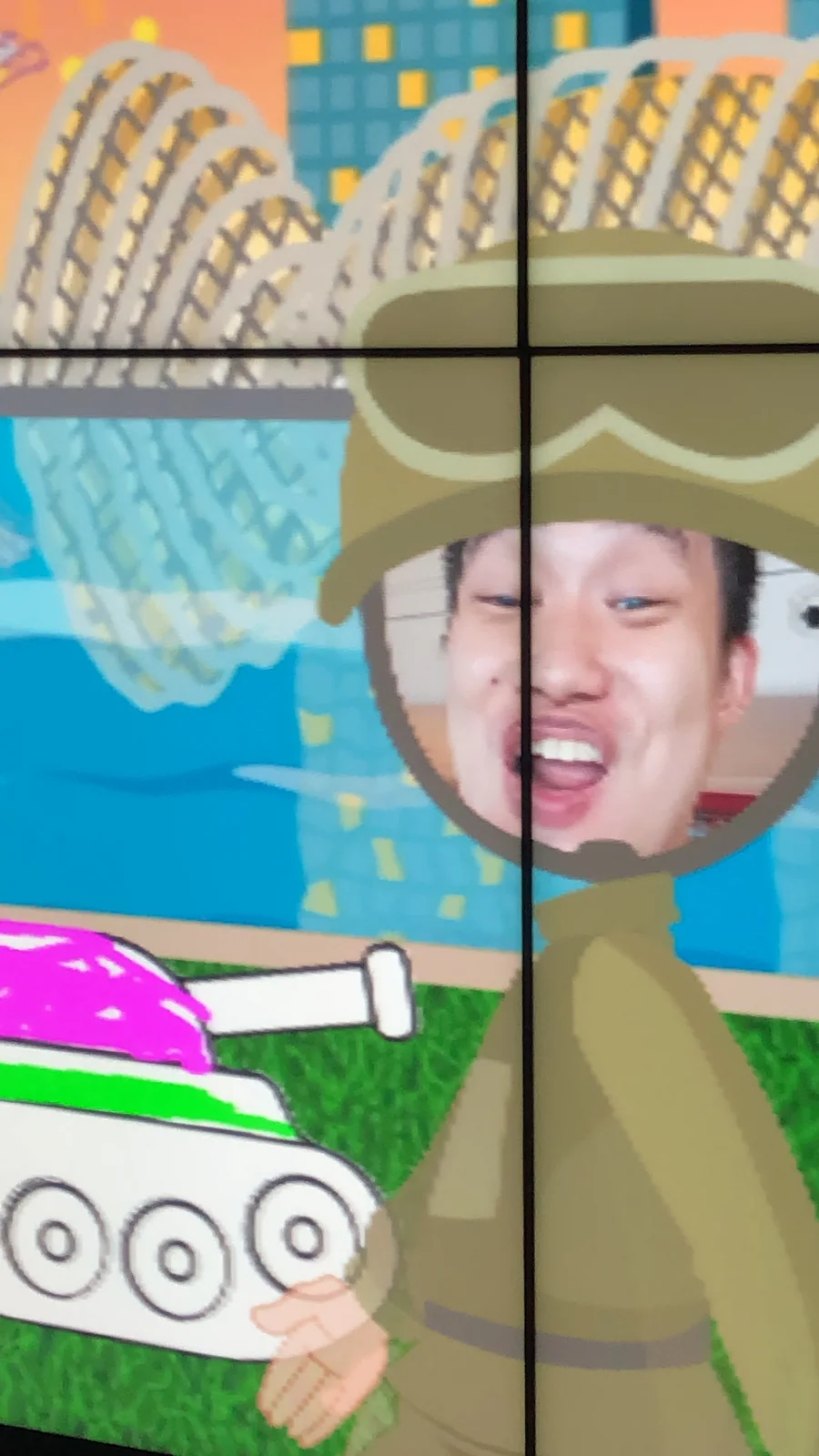
Watch it join other visitors’ content on the large display.
Start the corresponding activity on a Galaxy Note10.
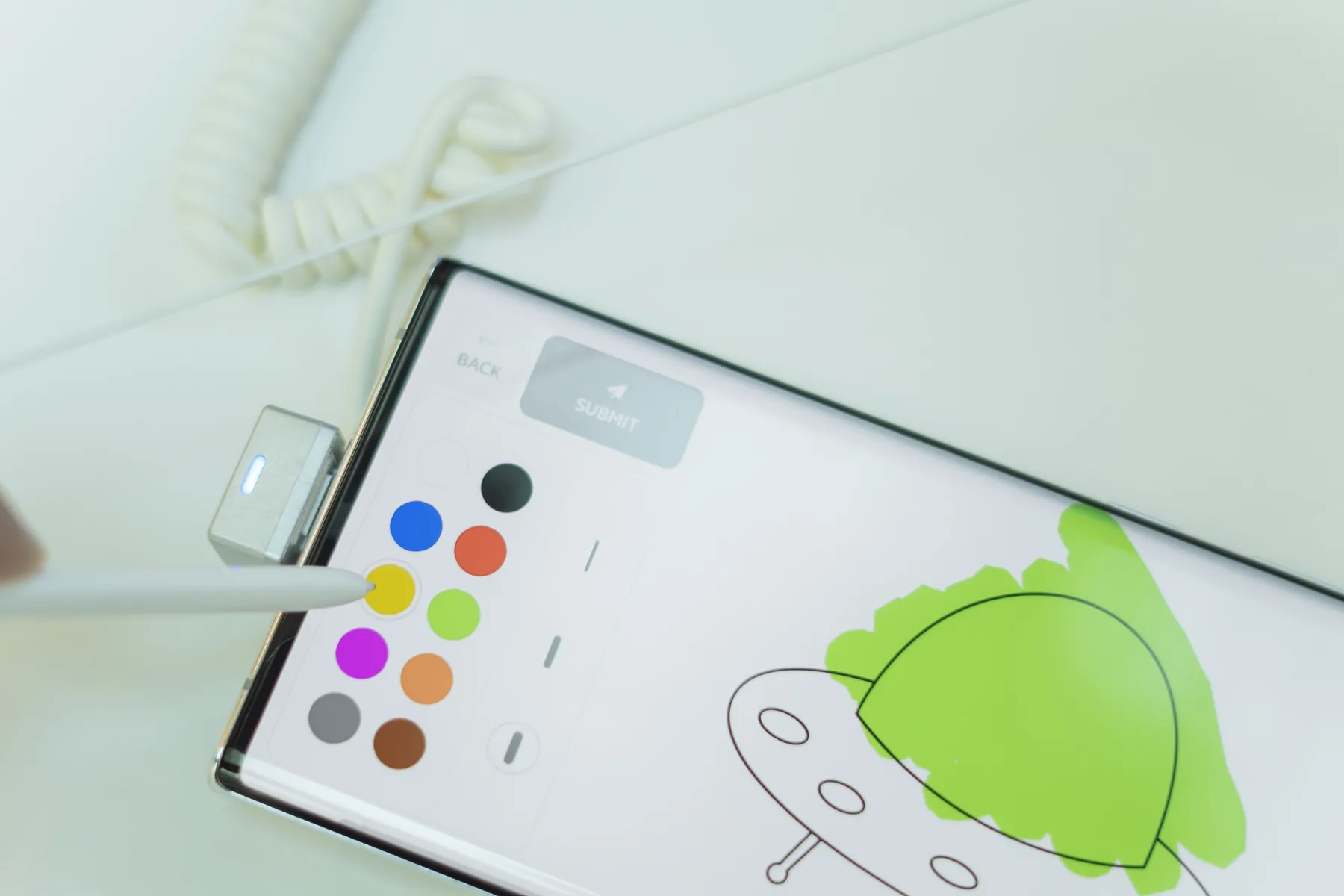
Use the S Pen to create your drawing.
Send it to the social-wall system.
Watch it join other visitors’ content on the large display.
Start the corresponding activity on a Galaxy Note10.
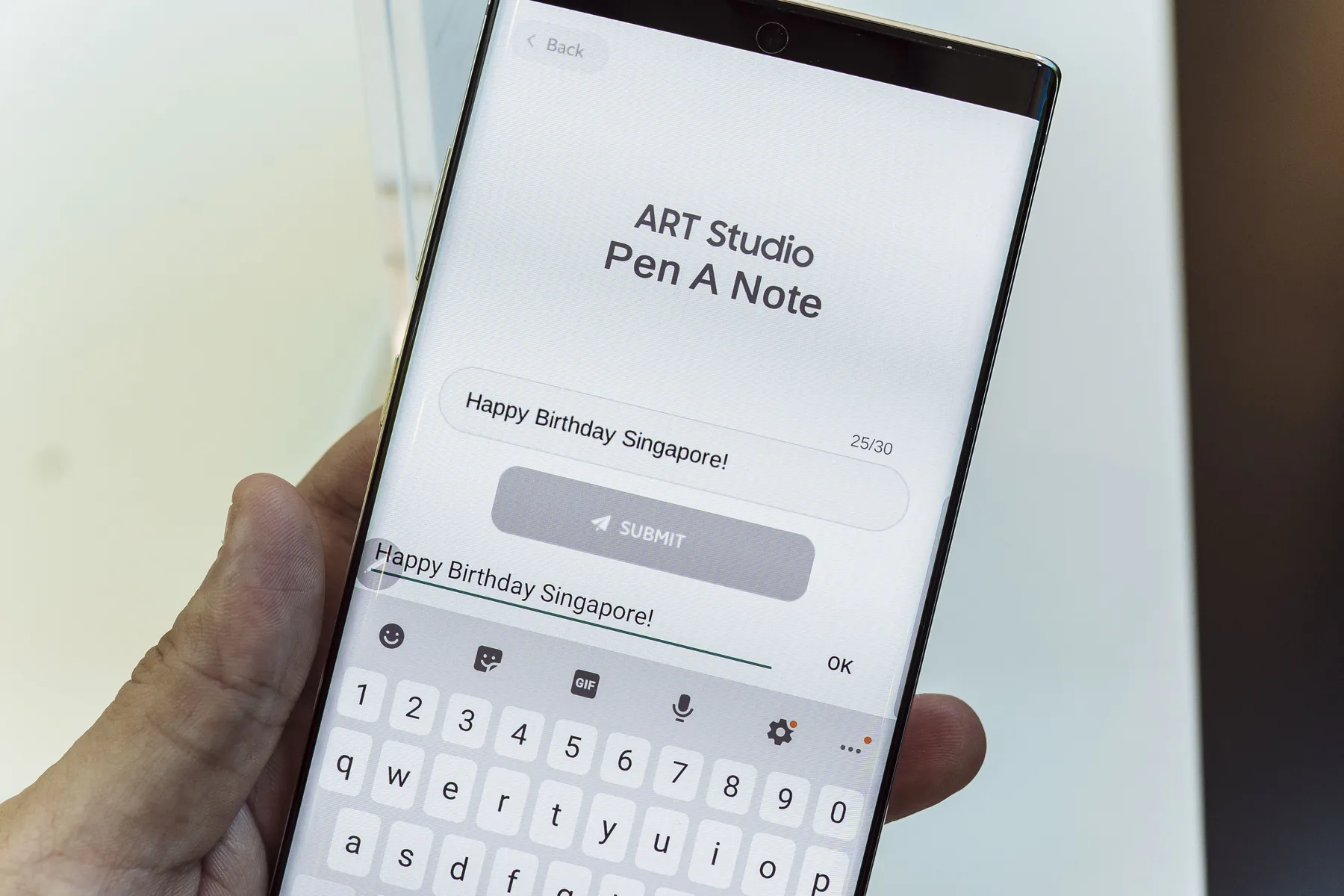
Write the contribution you want to share.
Send it to the social-wall system.
Watch it join other visitors’ content on the large display.
The finished experience
The installation joined individual creative actions into a visible group experience. The phone's stylus and camera became tools for contributing to the campaign canvas.
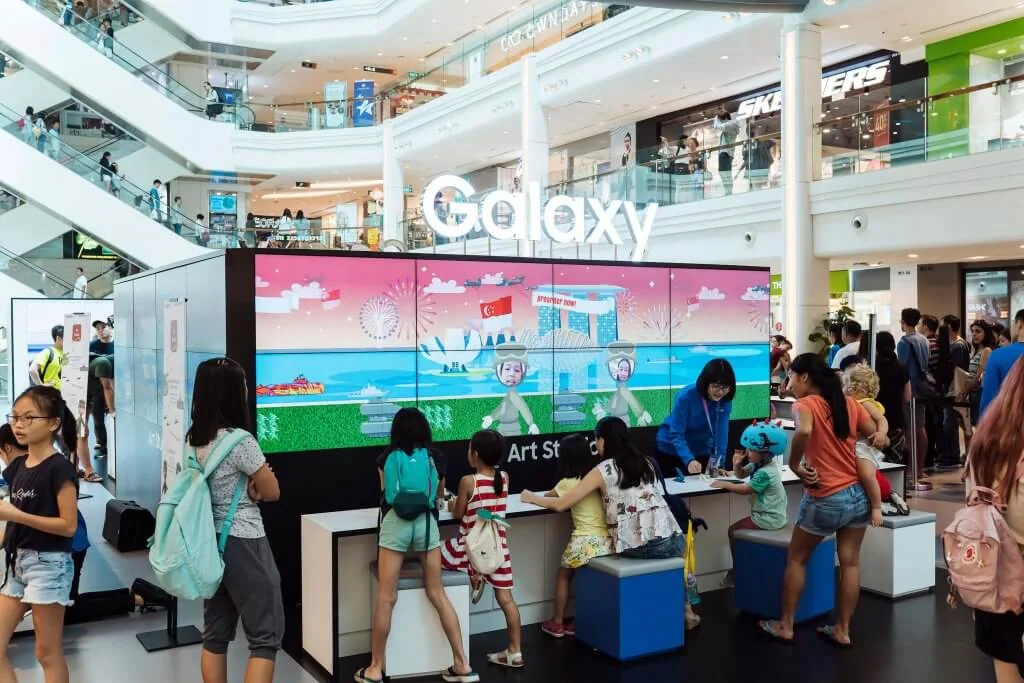
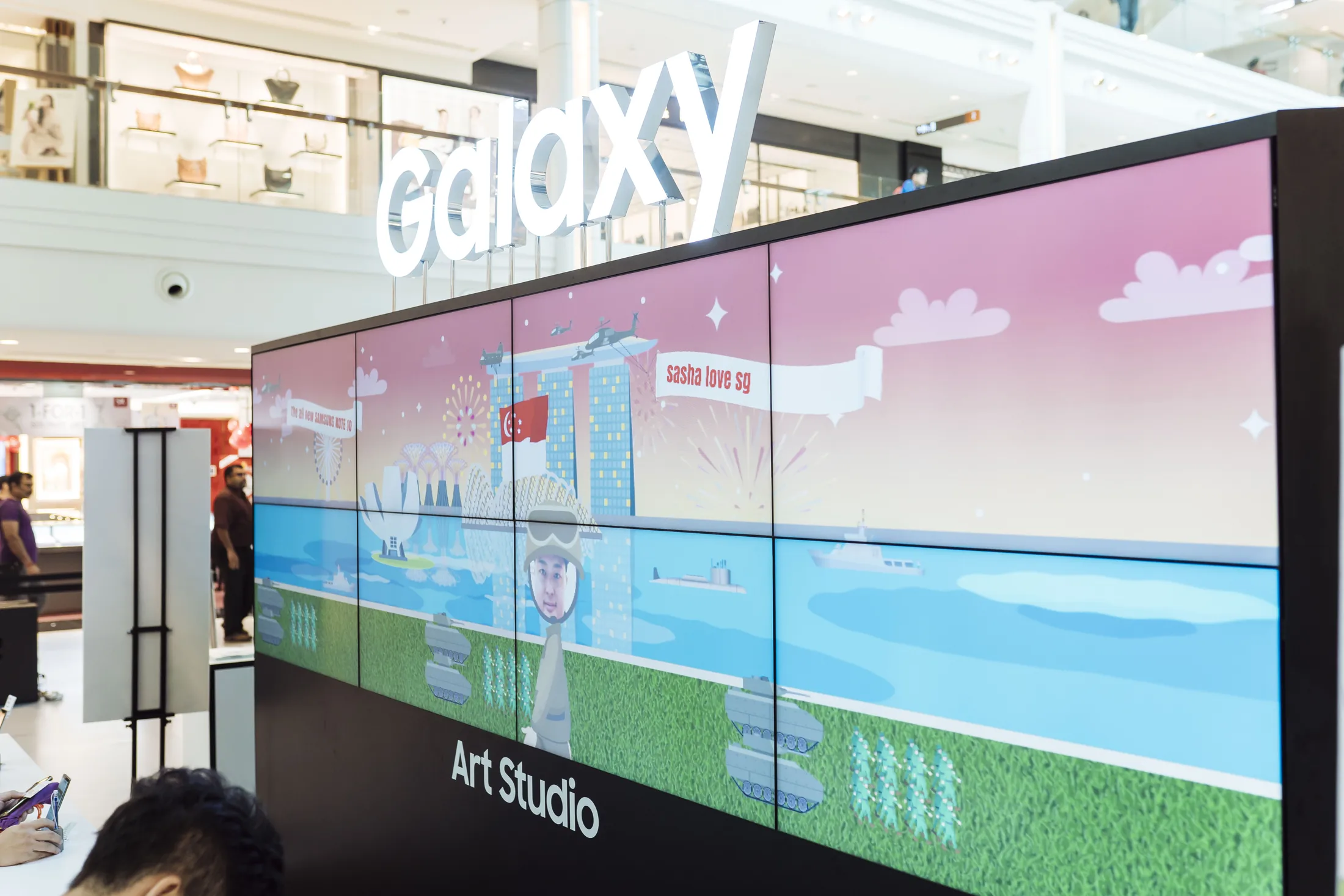
A shared screen makes the activity visible across the mall activation.
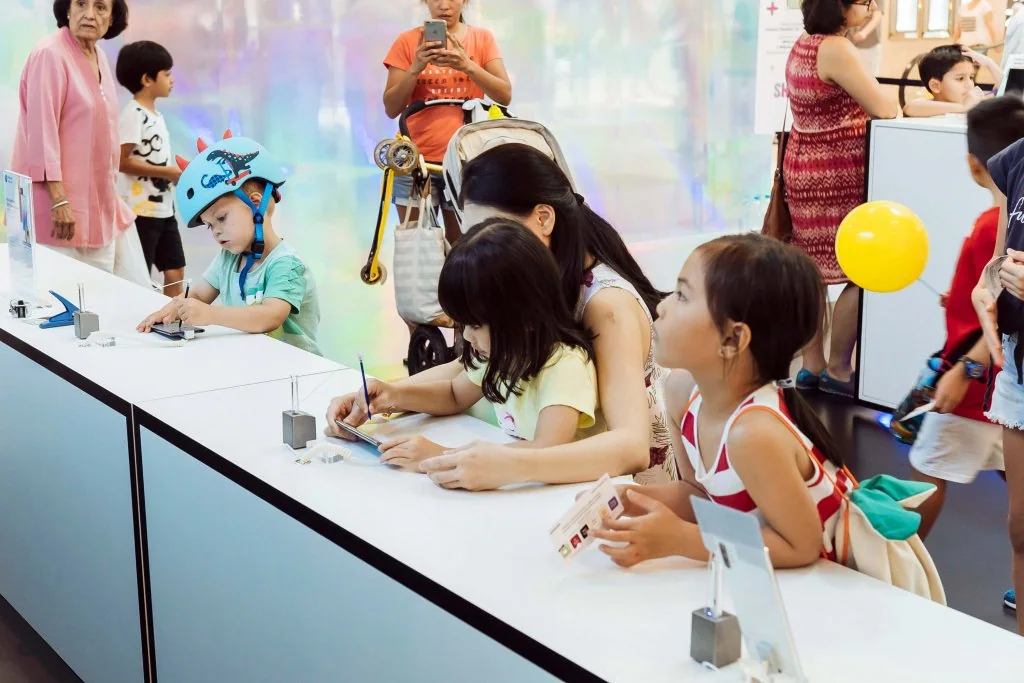
Individual phone creations feed the shared creative experience.
 Video
Project footage showing the experience in action.
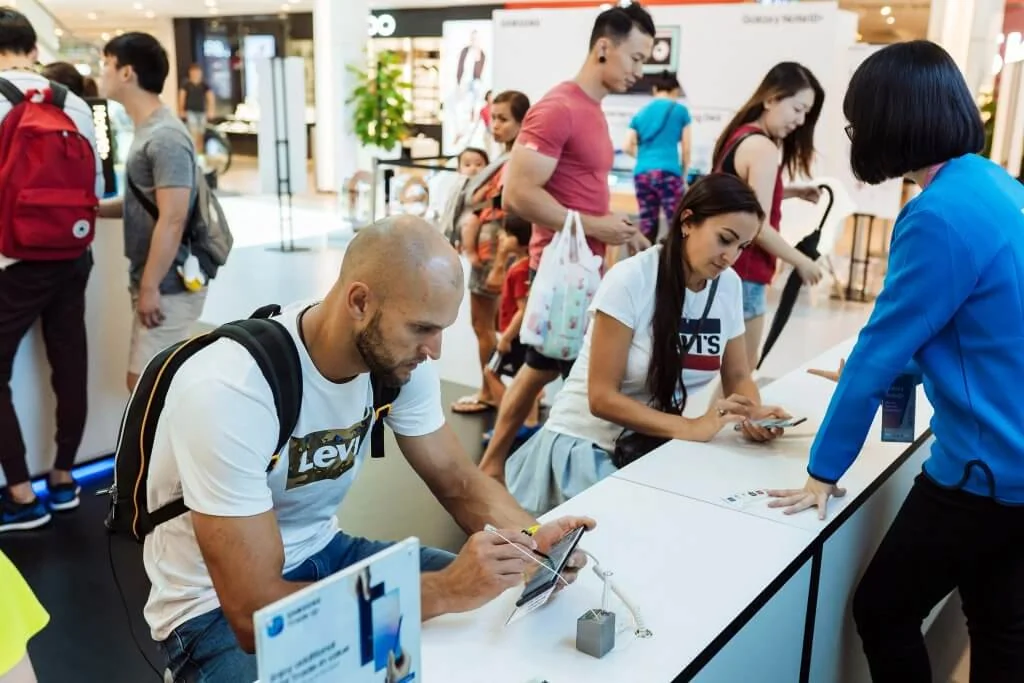
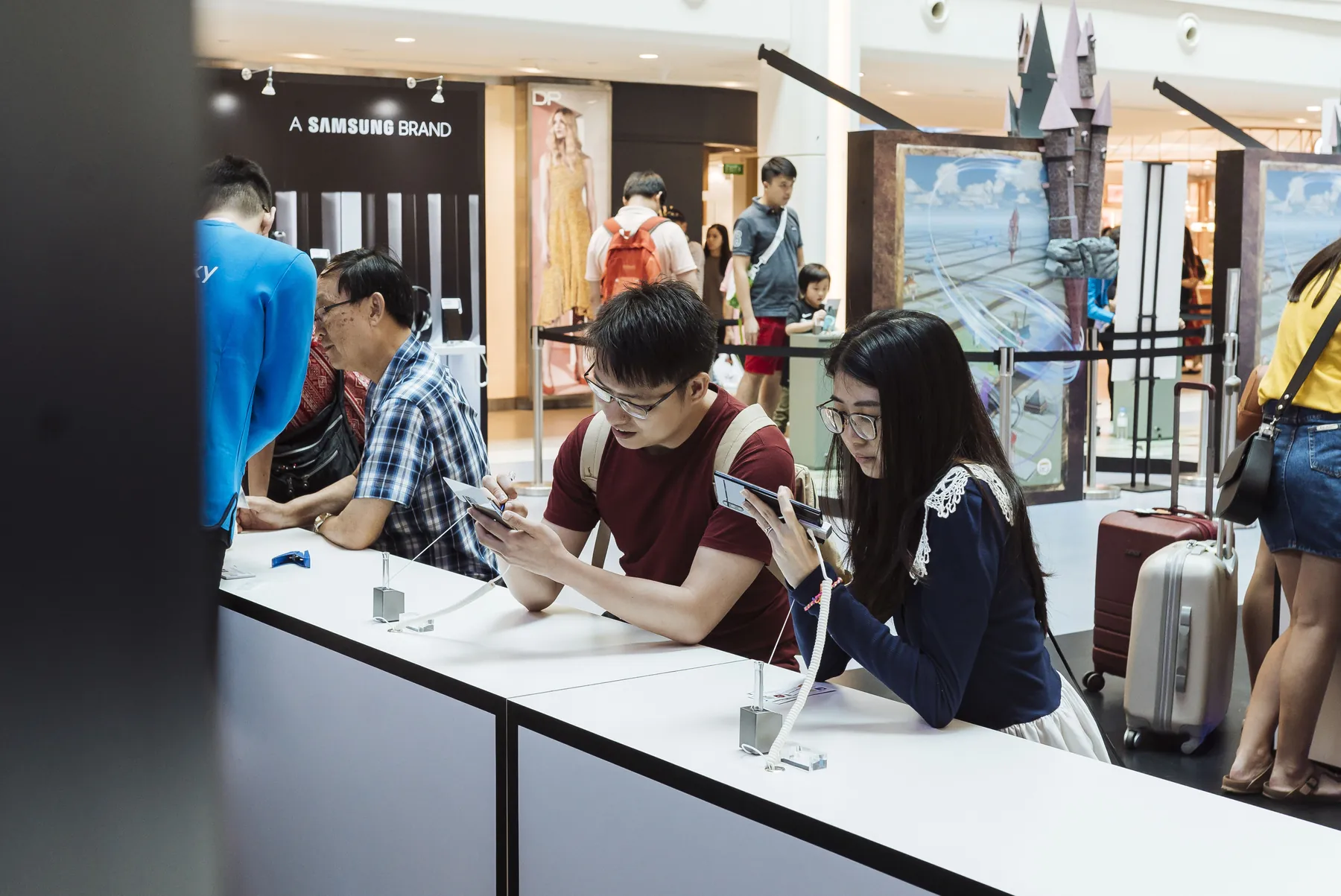
Participants create their contributions at the phone stations.
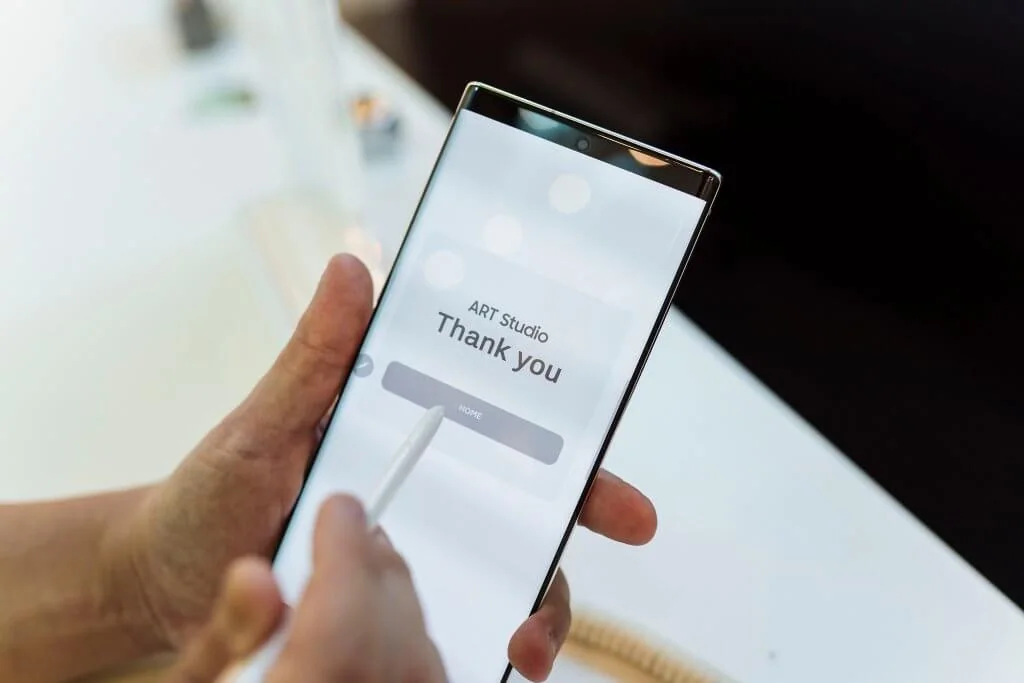
A completion message confirms the visitor's submitted contribution.
FAQ
From creative customisation and software to onsite delivery. Here’s what to consider for your own project.
We can plan creation prompts that showcase device interactions while building a shared visual composition. Each contribution should remain identifiable within the larger event display.
We specify submission formats, delivery feedback and display sequencing together. Moderation, duplicate handling and queueing can be included when the event needs editorial control.
Test the actual devices, network and wall outputs as one system. Staff need guidance on creating, submitting and finding content, plus recovery steps for an interrupted connection.
Provide device quantities, creation formats, screen layouts and expected participation. Submission interfaces, animation and onsite integration determine the proposal.