Samsung Galaxy Services Memory Game
A Samsung Flip touchscreen game that used matching pairs to introduce the benefits of Galaxy Services.
- Game design
- Touchscreen software
- Campaign interface
- Onsite integration


A Samsung Flip touchscreen game that used matching pairs to introduce the benefits of Galaxy Services.
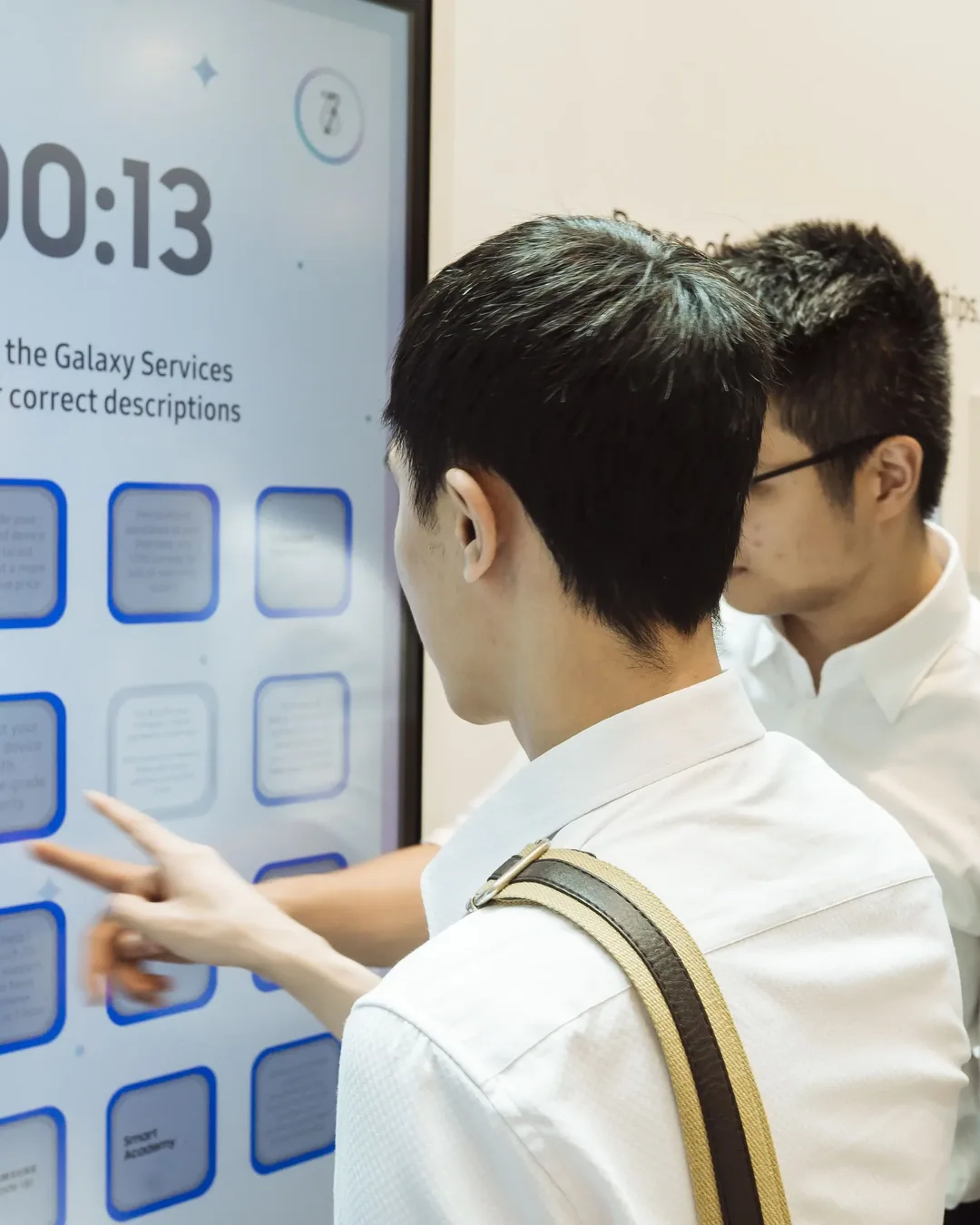
Plaza Singapura, Singapore
Infinity Core adapted the memory-game format so the pairs connected service identities with their descriptions. Visitors used the Samsung Flip touchscreen to reveal and match the cards during a timed round.
Explain a set of device services through an activity that customers could enjoy during the Galaxy Note10 roadshow.
The hardware
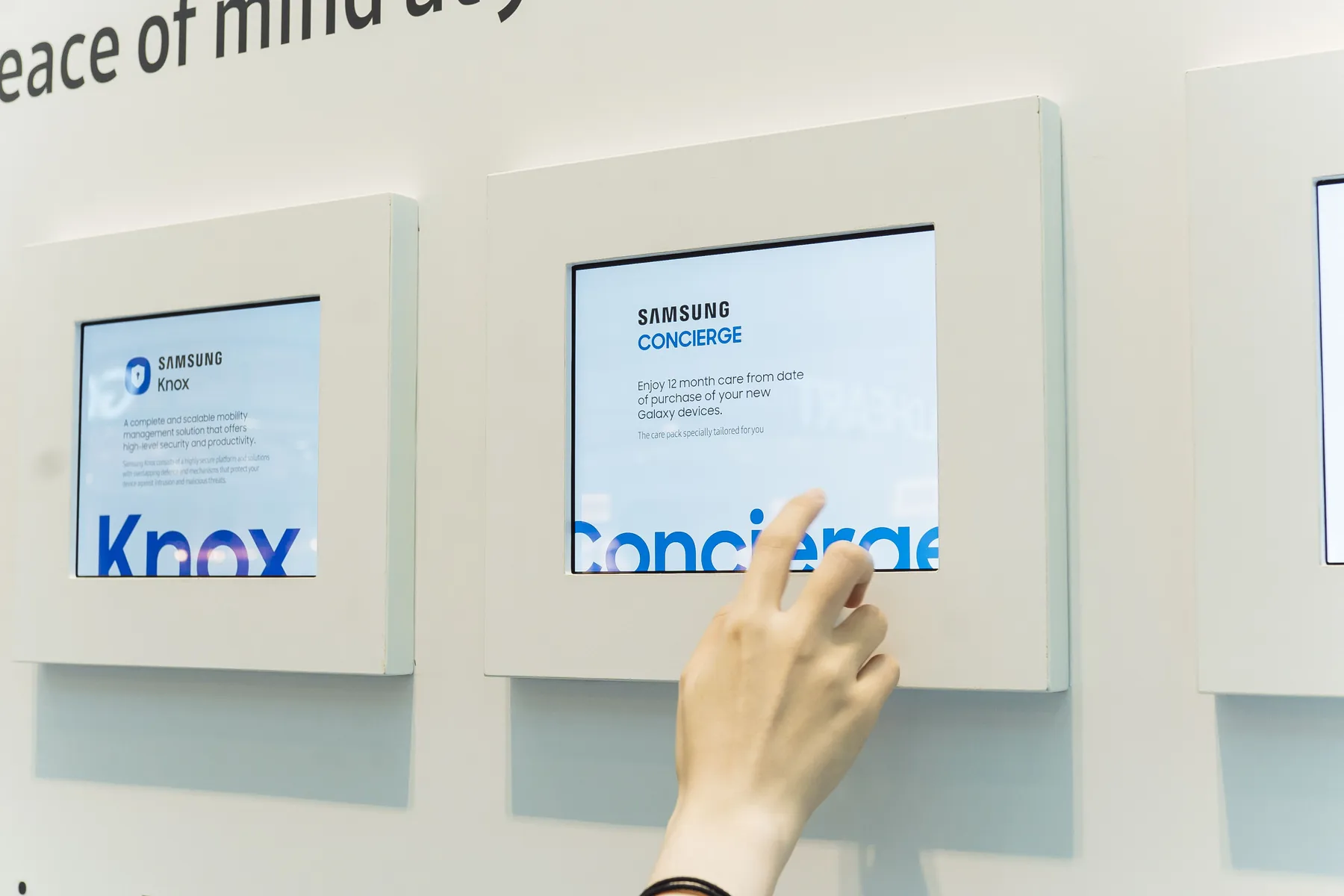
Players reveal the cards directly on the installed display.
Manages card pairs, the timer and completion states.
Brings the screen and visitor-facing interface into the event setting.
The software
The application tracks the revealed cards, validates service-and-description pairs and updates progress against the countdown. Incorrect pairs close again, encouraging players to recognise both the service and its explanation.
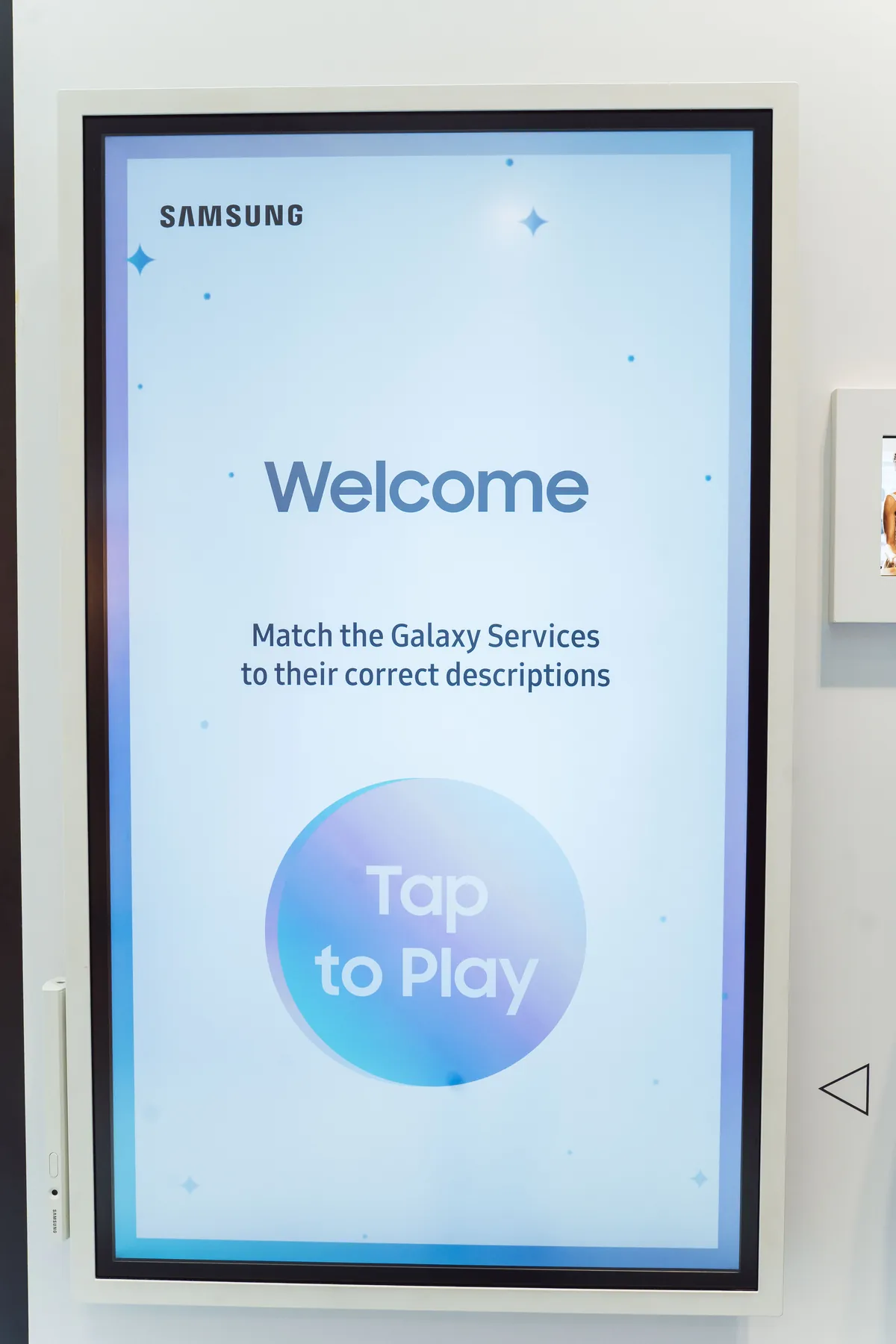
Read the instructions on the installed Samsung touchscreen.
Tap to uncover a Galaxy Service identity or description.
Match each service with its corresponding explanation.
Review the timed result and follow the historical campaign's completion instructions.
The finished experience
Product education became the task the visitor was trying to complete. The game made each service description useful to the player, rather than separate supporting copy.

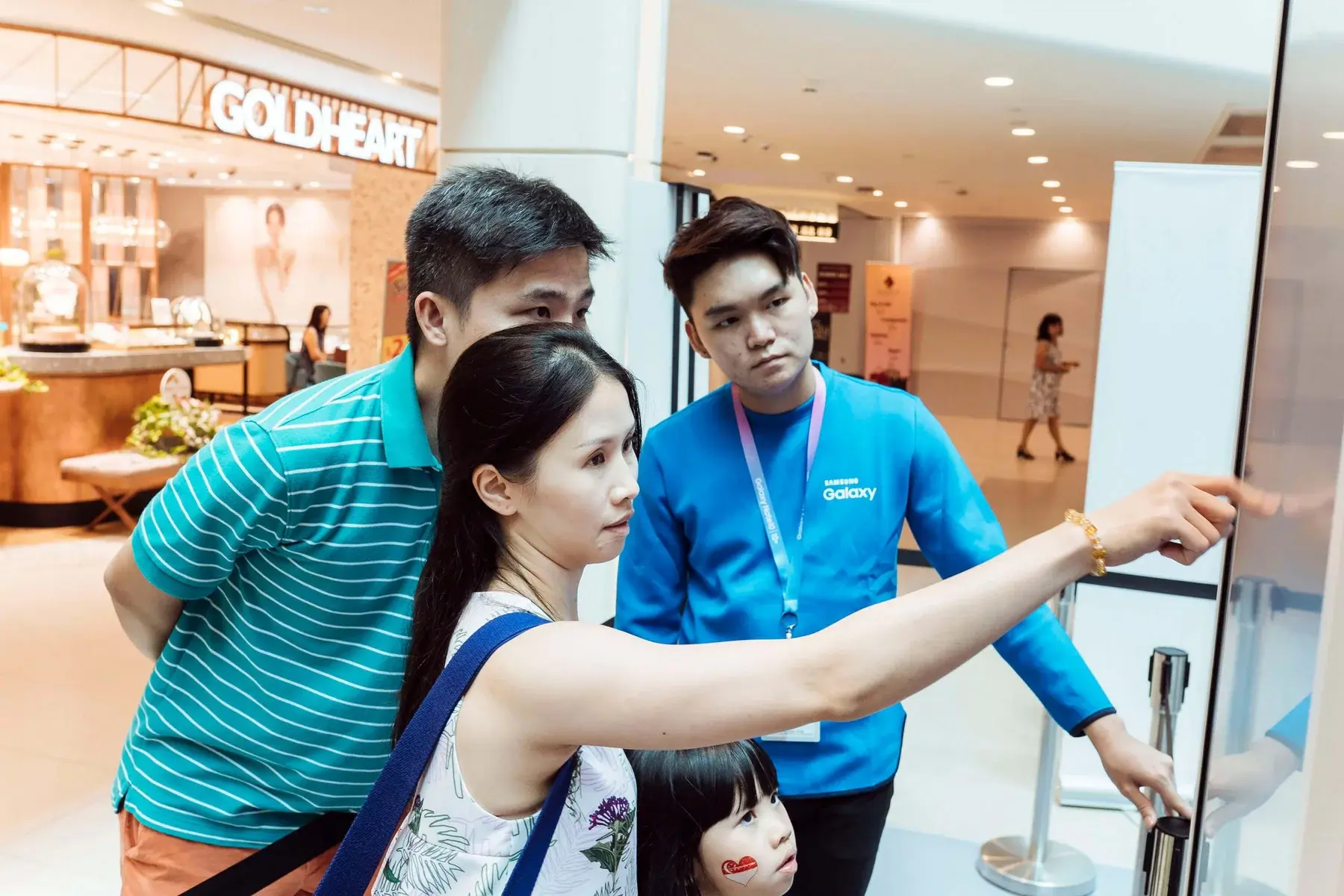
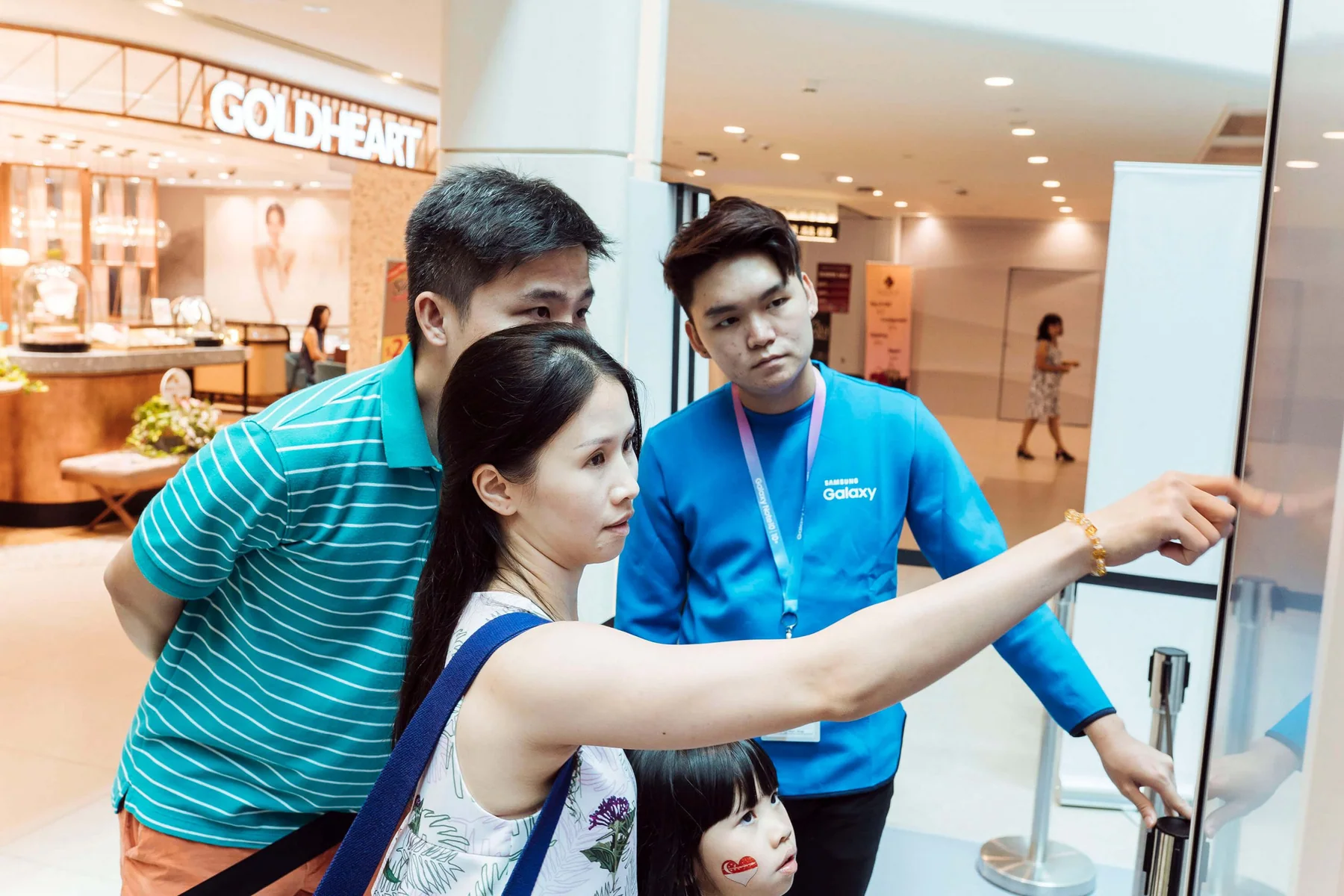
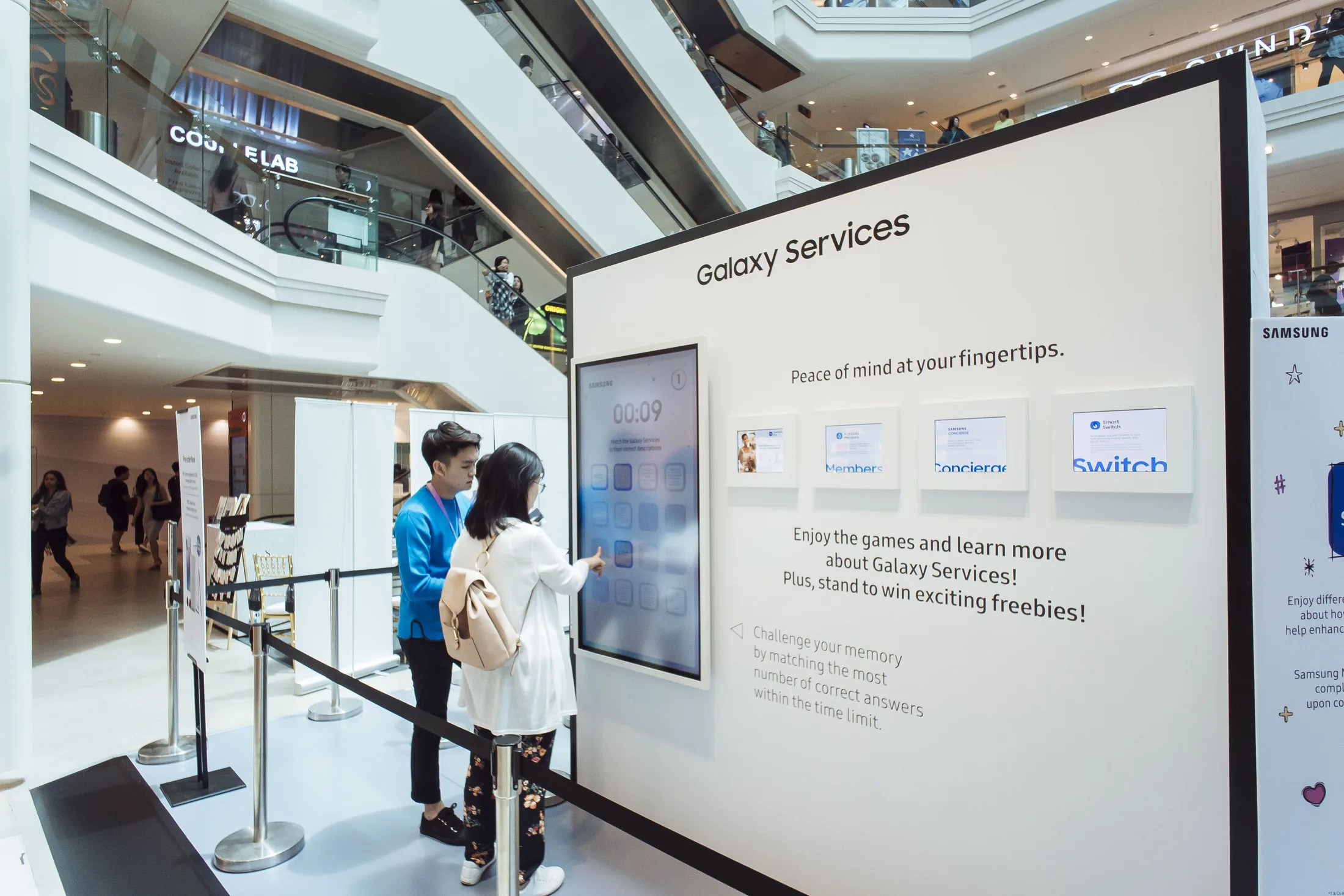
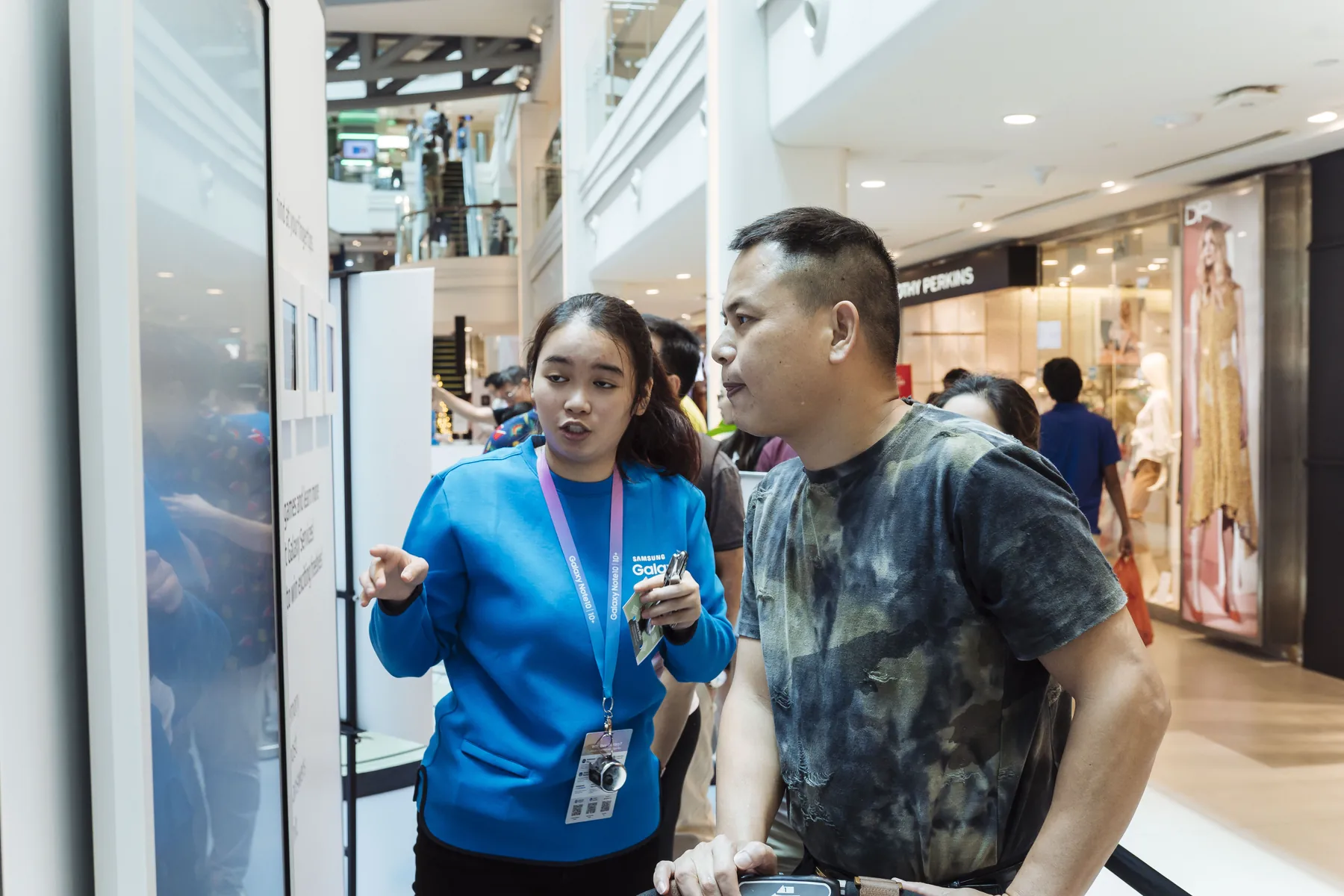
A lady listens intently as the brand ambassador explains to her how the Samsung Galaxy Services Memory Game works
A family of three team up to play the Samsung Galaxy Services Memory Game
 Video
Project footage showing the experience in action.
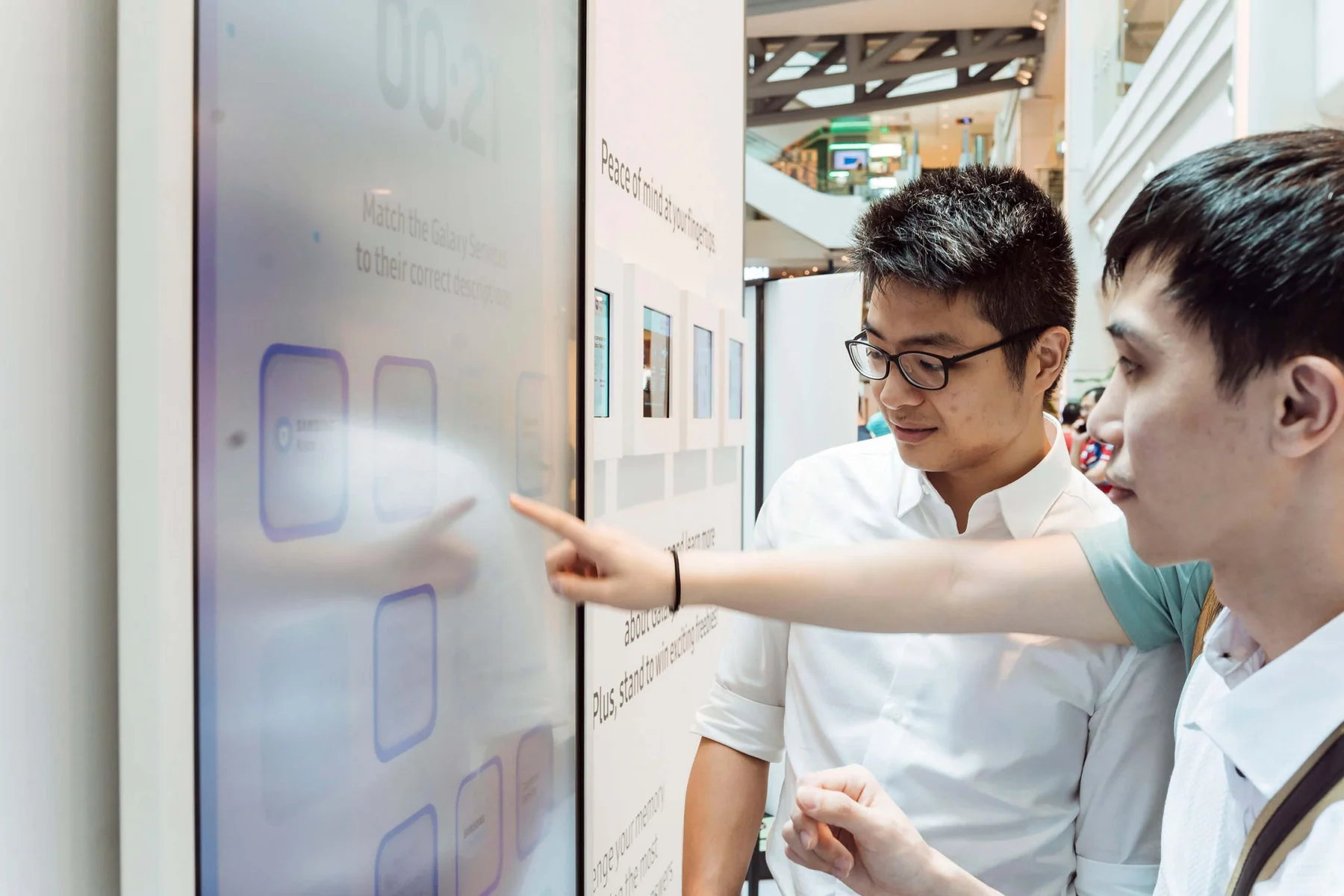
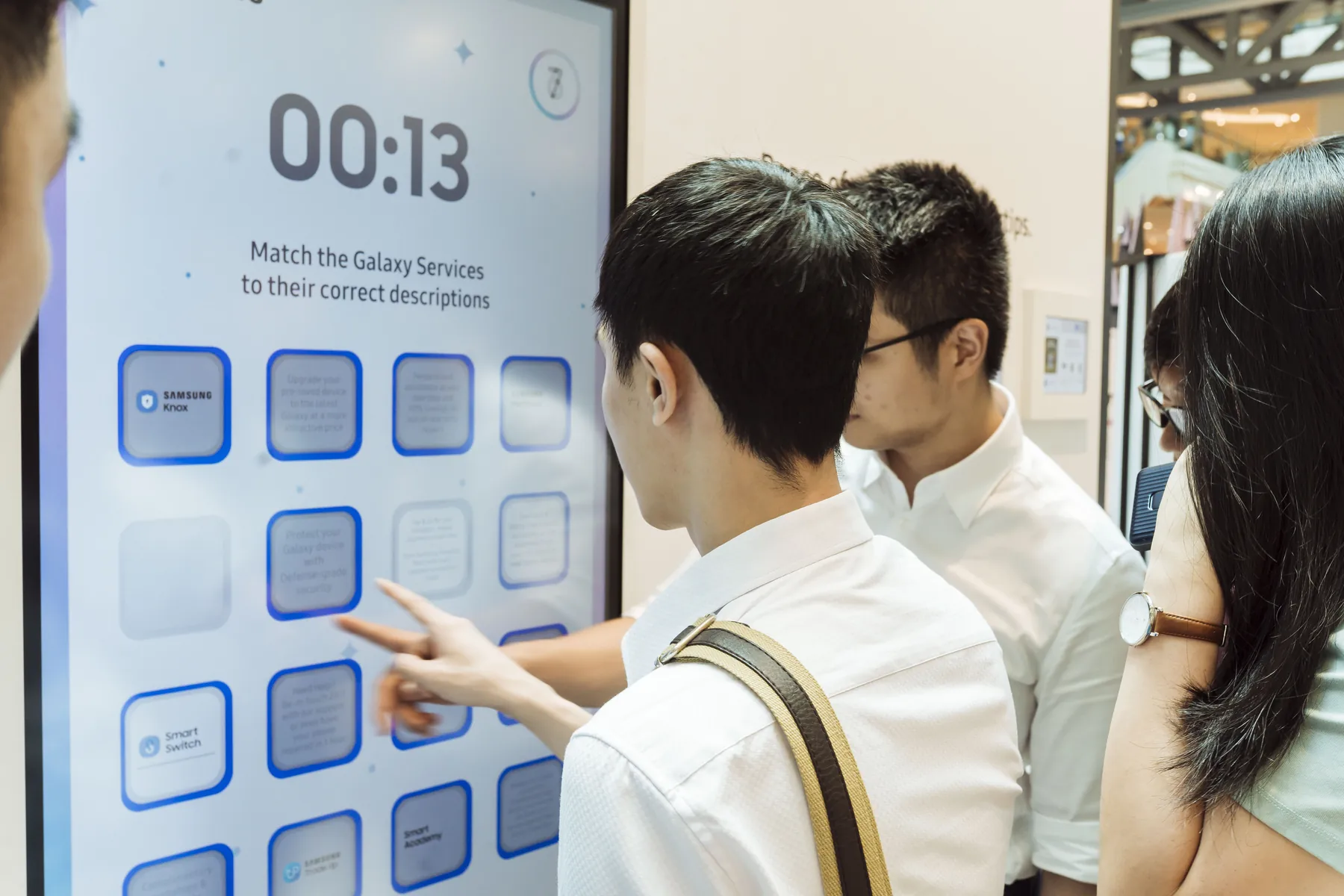
Three men team up to play the Samsung Galaxy Services Memory Game
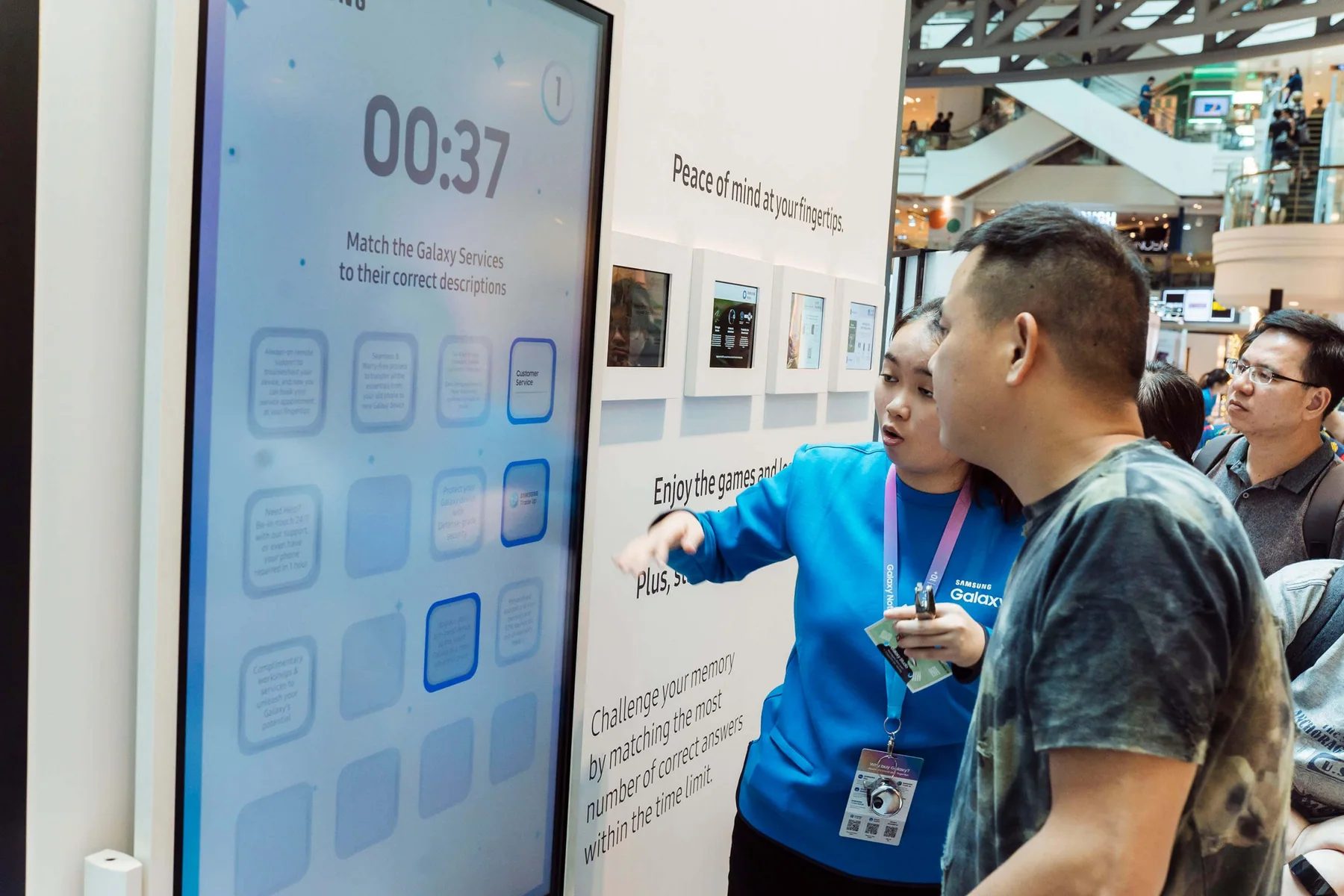
A man plays the Samsung Galaxy Services Memory Game while being assisted by a brand ambassador


FAQ
From creative customisation and software to onsite delivery. Here’s what to consider for your own project.
We can turn a service catalogue into meaningful pairs rather than identical pictures. Correct matches should reinforce the explanation that staff want customers to remember.
Each card belongs to an approved pair, with mismatches closing again. We define countdown, progress and feedback states so the learning remains clear during timed play.
The interface can be designed for the intended screen size and touch behaviour. We test reach and readability so the demonstration supports both the service message and device experience.
Send the service list, approved descriptions, target display and audience. Number of pairs, explanation content and device adaptations determine the design and development effort.