POSB PAssion Run for Kids AR App
An iOS and Android event app bringing information, treasure-hunt activities and colouring encounters into POSB PAssion Run for Kids.
- Mobile experience design
- Camera interaction
- AR presentation
- Campaign content


An iOS and Android event app bringing information, treasure-hunt activities and colouring encounters into POSB PAssion Run for Kids.
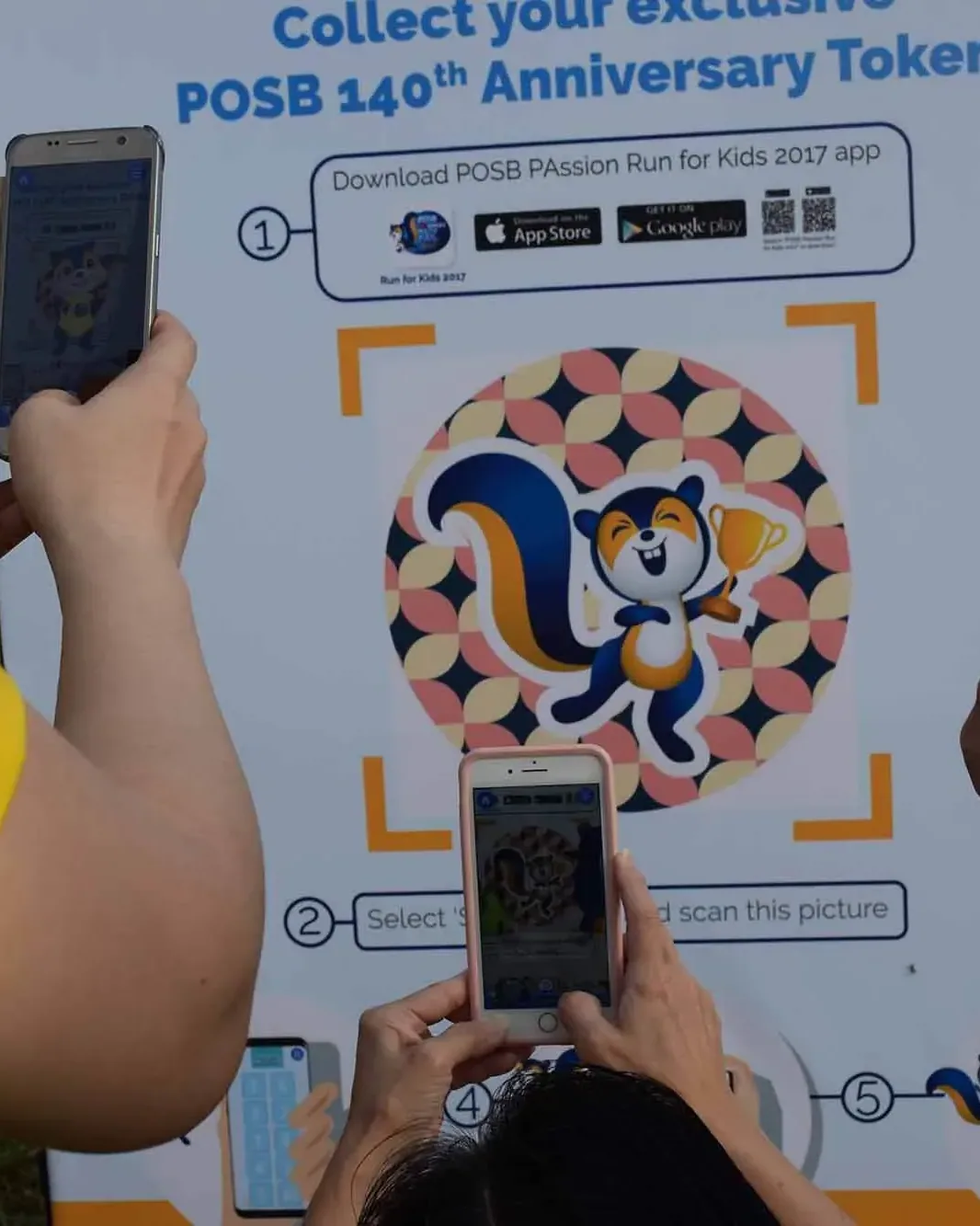
Marina Promontory, Singapore
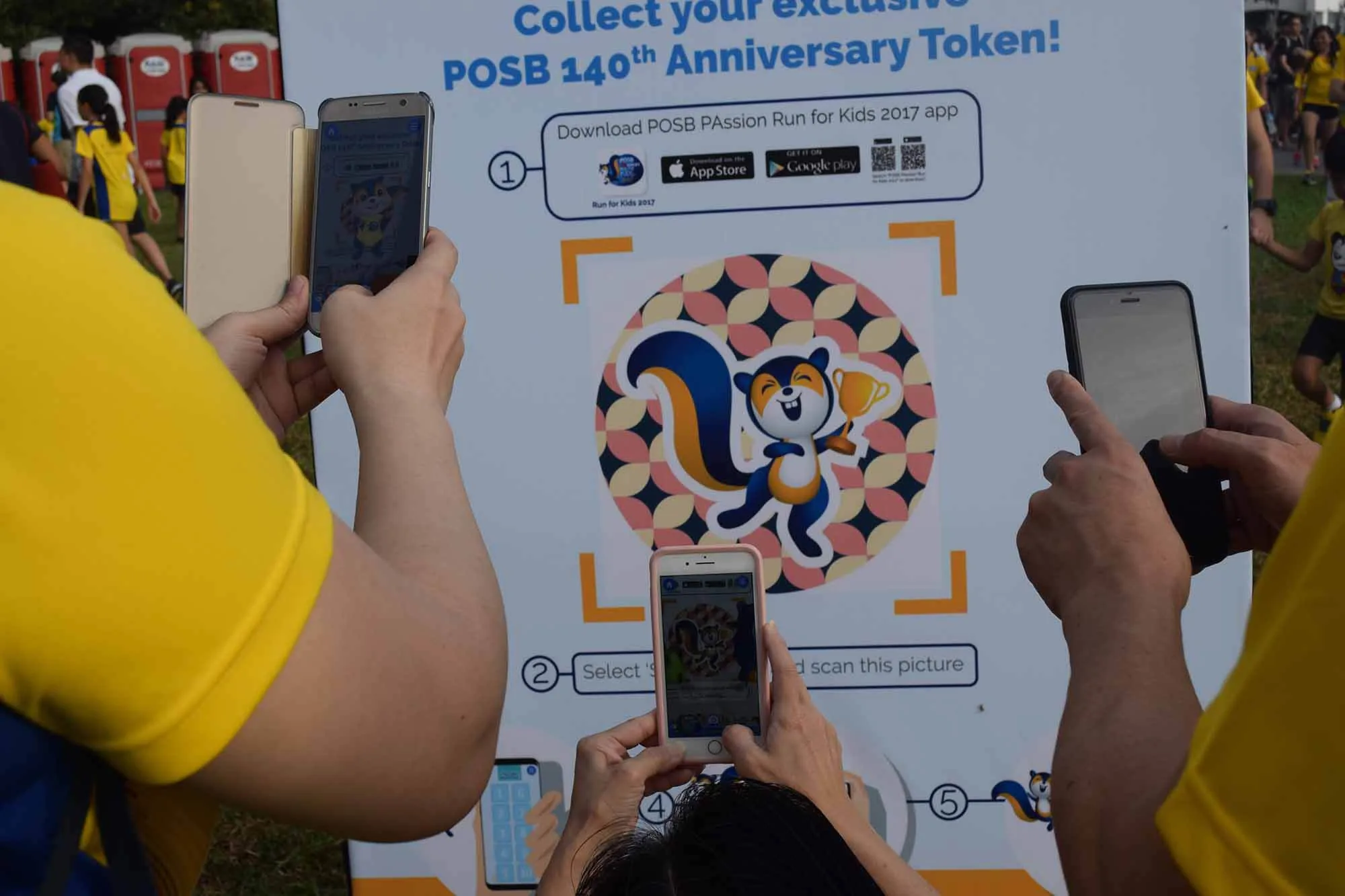
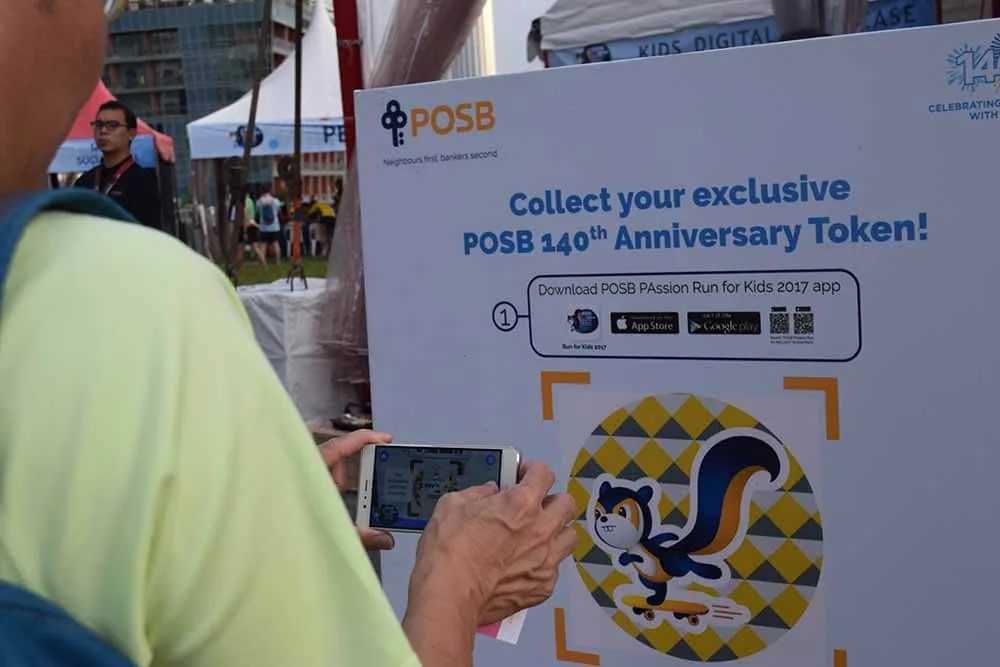
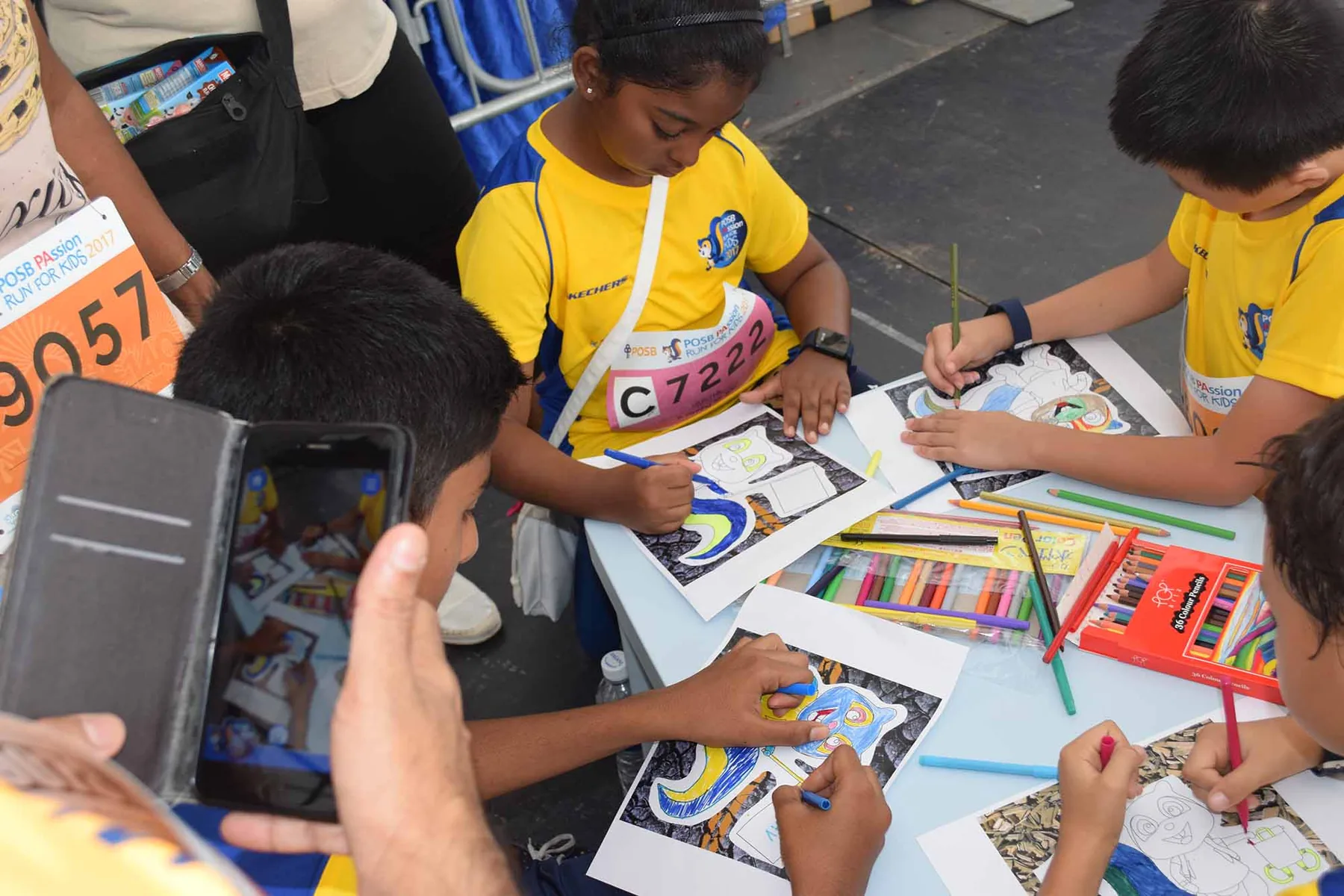
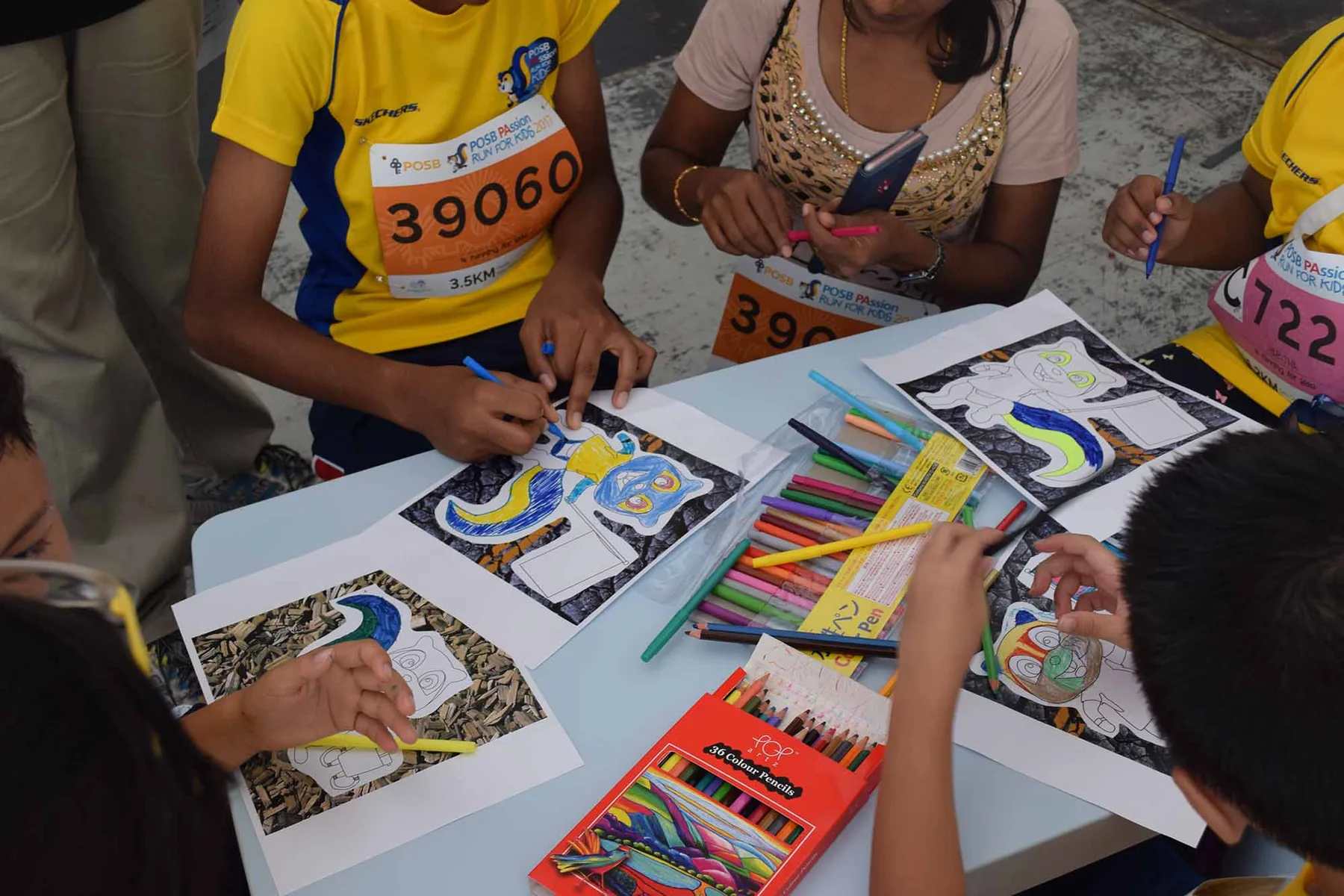
The mobile app combined event information with AR-led discovery and colouring activities. Participants used the camera at marked artwork and activity points, connecting the digital experience with the physical event.
Give families reasons to explore beyond the running route while introducing POSB’s mascot, values and history.
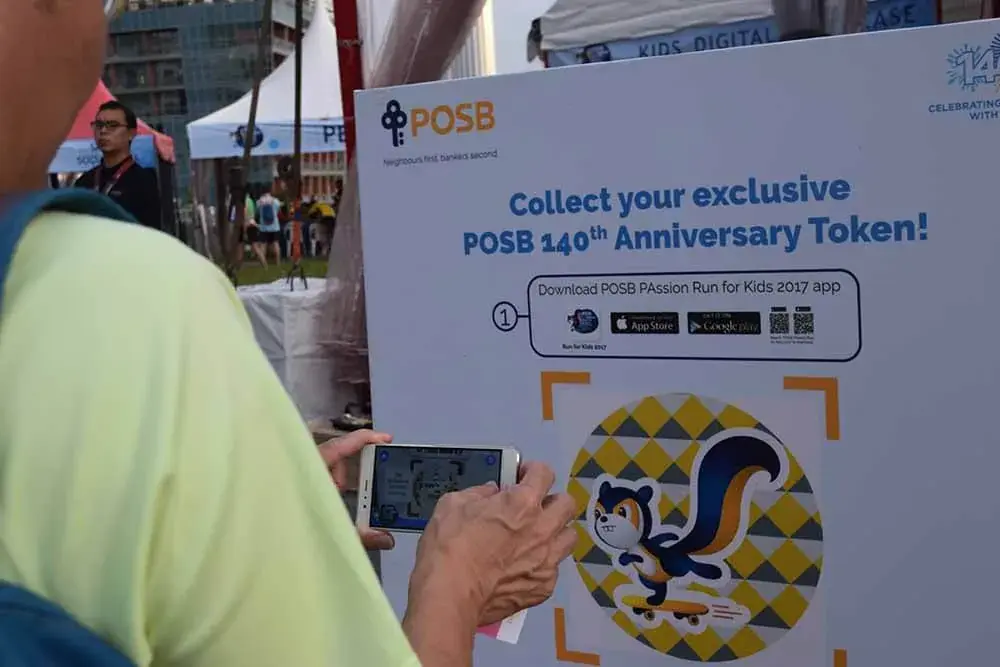
Viewing & delivery
Carries the interface and camera view.
Connects the surroundings with the digital character.
Presents the character within the participant’s view.
The software
The app brings event navigation and information together with camera-based AR experiences. Visual recognition connects a physical target with the relevant digital content, while the surrounding activity journey introduces the mascot and brand story.
Find the activity information on iOS or Android.
Follow the event’s treasure-hunt prompts.
Reveal the AR content at the visual target.
Discover the next marked activity.
Discover the marked artwork at the event.
Participate in the physical colouring encounter.
Frame the visual target with the event app.
See the artwork’s digital layer within the camera view.
The finished experience
Families could explore the event through their phones and connect hands-on activities with another layer of digital discovery.
FAQ
From creative customisation and software to onsite delivery. Here’s what to consider for your own project.
We can organise practical event information and camera activities in one journey. The digital layer should help families explore the venue without making basic navigation dependent on AR.
We define recognition targets and their content mappings, then test camera behaviour on supported devices. Permissions, missing targets and tracking recovery need clear guidance.
Check marker placement, connectivity and safe stopping space. Staff should be able to explain the camera interaction and offer help when a device cannot run it.
Provide the route, activity points, mascot assets and platform requirements. Navigation content, recognition targets and app support determine the development scope.