PopScoot Gamified App
A mobile quest interface connecting e-scooter missions, QR scanning and participant photo capture.
- Mission UX
- Camera interface
- Completion feedback
- Gamified prototype


A mobile quest interface connecting e-scooter missions, QR scanning and participant photo capture.
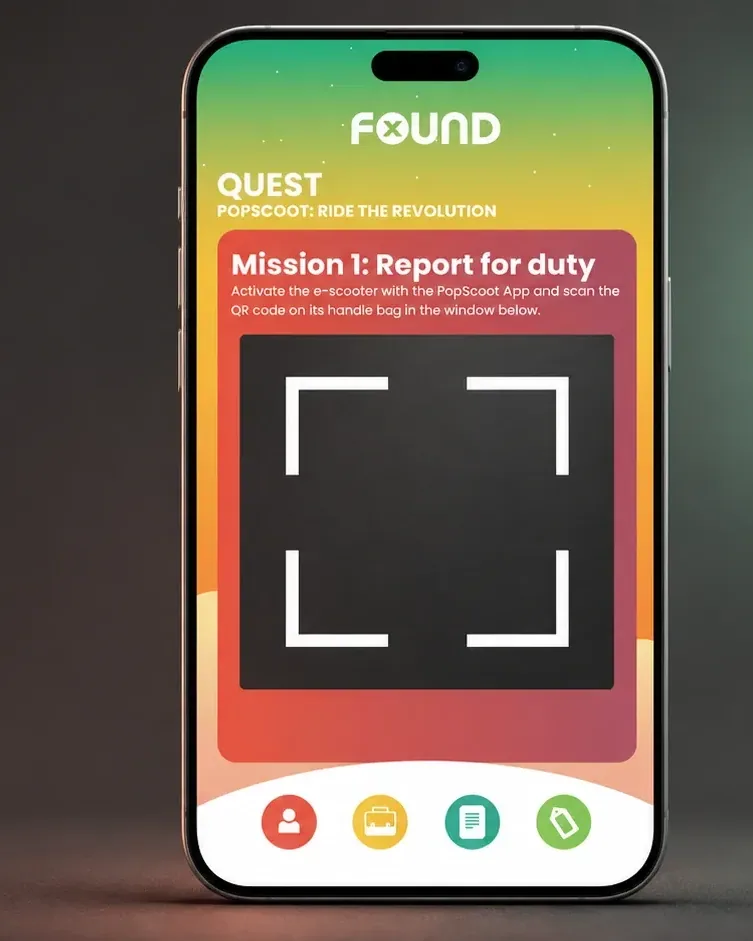
Concept / demonstration
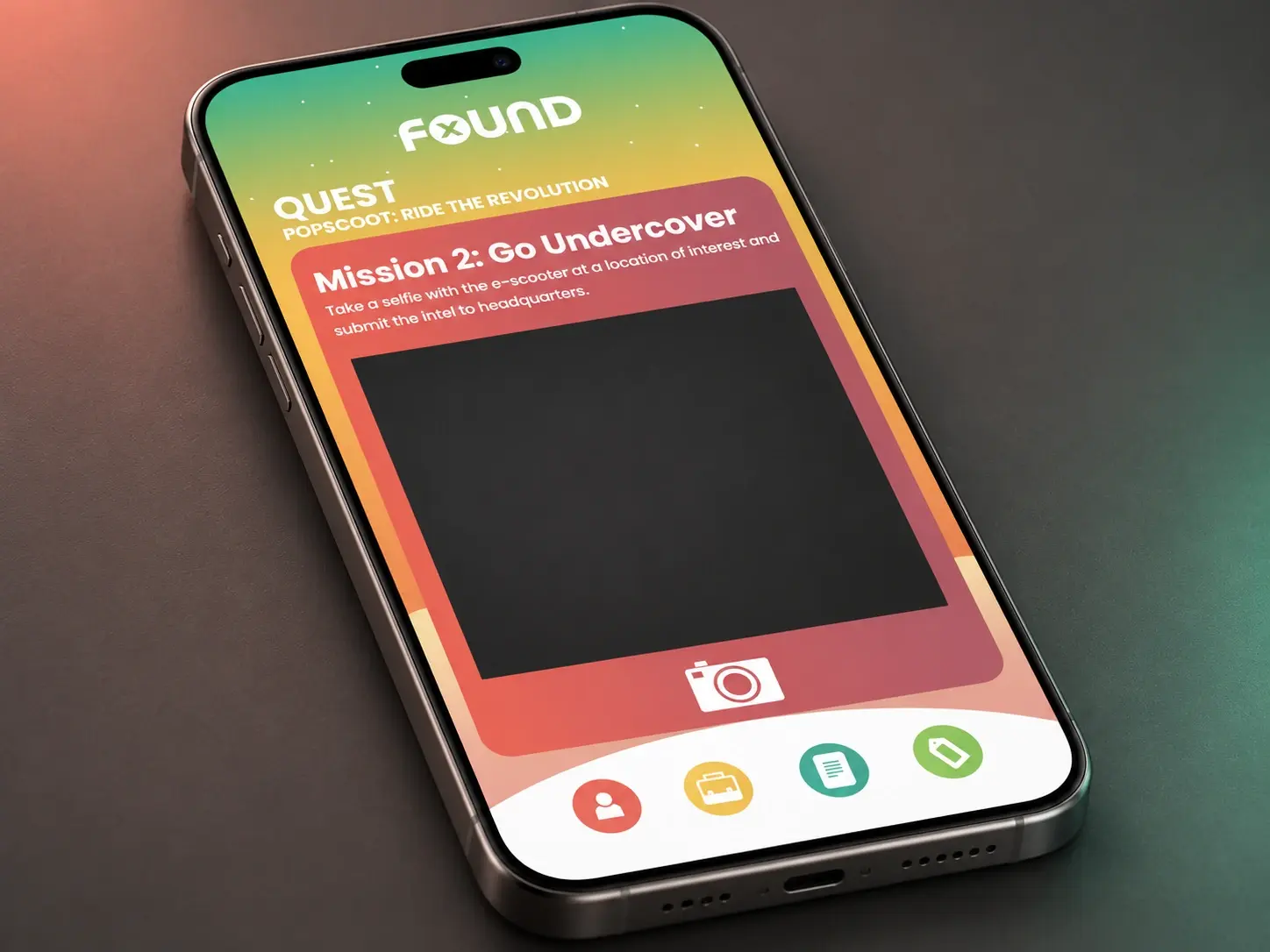
The interface places each mission above a camera preview. One instruction asks the participant to activate an e-scooter and scan its handle-bag QR code; another asks for a selfie with the e-scooter at a location of interest. The mission wording and visible controls explain the action before submission.
Make a sequence of digital missions feel connected to things the participant can discover and capture.
Viewing & delivery
Presents the mission on a personal device.
Gives the task a link with the surroundings.
Makes the mission’s response visible before the next step.
The prototype
The mobile journey presents mission instructions, camera controls, a review stage and submission. FOUND is the persistent interface wordmark, rather than evidence of an automated recognition or success response.
Follow the instruction for the next e-scooter task.
Use the QR or photo action requested by the mission.
Check the captured material before submitting it.
Use the submission control to send the mission material.
The finished experience
The interface concept shows how specific QR and photo missions can connect a digital quest with an e-scooter journey.
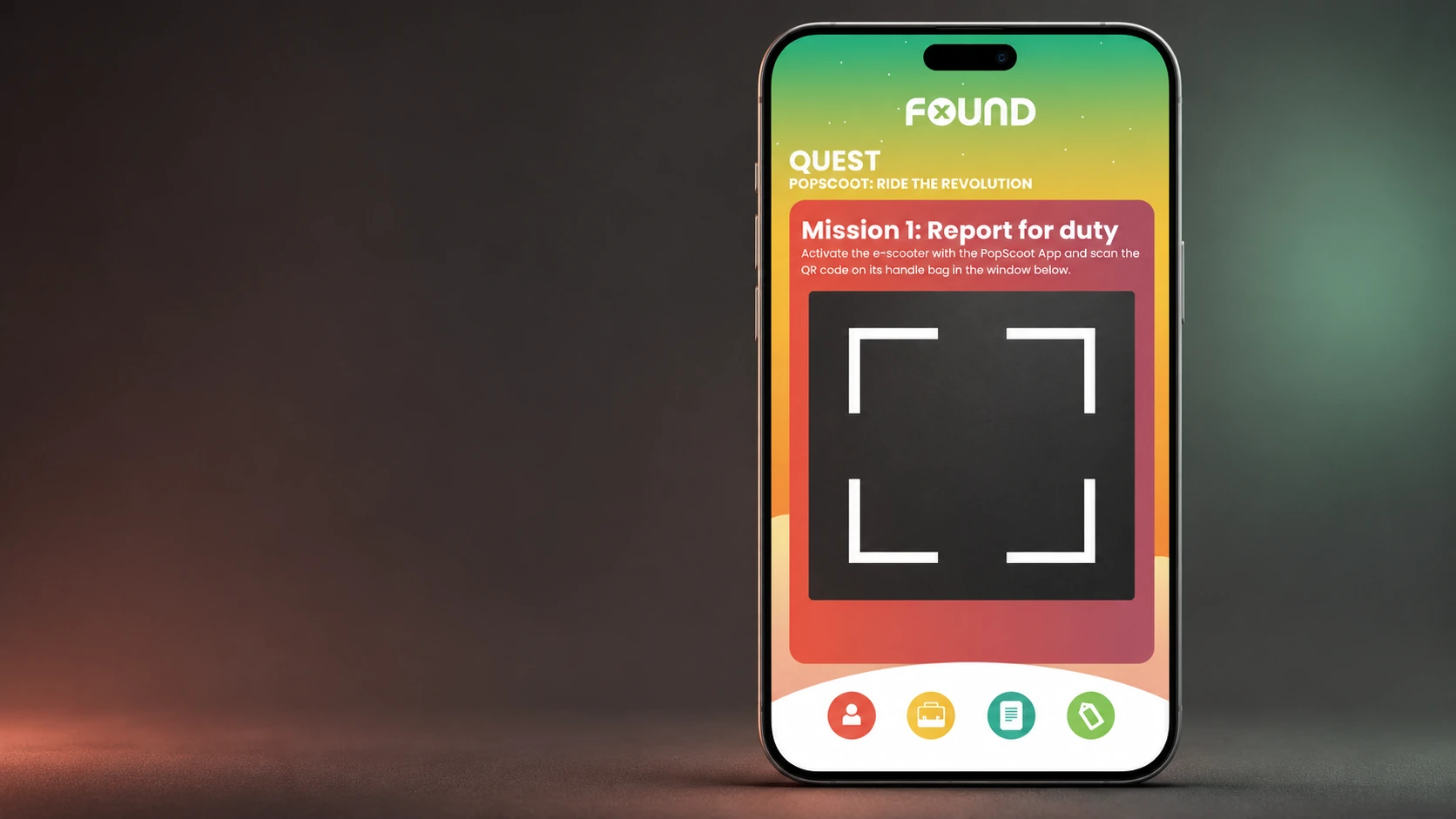
Interface visualisation — the first mission and camera-framing controls; preview shown empty.
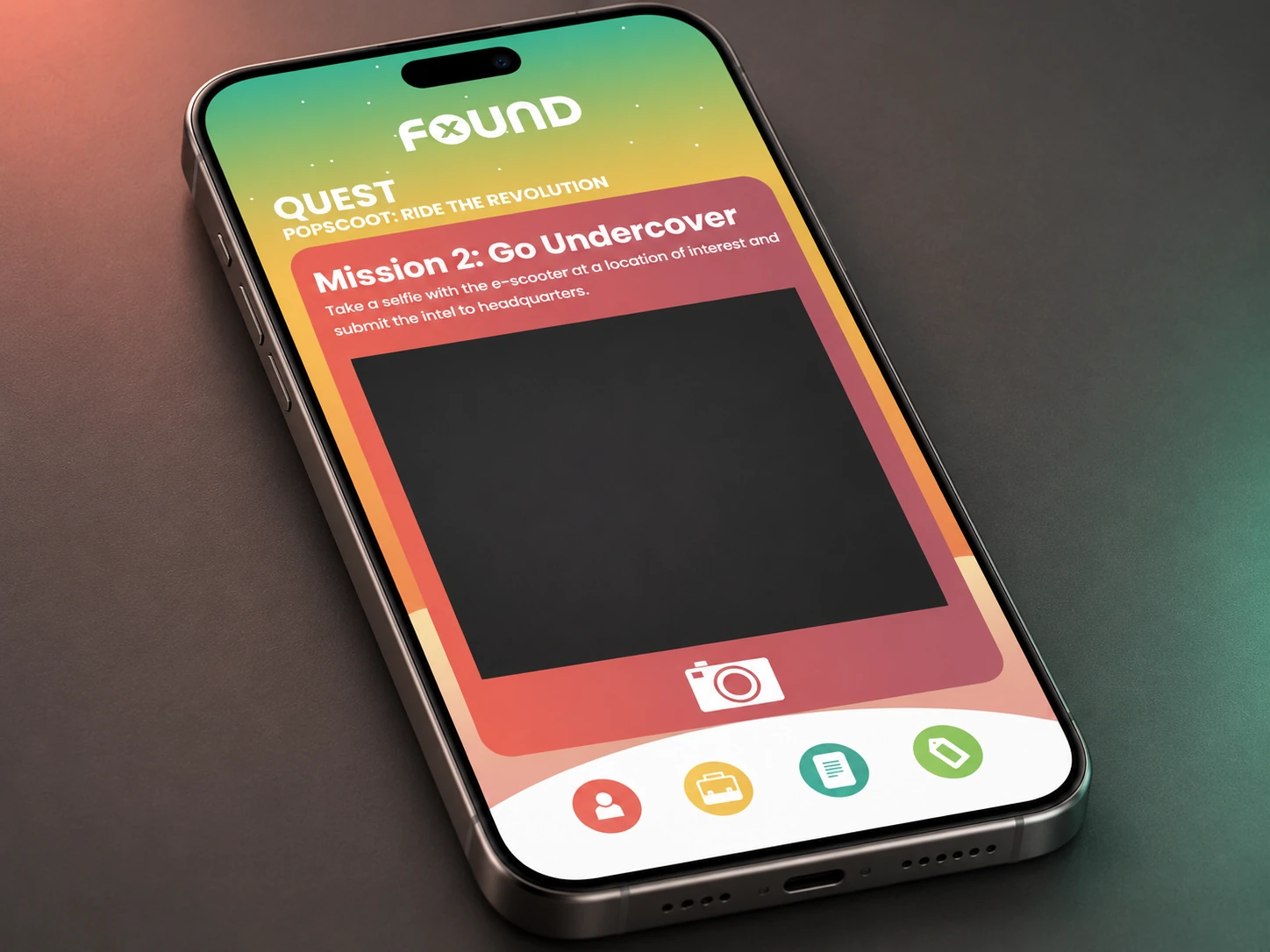
Interface visualisation — the second mission and capture control; preview shown empty.
 Video
Project footage showing the experience in action.
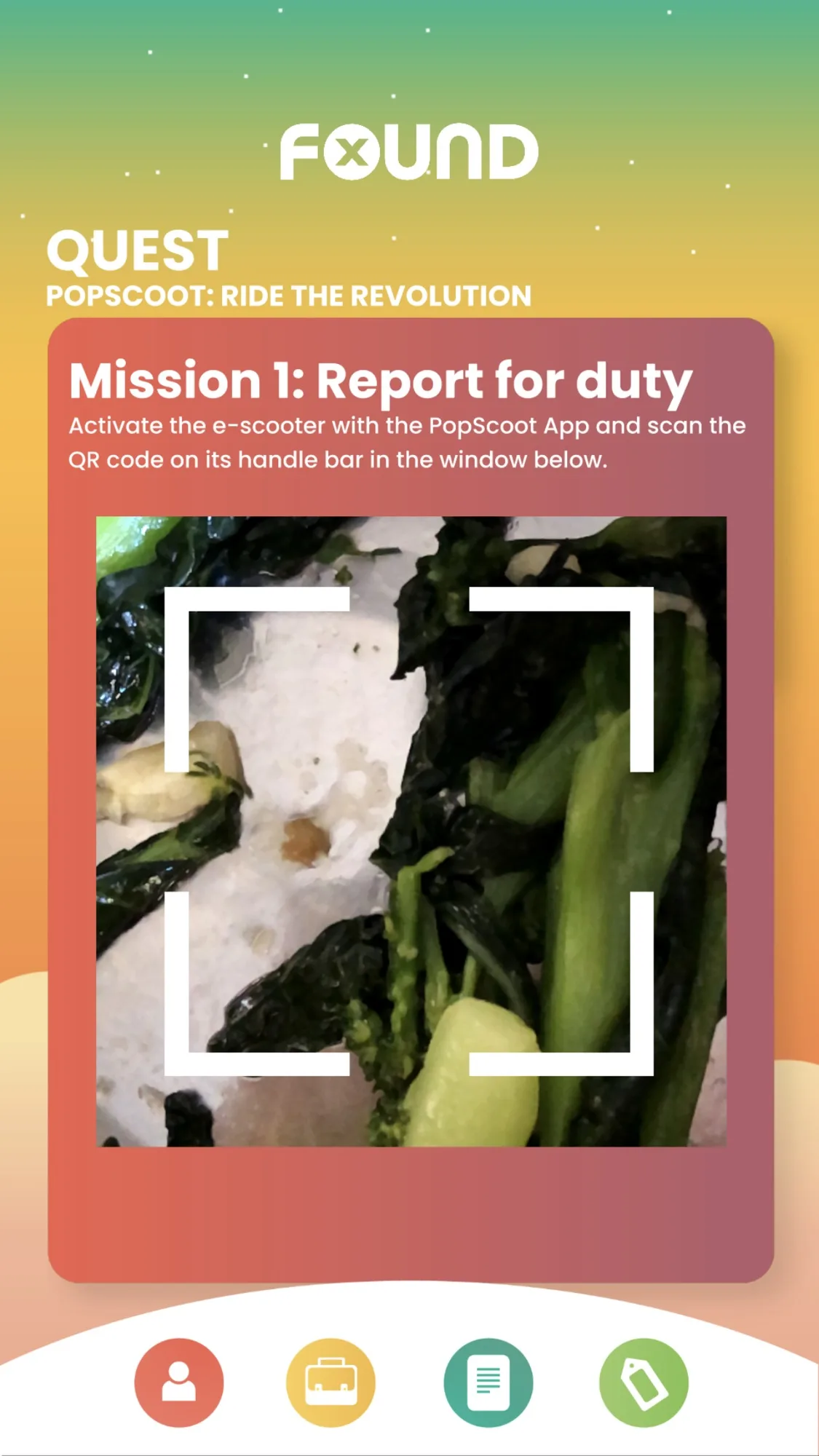
The camera mission invites the player to capture a scene.
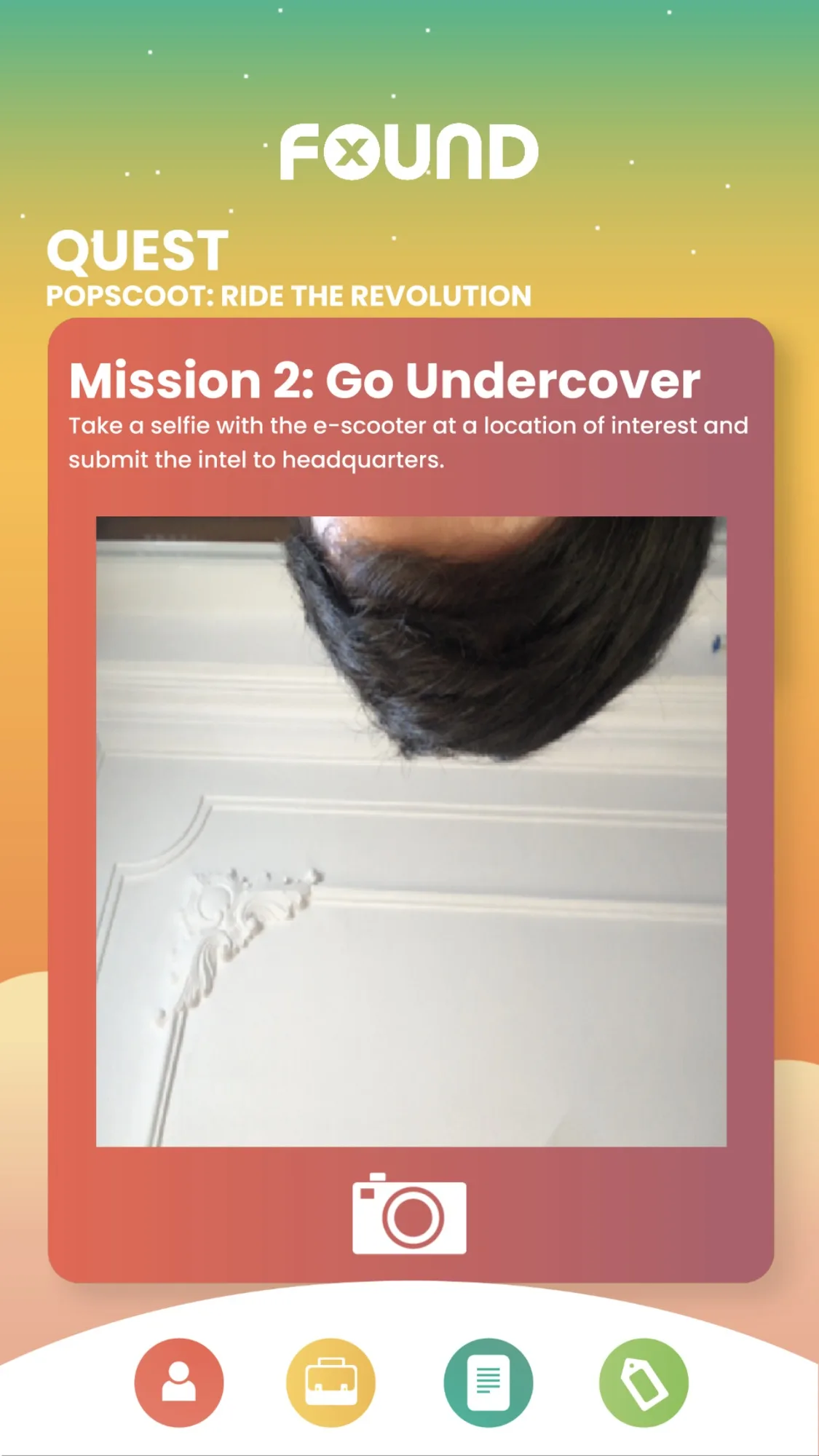
The second mission changes the instruction while keeping the camera controls familiar.
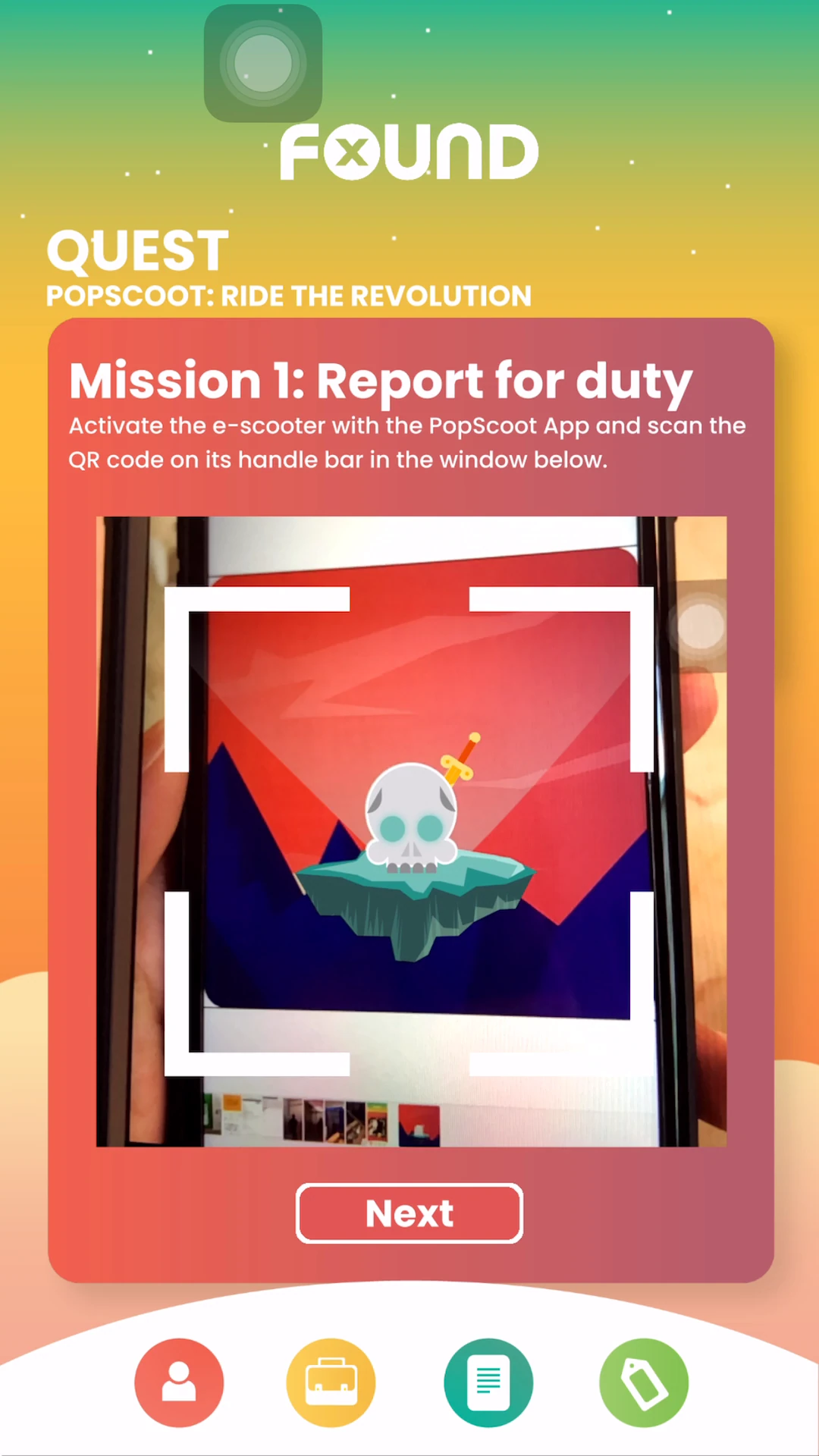
The PopScoot quest uses the camera view as part of its mission interface.
FAQ
From creative customisation and software to onsite delivery. Here’s what to consider for your own project.
We can give participants clear tasks, capture guidance and a reason to submit their discoveries. Mission wording should make the expected evidence understandable before the camera opens.
Not necessarily. We can scope review or validation around the actual rules. Camera capture, preview and submission are distinct from automatically deciding whether an image completes a mission.
Agree review ownership, feedback and resubmission rules. The campaign also needs clear consent, retention and support instructions for participant-uploaded images.
Send mission examples, validation requirements, target devices and participant volumes. Camera flows, review tools and any recognition features determine the software scope.