Herbalife Interactive Screens
Large interactive screens that brought product and recipe content into a Herbalife-branded physical environment.
- Content architecture
- Touch interface
- Visual content system
- Display integration


Large interactive screens that brought product and recipe content into a Herbalife-branded physical environment.
Singapore
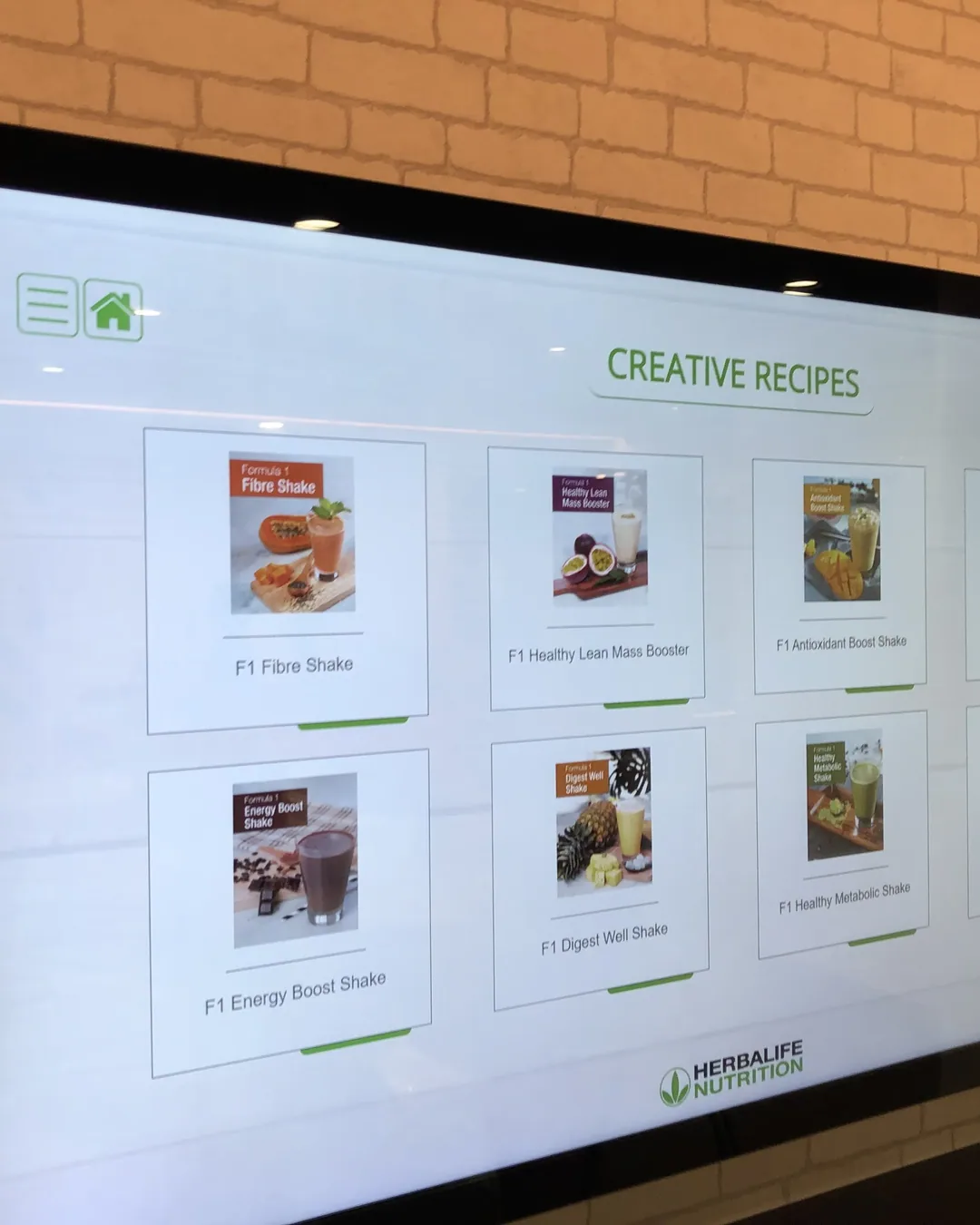
The installation combined large landscape displays with a branded interior. Visual content categories and recipe cards gave visitors a clear route to explore the information at the screen.
Make a broad content collection approachable through visual categories and direct screen interaction.
The hardware
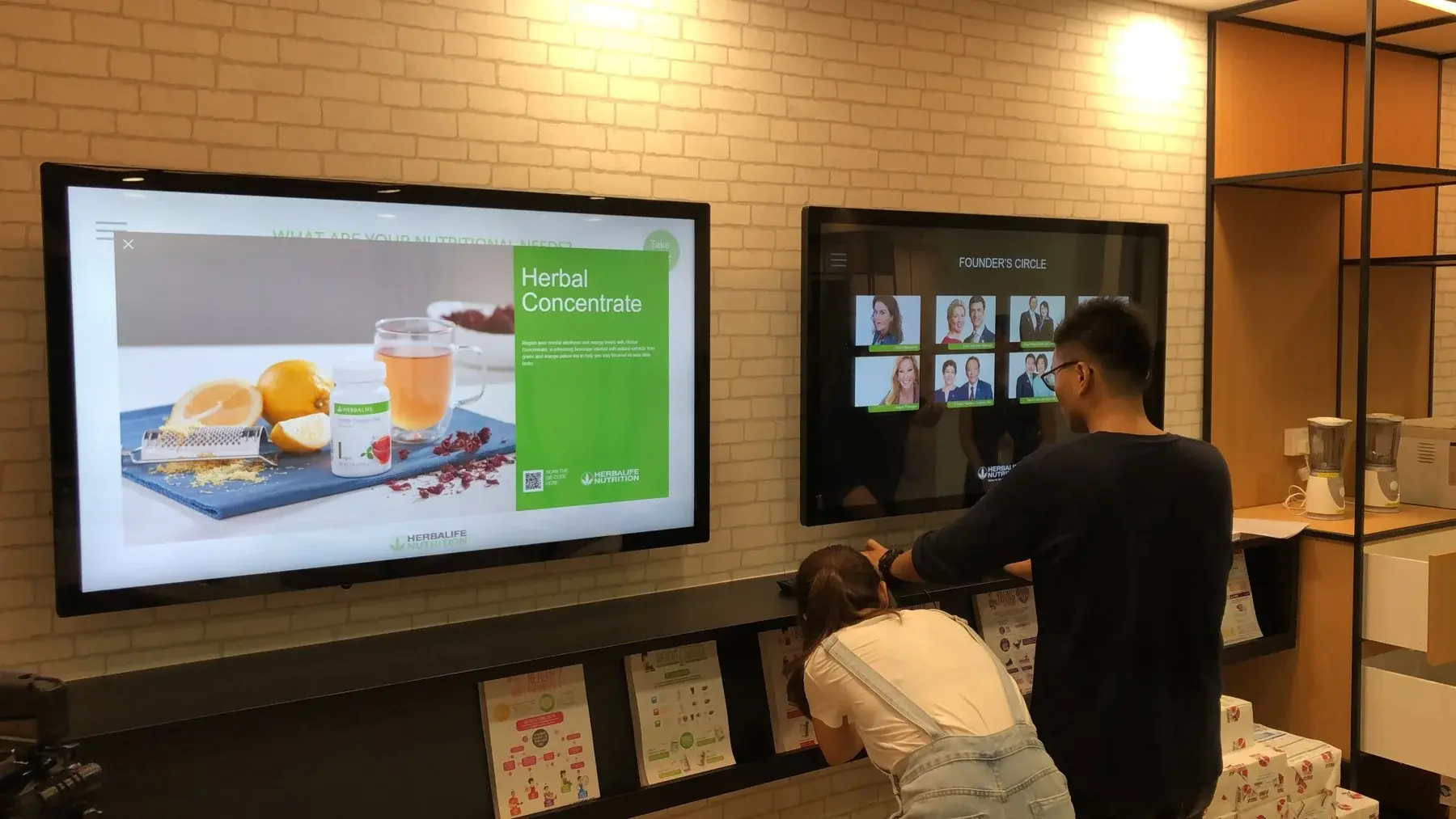
Presents visual information within the physical setting.
Lets the participant choose the next chapter.
Connects category views with the relevant detail.
The software
The interface connects category selection, content cards and detailed views. Large visual targets and a consistent navigation structure help the visitor move between topics in the installed environment.
Choose a recipe from the touch display.
View its ingredients and presentation.
Read the relevant preparation or nutrition content.
Return to the collection to continue browsing.
Explore product and brand information on the screens.
Touch the item you want to investigate.
Read or watch the associated content.
Return to the menu to choose another topic.
The finished experience
The content collection became an explorable part of the physical space rather than a fixed sequence of slides.
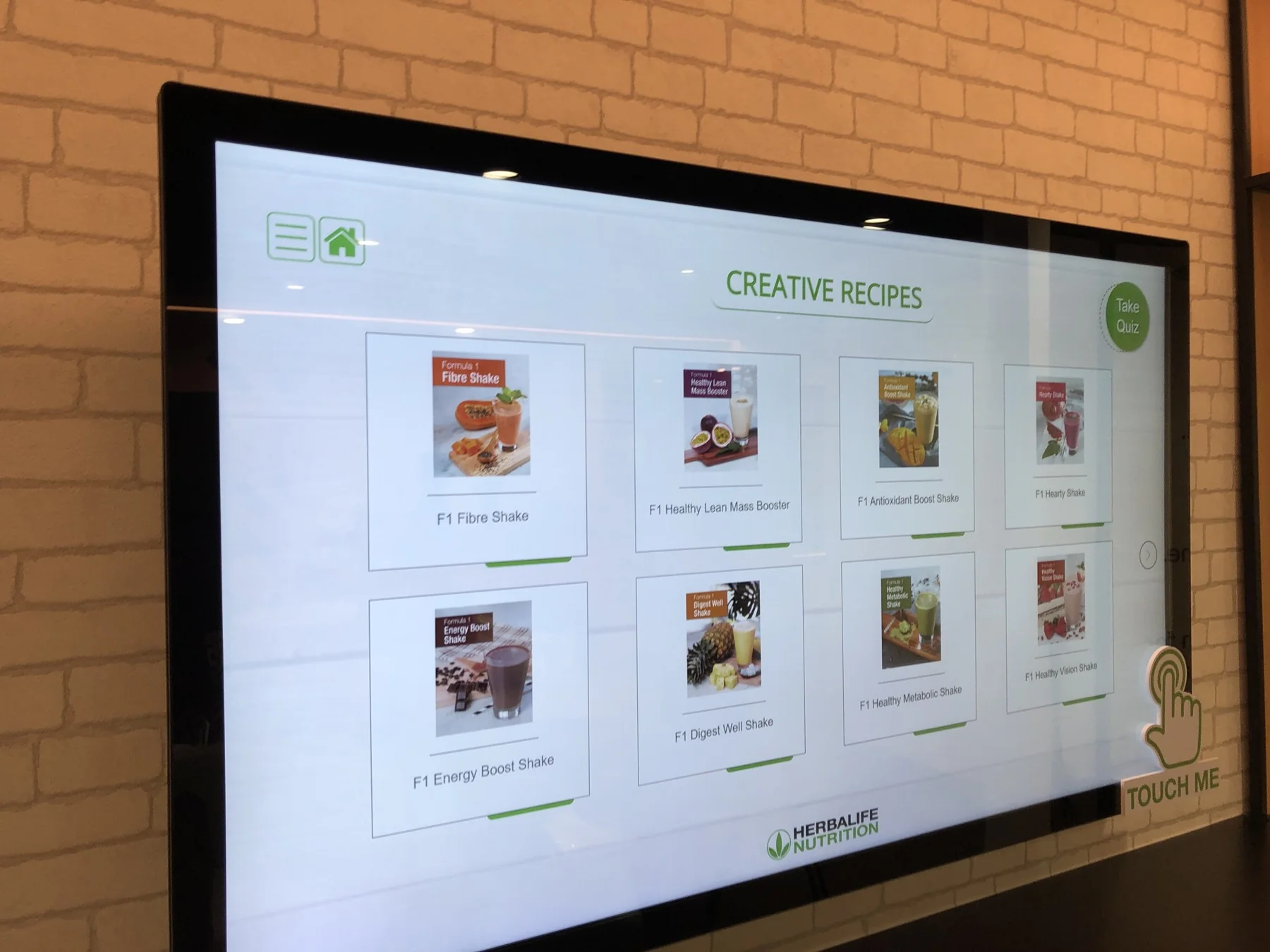
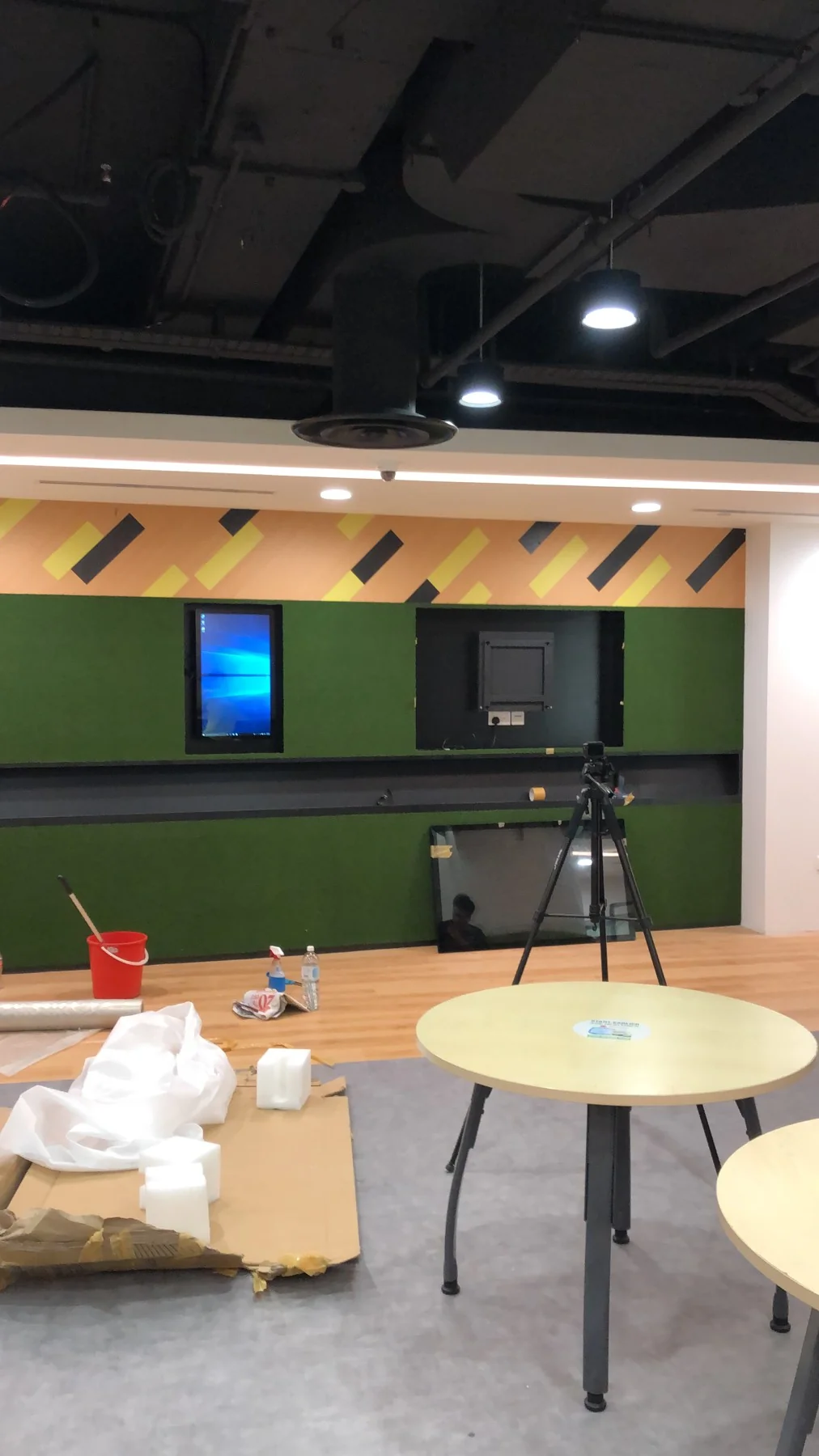
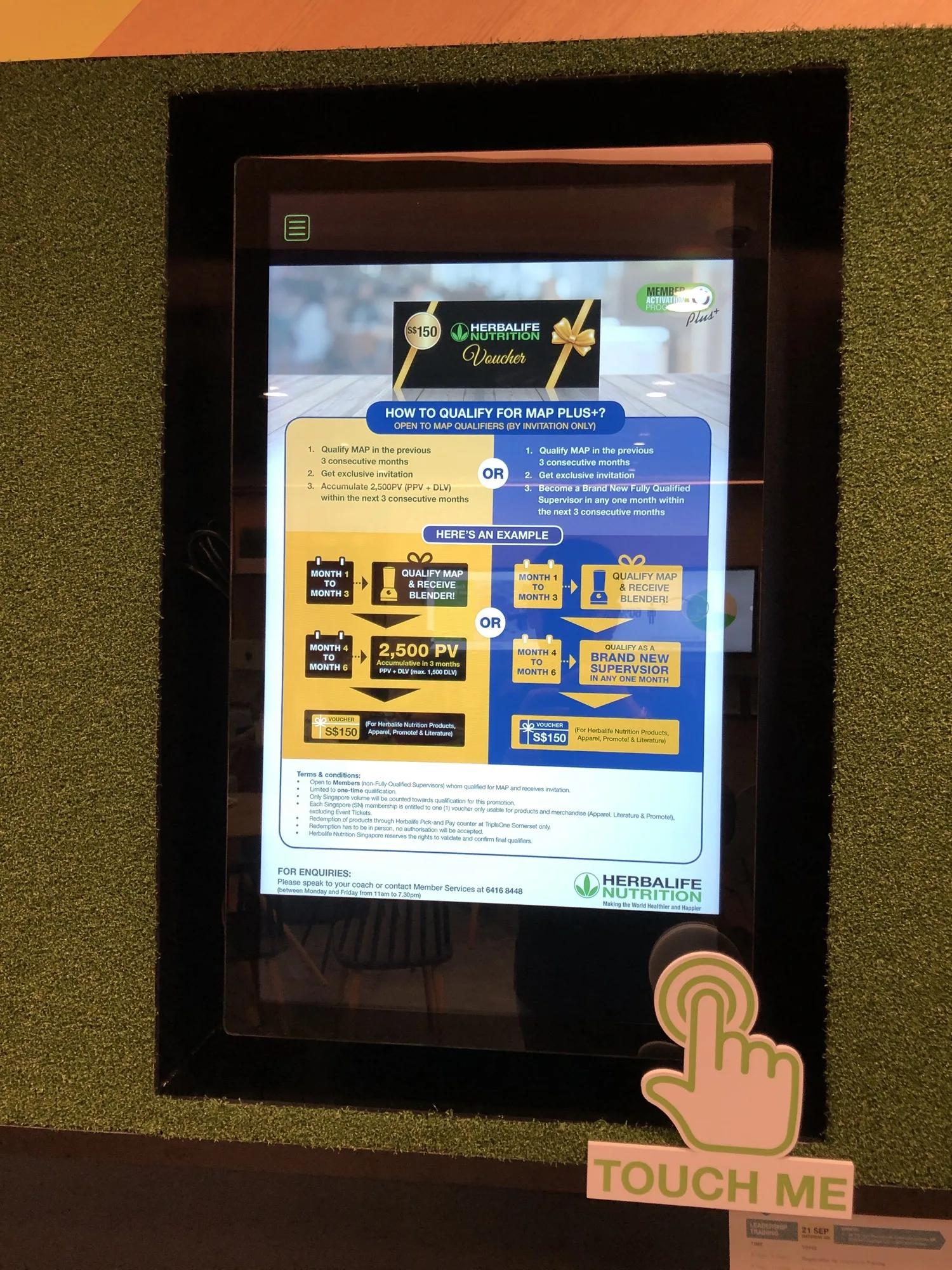
A dedicated touch display invites visitors to explore the information.
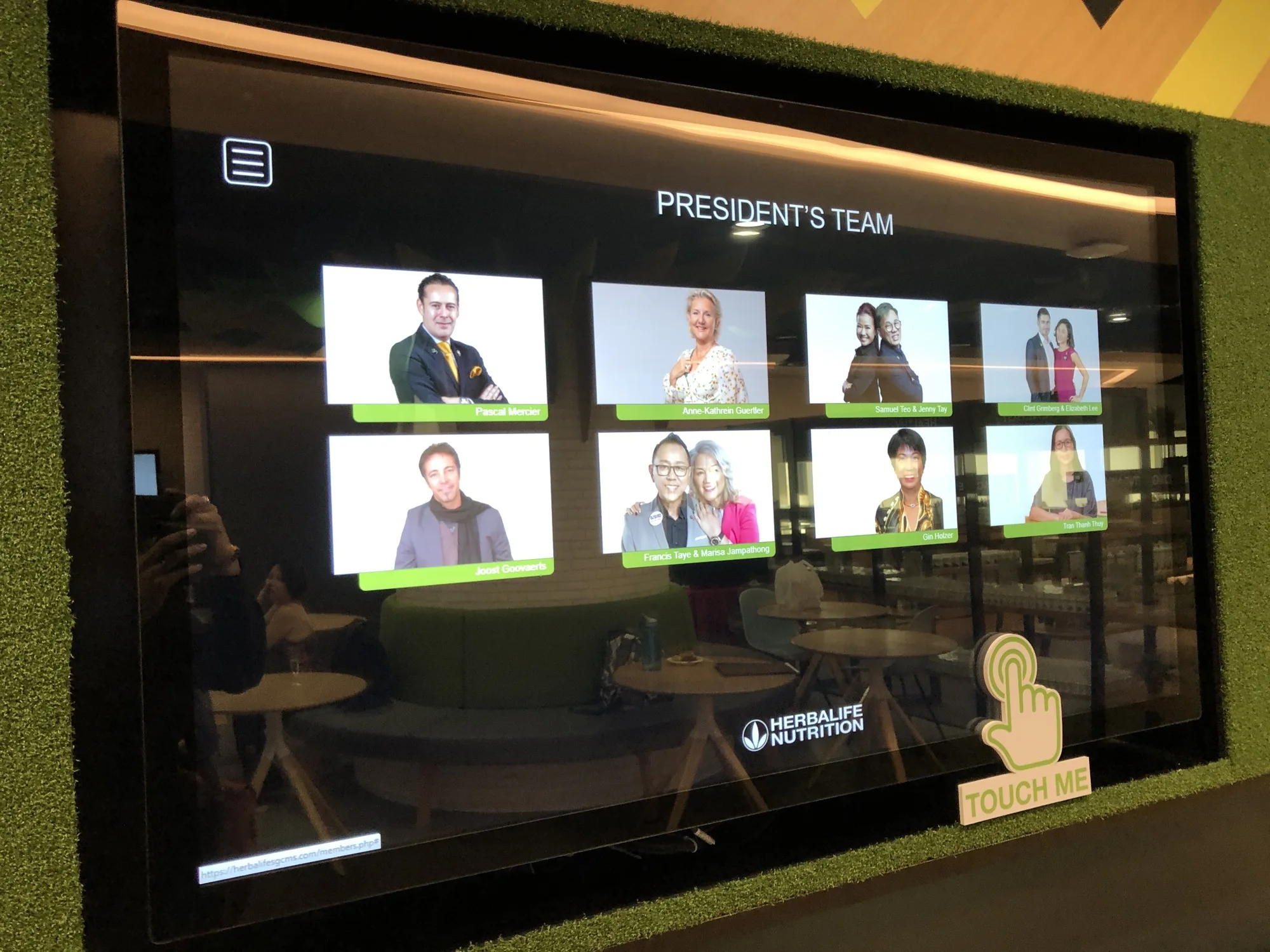
Visitors choose a presentation from a visual menu.
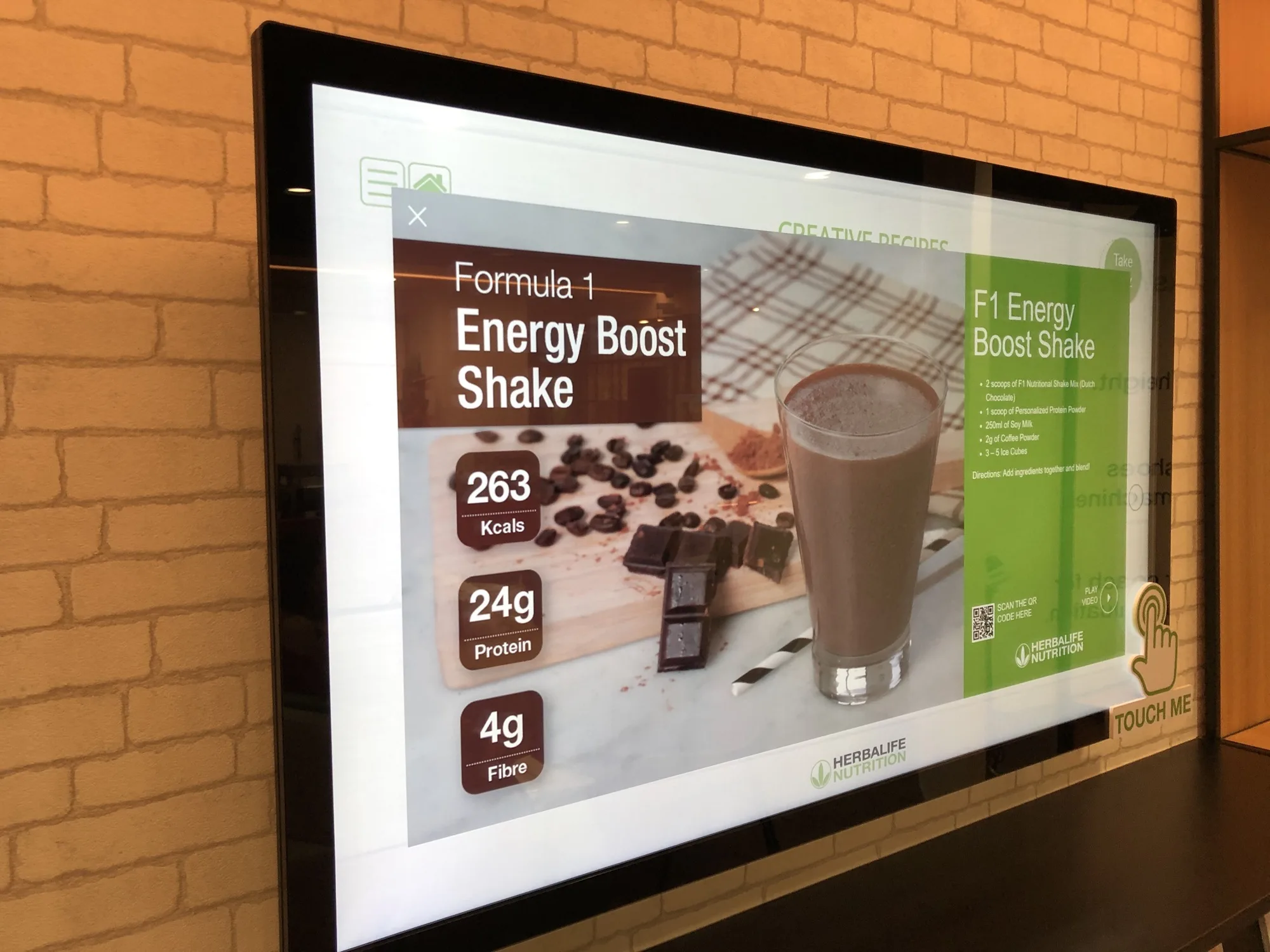
Product information is presented alongside a recipe image.
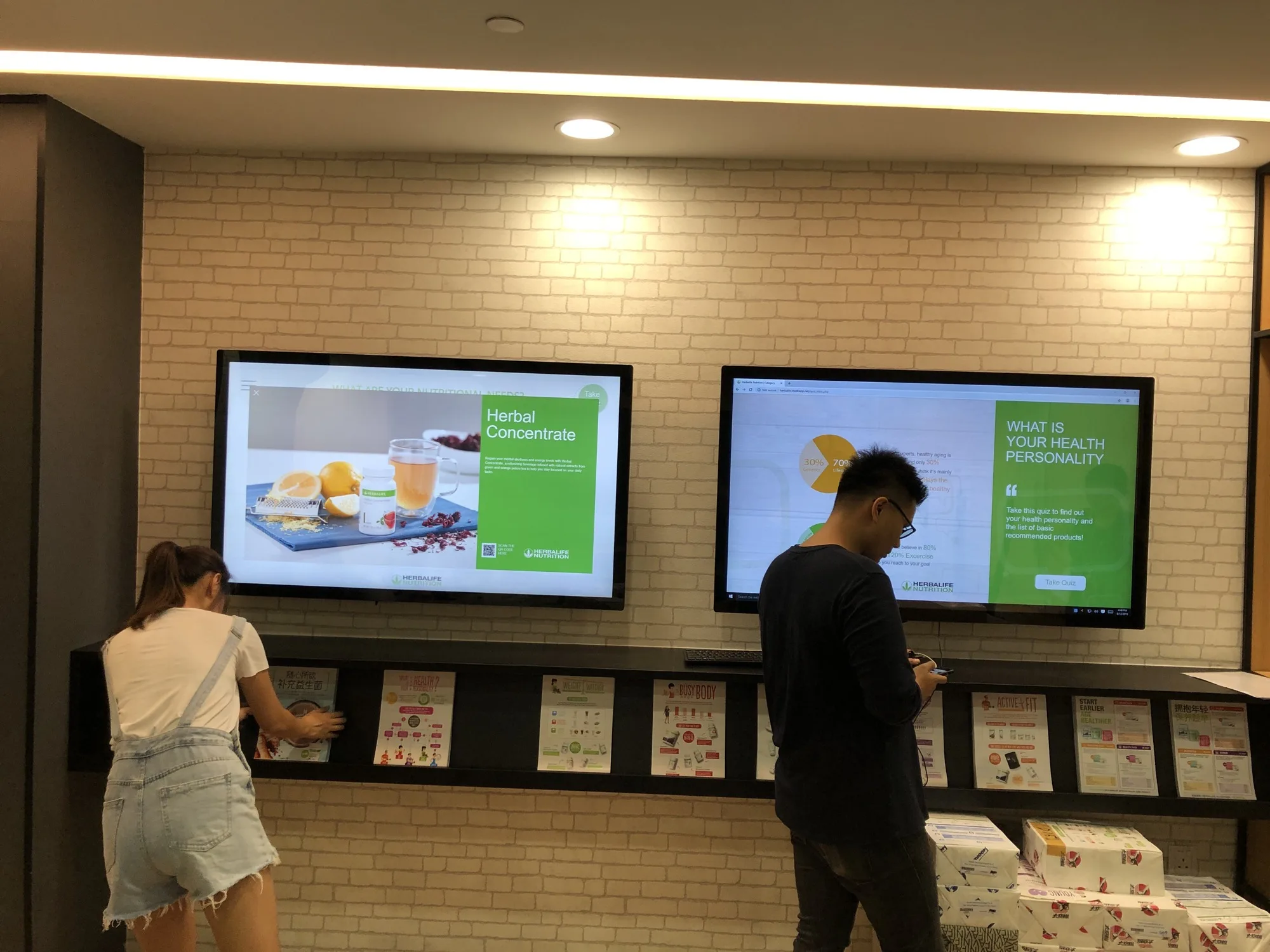
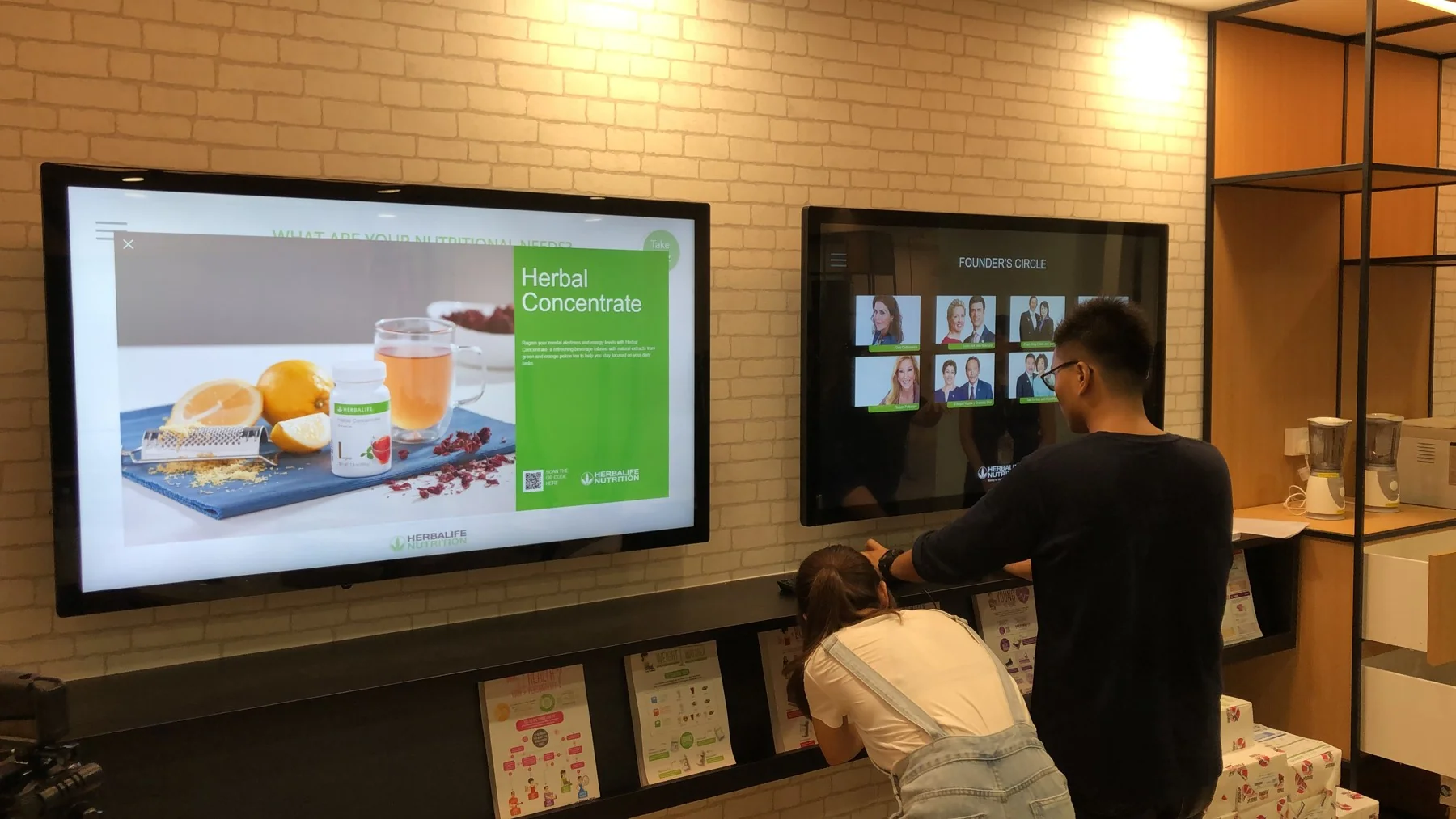
The paired displays combine digital browsing with takeaway information.
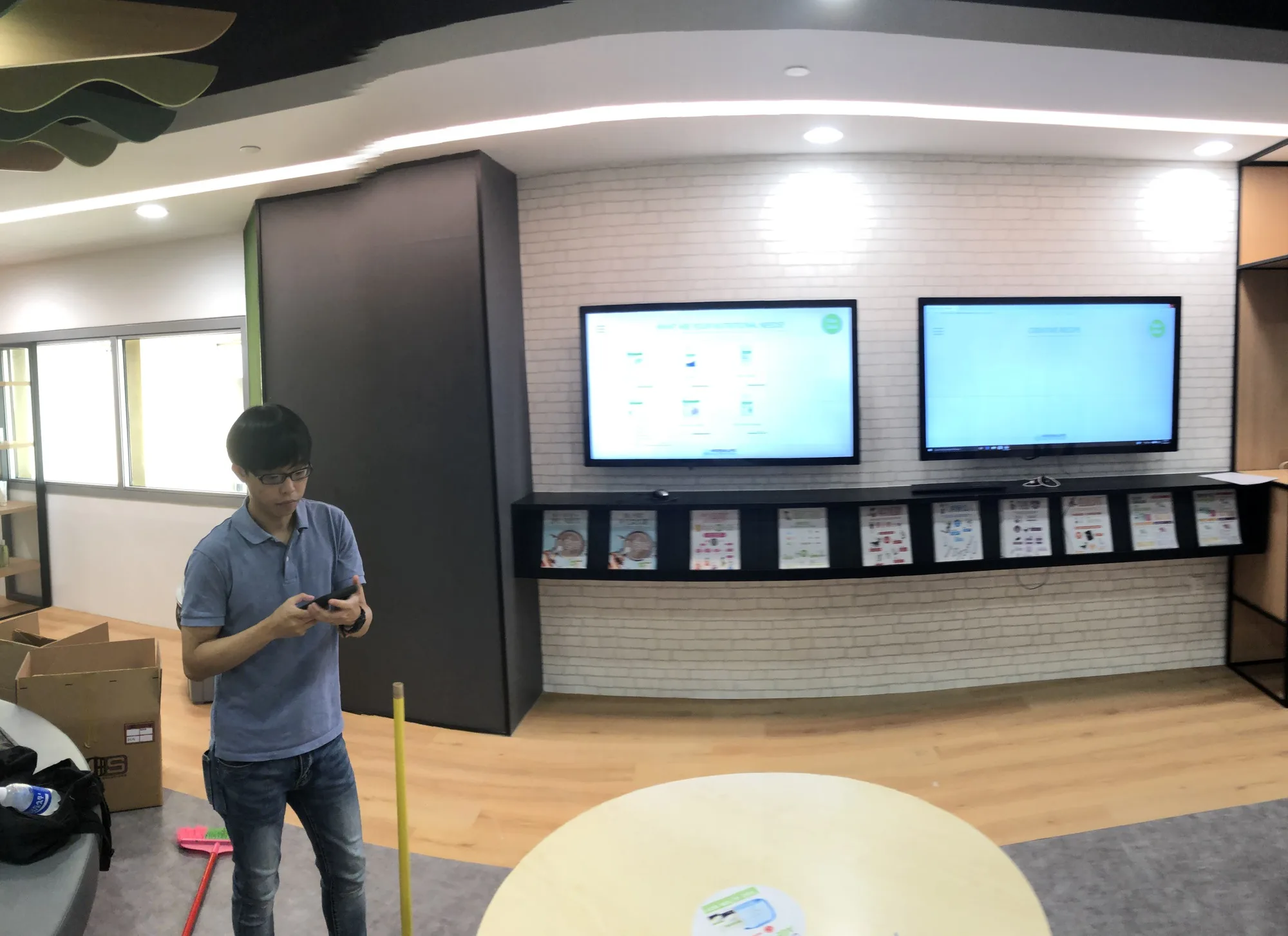
The display installation sits within a shared customer space.
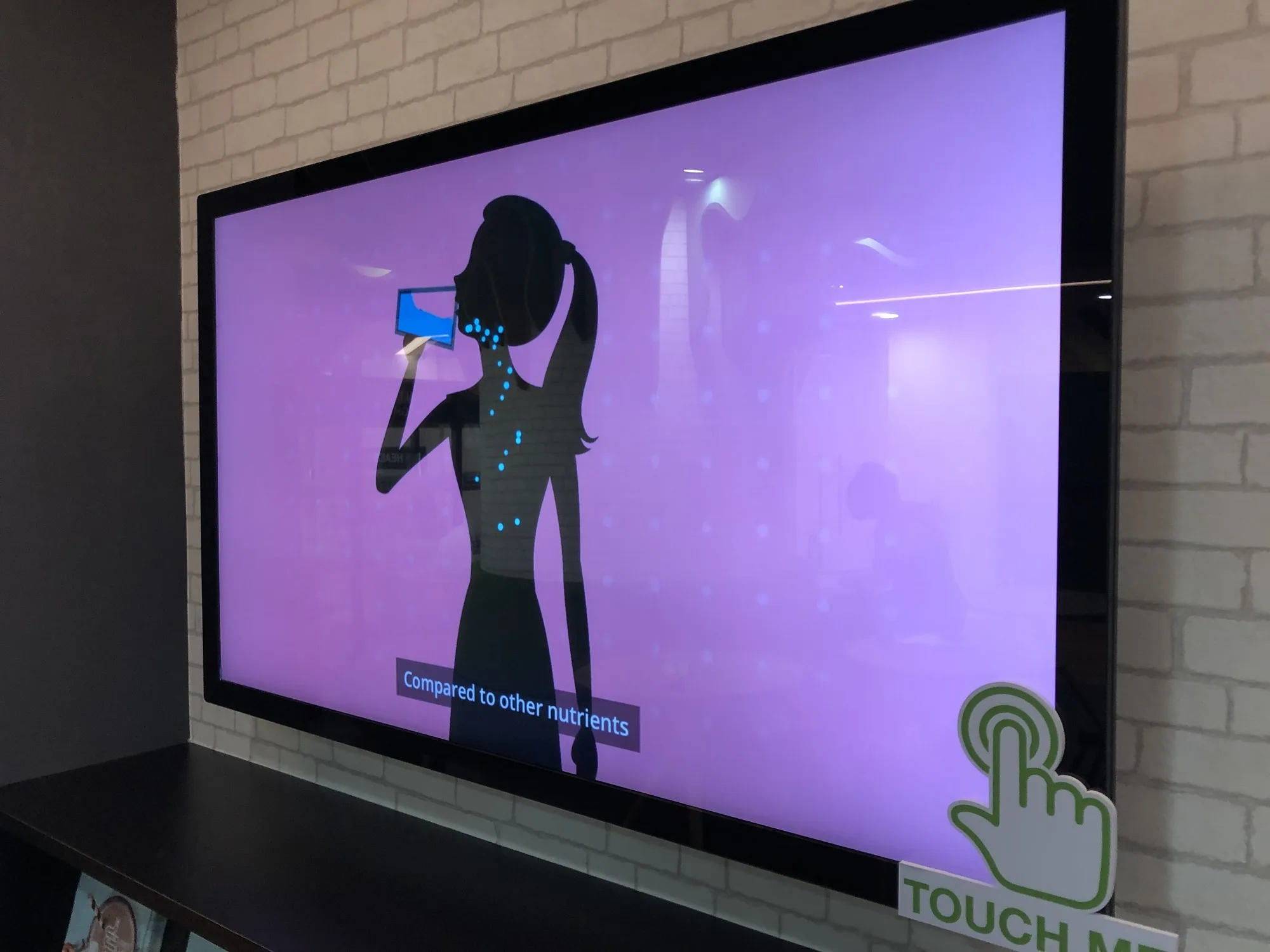
Animated content helps introduce the touchscreen experience.
FAQ
From creative customisation and software to onsite delivery. Here’s what to consider for your own project.
We can organise information into clear categories and visual cards. Each detail view should help visitors explore their interests while keeping an easy route back to the main topics.
We can define shared content structures, publishing responsibilities and update delivery. Screen-specific layouts or disconnected operation need to be specified before choosing the management approach.
Confirm current content, working touch areas and a clean start state. The handover should explain restart procedures and how to report missing or outdated information.
Send topic categories, approved media, screen specifications and update frequency. Content depth, editing tools and deployment locations determine the scope.