Fujifilm RFID Product Experience
An RFID-led product experience integrated into a Fujifilm business-technology showcase.
- RFID interaction
- Content application
- Display integration
- Showroom commissioning


An RFID-led product experience integrated into a Fujifilm business-technology showcase.
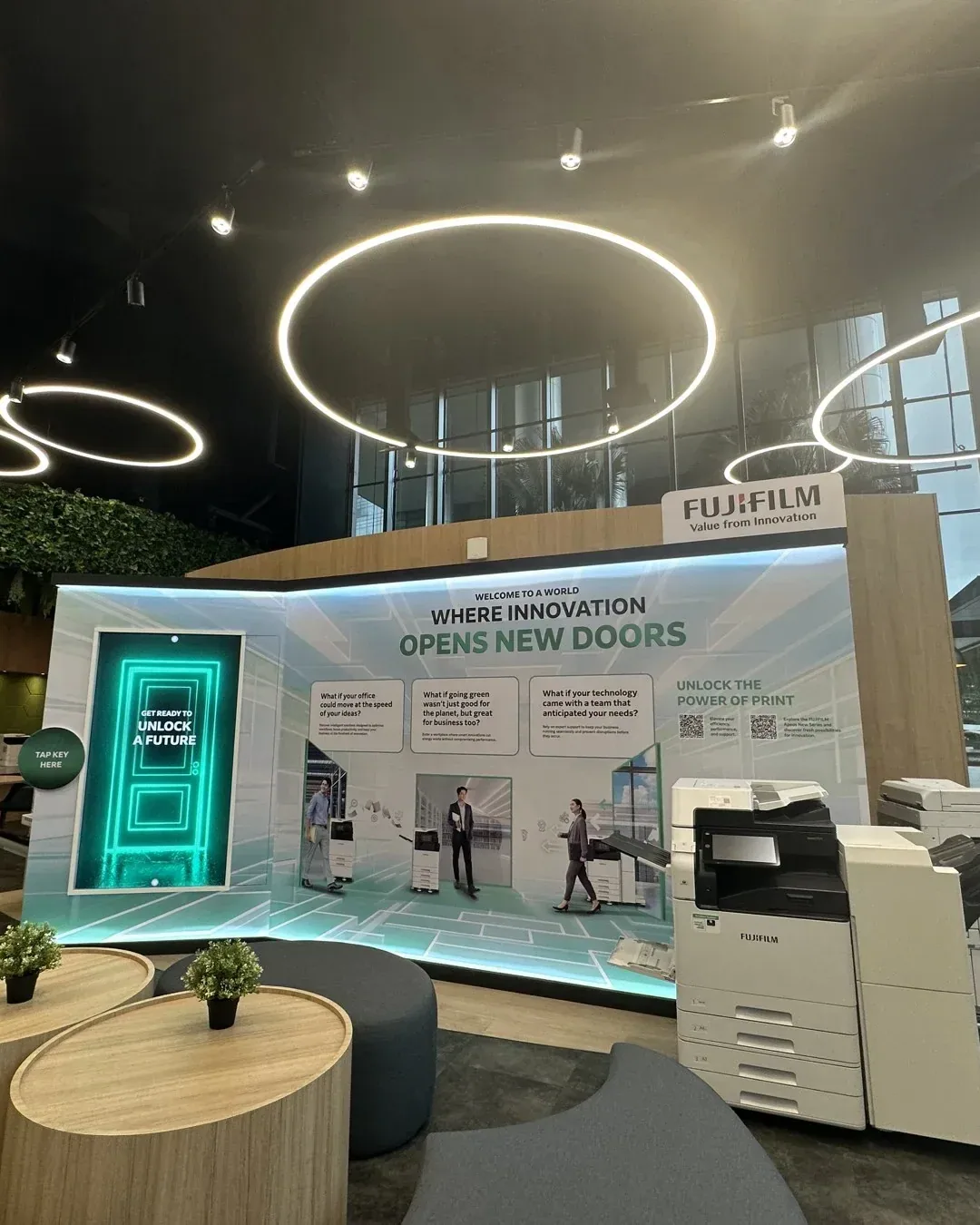
Singapore
The installation placed digital product content alongside Fujifilm’s showcased equipment. RFID interaction provided the link between a physical selection and the associated information on screen.
Connect physical product discovery with relevant digital information inside a working showroom environment.
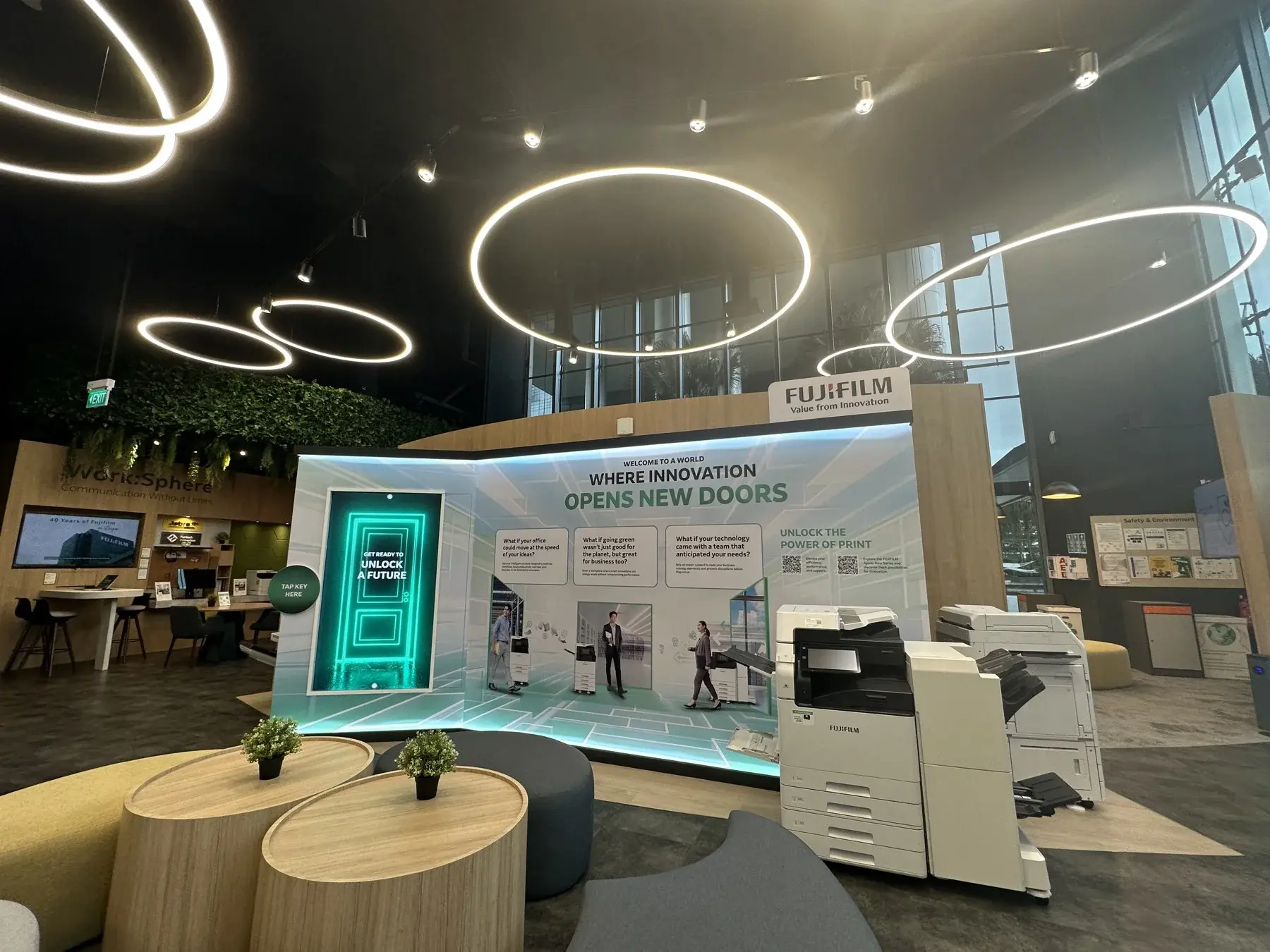
The hardware
Identifies the item being explored within the experience.
Connects the item’s identifier with the digital response.
Shows information associated with the recognised selection.
The software
The sensing layer identifies the selected tagged item and passes that identifier to the presentation application. Content is associated with the recognised item so the explanation follows the object being explored.
Approach the product installation within the Fujifilm setting.
Bring the tagged item to its intended sensing position.
The recognised selection calls up the associated product information.
Use the display and real equipment together to explore the product.
The finished experience
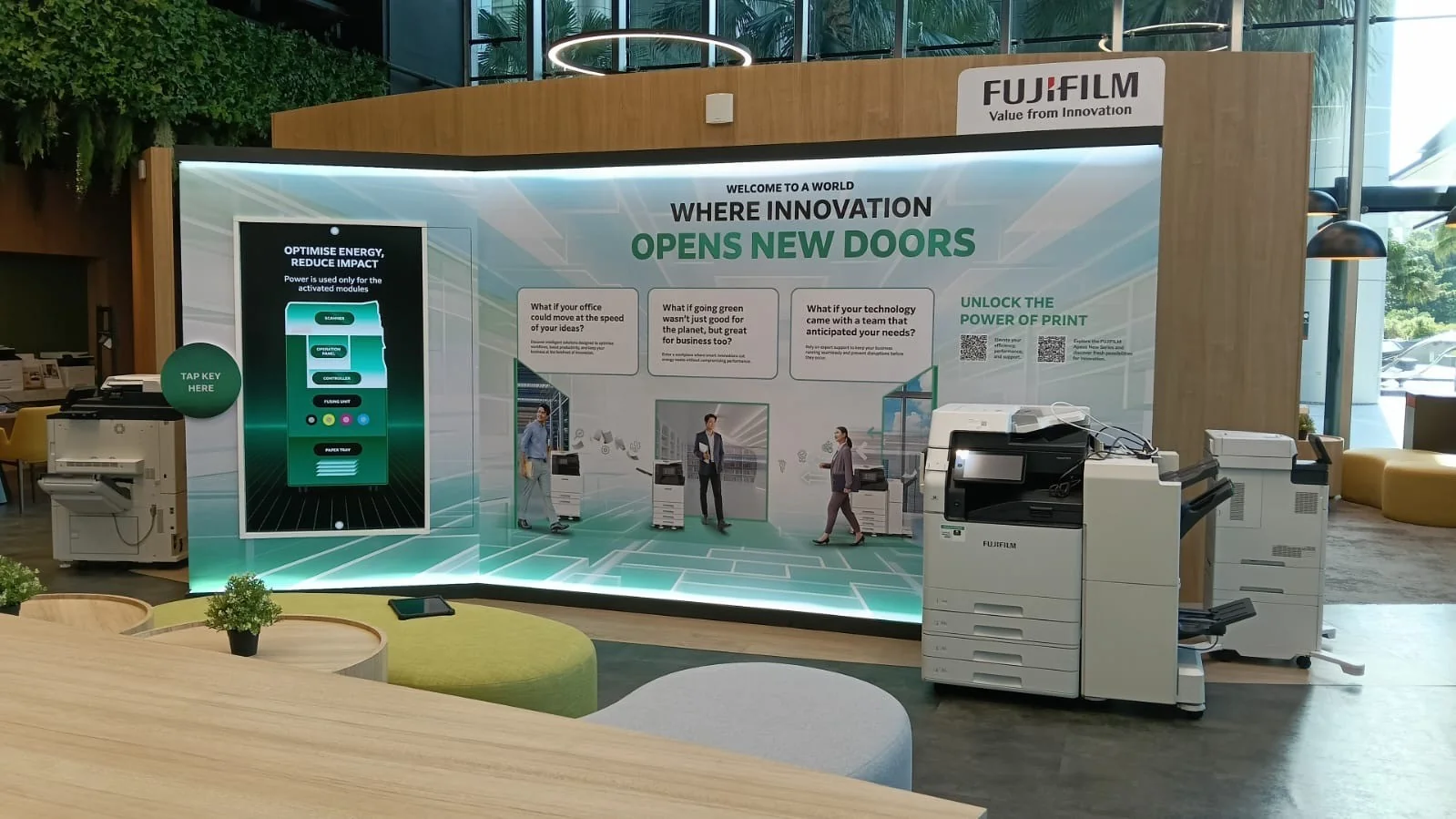
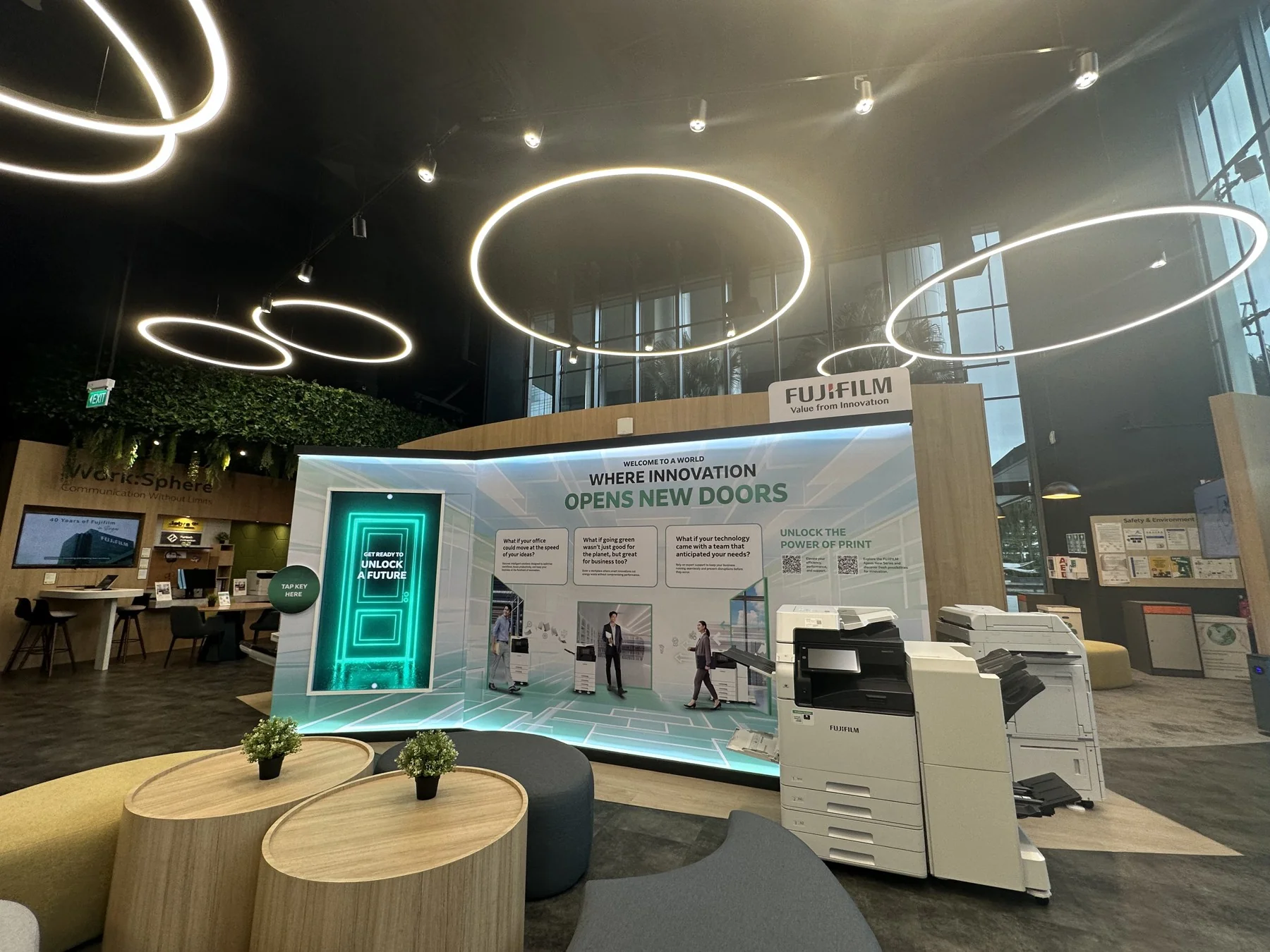
Physical discovery and digital information could sit within the same product conversation, rather than requiring visitors to search a separate catalogue.
 Video
See the physical selection trigger the exhibition display.
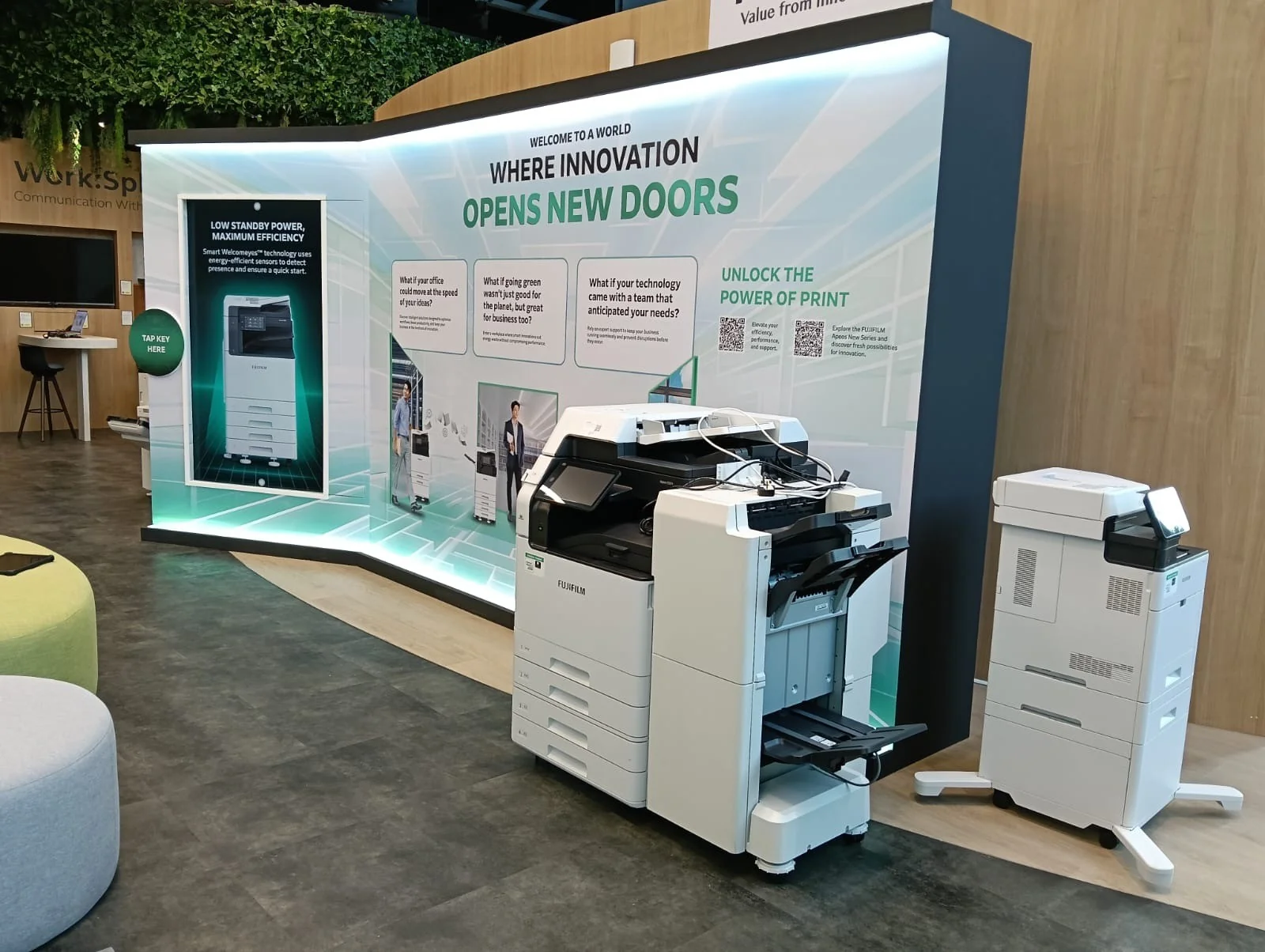
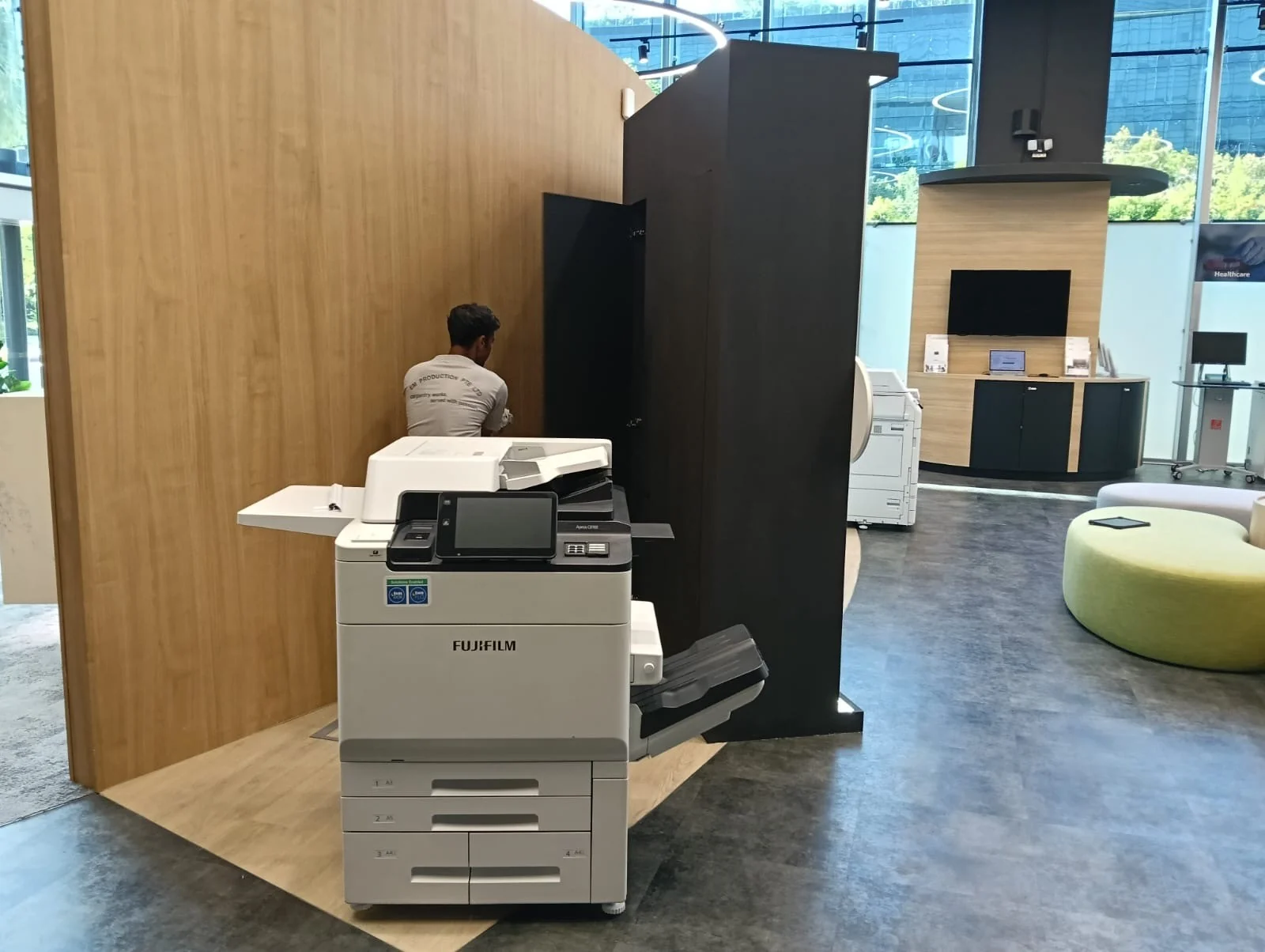
The installation places the digital experience alongside the physical products.
FAQ
From creative customisation and software to onsite delivery. Here’s what to consider for your own project.
We can make the physical item the entry point to relevant content. This is useful when visitors need to compare products while keeping their attention on the objects themselves.
Tagged identifiers map to approved product entries. We test the actual items, reader position and tag placement, including rapid swaps and items returned to the display.
A tagging and content-update procedure can be included in handover. Staff need to know which replacement items are compatible and how to verify recognition before opening.
Provide the product list, physical samples, content assets and display drawings. Reader zones, tagging constraints and presentation depth determine the integration scope.