DBS Multiplayer Game Showcase
A connected quiz experience that turned each guest's phone into a controller for one shared screen.
- Experience design
- Mobile web application
- Multiplayer game logic
- Large-format display integration
- Onsite deployment


A connected quiz experience that turned each guest's phone into a controller for one shared screen.
Singapore
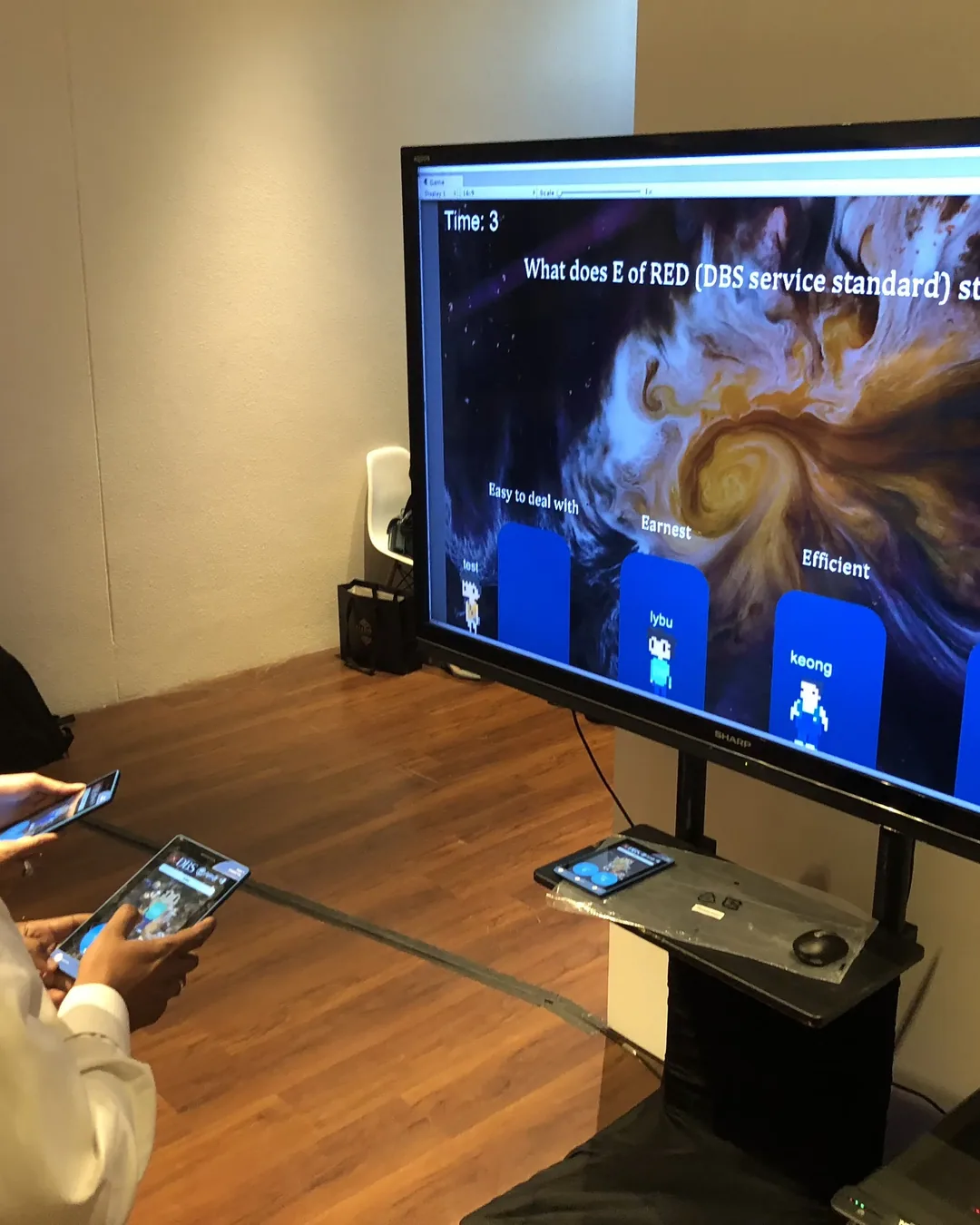
Infinity Core connected a mobile participation flow to a large-format quiz interface. Guests joined through their own phones, submitted responses and watched the collective game state update on the shared display. The interaction design kept the mobile actions simple while giving the room a visible sense of progress.
The experience needed to bring multiple guests into the same activity without creating a queue around a single touchscreen. Participation had to feel immediate, legible and connected across personal devices and a public display.
The hardware
Each guest uses a mobile browser as their individual controller.
Shows questions, countdowns and collective results to the room.
Carries player responses and live state updates between devices.
Provides live-session controls and reconnect handling.
The software
A responsive mobile-web controller joins each player to the current session. Client/server synchronisation keeps answers, countdowns and the shared-screen renderer aligned, while the operator manages the live game.
Scan or enter the session from a personal phone
Join the live lobby and receive the current question
Submit a private answer before the countdown ends
Watch collective progress, rankings and results on the shared screen
The finished experience
The completed experience created an accessible multiplayer moment in which personal actions remained private and convenient, while the energy of the game stayed public and social.
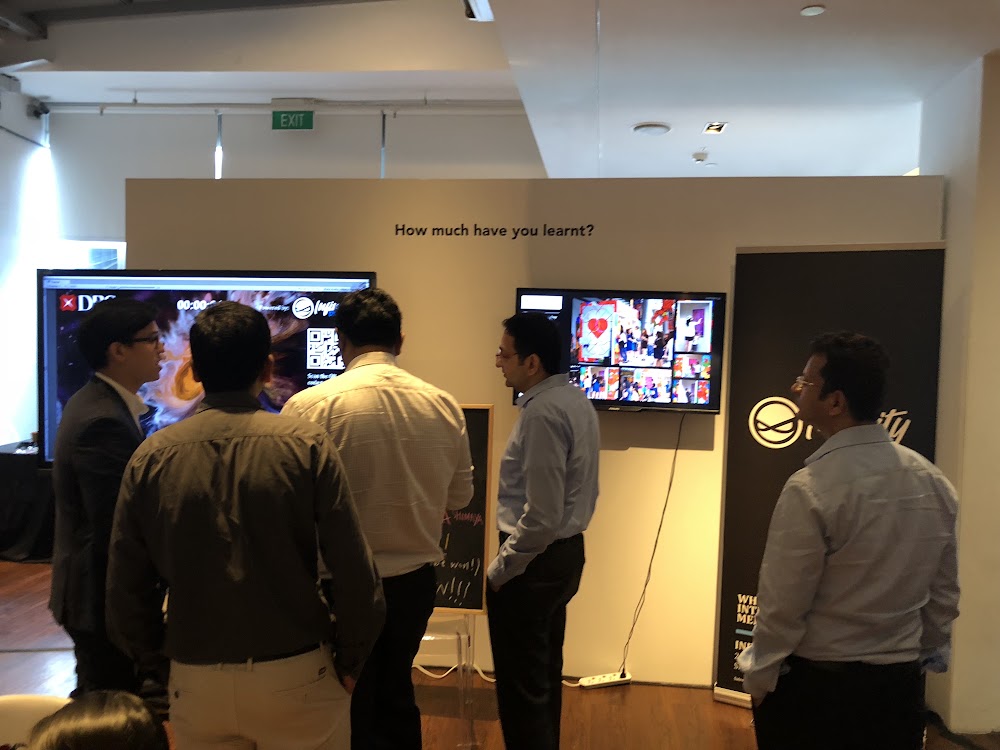
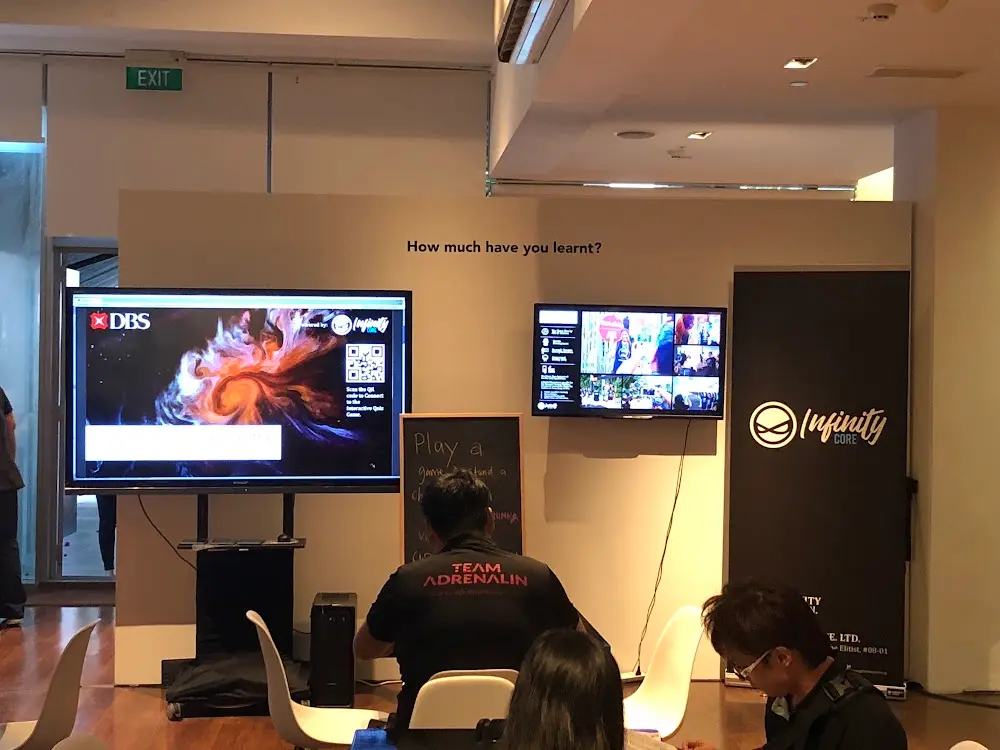
Visitors join the multiplayer demonstration together.
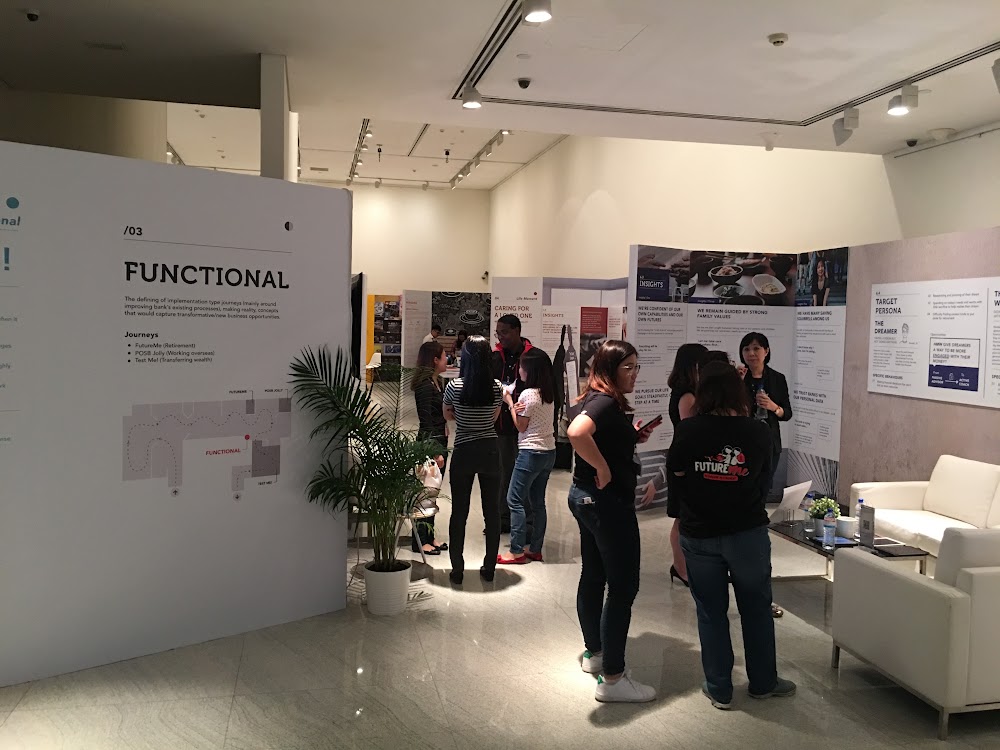
The surrounding exhibition route brings participants to the game station.
 Video
Project footage showing the experience in action.
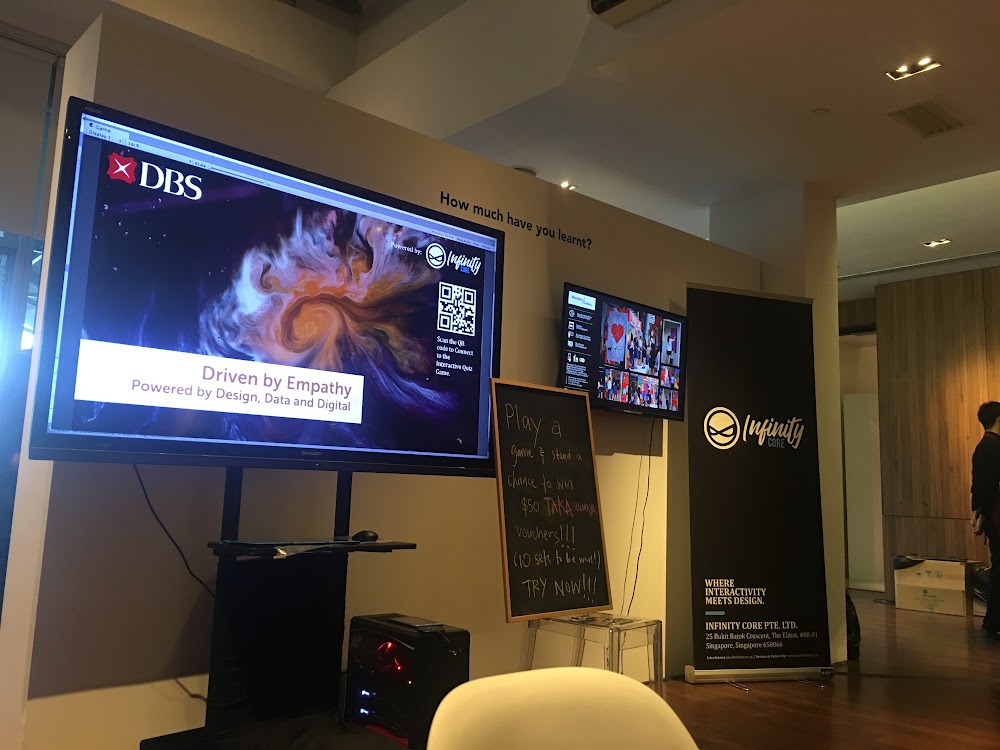
The screen invites participants to connect a phone to the game.
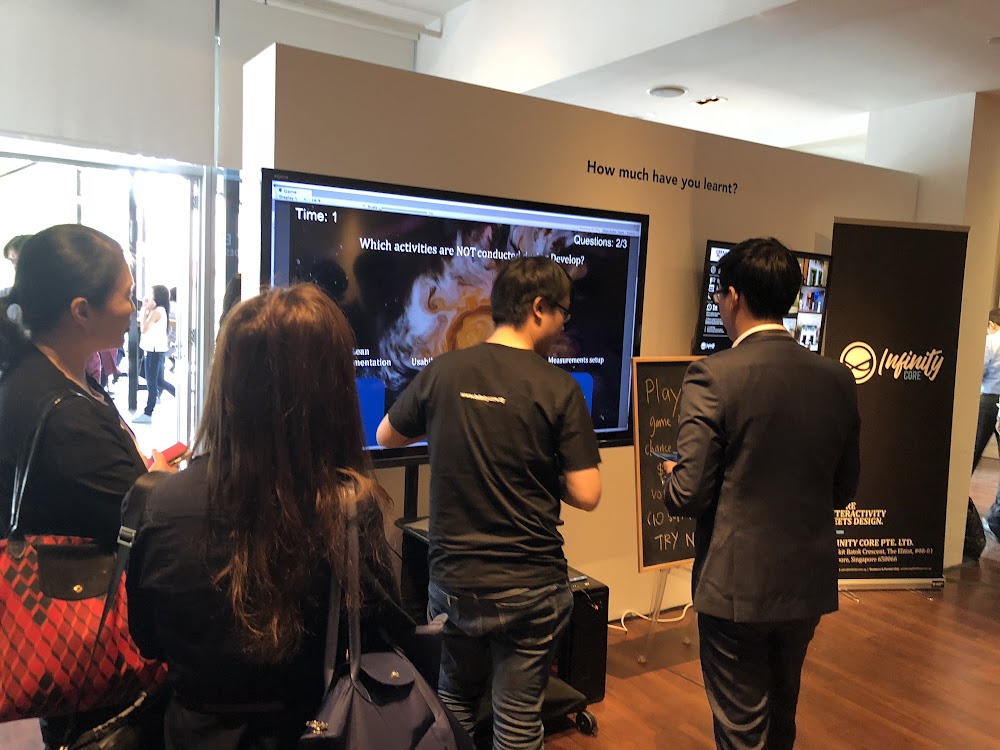
The large screen keeps the shared game visible to spectators.
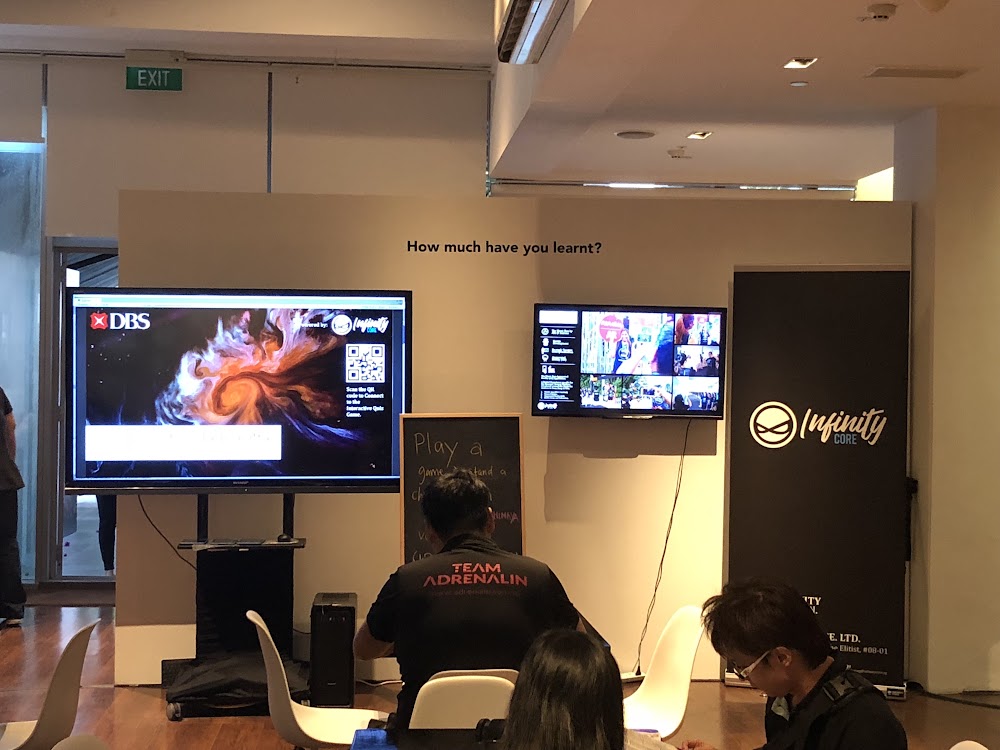
Shared displays make the multiplayer game visible across the booth.
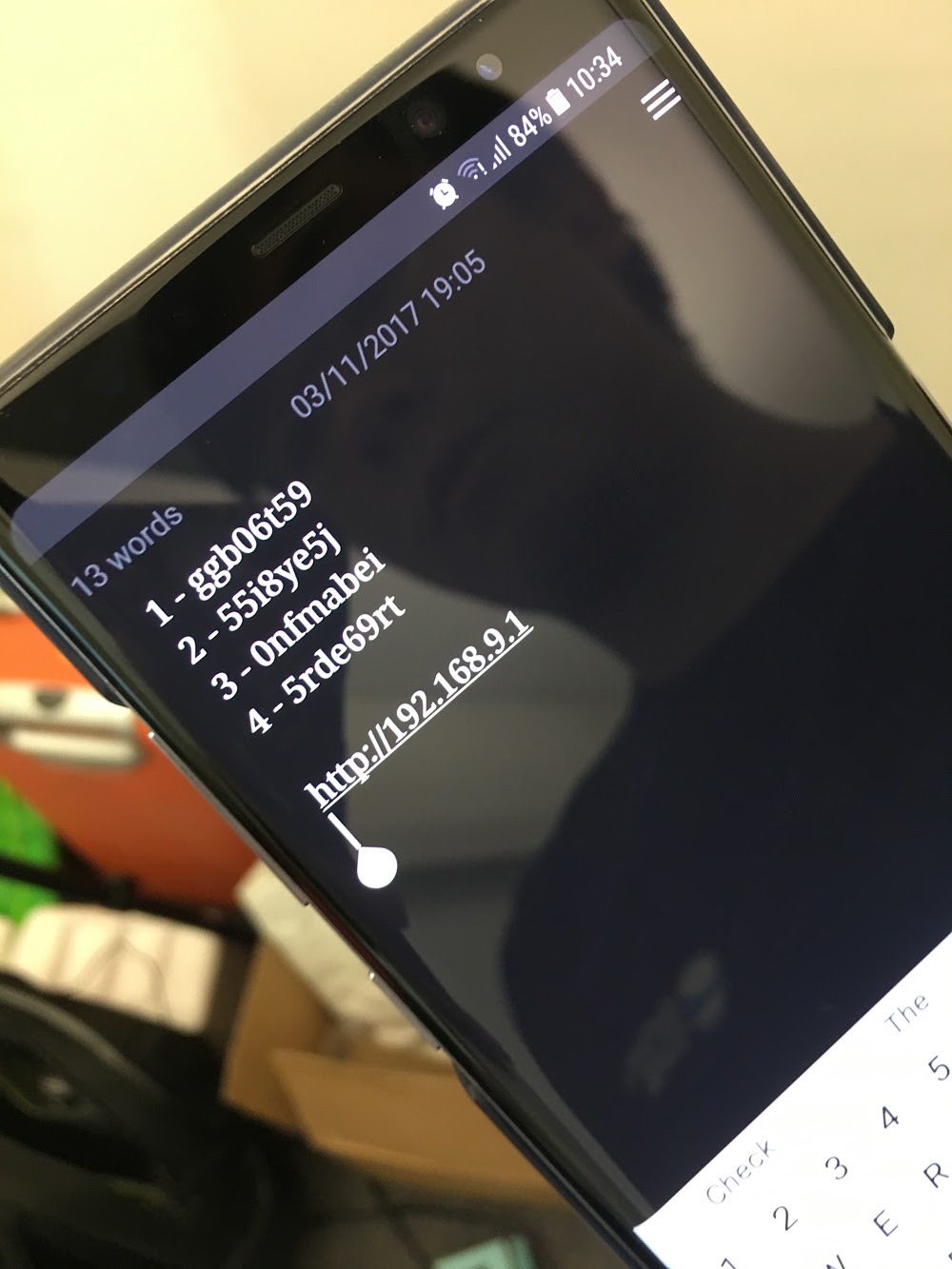
A mobile input screen forms part of the connected game journey.
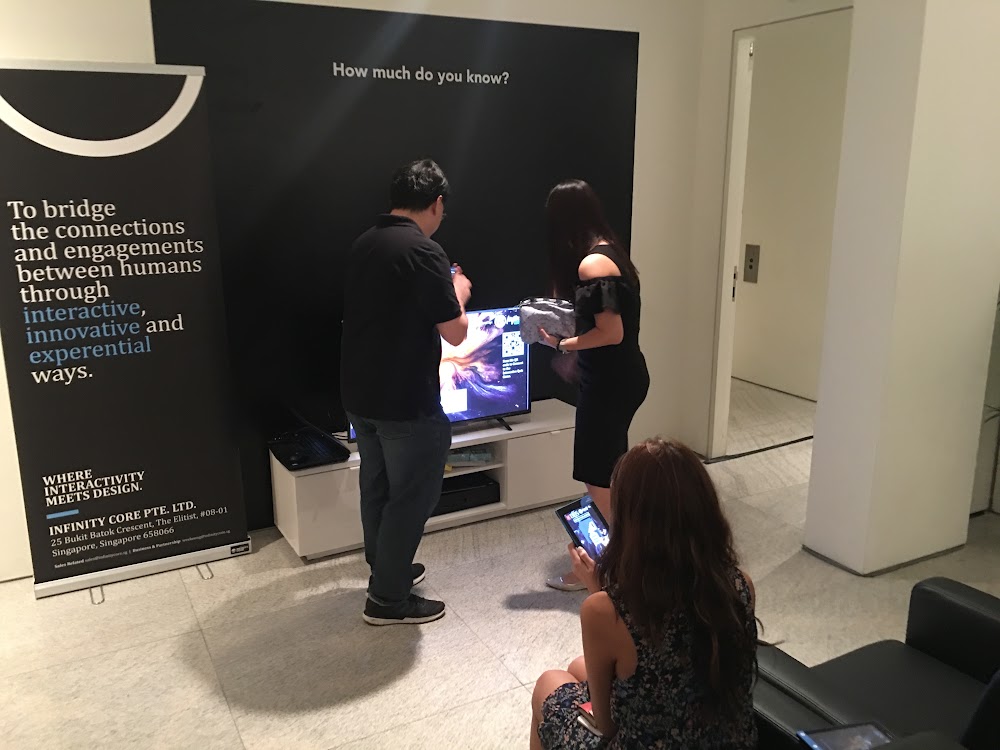
Phone interaction and the large display bring individual inputs into one activity.
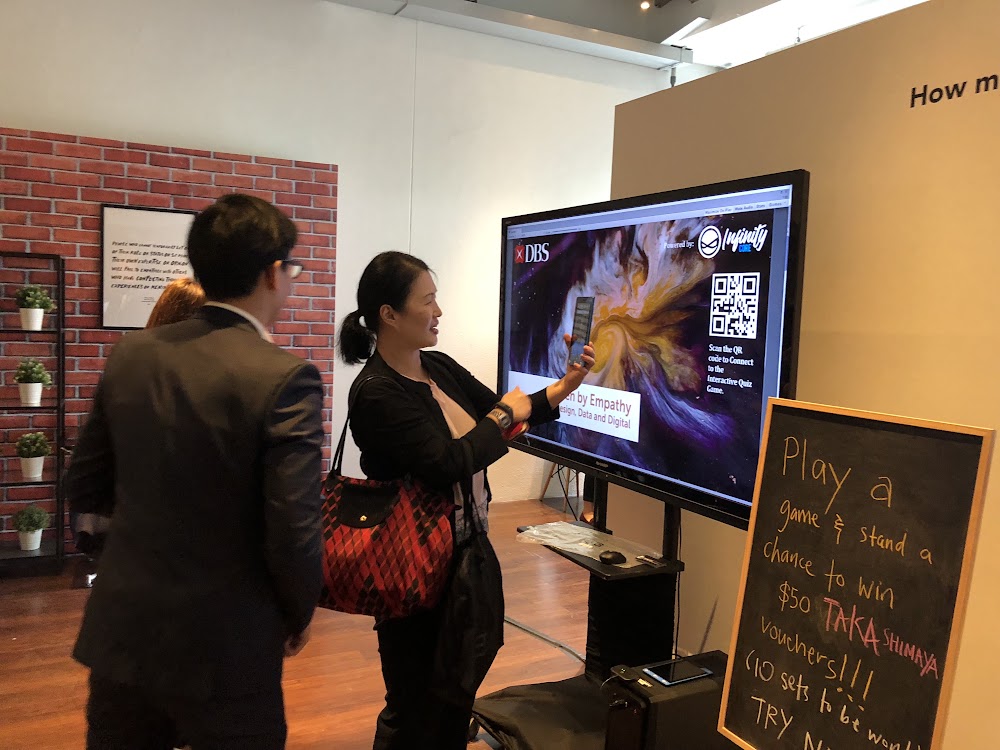
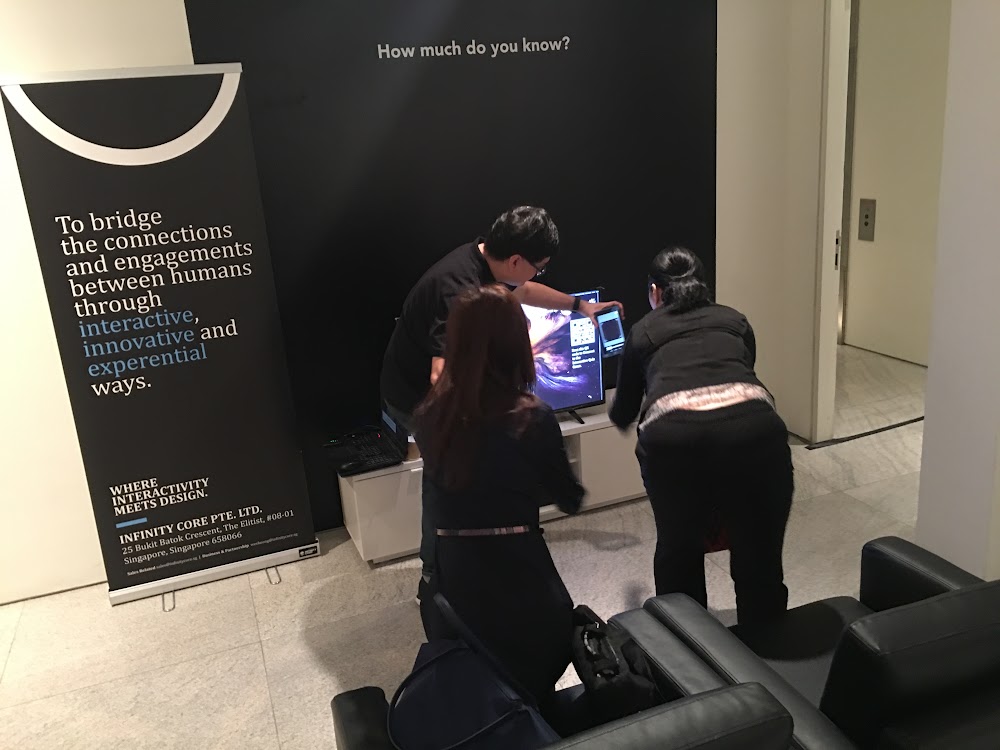
The compact booth arrangement accommodates participants and observers.
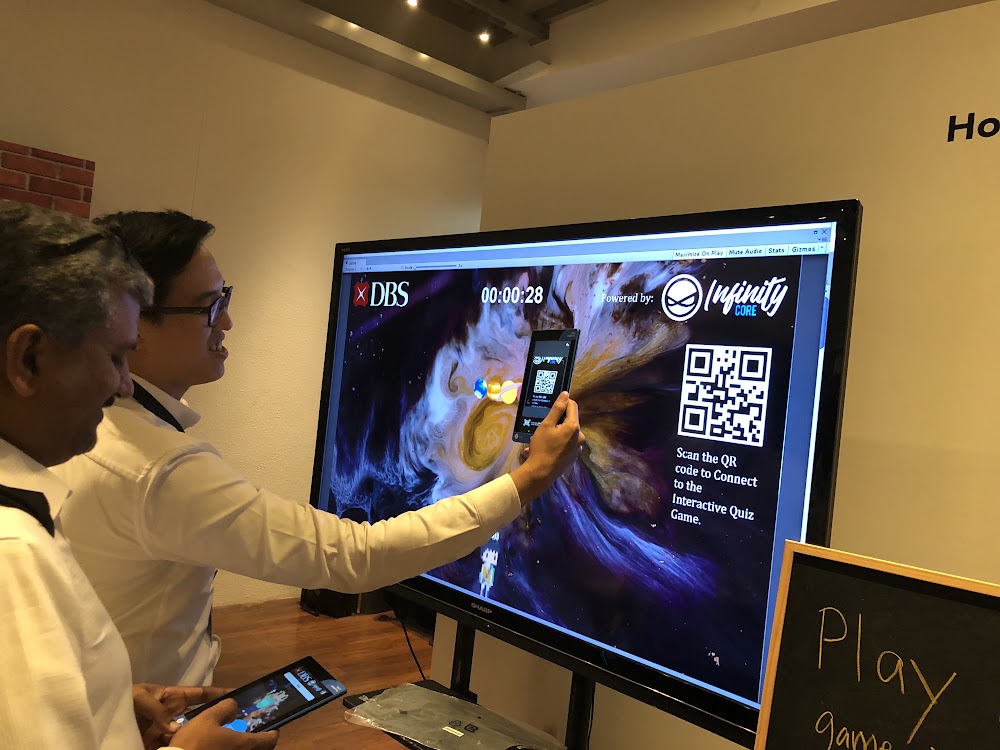
Scanning the code connects the visitor to the multiplayer experience.
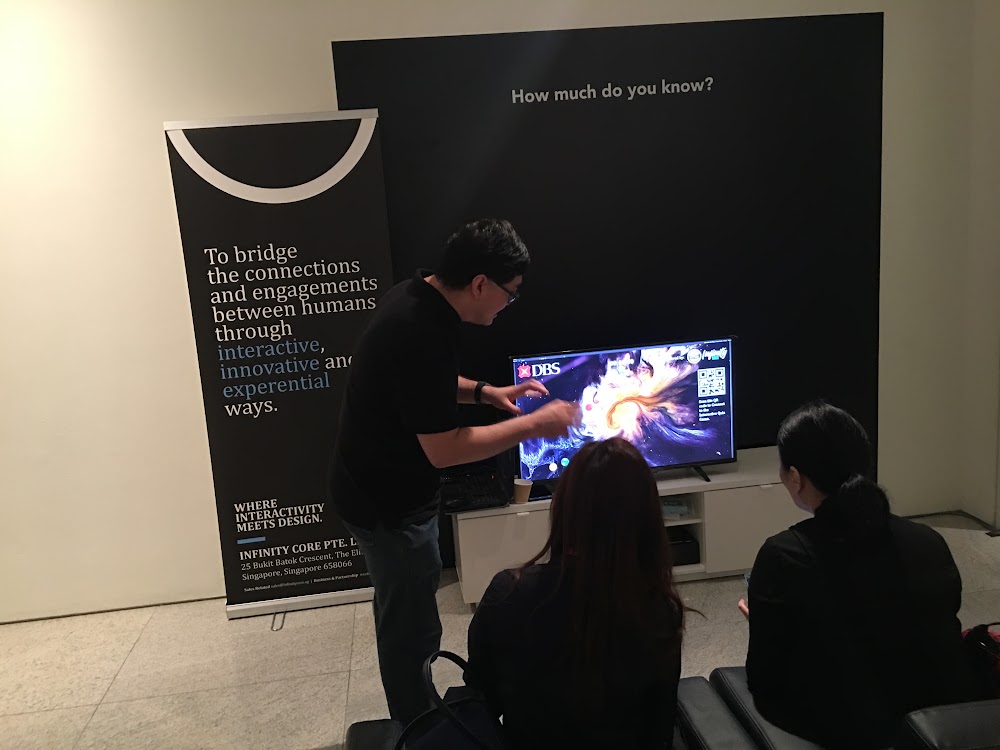
The demonstration explains how the phone and shared screen work together.
FAQ
From creative customisation and software to onsite delivery. Here’s what to consider for your own project.
We can build branded rounds around a shared screen and phone controllers. Audience size, host involvement and the time available guide the format.
The session server coordinates inputs, countdowns and results. For a new event, we define joining, reconnecting and late-entry rules, then load-test the intended capacity.
We test venue connectivity, screen outputs and the host's cues together. The operating plan assigns responsibility for starting rounds, pausing play and recovering interrupted sessions.
Share audience numbers, venue network details, show timings and game objectives. These establish the server requirements, content scope, rehearsal time and live operating support.