All work

Interactive Educational Roadshow

Central Provident Fund Board

2019

CPF Roadshow 2019 Interactive Experience

A public learning journey across interactive maps, touchscreen activities and hands-on stations, bringing CPF topics into everyday decisions at Suntec City.

  • Visitor journey design
  • Educational interactive software
  • Touchscreen & tablet interfaces
  • Hardware integration
  • Roadshow deployment
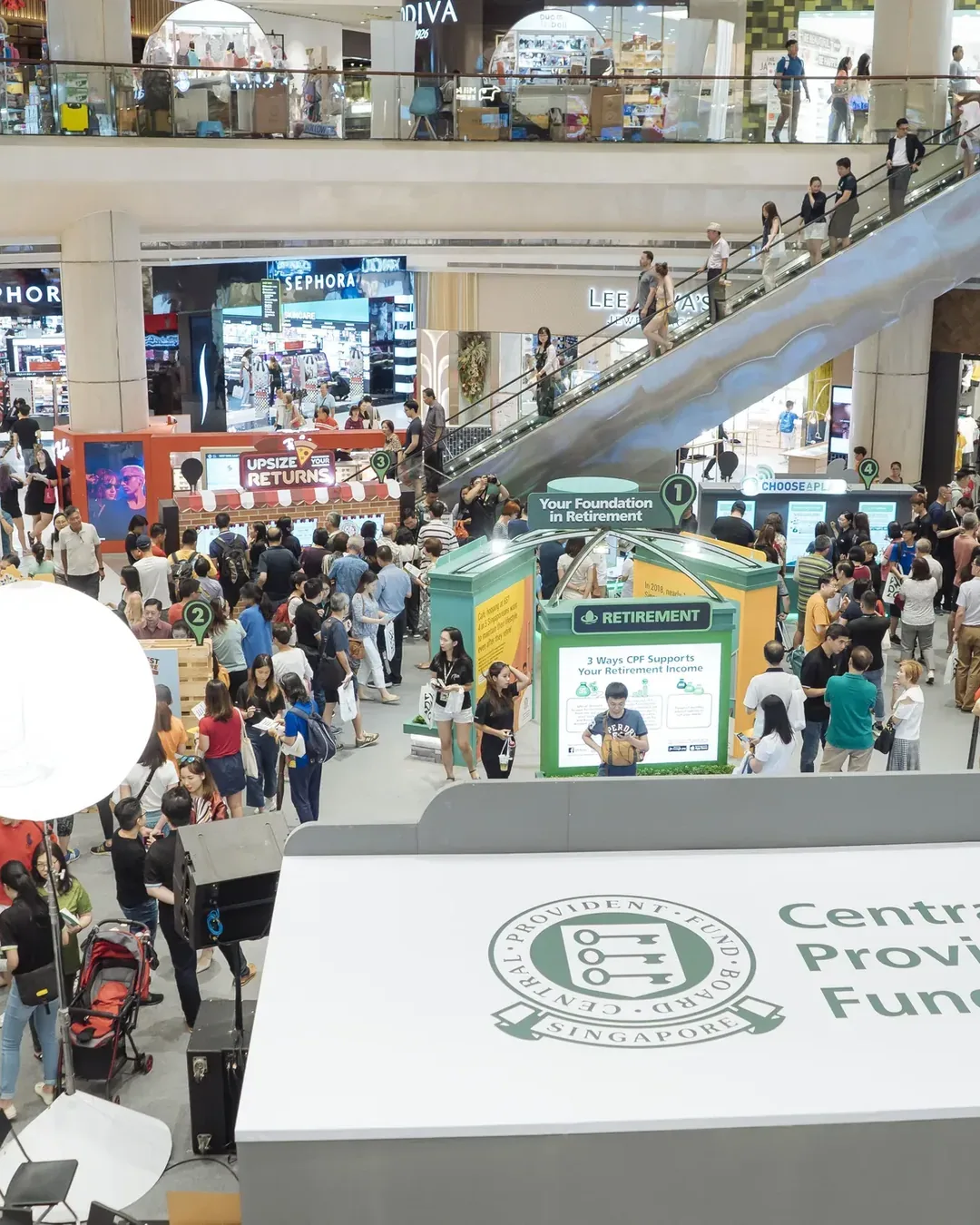
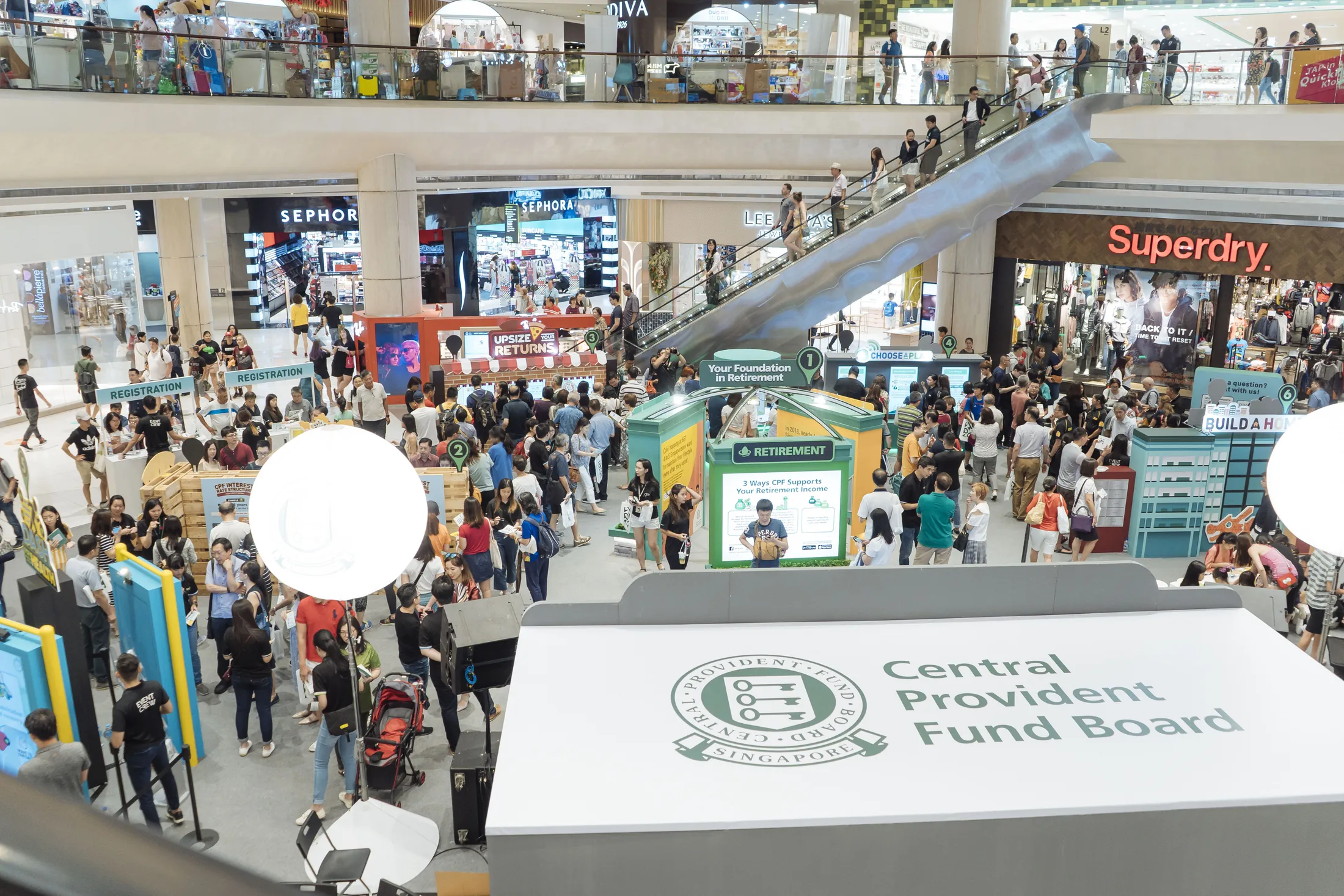
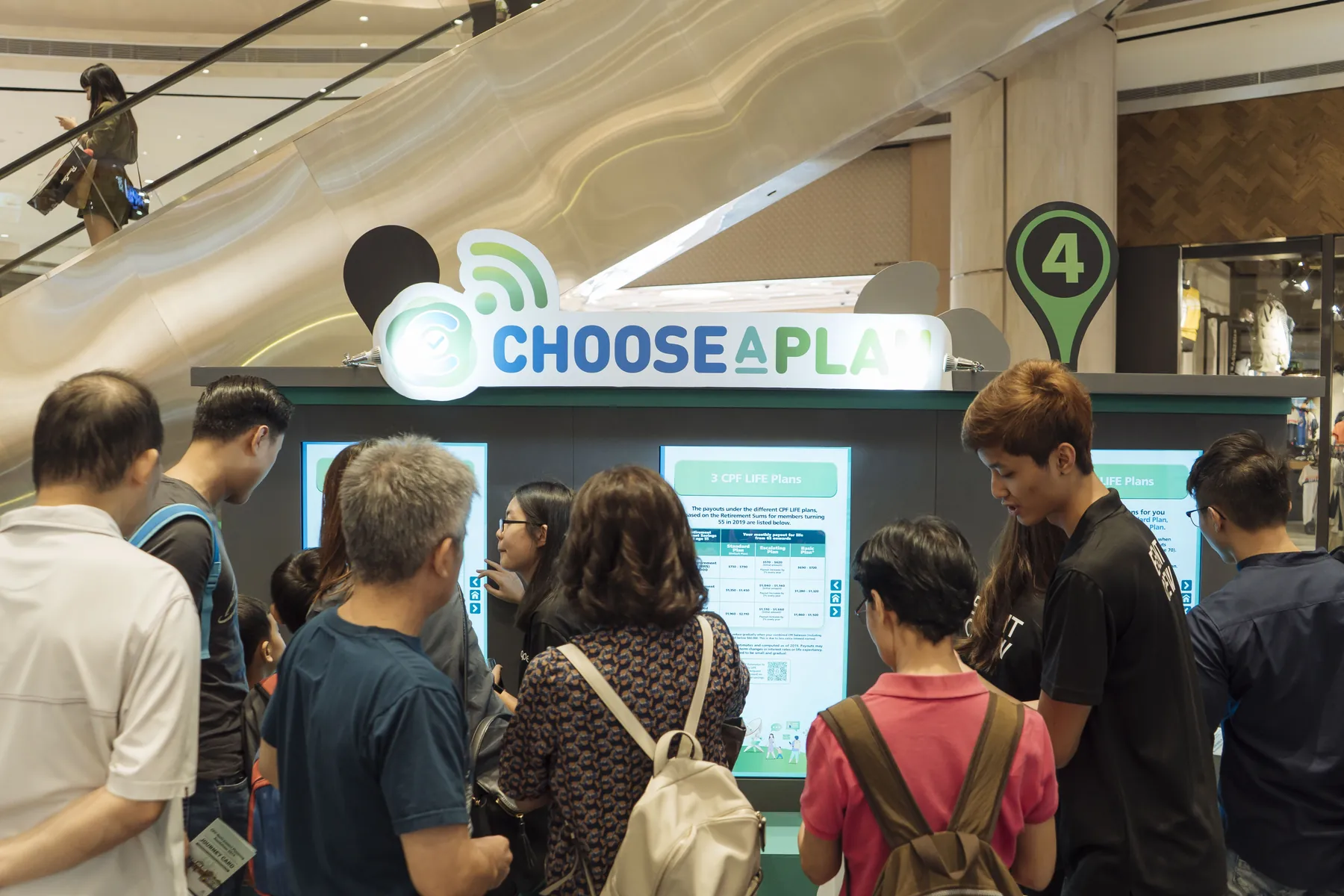
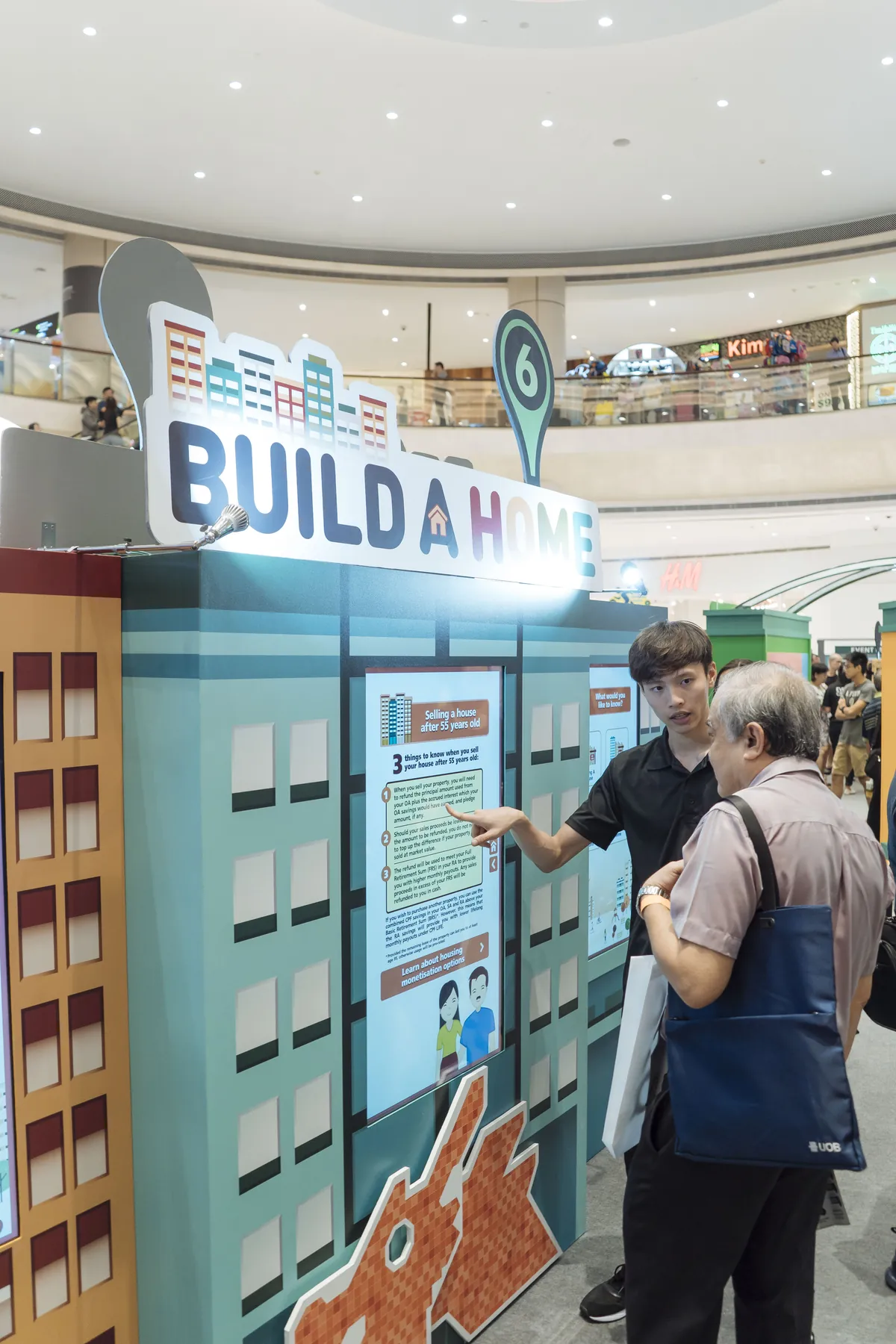
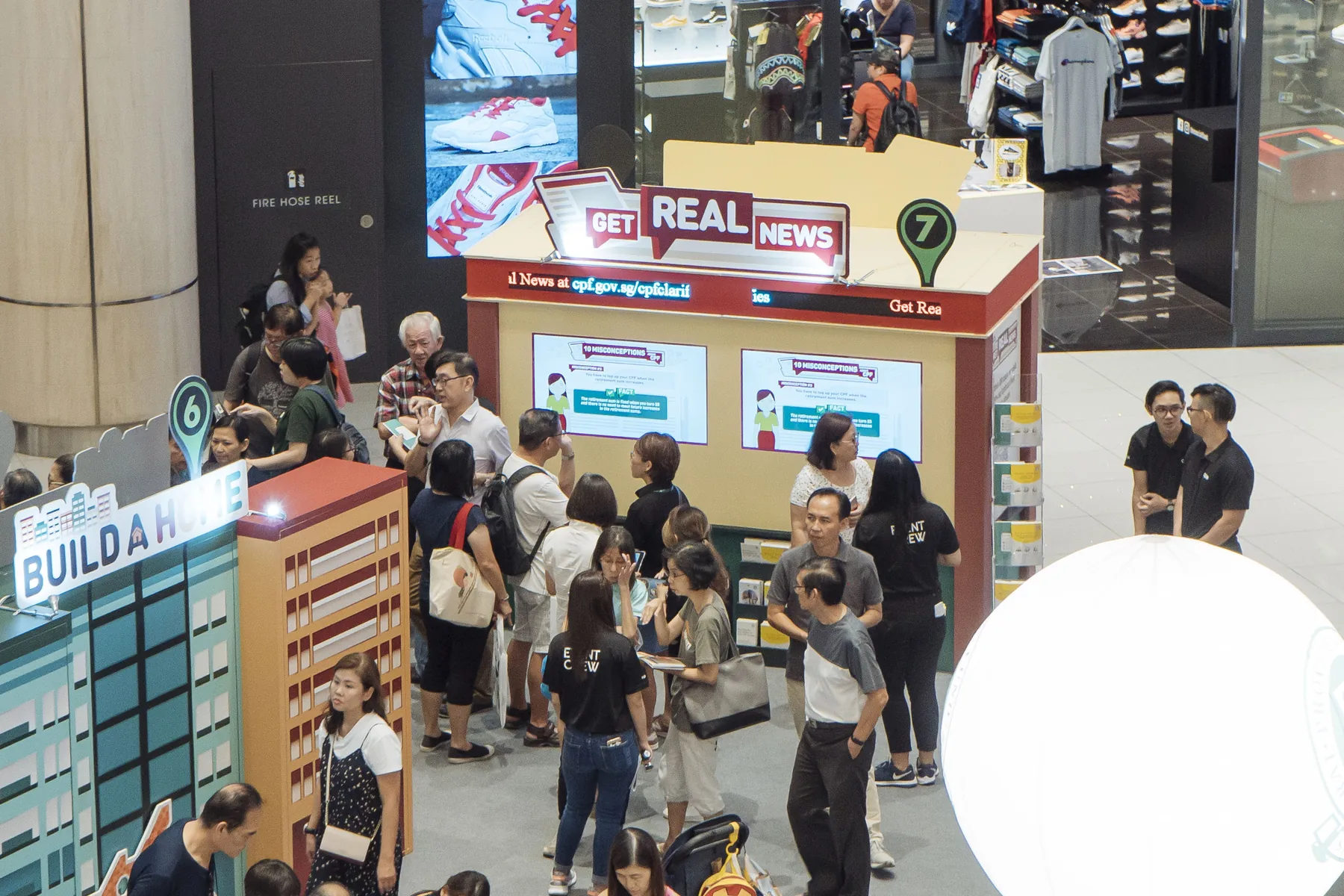
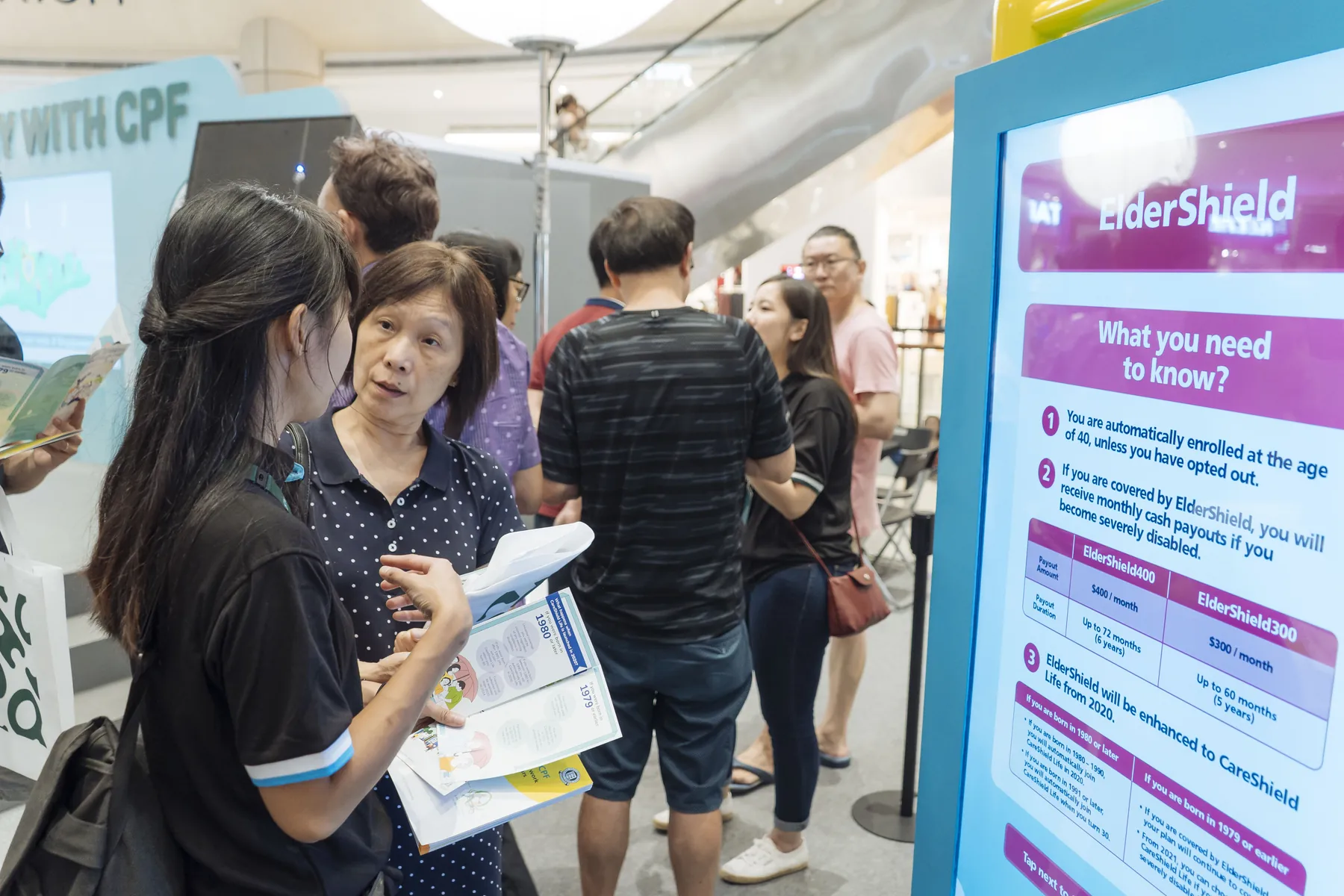
The CPF 2019 roadshow at Suntec City, with multiple public learning stations around the atrium.
Central Provident Fund BoardInteractive Educational Roadshow

Suntec City, Singapore

What we created.

The roadshow brought together an interactive event map, CPF LIFE and housing touchpoints, tablet-led learning and hands-on games. Visitors could choose a topic, try a short activity and explore another station, rather than follow one long touchscreen story. Infinity Core connected interactive software with the event hardware and visitor-facing displays.

The brief

CPF planning spans retirement, housing and healthcare. The 2019 roadshow needed to give visitors several approachable ways to explore those topics, with clear starting points and room for conversations with the onsite team.

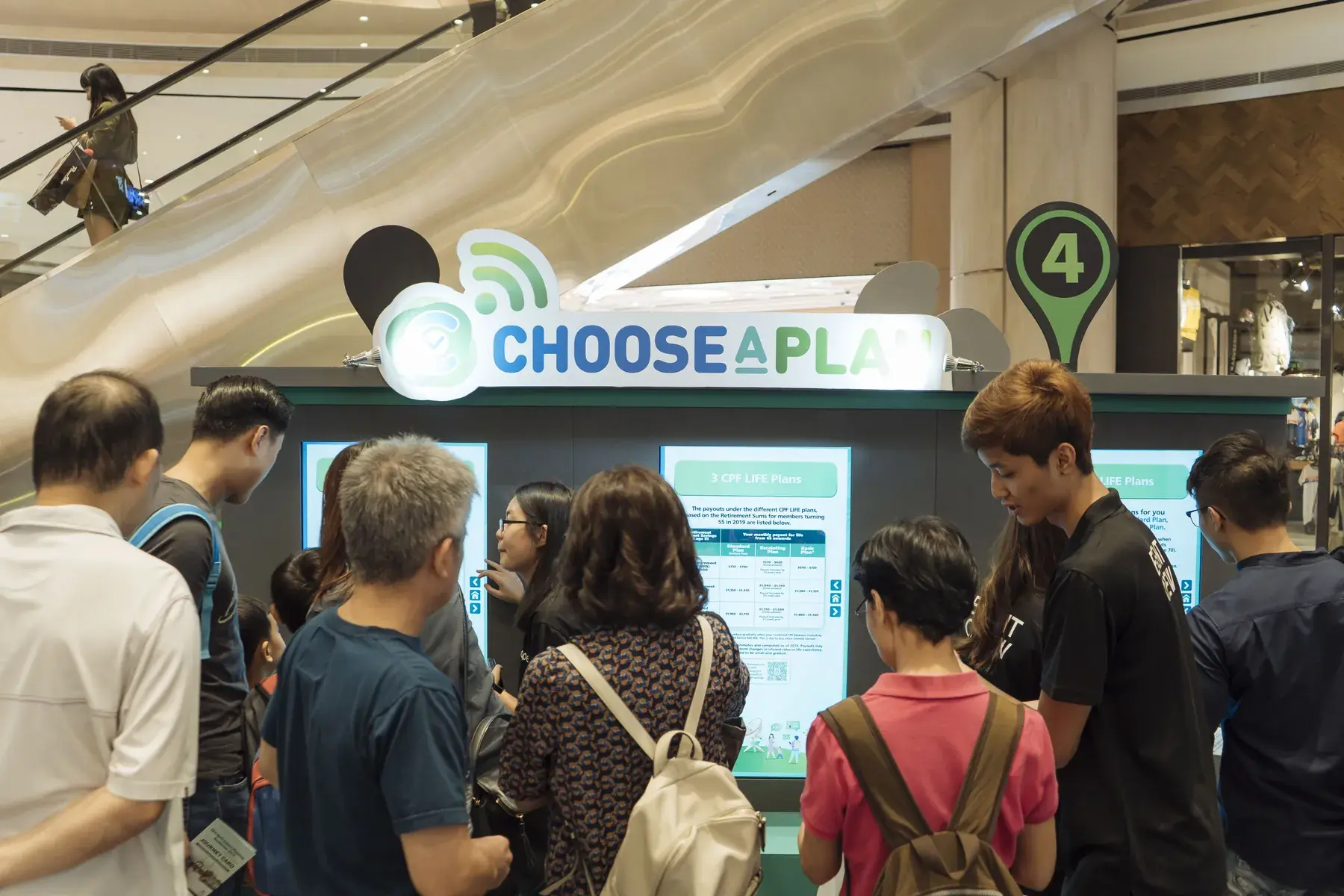
CPF Roadshow 2019 Interactive Experience — Explore CPF LIFE choices — Suntec, 2019
Explore CPF LIFE choices — Suntec, 2019

The hardware

Behind the experience.

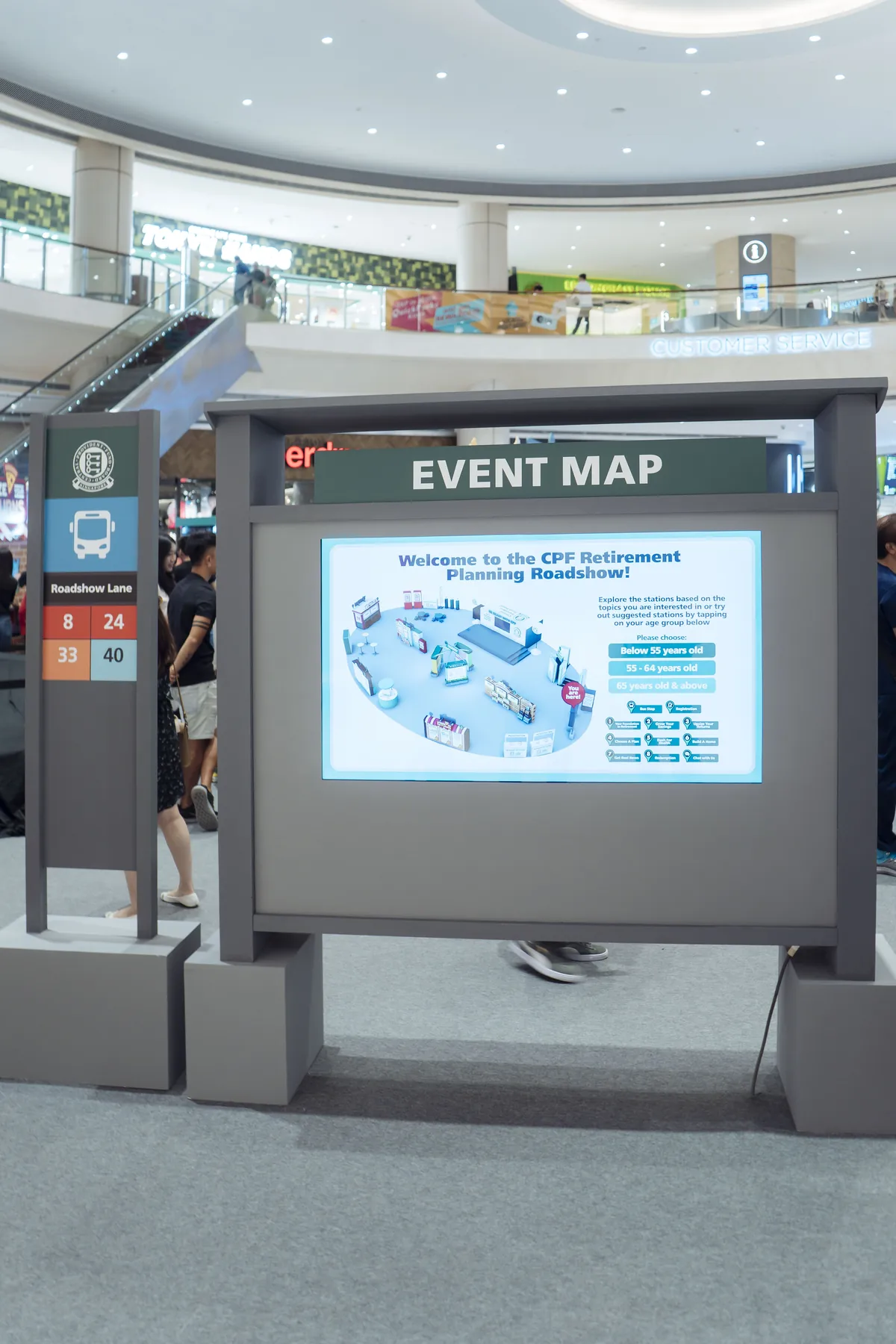
  • Interactive event map

    Helps visitors locate topics and choose where to begin within the roadshow.

  • Topic touchscreens

    Give CPF LIFE, housing and other information a dedicated visitor-facing interface.

  • Tablet activities

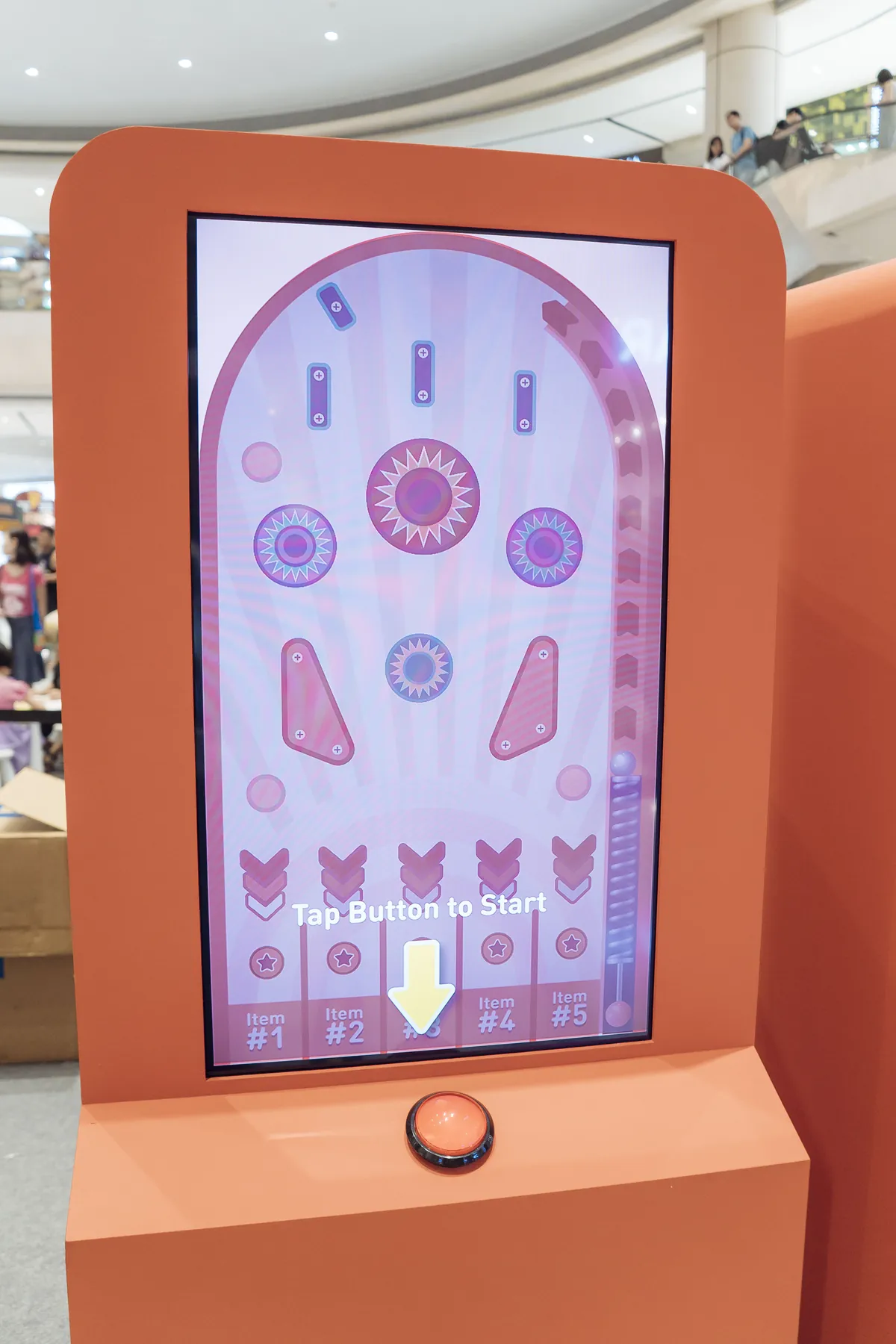
    Offer a compact entry point into short educational activities, including the fake-news game shown in the photographs.

  • Hands-on learning stations

    Connect physical controls, displays and application feedback within the event build.

The software

A clear response at every station.

Each application supports the task at its own station. The event map helps visitors find their way; topic interfaces organise information and choices; learning games turn an action into feedback. These are different touchpoints within one event, rather than one continuous branching story or a shared multiplayer session.

Experience 01

The roadshow journey

4 steps
  1. Find your route

    Use the event passport, signage and interactive map.

  2. Choose a station

    Explore a CPF topic through the relevant activity below.

  3. Complete the activities

    Follow the station prompts and discuss any questions with the team.

  4. Finish the visit

    Continue to the event’s completion and lucky-draw stage.

Experience 02

Interactive event map

4 steps
  1. Open the map

    Start at the touchscreen directory.

  2. Choose an interest

    Browse by age group or learning topic.

  3. Locate the station

    See the relevant destination on the layout.

  4. Follow the route

    Head to the selected learning activity.

Experience 03

Dash for Health · movement game

4 steps
  1. Take your position

    Stand in front of the Kinect sensor.

  2. Move to race

    Use body movement to control the racing challenge.

  3. Learn while playing

    Encounter MediSave information within the game.

  4. Finish the round

    Review the game response and continue your visit.

Experience 04

Upsize Your Returns · RFID table

4 steps
  1. Choose a pizza prop

    Compare the different-sized physical models.

  2. Place it on the table

    The reader identifies the selected prop.

  3. Reveal the explanation

    See retirement-sum and payout information linked to that choice.

  4. Compare another option

    Swap the prop to explore a different scenario.

Experience 05

Swipe Away Fake News · tablet quiz

4 steps
  1. Read the statements

    Look at the CPF fact-and-myth prompt.

  2. Spot the false claim

    Decide which statement is incorrect.

  3. Swipe it away

    Use the tablet gesture to submit your choice.

  4. Learn and continue

    Read the feedback across the five-round activity.

Experience 06

Touchscreen learning · life and home choices

4 steps
  1. Choose a topic

    Start a life-stage or home-related learning activity.

  2. Make a choice

    Respond to the station’s guided question.

  3. Explore the explanation

    See information related to your decision.

  4. Discuss the next step

    Continue the topic or ask the onsite team a question.

The finished experience

Explore, take part and talk it through.

The completed roadshow offered different entry points into CPF education. A visitor could navigate the event, explore CPF LIFE or housing information, try a learning game and continue a discussion with a facilitator. The photographs and event film show these distinct activities within the same Suntec roadshow.

A 2019 Suntec roadshow overview showing several CPF learning stations, including the event map, Dash for Health and Upsize Your Returns.

Selected moments.

08 images

FAQ

Planning something similar?

From creative customisation and software to onsite delivery. Here’s what to consider for your own project.

Can different learning stations support one roadshow message?

We can give each station a distinct topic while keeping the event identity consistent. Visitors should understand where to begin and what each activity helps them learn.

Do all the roadshow stations need to share a session?

Not necessarily. Independent applications can be easier to operate when visitors choose their own route. Shared progress or reporting should be specified only where it benefits the journey.

How do we plan movement between information and game stations?

We review floor plans, session durations and adviser positions together. Station-level startup checks and clear signage help staff run several activities without one queue blocking another.

How is a multi-station roadshow quotation structured?

Send the topic list, venue itinerary and preferred station mix. We can separate reusable software and equipment from venue-specific logistics, staffing and installation costs.

Let’s shape your next experience.

Project archive & content use
Chat on WhatsApp