CPF Mobile Learning Game
A mobile learning-game demonstration that used an illustrated home, multiple-choice prompts and immediate response screens.
- Learning journey
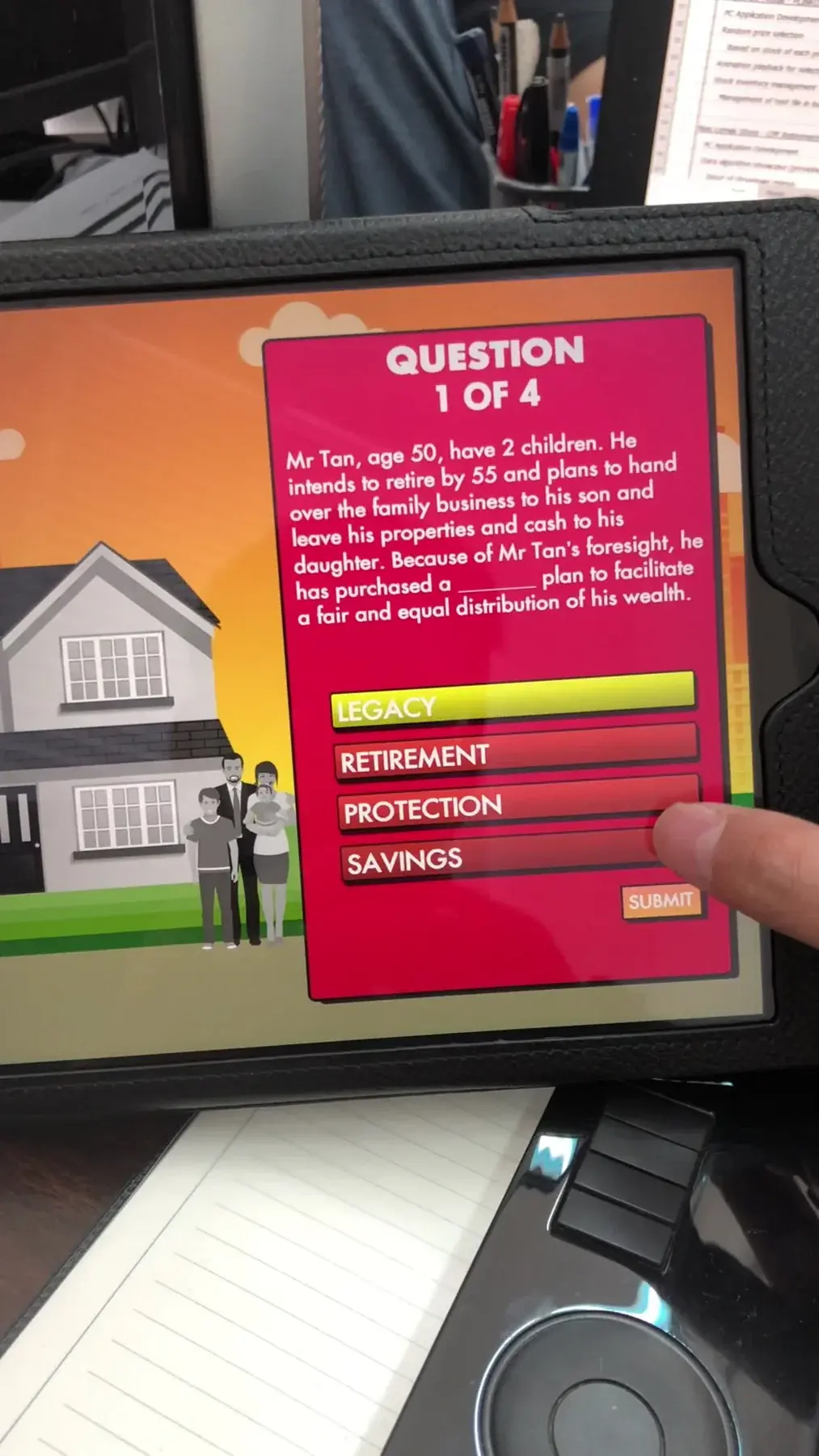
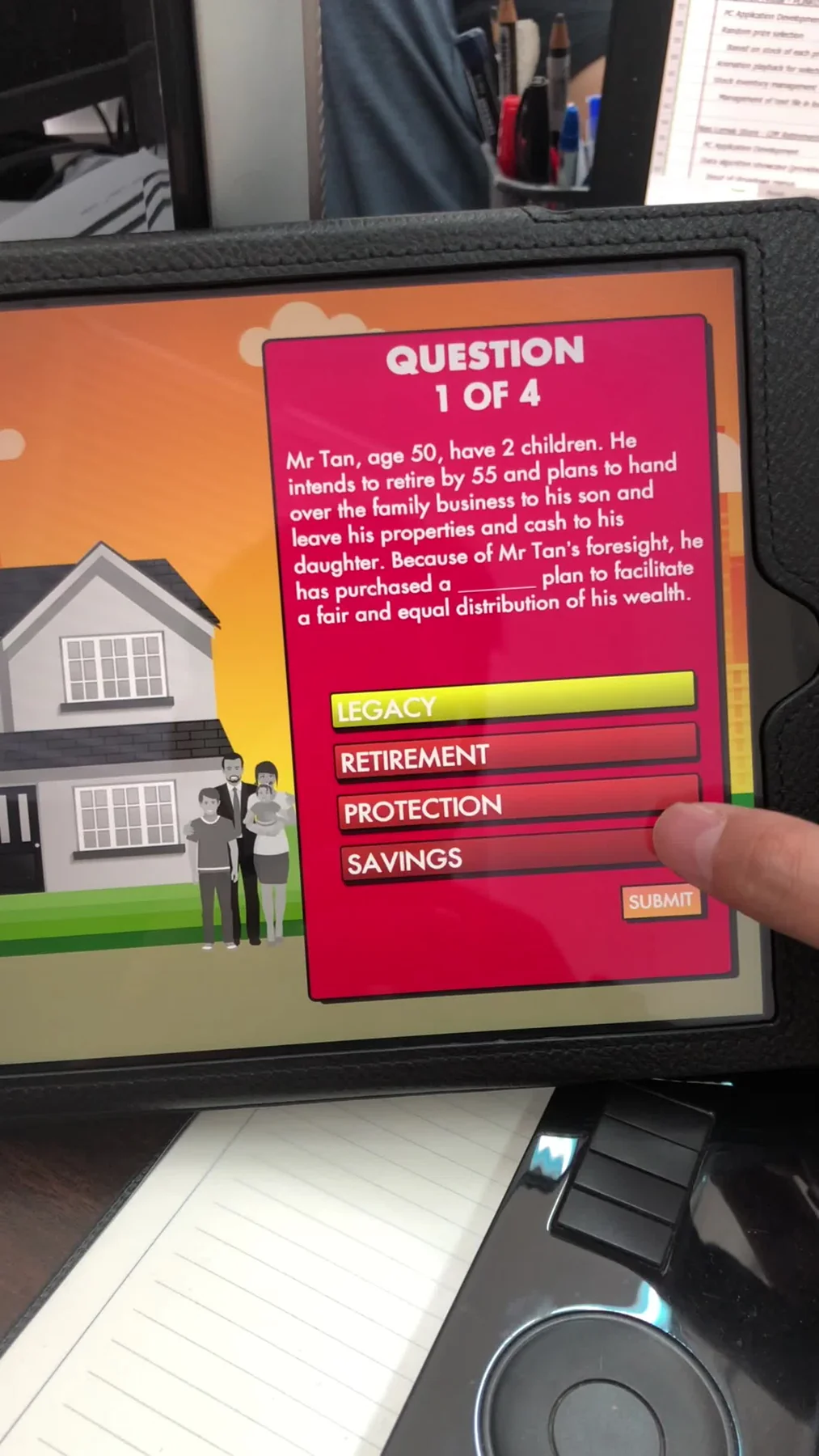
- Question interface
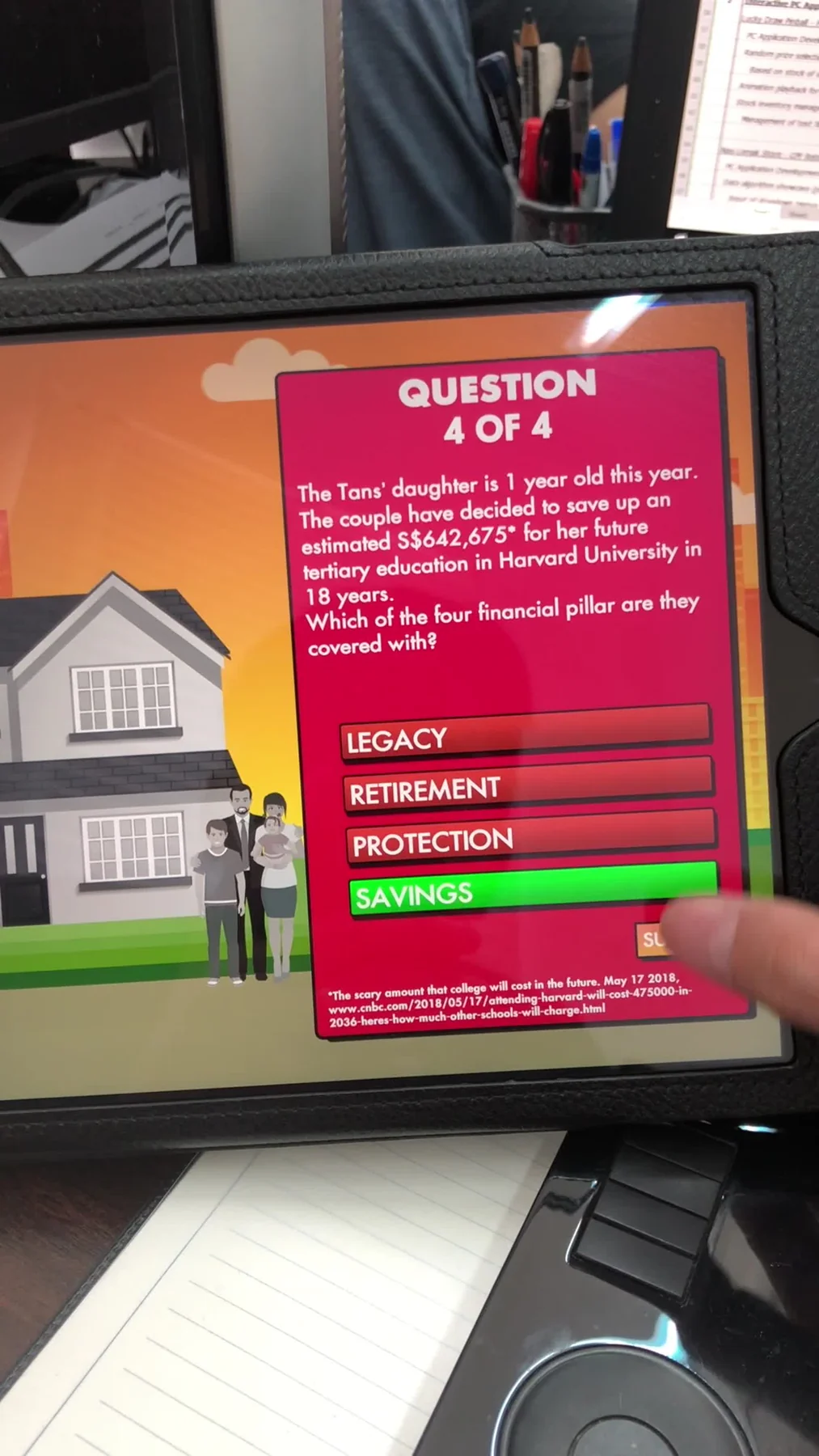
- Answer feedback
- Mobile application


A mobile learning-game demonstration that used an illustrated home, multiple-choice prompts and immediate response screens.

Concept / demonstration
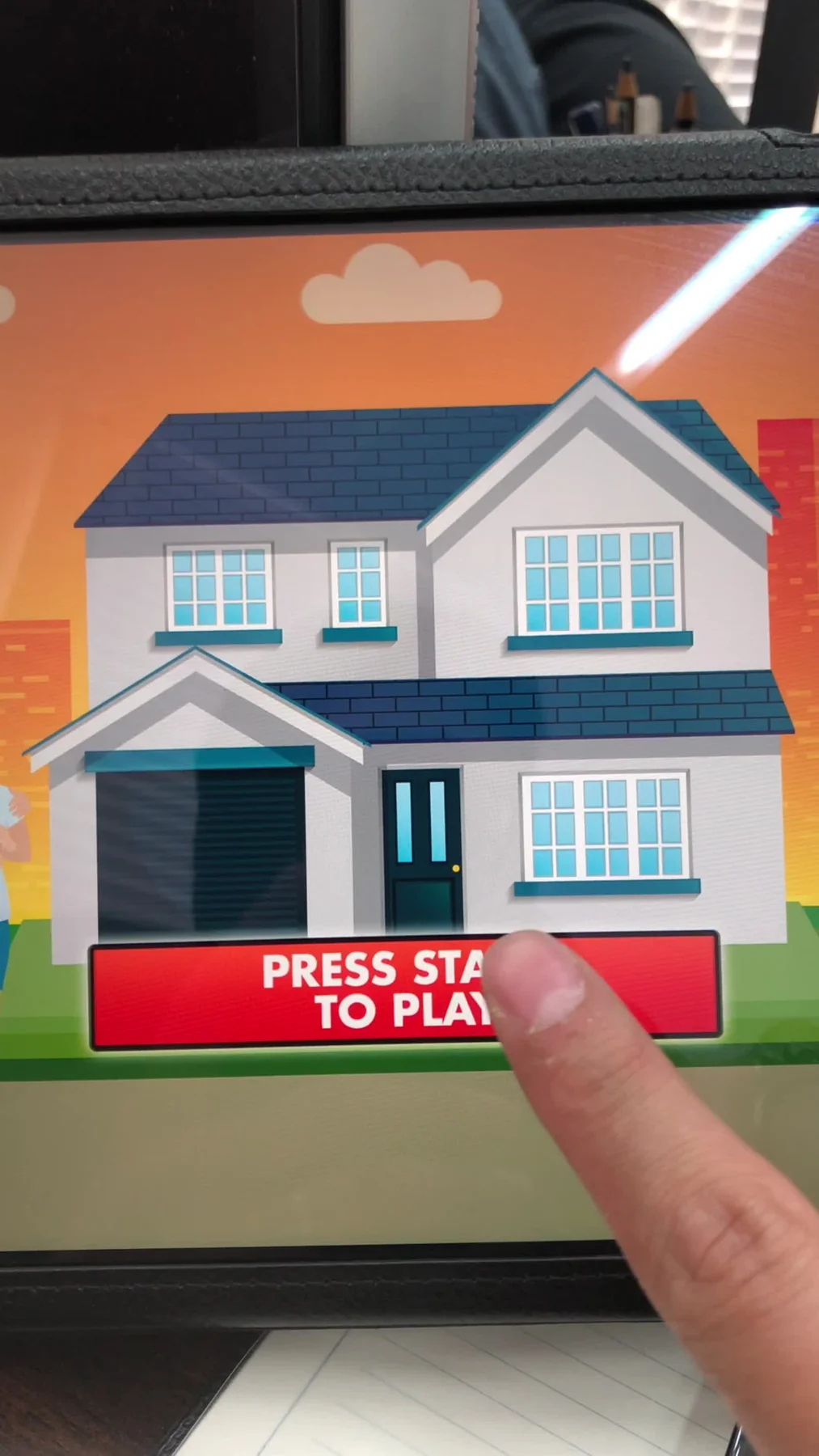
The demonstration introduced the game through an illustrated home screen before moving into a sequence of questions. Large answer areas and visible feedback kept the interaction focused on the current decision.
Break an information topic into short choices that can be understood on a handheld screen.
Viewing & delivery
Carries the campaign interface at the visitor’s own viewing size.
Connects the introduction, activity and finishing journey.
Gives the interaction its characters, visual identity and information.
The software
The application connects its illustrated start screen, question sequence and answer feedback. Large response areas keep each learning decision focused on the current prompt.
Begin from the home-themed game screen.
Focus on one prompt at a time.
Use the large response controls on the handheld screen.
Follow the response state into the next part of the learning journey.
The finished experience
The information became a short sequence of active decisions rather than a long text explanation.
 Video
Project footage showing the experience in action.

Historical interface detail: the illustrated house from the original tablet learning-game invitation.
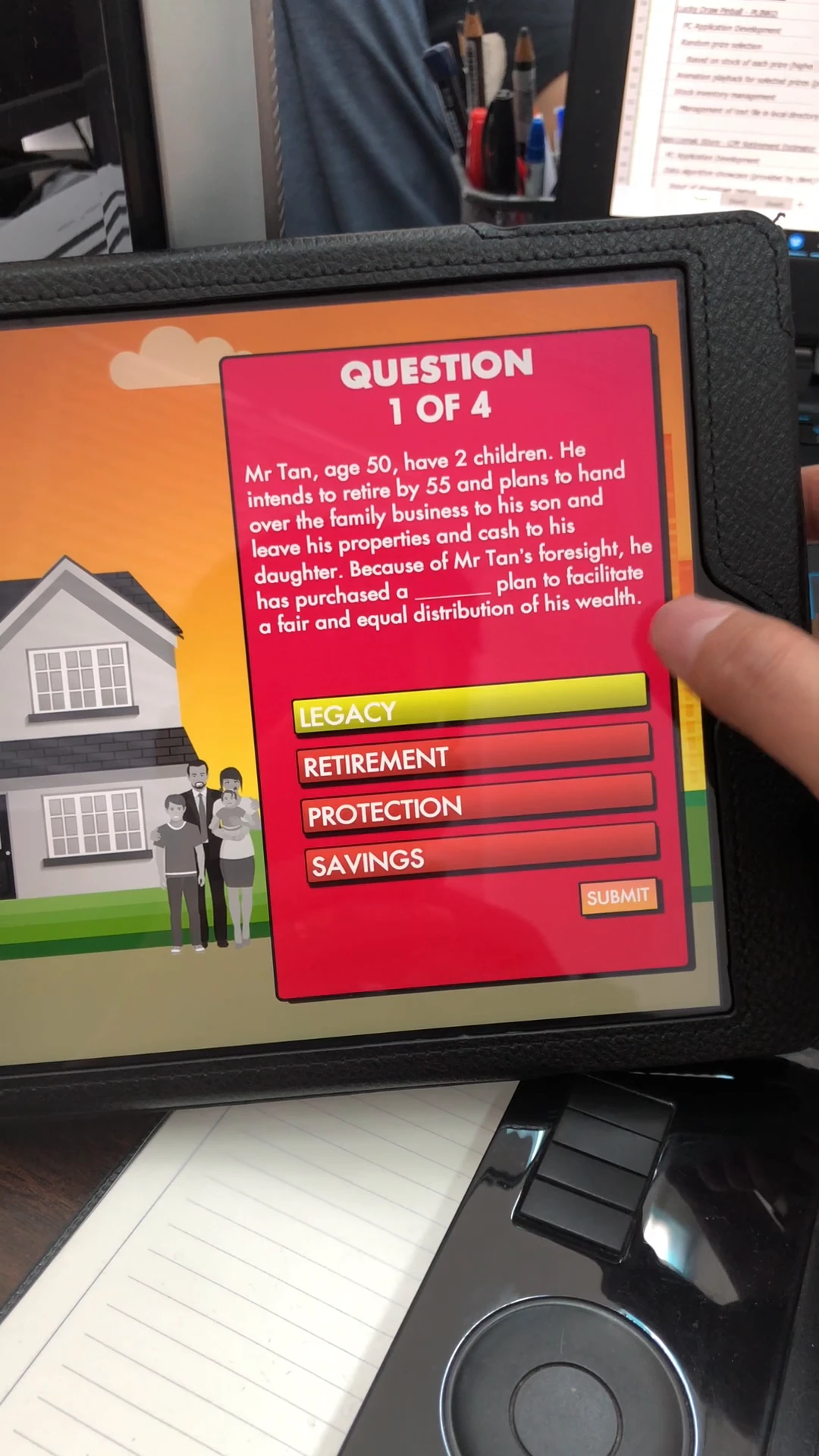
A question asks the visitor to consider a financial-planning scenario.
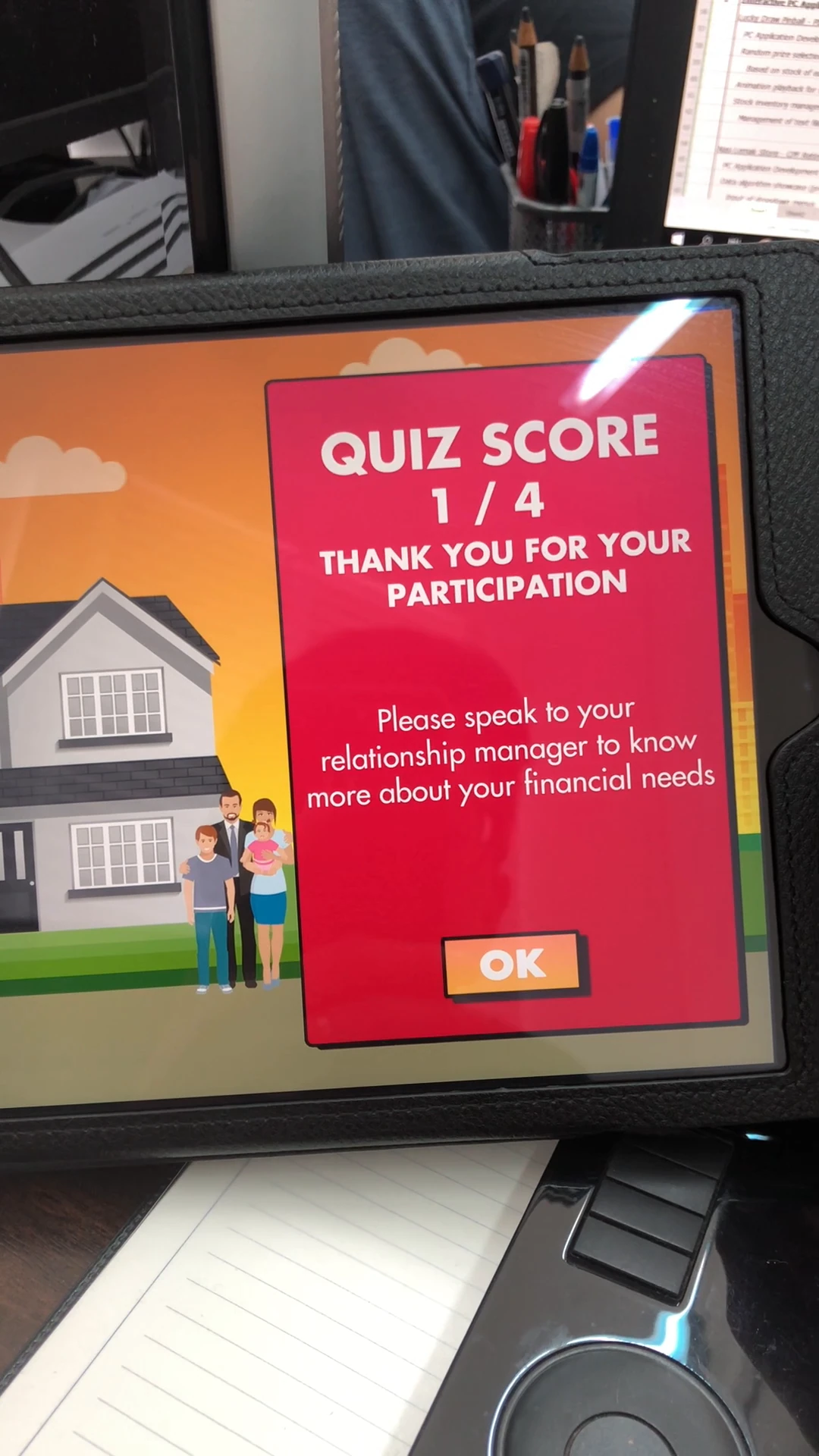
The score screen closes the round and points towards a follow-up conversation.
FAQ
From creative customisation and software to onsite delivery. Here’s what to consider for your own project.
We can use an illustrated introduction and focused choices to explain approved concepts. Each answer should reveal useful feedback rather than send visitors through a dense information page.
We test large response areas, readable prompts and progression states across supported screen sizes. Input validation and feedback should keep attention on one learning decision at a time.
Agree an owner for the question text, explanations and external references. Updates should be checked against the complete journey before publication, with a defined support period.
Provide approved questions, audience needs, illustration assets and distribution plans. Question volume, languages and hosting requirements determine the scope.