All work

Interactive learning gallery

Alexandra Primary School

2021

Alexandra Primary School — Cultural Gallery

An interactive school gallery brings cultures and civilisations to life through touchscreen exploration, illustrated content and educational quizzes.

  • Educational interaction
  • Touchscreen software
  • Cultural content navigation
  • Quiz & score experience
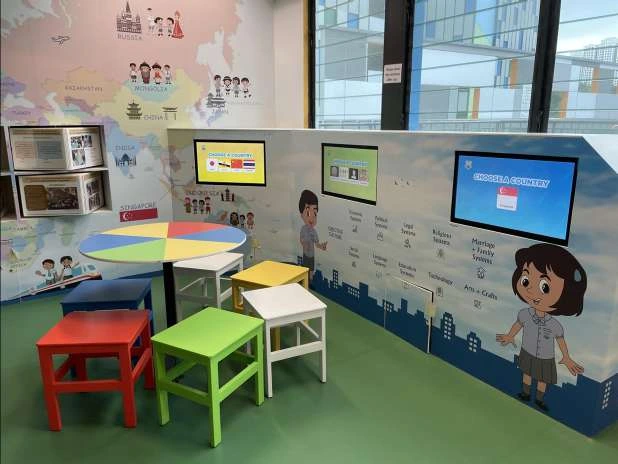
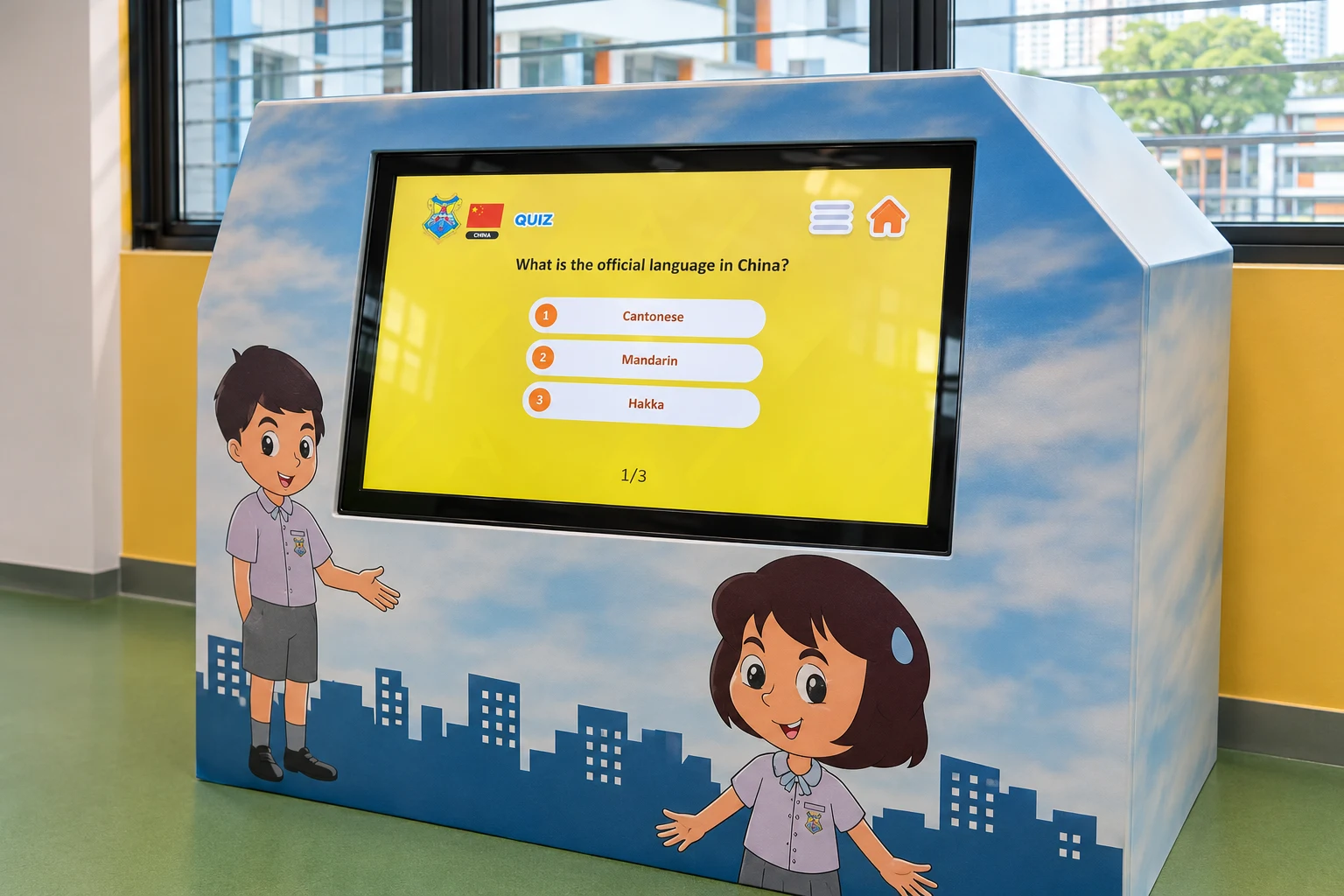
Illustrative reconstruction of Alexandra Primary School’s cultural gallery, based on its original installation photographs
Alexandra Primary SchoolInteractive learning galleryExperience visualisation

Alexandra Primary School, Singapore

What we created.

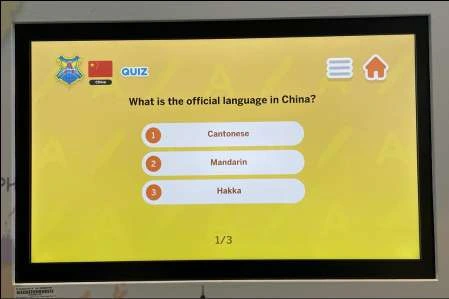
We created touchscreen educational experiences for Alexandra Primary School’s Cultural Gallery. Visual menus introduce countries and civilisations, illustrated content offers topics to explore, and multiple-choice quizzes lead to a score. The digital journey sits within the gallery’s colourful physical setting.

The brief

Make cultural learning approachable within a school gallery. Give students an inviting starting point, let them discover information at their own pace, and add simple questions that encourage them to think about what they have explored.

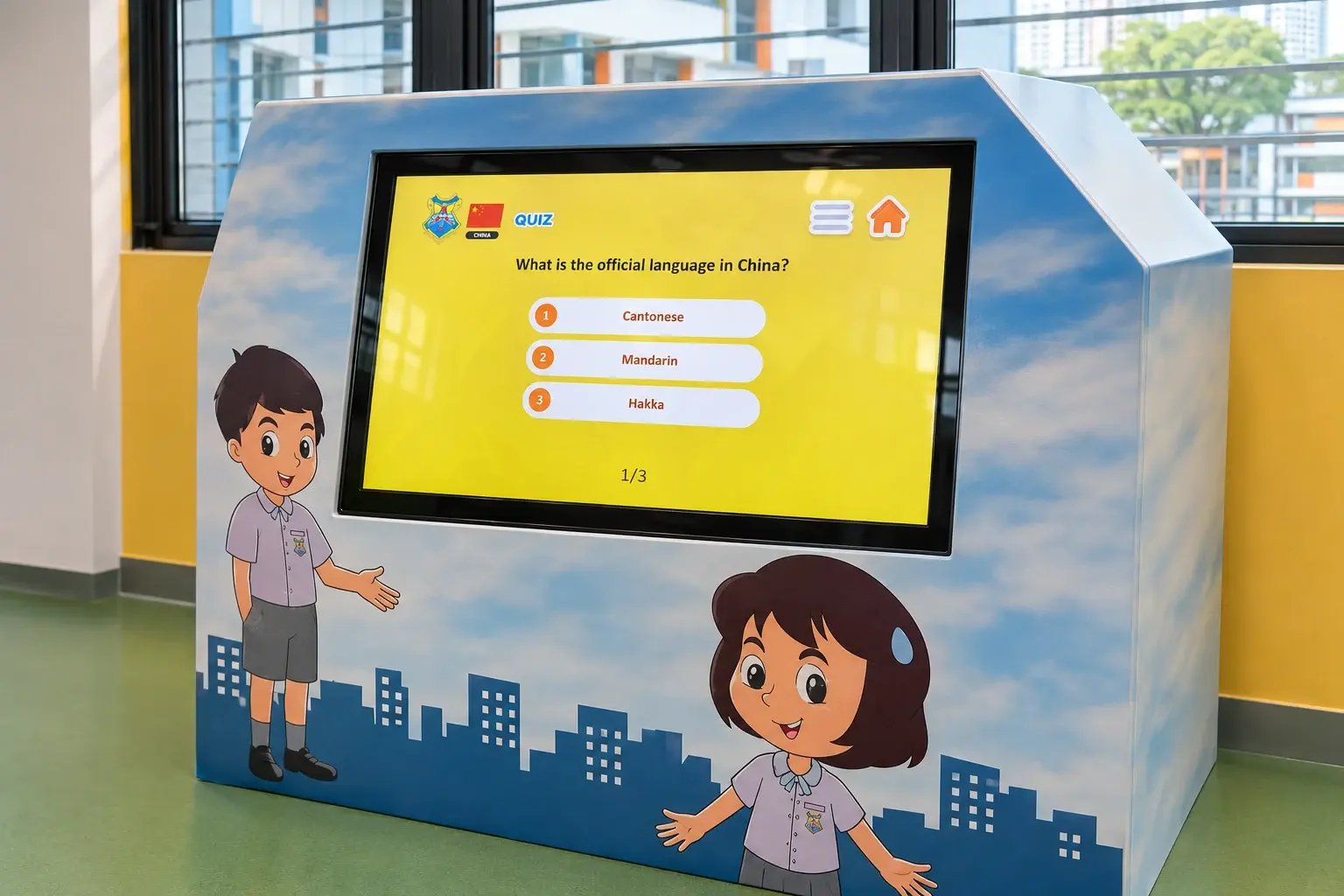
Illustrative reconstruction of a cultural-gallery touchscreen displaying a yellow multiple-choice quiz
Illustrative reconstruction based on the original kiosk and quiz screen. The archive photographs show the documented installation.

Installation & interaction

A gallery students can explore by touch.

  • Integrated touchscreens

    Landscape screens sit within the gallery cabinetry, connecting digital activities with the physical exhibit.

  • Simple touch choices

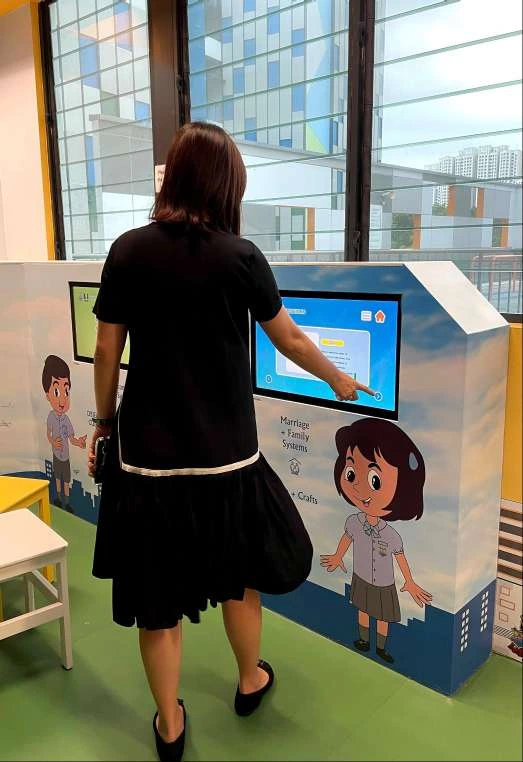
    Picture-led menus and large answer buttons give learners a clear way to choose and respond.

  • Cultural content

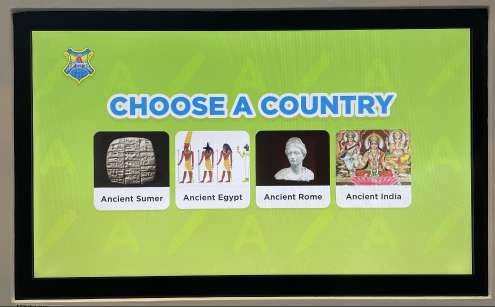
    Country and civilisation selections lead into themed learning material, including illustrated food information.

  • Quiz & score

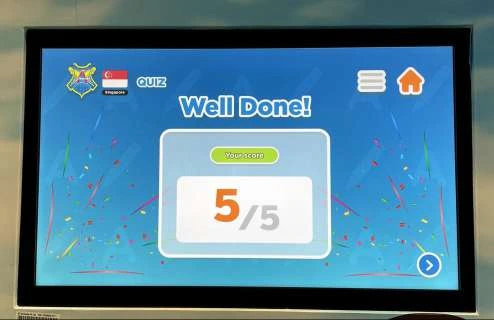
    Multiple-choice questions and a celebratory score screen add a short challenge to the gallery visit.

The software

Explore first. Put discoveries to the test.

The gallery interface brings content browsing and educational quizzes into the same touchscreen setting. Learners choose a country or civilisation, navigate illustrated information and answer multiple-choice questions. Menu and home controls help them find their way; a score screen provides a clear finish to the quiz.

From start to finish

Discover, explore, answer

Cultural content and a short quiz give each gallery visit a simple learning journey.

4 steps
  1. Choose a starting point

    Use the visual menu to select a country or civilisation to explore.

  2. Explore the content

    Browse themed information, such as food and cultural topics, using the touchscreen controls.

  3. Try the quiz

    Read a question and tap one of the multiple-choice answers.

  4. See the score

    Reach the result screen and review the quiz score.

The finished experience

A gallery that invites a response.

The installation adds active choices to the gallery experience. Learners can explore cultural content on screen, test their understanding through a short quiz and see a clear result, alongside the physical exhibits and shared learning space.

Selected moments.

06 images

FAQ

Planning something similar?

From creative customisation and software to onsite delivery. Here’s what to consider for your own project.

Could a gallery like this teach our curriculum or school heritage?

Yes. The Alexandra gallery combines cultural topics with touch-led exploration and short quizzes. For your school, we can organise approved stories, images and learning objectives into age-appropriate content and questions. Teachers review the wording and answers before the interface and activities are finalised.

How would this work for individual learners and class visits?

A row of stations gives several learners places to explore, while small groups can discuss a question and take turns choosing an answer. For your space, we plan station count, session length and circulation with the teaching team. Shared group play or linked scoring would be a separate feature to scope, rather than something assumed from multiple screens.

Can teachers update the content or run it without internet?

Both are options to plan at the start of a new installation. We can scope editable question banks and content, or a managed update service, according to who will maintain it. We also check the school network and IT requirements before deciding whether a local offline application or a connected system is the right fit.

Can you help with installation and day-to-day operation?

We can scope the software, touchscreen selection and integration with your gallery fabricator together. The plan should cover mounting height, power, cable access, cleaning, startup and reset, staff handover and support. A site review and agreed maintenance responsibilities help keep the installation useful beyond its opening day.

Let’s shape your next experience.

Project archive & content use
Chat on WhatsApp